تخفيضات «الجمعة السوداء»: خصم 10% على الطلبات التي تزيد قيمتها عن 100 دولار | تقع مسؤولية الرسوم الجمركية على عاتق العملاء، لكننا نقدم دعمًا لوجستيًا قياسيًا بنظام «تسليم إلى الوجهة» (DDP) إلى معظم البلدان، مع إعفاء من الرسوم الجمركية، مثل الولايات المتحدة، وألمانيا، والمملكة المتحدة، وكندا، وفرنسا، وإيطاليا، وبولندا، والنمسا، واليابان...

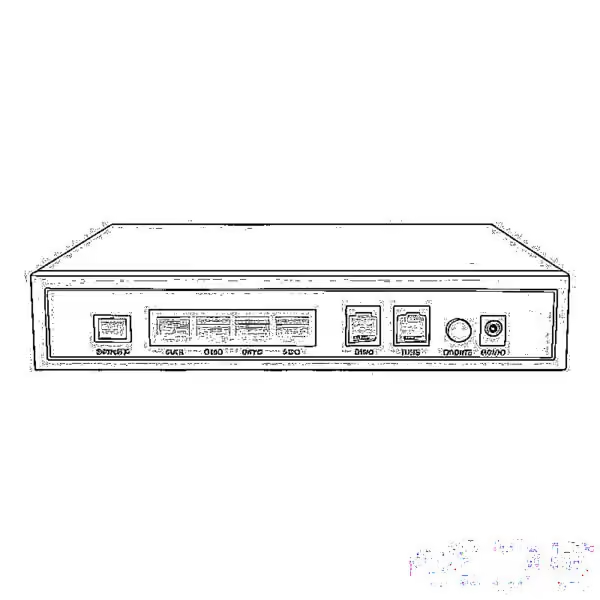
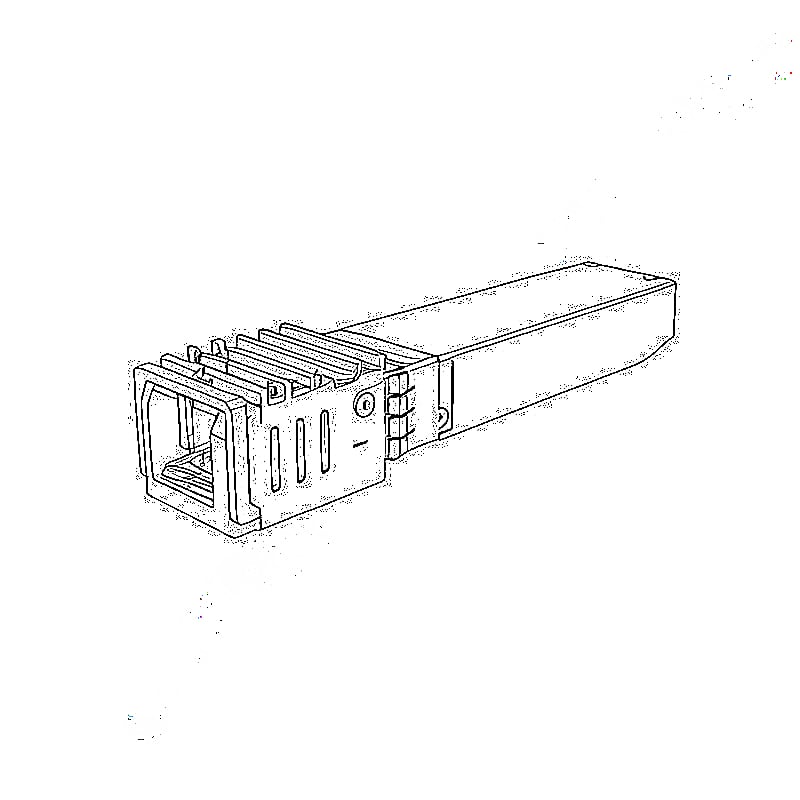
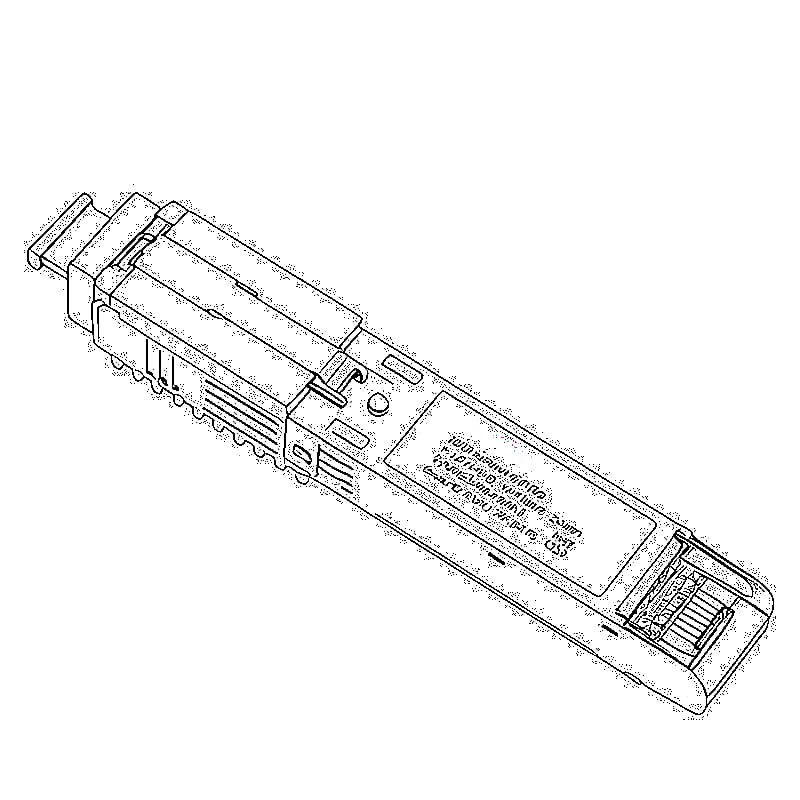
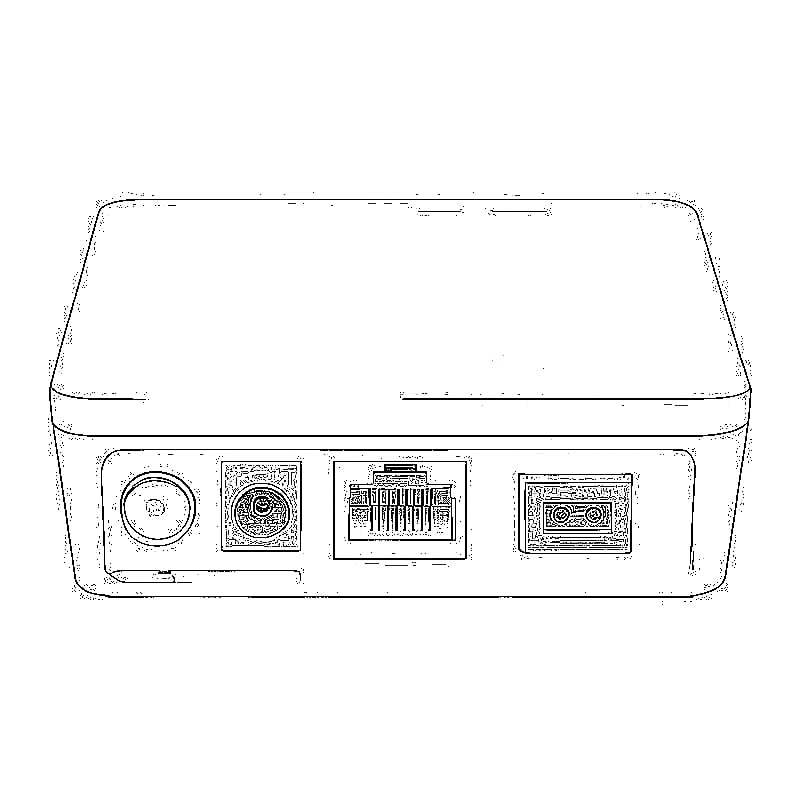
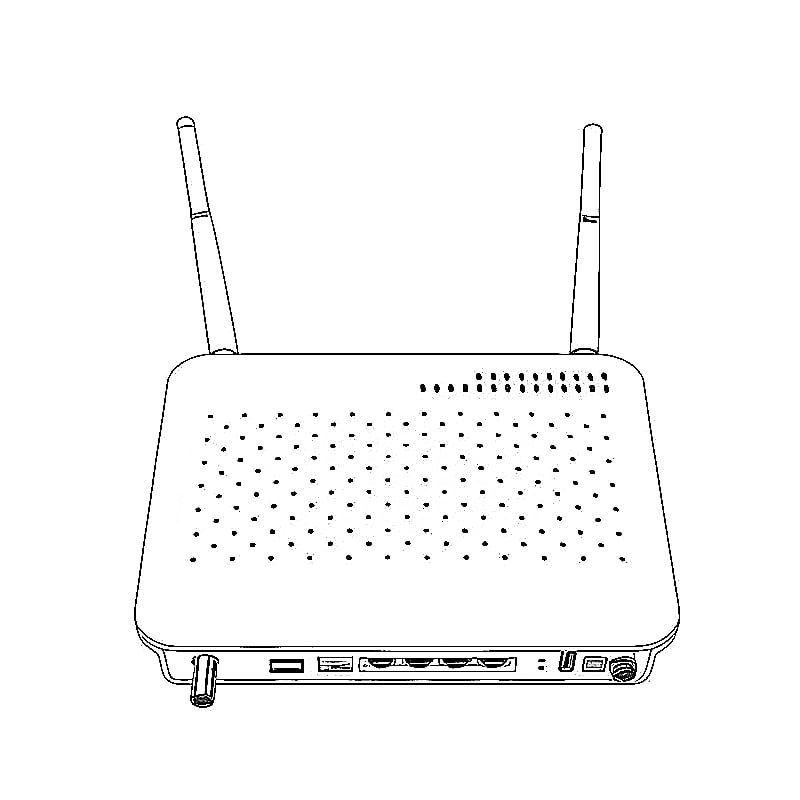
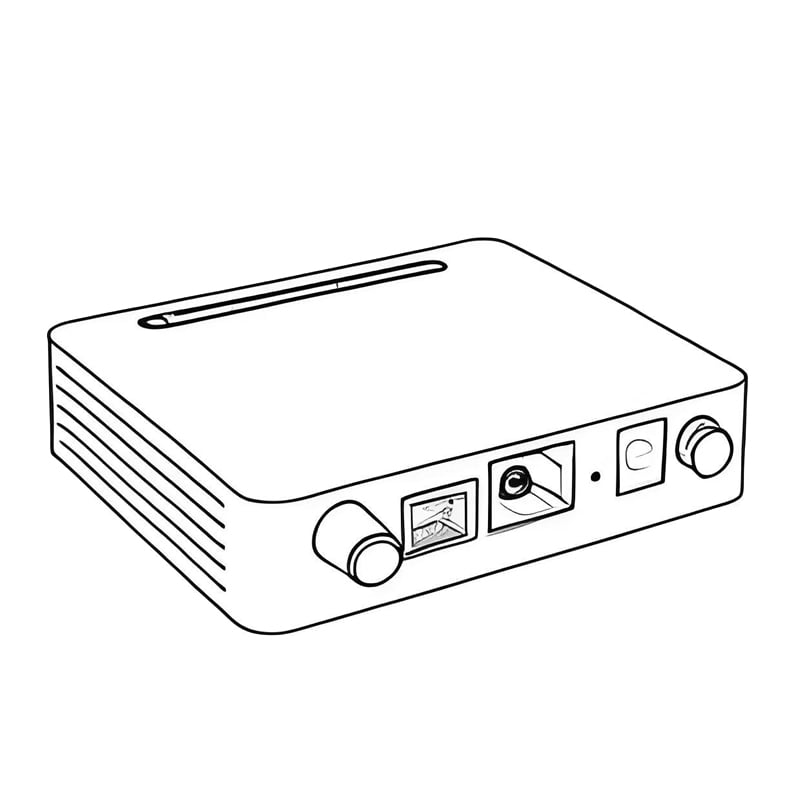
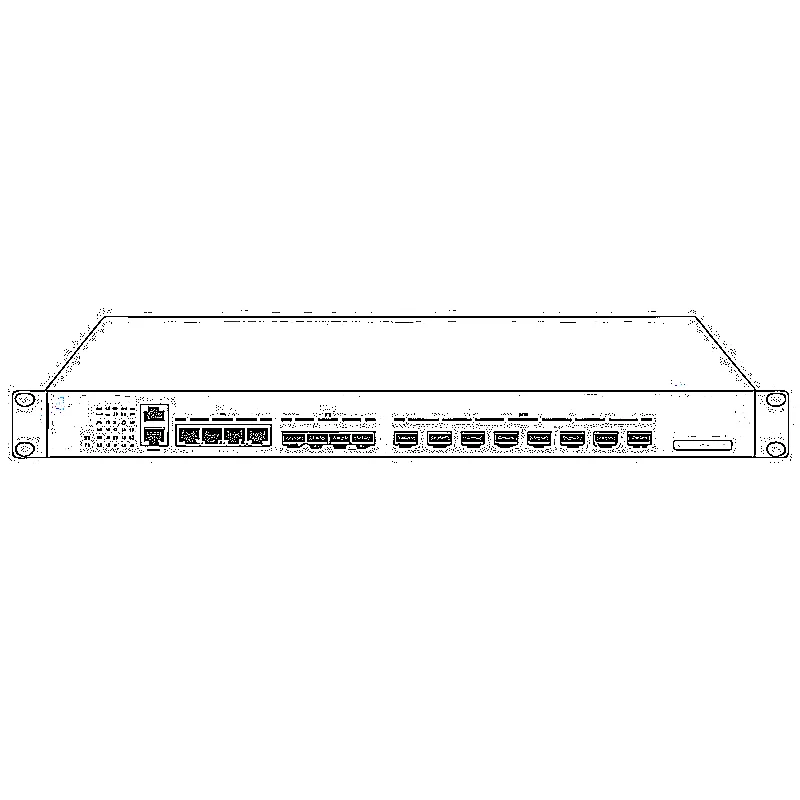
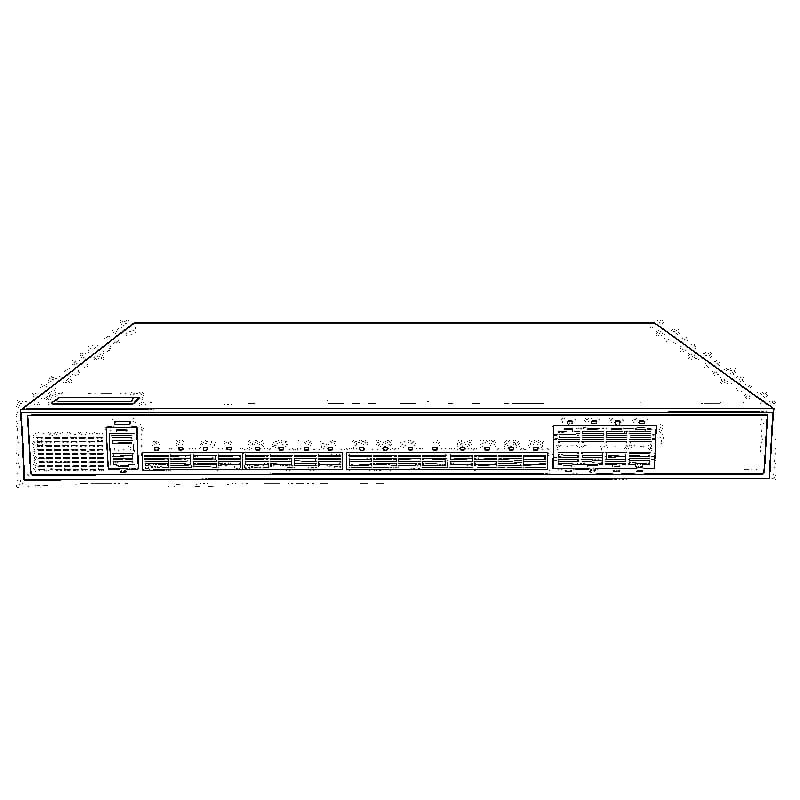
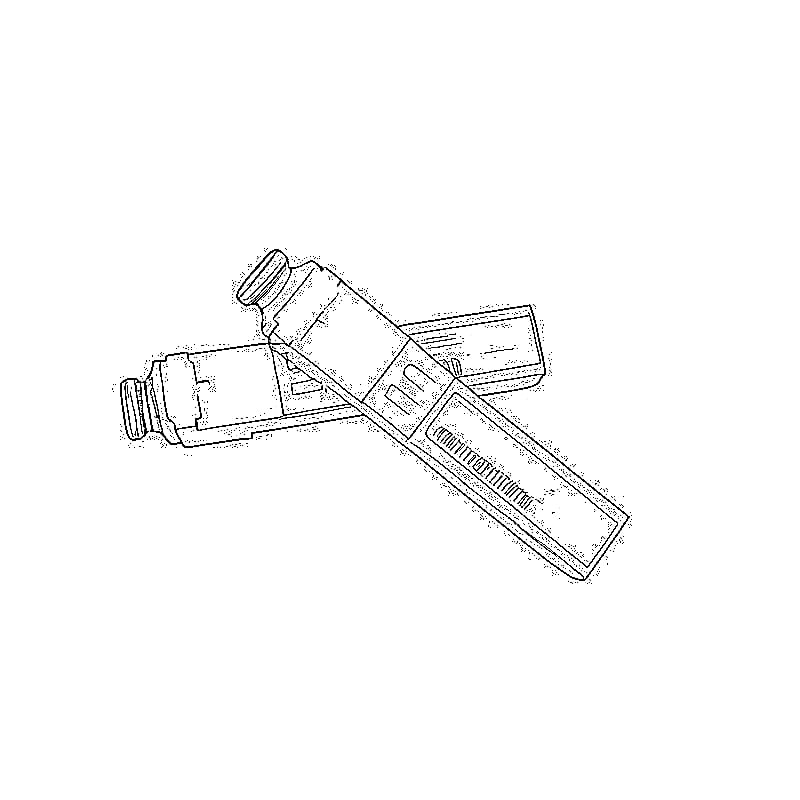
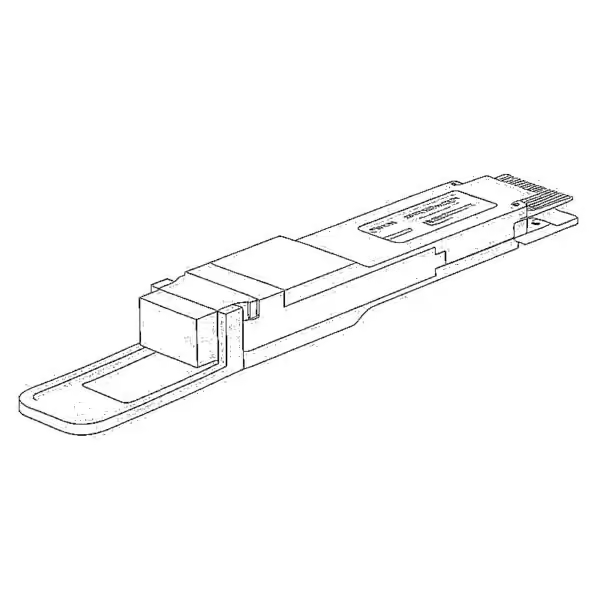
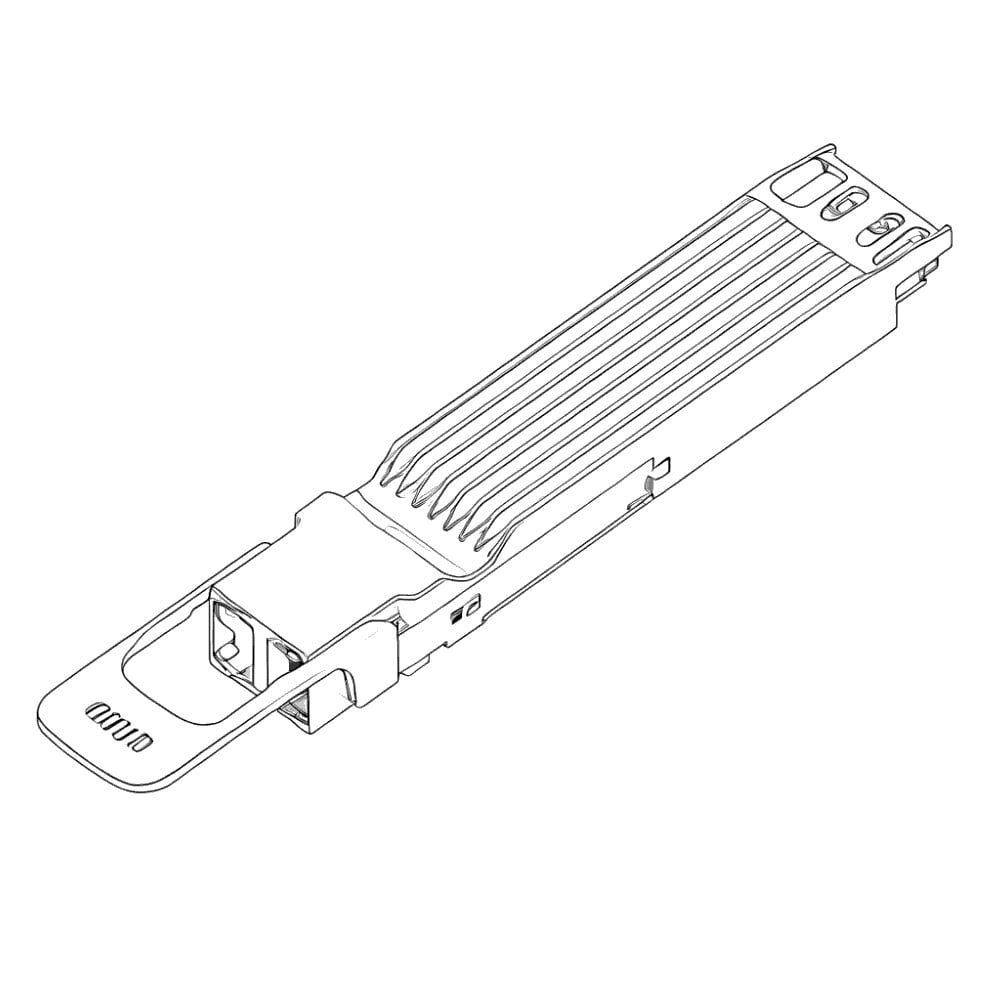
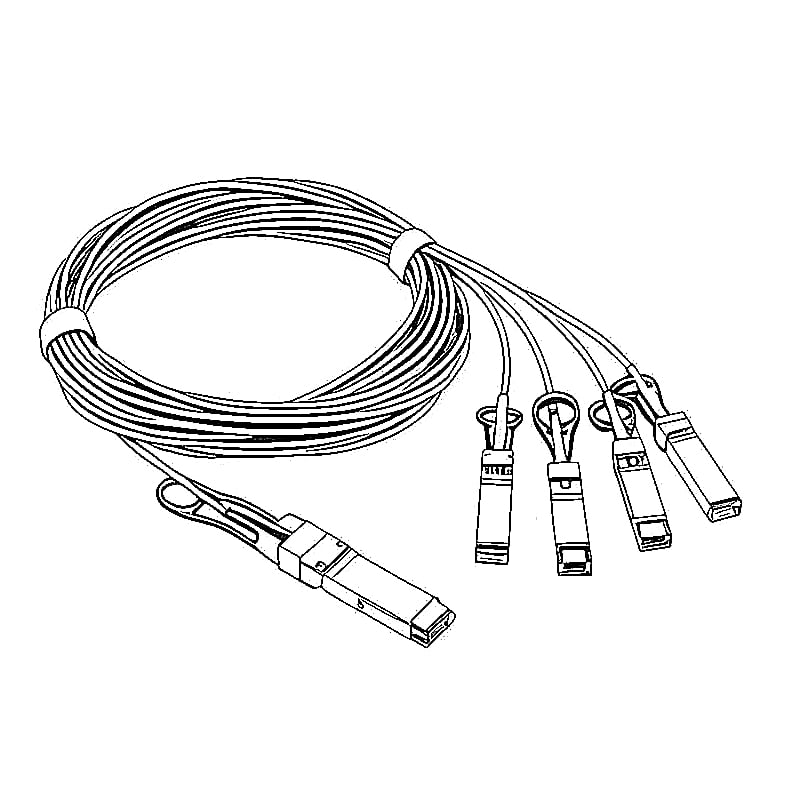
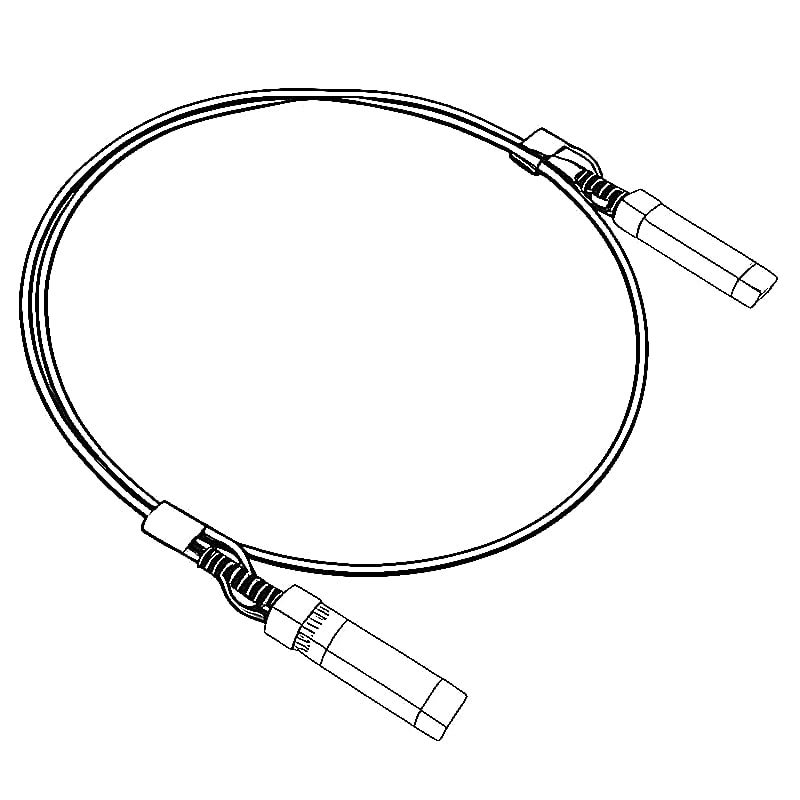
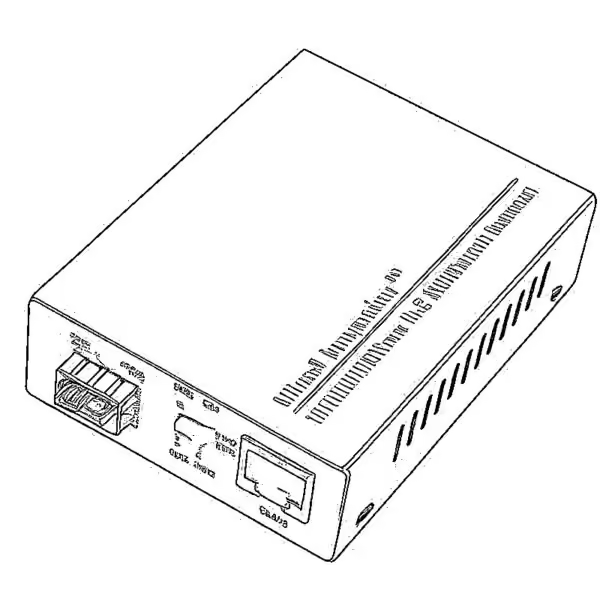
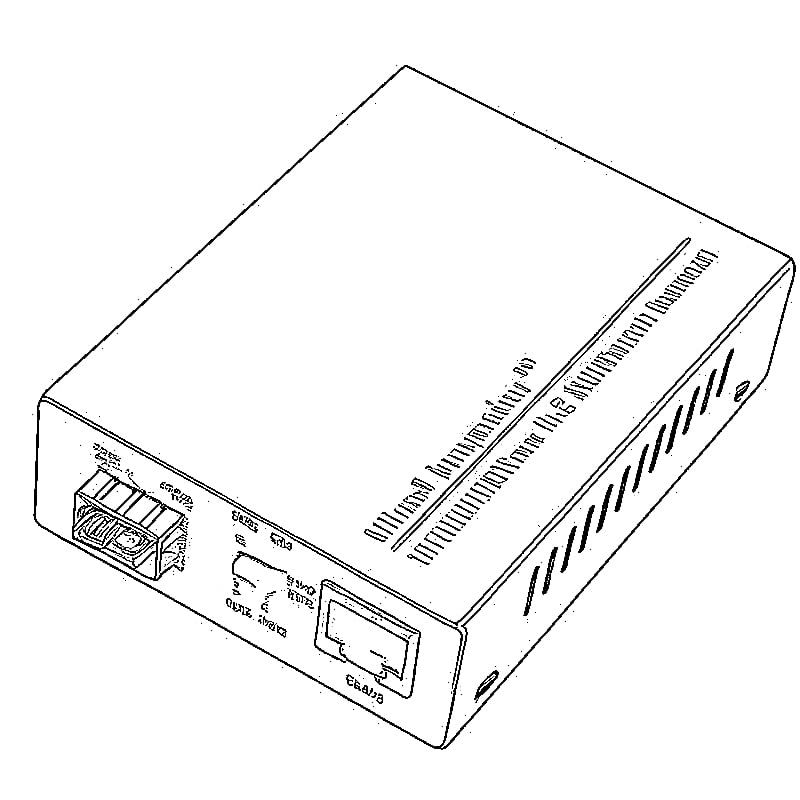
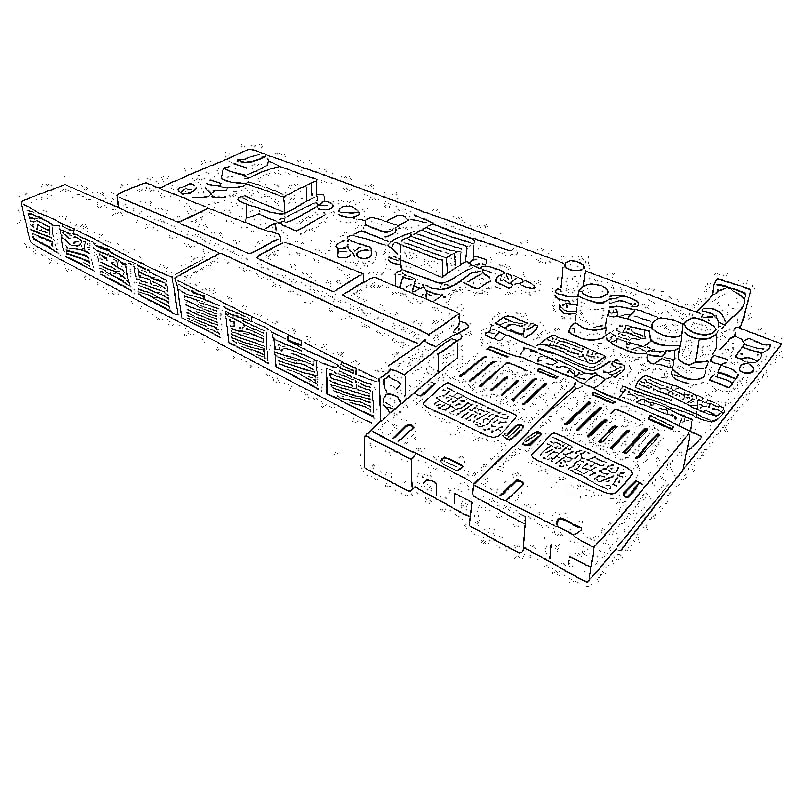
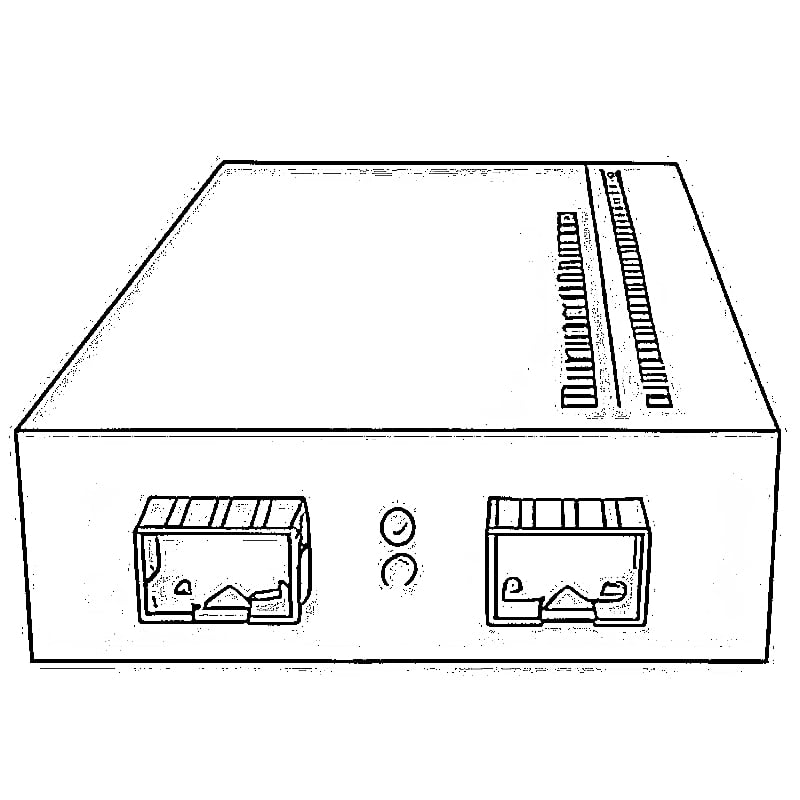
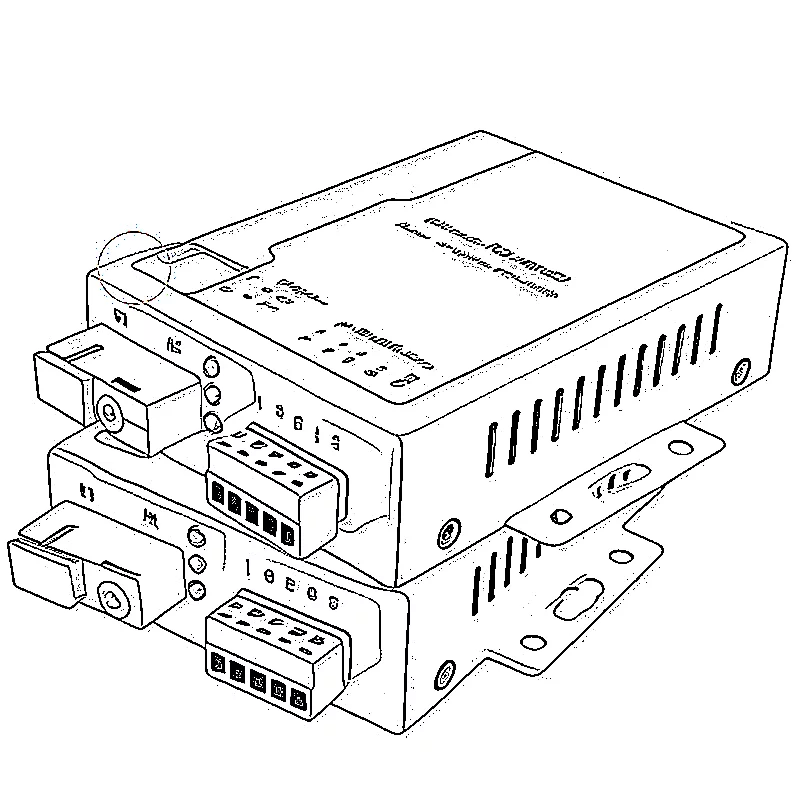
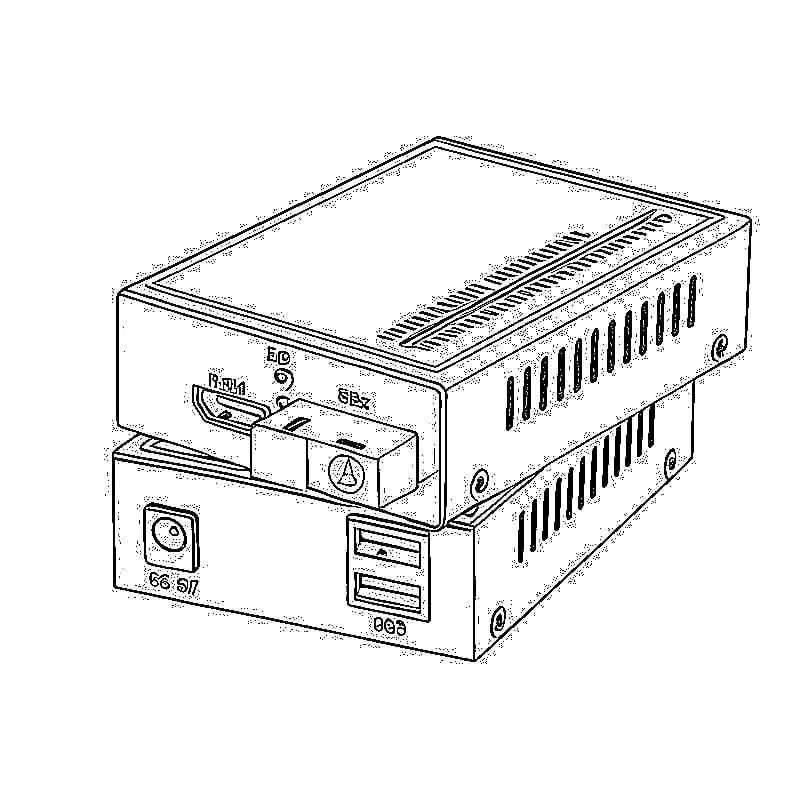


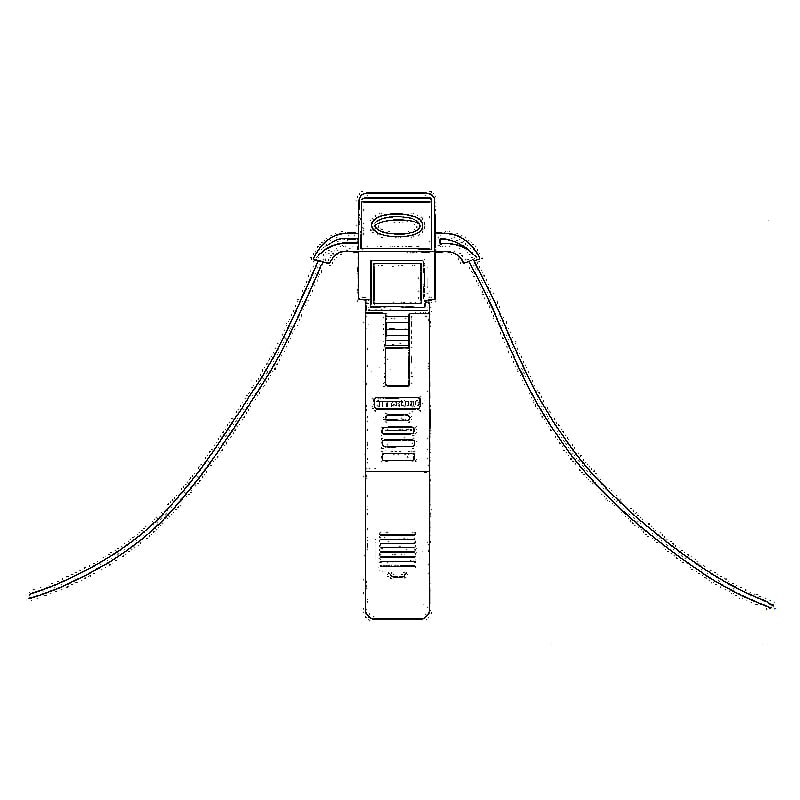
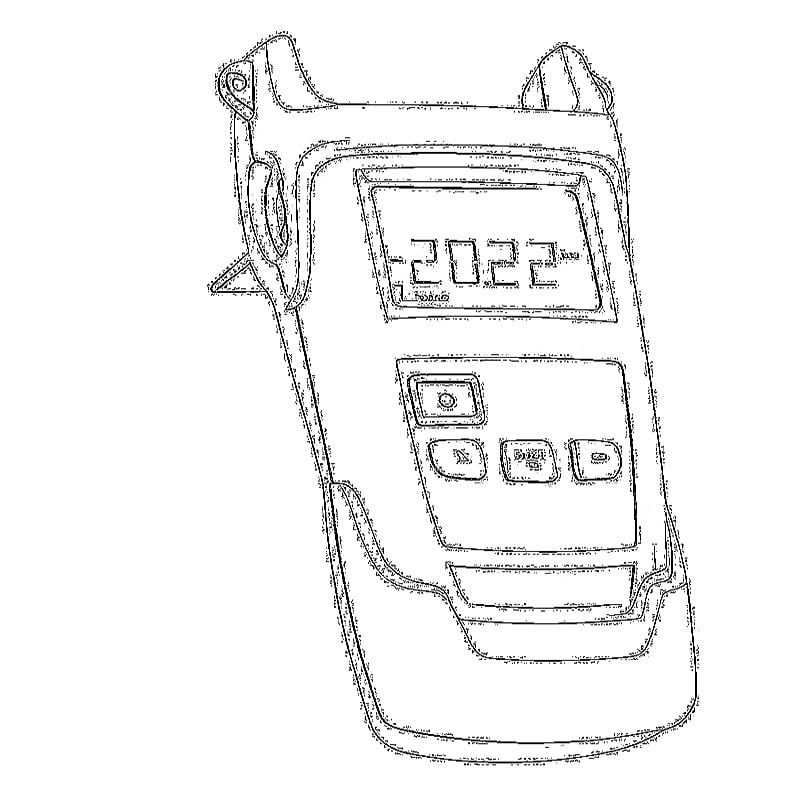
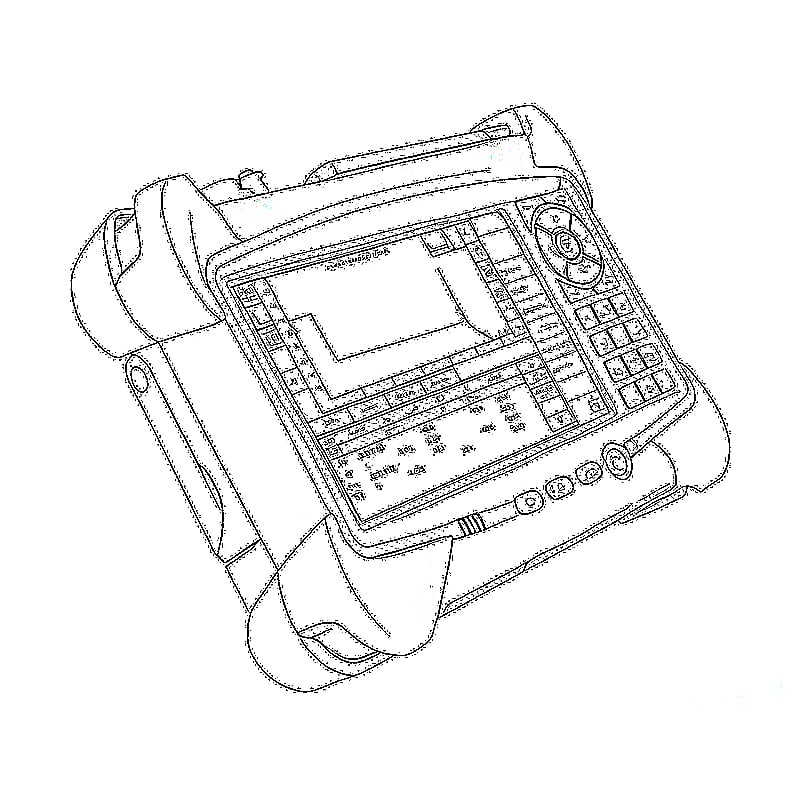

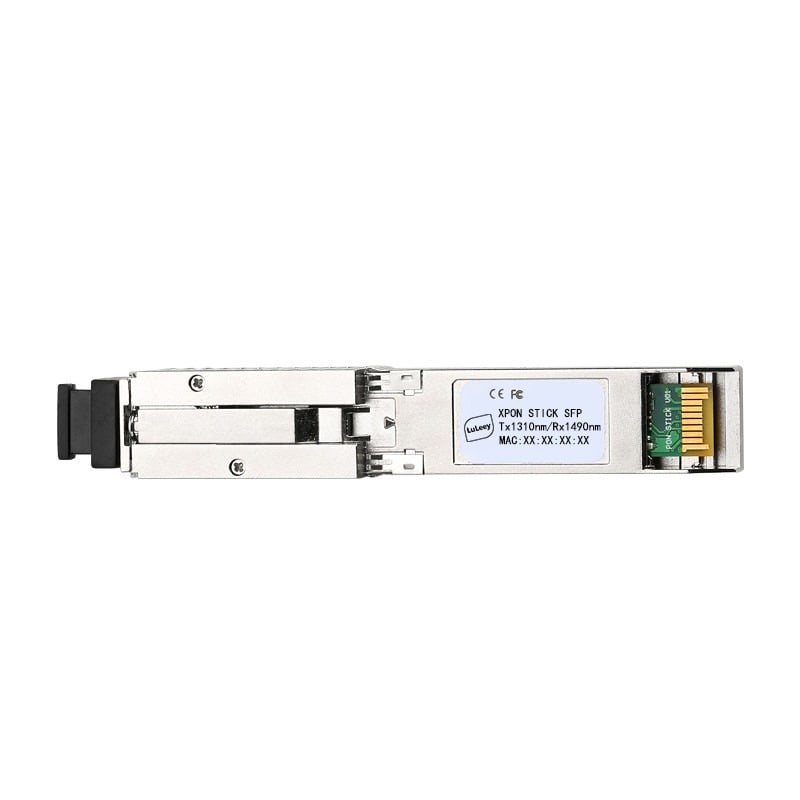
This is an operation guide about xpon stick LL-XS2510/dfp-34x-2c2 with RTL960x chip.
The terminal devices Stick are designed for fulfilling FTTH and triple play service demand of fixed network operators or cable operators.These boxes are based on the mature GPON/EPON technology,which have high ratio of performance to price,and the technology of 802.11n Wi-Fi,Layer 2/3.They are highly reliable and easy to maintain,with guaranteed QoS for different service.And they are fully compliant with technical regulations such as ITU-T G.984 .
Compatible with multiple devices
XPON STICK is an ONU with SFP interface, small and exquisite, plug and play, with good heat dissipation and shielding effects. Hot-swappable to work in the SFP slots of switches, cameras and other equipment, so that the whole machine can be directly connected to the GPON or EPON optical network, which can replace the external ONU and improve system integration Spend.
Custom parameters
replace ISP ONT, Support MAC/SN/LOID Modify,You can copy the content from the old ONU to the new one through the web management.
Prepare for login the Stick web management
Before you login the Stick,you should confirm the connect between the Stick and your PC is normal.
الخطوة 1: ضبط عنوان IP لجهاز الكمبيوتر الخاص بك على 192.168.1.x (2~254)، وقناع الشبكة الفرعية هو 255.255.255.0
Step 2 Ping IP address of the Stick (Default address is 192.168.1.1).If the PC can get right reply from Ping command,it is mean the connecting between the PC and Stick is normal.
Login Stick
الخطوة 1 افتح متصفح «إكسبلور» وأدخل عنوان IP التالي: http://192.168.1.1.
(Stick default IP)
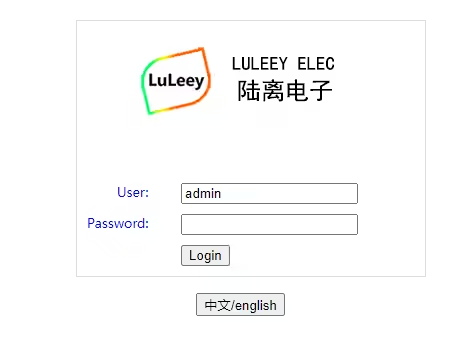
الخطوة 2 You need the user name and password for login.The default username and password are on the label of the Stick bottom.Default administrator user name and password is “المسؤول” و “المسؤول”
(اختر لغة تسجيل الدخول هنا)
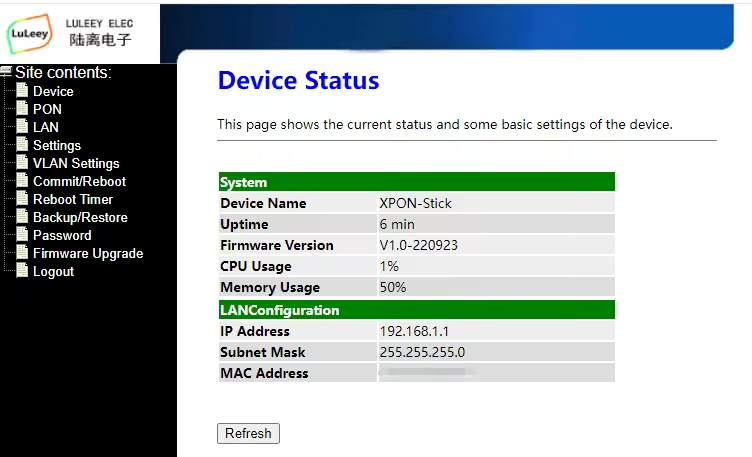
حالة الجهاز
This page shows the current status and some basic settings of the device ,such as CPU Usage, Memory Usage, IP address,…
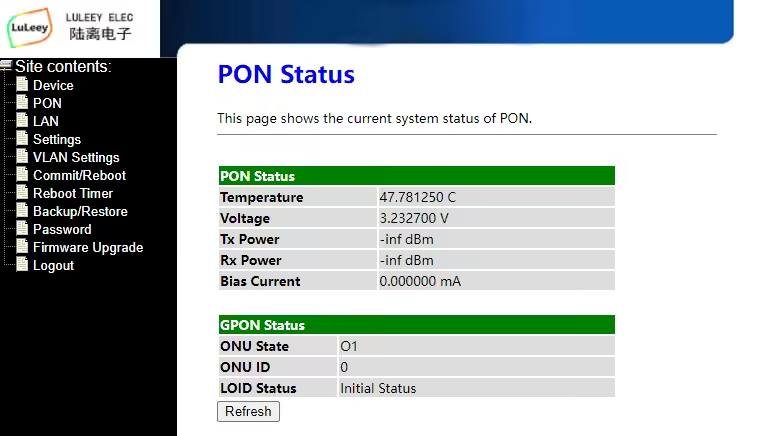
This page shows the current system status of PON .
إعدادات واجهة الشبكة المحلية
تُستخدم هذه الصفحة لتكوين واجهة الشبكة المحلية (LAN) لجهازك. هنا يمكنك تغيير إعدادات عناوين IP وقناع الشبكة الفرعية، وما إلى ذلك.

Settings
This page is used to configure the parameters for your network access.
You can input some information from your old device, such as LOID/SN/MAC…

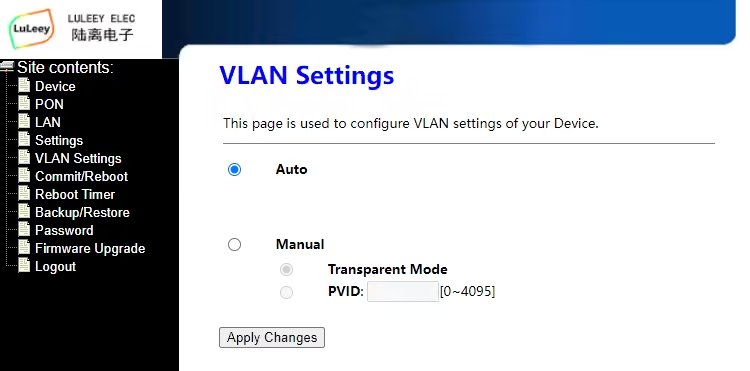
VLAN Settings
This page is used to configure VLAN settings of your Device.
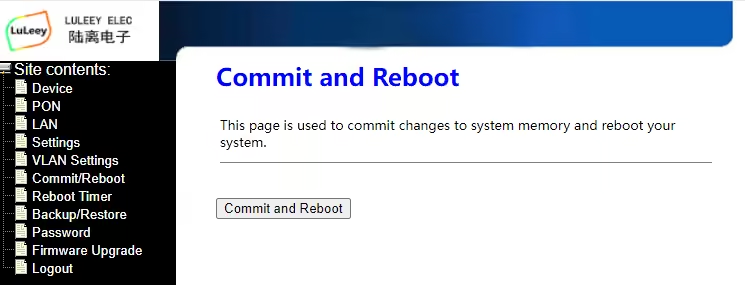
Commit and Reboot
This page is used to commit changes to system memory and reboot your system.
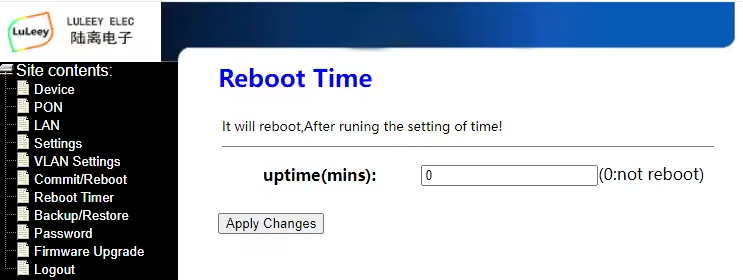
Reboot Time
It will reboot,After runing the setting of time!
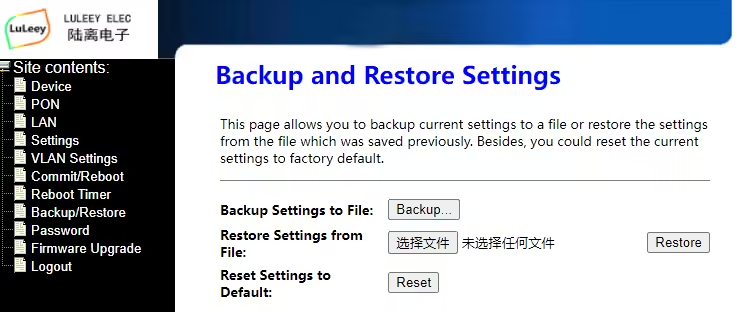
Backup and Restore Settings
This page allows you to backup current settings to a file or restore the settings from the file which was saved previously. Besides, you could reset the current settings to factory default.
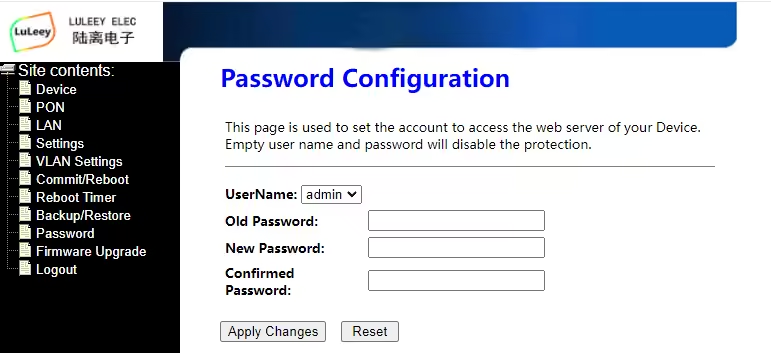
Password Configuration
This page is used to set the account to access the web server of your Device. Empty user name and password will disable the protection.



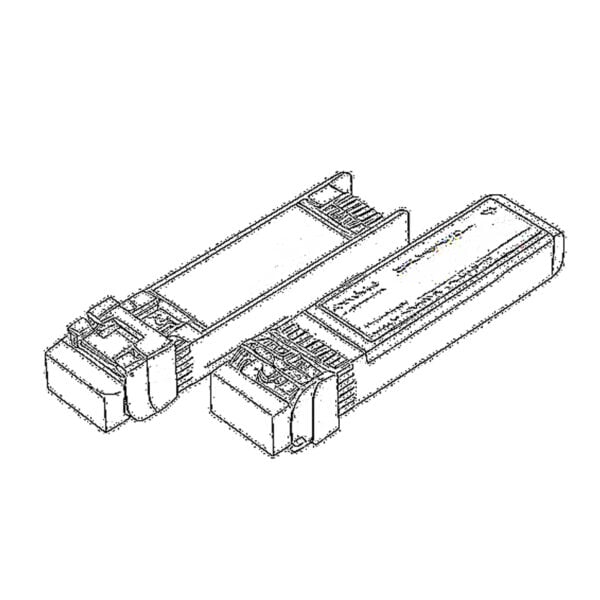 SFP/SFP+ (1G/2.5G/5G/10G)
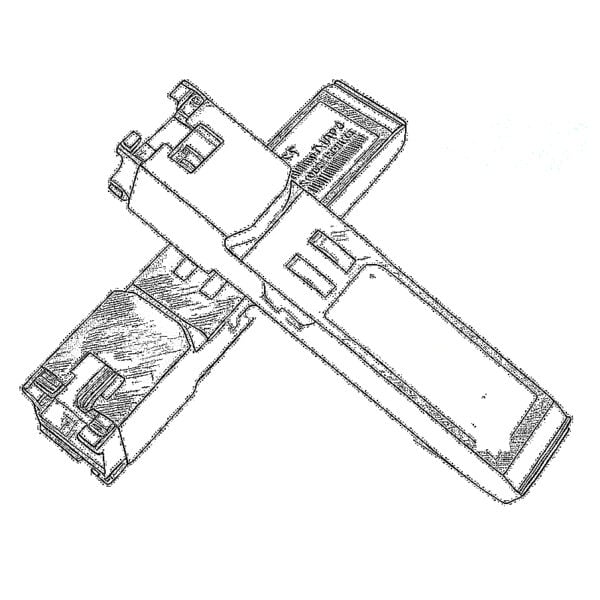 SFP-T (1 جيجابت/2.5 جيجابت/10 جيجابت)
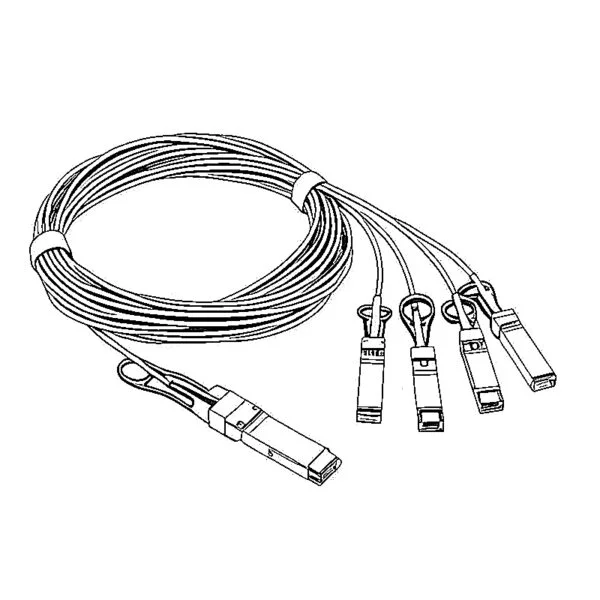 كابل AOC 10G/25G/40G/100G
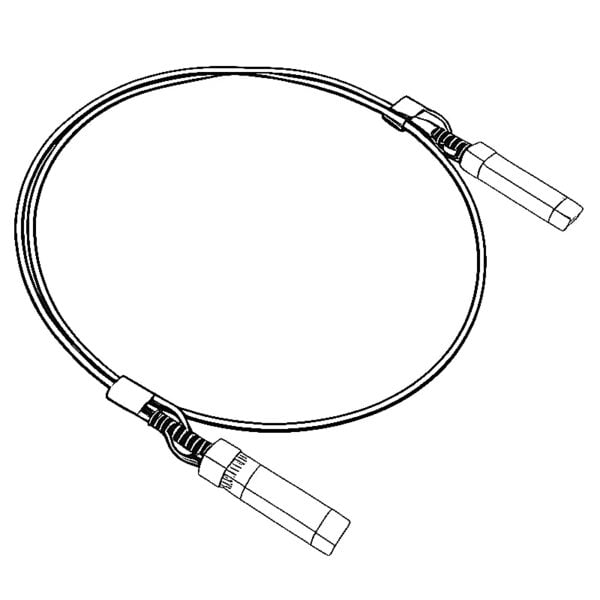 كابل DAC 10G/25G/40G/100G
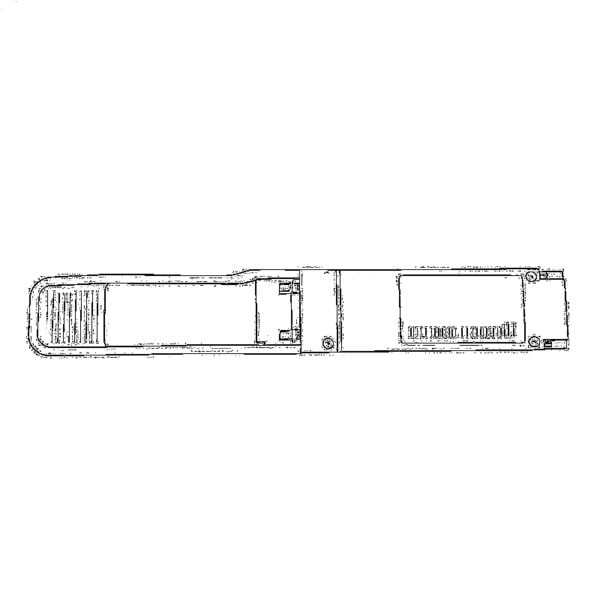 QSFP28، QSFP+، SFP28، 100G/40G/25G
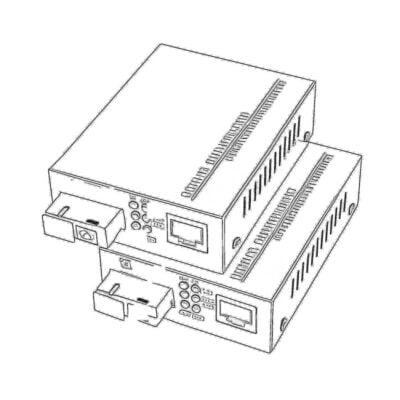 محولات الوسائط من النحاس إلى الألياف الضوئية
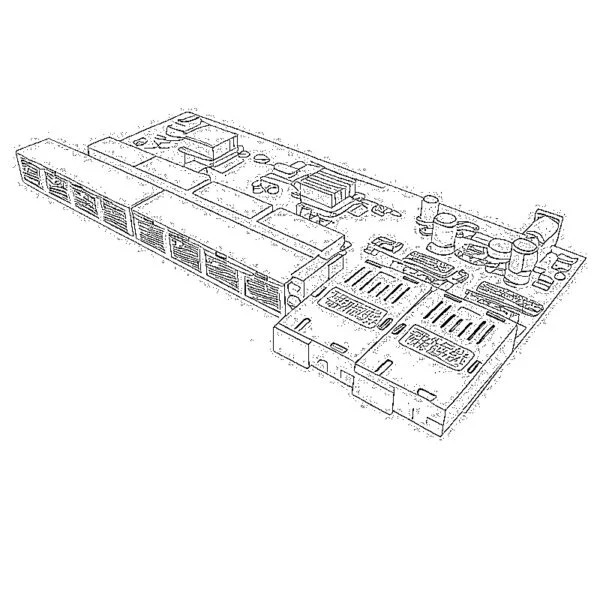 لوحة PCBA لمحول الوسائط الليفية
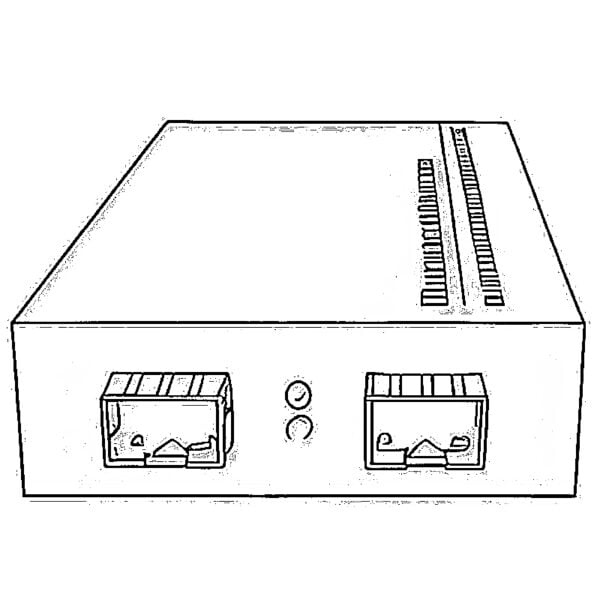 محولات الوسائط الليفية من OEO
 محولات الوسائط من التسلسلية إلى الألياف الضوئية
 محولات الوسائط من الفيديو إلى الألياف الضوئية
 وحدة ONU GPON/EPON بسعة 1000 ميغابت/ثانية
 وحدة ONU لشبكة EPON بسرعة 10 جيجابت/ثانية/XG-PON/XGS-PON
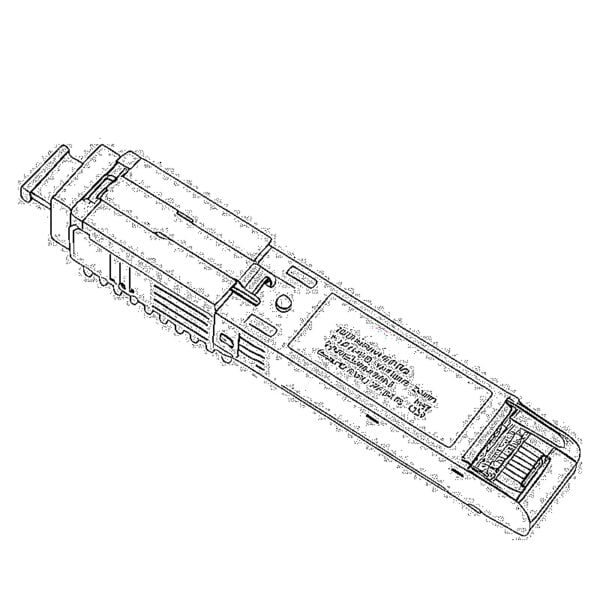 وحدة ONU من نوع STICK SFP بتقنية 2.5G GPON/XPON
 وحدة ONU لشبكات POE GPON/EPON
 جهاز ONT لاسلكي من نوع GPON/EPON
 EPON OLT
 وحدة OLT لشبكة GPON
 وحدة SFP PON
 المفاتيح الصناعية
 المحولات المُدارة
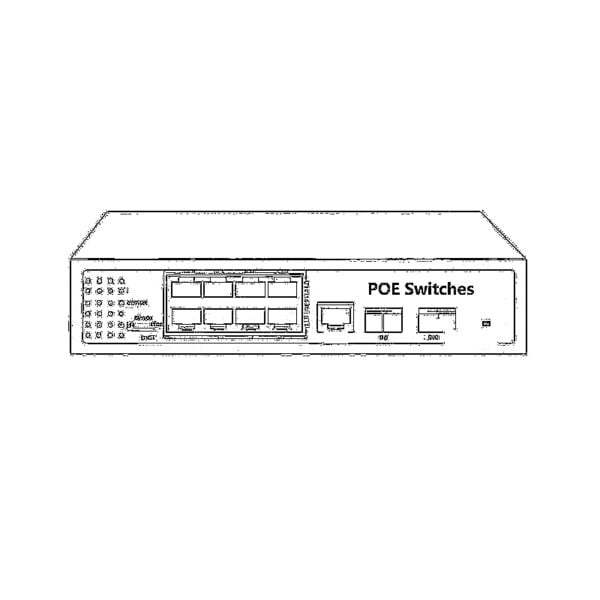 محولات POE
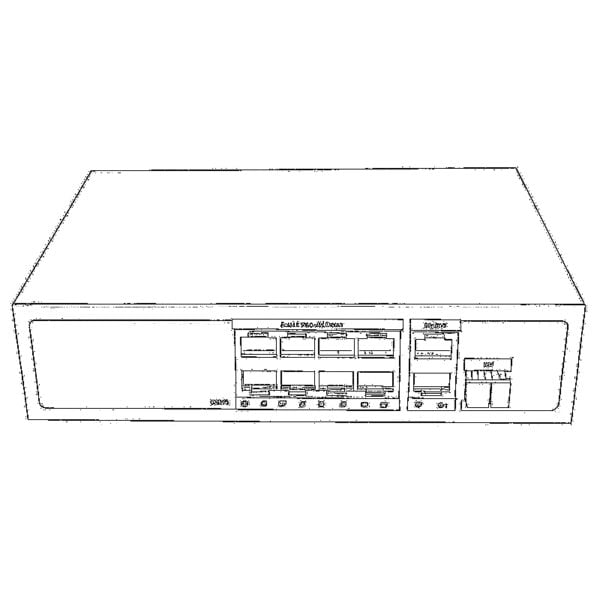 المحولات غير المُدارة
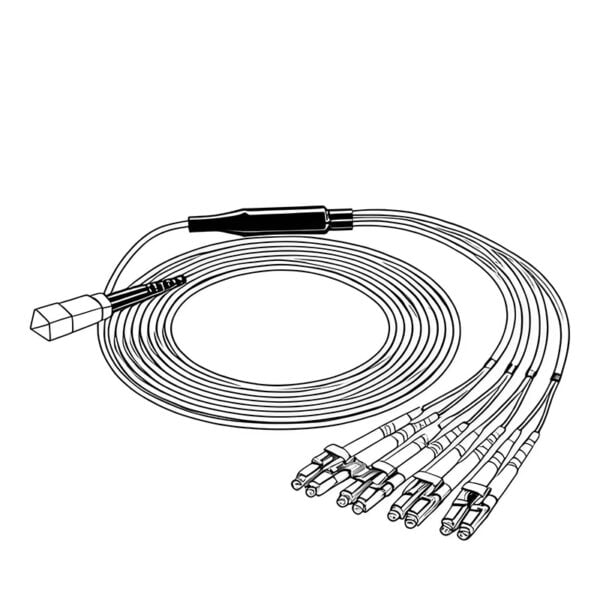 كابلات الألياف الضوئية من نوع MTP/MPO
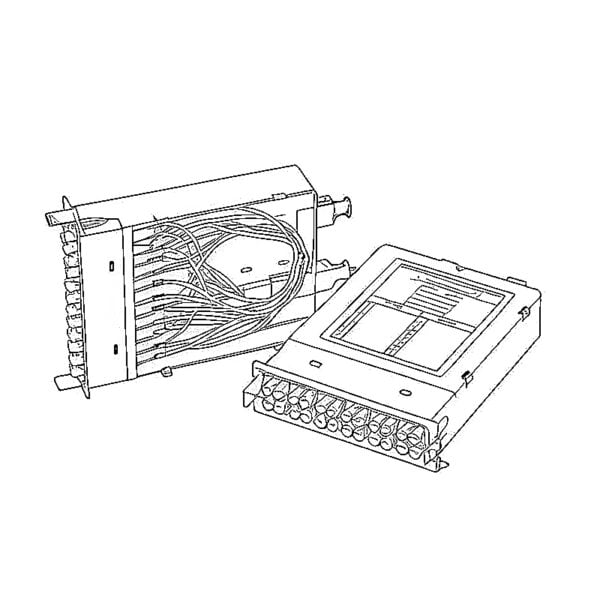 خراطيش الألياف الضوئية
 حلقة إرجاع الألياف الضوئية
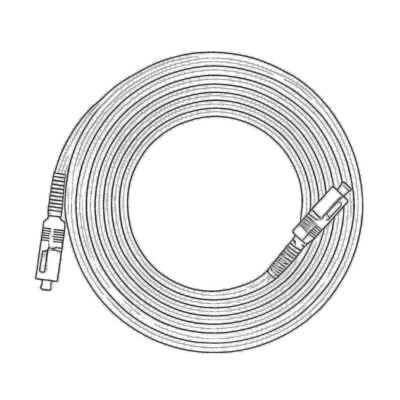 الكابلات البصرية وأطراف الألياف الضوئية
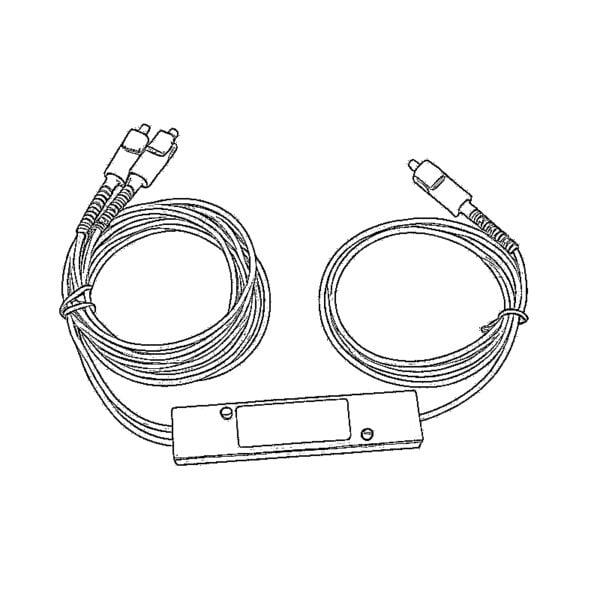 المقسمات الضوئية وصندوق المقسم
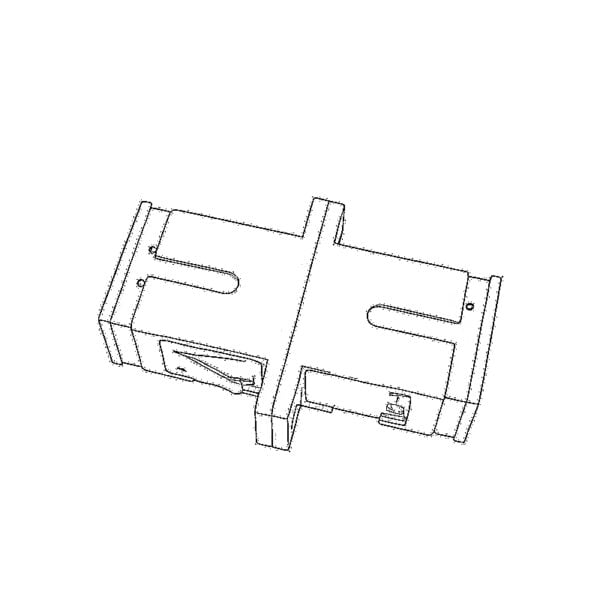 موصلات ذات شفة ليفية
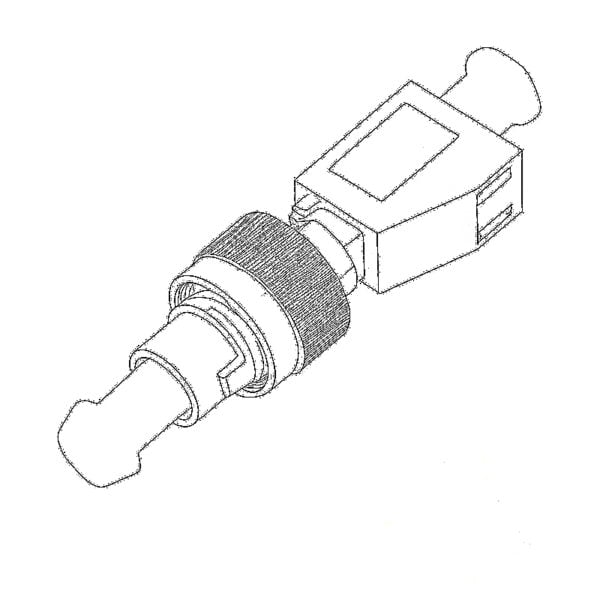 المحولات البصرية
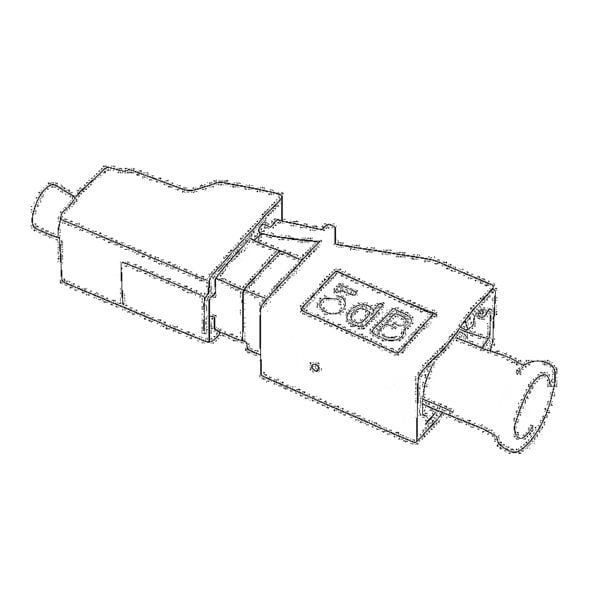 مخفف ضوئي
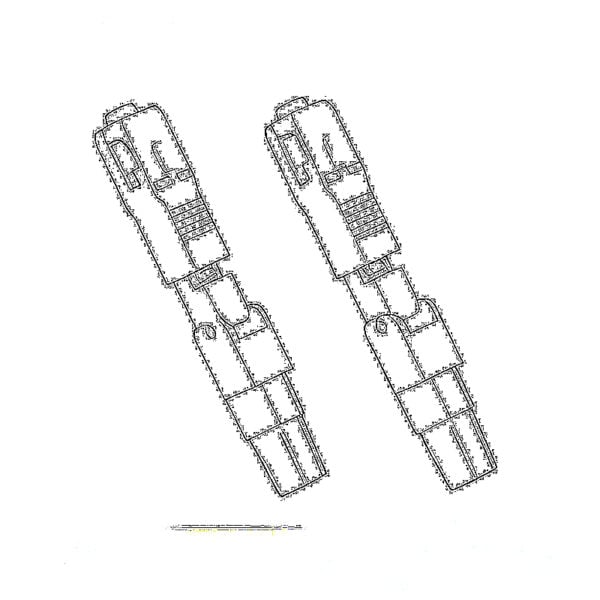 الموصل السريع ولوحة الموصلات
 مضخم إشارة كابل التلفزيون (CATV)
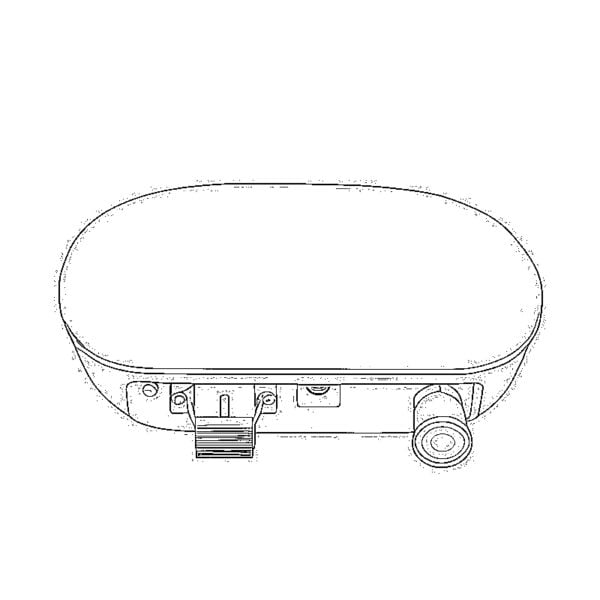 جهاز استقبال ضوئي لشبكة الكابل التلفزيوني (CATV)
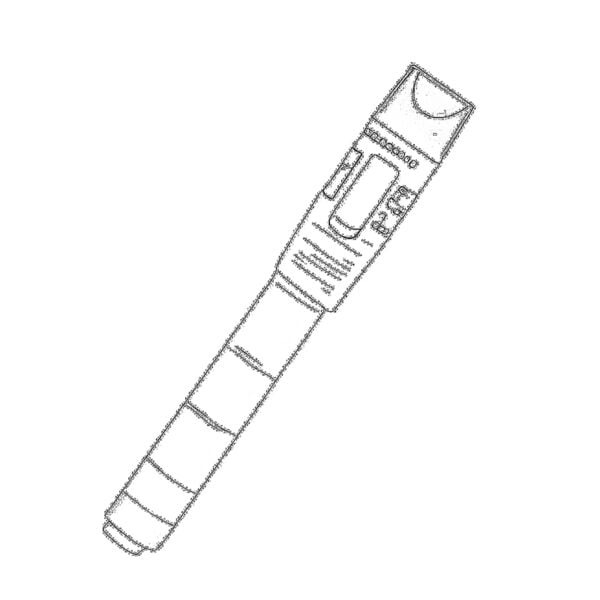 جهاز تحديد مواقع الأعطال البصري
 OTDR
 مقياس الطاقة الضوئية
 جهاز تحديد الألياف الضوئية
 منظفات الألياف الضوئية
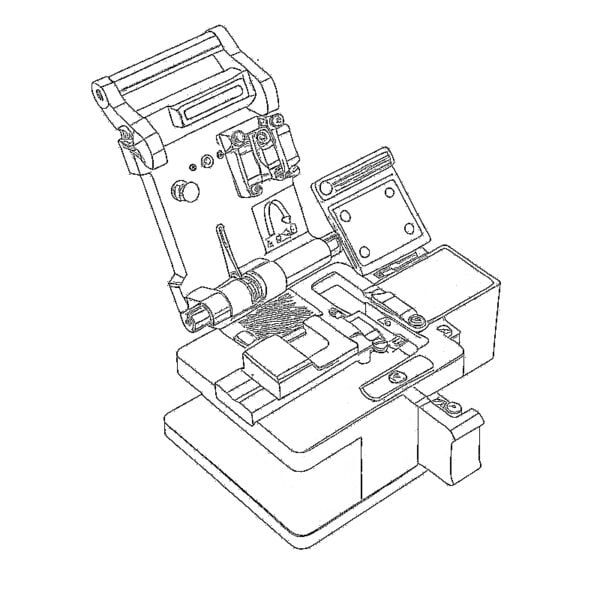 مقصات الألياف ومقشرات الألياف
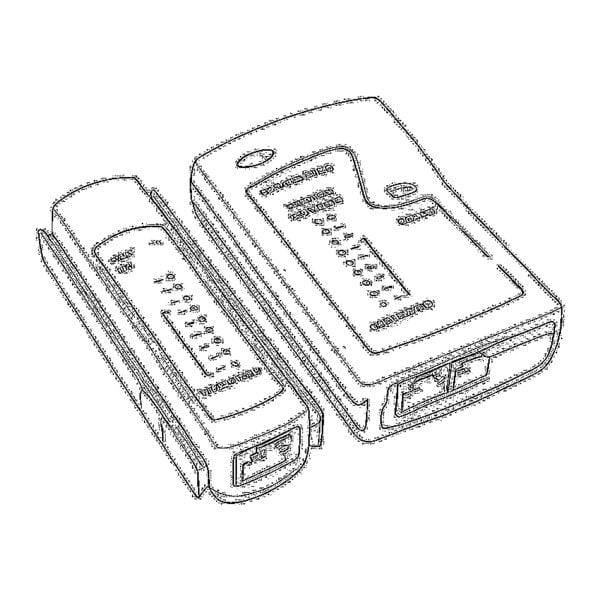 الأدوات النحاسية





Ich suche Informationen zu Ihrem SFP bezüglich der 1TR112 Spezifikation der Deutschen Telekom.
Genau gesagt geht es mir um die Single GEM Port Variante und CoS Unterstützung.
Bei meinem GPON Segment ist seitens des Carriers ein Huawei OLT verbaut der nur Single Port unterstützt.
Mit diesem und einem PMG3000 GPON Modul wird CoS nicht korrekt umgesetzt.
Können Sie mir sagen ob Ihr Modul für einen solchen einen Fall einsetzbar ist?
I am unable to access the webUI on the 192.168.1.1 endpoint. It responded with pings but unable to reach through http. What should I do? I am using a mac and the SFP is connected through thunderbolt.
PING 192.168.1.1 (192.168.1.1): 56 data bytes
64 bytes from 192.168.1.1: icmp_seq=0 ttl=64 time=0.897 ms
64 bytes from 192.168.1.1: icmp_seq=1 ttl=64 time=0.829 ms
64 bytes from 192.168.1.1: icmp_seq=2 ttl=64 time=0.702 ms
64 bytes from 192.168.1.1: icmp_seq=3 ttl=64 time=0.724 ms
64 bytes from 192.168.1.1: icmp_seq=4 ttl=64 time=0.696 ms
Hello. Thanks for your messages.
Please check whether there are other devices with the IP address 192.168.1.1.
If no other devices are found, try to restore the xPON STICK hardware.
Please refer to the following way to perform a hardware reset on the XPON STICK, thank you.
unplug and plug the fiber 5 to 6 times within 30 seconds,configuration will be reset to default
https://www.luleey.com/wp-content/uploads/resource/temp/LL-XS2510%20xpon%20stick%20REST.mp4
Hello,
trying to set a new password for the admin user. What are the password requirements? When I input the password I want, I get an error message saying “Invalid password !”
Thanks!
Hi
Thank you for the important messages.
Please refer to the following way to perform a hardware reset on the XPON STICK, thank you.
unplug and plug the fiber 5 to 6 times within 30 seconds,configuration will be reset to default
https://www.luleey.com/wp-content/uploads/resource/temp/LL-XS2510%20xpon%20stick%20REST.mp4
I don’t need to reset the device, I’d like to change the password, but I get the above error message, although I enter the correct current password. Thanks
Kann es sein dass die Weboberfläche erst funktioniert wenn PON gesteckt wird? Ich habe dass Modul in einen Switch gesteckt. Der Switch erkennt dass Modul. Es ist aber über HTTP und Telnet nicht erreichbar. Es lässt sich auch nicht Pingen.
Hello, you can access the WEB UI without insert an optical fiber.
Ok, es funktioniert. Allerdings nur mit Medienconverter.
Media converters is the simplest devices and can also be accessed and used on products such as routers, switches, NIC, RS485, etc 🙂
Unfortunately I can not access the WEBUI, telnet works fine. Any way to factory reset or firmware update via the CLI?
Hi
Thank you for the important messages.
Please refer to the following way to perform a hardware reset on the XPON STICK, thank you.
unplug and plug the fiber 5 to 6 times within 30 seconds,configuration will be reset to default
https://www.luleey.com/wp-content/uploads/resource/temp/LL-XS2510%20xpon%20stick%20REST.mp4
Hi,
is there a way to restore factory defaults without access to the webinterface?
best regards
Juergen
Hi Juergen ,please try this.
unplug and plug the fiber 5 to 6 times within 30 seconds,configuration will be reset to default automatically,except loid/loid password/ploam password value
video
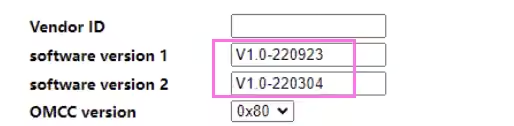
Hi, I’ve received the device today and was able to access the web interface. Current firmware version is V1.0–230303.
Should I upgrade to the latest firmware (241026)? How do I upgrade the device using the web ui?
Hi Dave, the new version is mainly for compatibility with more devices and also to optimize some UI displays. You can download the firmware from the RESOURCES page and upload the firmware through the WEBUI to update it.Thank you
Thanks a lot for the fast response. I’ve downloaded the file already and created a backup of the configuration. But which file should I upload? The compressed .tar file directly? Or just a single file of the extracted archive.
Hi Dave, tar is fine.
I reset everything still the information that I am I put before still existing like the Mackey it was generated automatically. No it’s not. Also gpon sn ..
Wonderful, thank you so much. I appreciate it.
I changed the setting. How can I revert to factory? I press reset what I change is remaining the same.
HI, The default reset is the system data.
if you can login to the WEB , please upgrade to the latest firmware, and you can complete the user data wiping by resetting.
From where can I get the latest firmware I tried searching. I couldn’t find thank you.
XPON ONU STICK(UPC
1.25/2.5G LL-XS2510
This is what I have from. Where can I give the latest firmware?
HI,
access https://www.luleey.com/resources/ OR
https://www.luleey.com/wp-content/uploads/resource/M110_sfp_LuLeey_241026.tar
if not work,please send email to our support@luleey.com. Thank you.