関税はお客様のご負担となりますが、標準ロジスティクスでは、米国、DE、英国、カリフォルニア、フランス、IT、PL、AT、JP...など、ほとんどの国へのDDPを免税でサポートしています。





















































SGMII vs 1000BASE-X can look like a naming detail because both modes can use one serial lane at 1.25 GBd with 8b/10b encoding. That similarity is real, but it is not enough to prove compatibility. The two modes normally serve different parts of an Ethernet system, and they do not give the same meaning to the 16-bit in-band control word.
As a result, a module may fit the cage and its EEPROM may be readable while the data link stays down. A mismatched pair may even pass some traffic while reporting link state, speed, duplex or pause information incorrectly. The safe answer is to match the Host SerDes/PCS mode, not just the connector and baud rate.
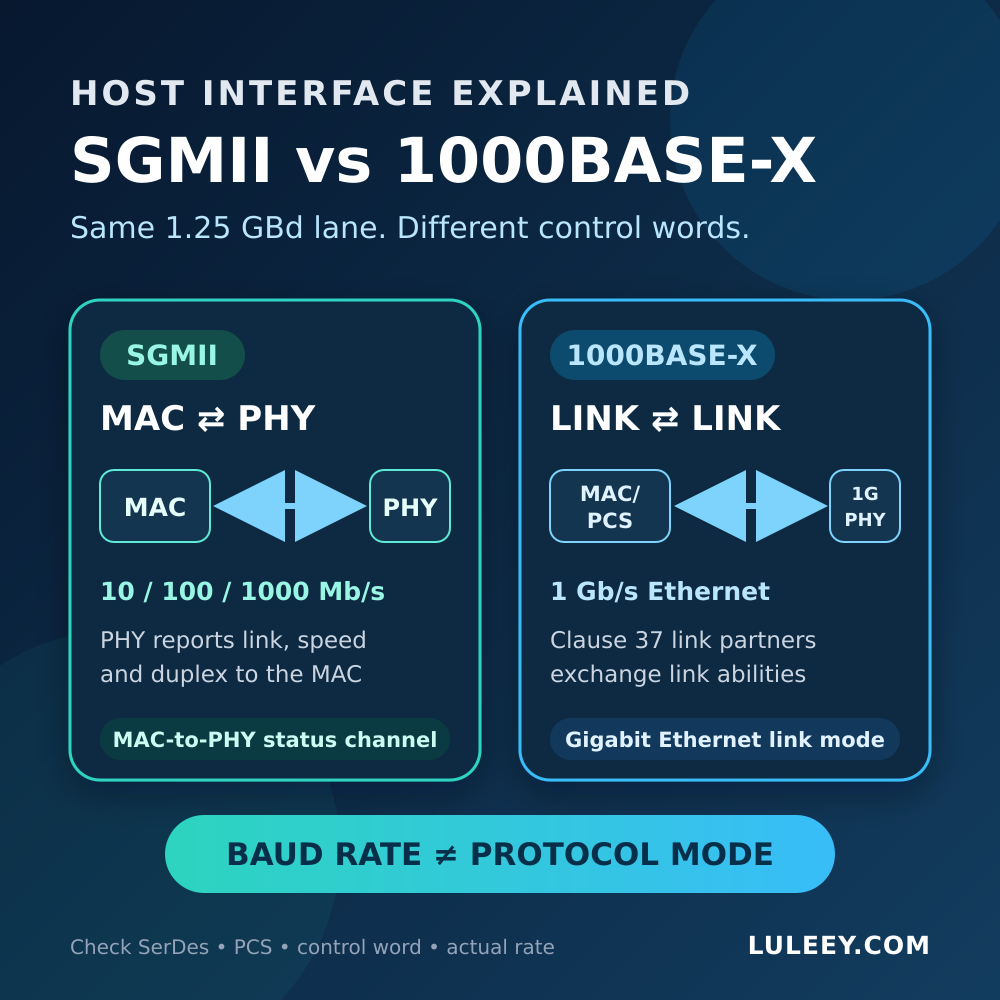
SGMII vs 1000BASE-X at a Glance
| 確認 | SGMII | 1000BASE-X |
|---|---|---|
| Main role | Serial interface between a MAC and a PHY | IEEE 802.3 Gigabit Ethernet PCS/link mode used with 1G PHYs and optical links |
| Typical peer | Copper or multi-speed PHY reporting its media-side result to the MAC | Another 1000BASE-X link partner; an ordinary 1G optical SFP commonly expects this host-side path |
| Serial lane at 1G | 1.25 GBd, 8b/10b | 1.25 GBd, 8b/10b |
| Ethernet rates represented | 10, 100 and 1000 Mb/s; lower rates use symbol replication | 1 Gb/s in this comparison |
| In-band word | PHY reports media-side link, speed and duplex; MAC acknowledges | Link partners exchange Clause 37 abilities such as duplex and pause |
| Standard basis | Cisco-defined SGMII, built from 1000BASE-X mechanisms | IEEE 802.3 Clauses 36 and 37 |
GBd means symbols per second, not usable application throughput. On these binary serial lanes, 1.25 billion encoded symbols per second carry 1 Gb/s after the 8b/10b coding ratio is applied. Ethernet framing and higher-layer protocols reduce usable payload throughput further.
The shared line rate explains why the modes are easy to confuse. The different control-word meaning explains why a host must still select the correct mode. Linux and Microchip documentation independently describe this distinction.
Why the Same 1.25 GBd Lane Can Still Fail
The control word answers a different question
On a normal 1000BASE-X link, Clause 37 information is exchanged between link partners. It helps establish the Gigabit Ethernet link and coordinate abilities such as duplex and pause behavior.
SGMII reuses the serial transport but repurposes the control word for a MAC-to-PHY relationship. A 10/100/1000BASE-T PHY can negotiate with the device on its RJ45 side, then report the resulting link state, speed and duplex to the MAC over SGMII. These are separate negotiations serving separate boundaries.
If a MAC interprets an SGMII word as a 1000BASE-X word, or the reverse, the electrical receiver may see a valid 1.25-GBd stream while the logical state remains wrong.
A mismatch is not always a clean “link down”
Linux kernel documentation warns that an SGMII/1000BASE-X mismatch can pass data in some circumstances while the 16-bit control word is interpreted incorrectly. Possible symptoms include:
- No data link even though the module is detected.
- A link that appears with the wrong status or settings.
- A copper SFP that works only at one media-side rate.
- Incorrect pause or duplex behavior.
- Short tests that pass, followed by errors or poor behavior under load.
Do not use one successful ping as proof that the interface modes are correctly matched.
Detection uses a different path from user traffic
An SFP-family host can read module identification over the management interface without establishing the high-speed data path. A visible vendor name or “module present” message does not prove:
- A compatible host SerDes rate.
- The correct SGMII or 1000BASE-X PCS mode.
- Correct in-band-status handling.
- Media-side protocol compatibility.
- The negotiated rate or final usable throughput.
The cage, host silicon, firmware, driver, port setting and inserted device all matter.
Where Each Mode Commonly Appears
Ordinary 1G optical SFP links
A simple 1G optical SFP normally converts the host’s serial electrical signal to light and back. The host MAC/PCS handles 1000BASE-X coding and, where used, Clause 37 behavior.
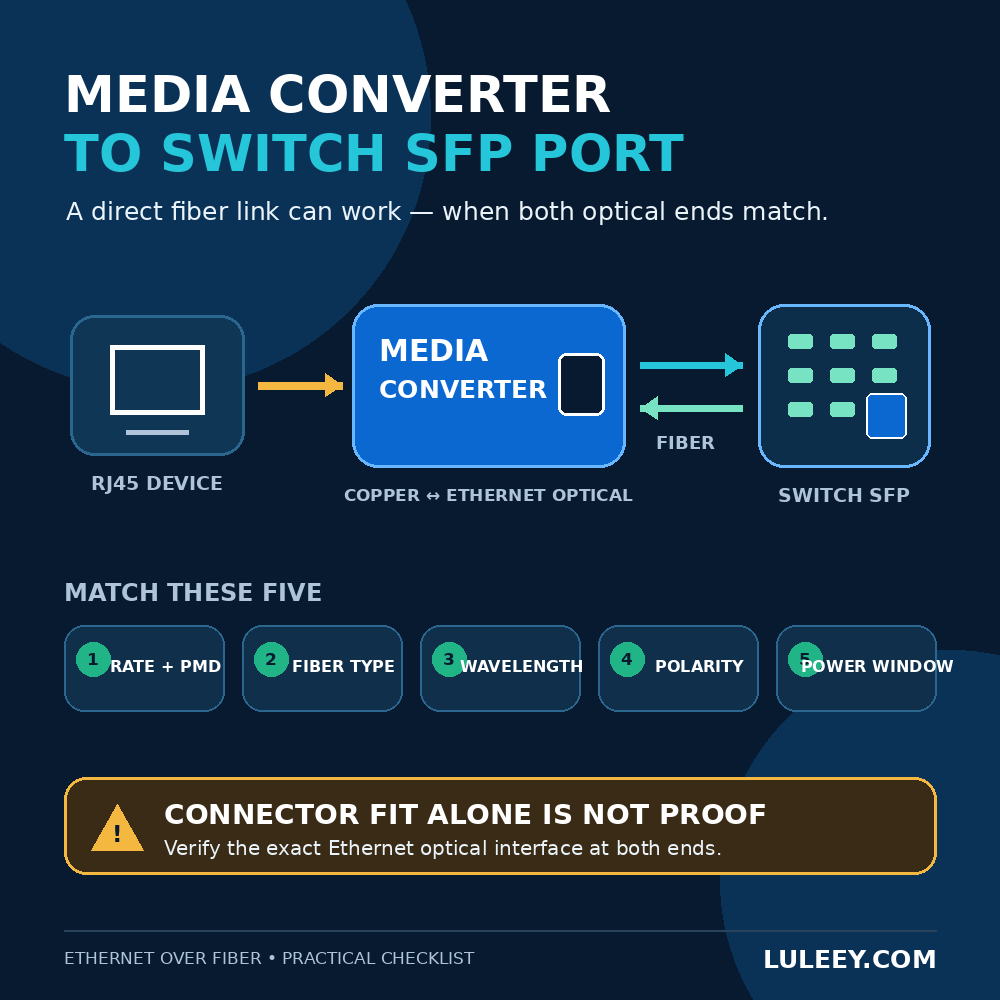
Both optical ends must still match the Ethernet PMD, line rate, fiber type, wavelength plan, optical power range and polarity.
10/100/1000BASE-T copper PHYs and copper SFPs
SGMII is a common MAC-to-PHY connection for a multi-speed copper PHY. The copper PHY negotiates with the remote RJ45 device, while its SGMII control word reports that result to the host MAC.
However, not every copper SFP presents SGMII to its host. Some maintain a fixed 1000BASE-X-style host link and perform rate adaptation internally. Others require SGMII. A product name such as “Gigabit RJ45 SFP” does not identify which architecture is inside.
ポン ONUスティックs
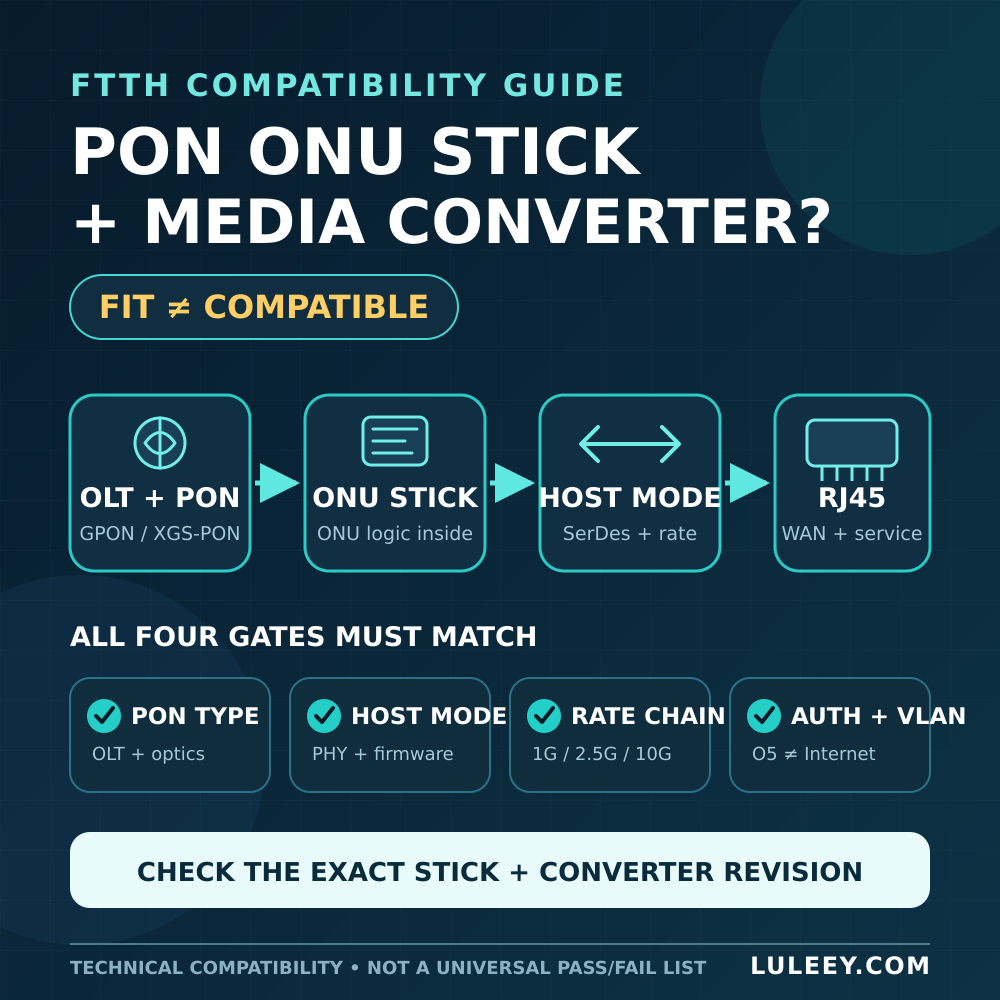
A PON ONU Stick is an active access-network device, not merely a transparent optical transceiver. Its host interface is model- and firmware-specific. Depending on the Stick and operating mode, it may require 1000BASE-X, SGMII, 2500BASE-X, an up-clocked vendor-specific mode or another interface.
Do not infer compatibility from ねんりょうプール, SFP+, 1G, 2.5G or the PON line rate alone.
A 2.5G PON ONU Stick may operate through a 1G path only when both the Stick and host support a compatible 1G host mode. Some SFP+ hosts can support 2.5G with suitable chipset or PHY support, firmware or driver behavior, port configuration and module coding.
The actual host rate sets the Ethernet ceiling. A 1G host mode does not provide 2.5G Ethernet throughput.
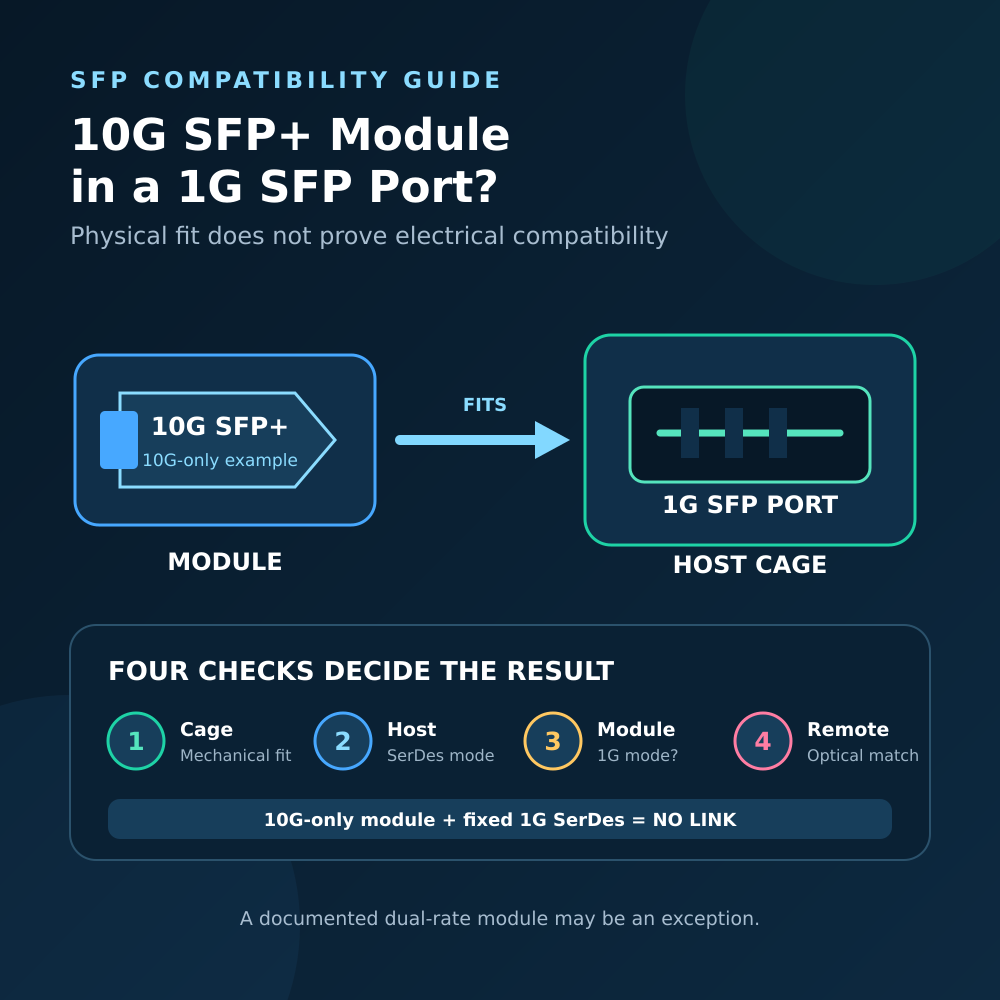
Four Compatibility Gates to Check
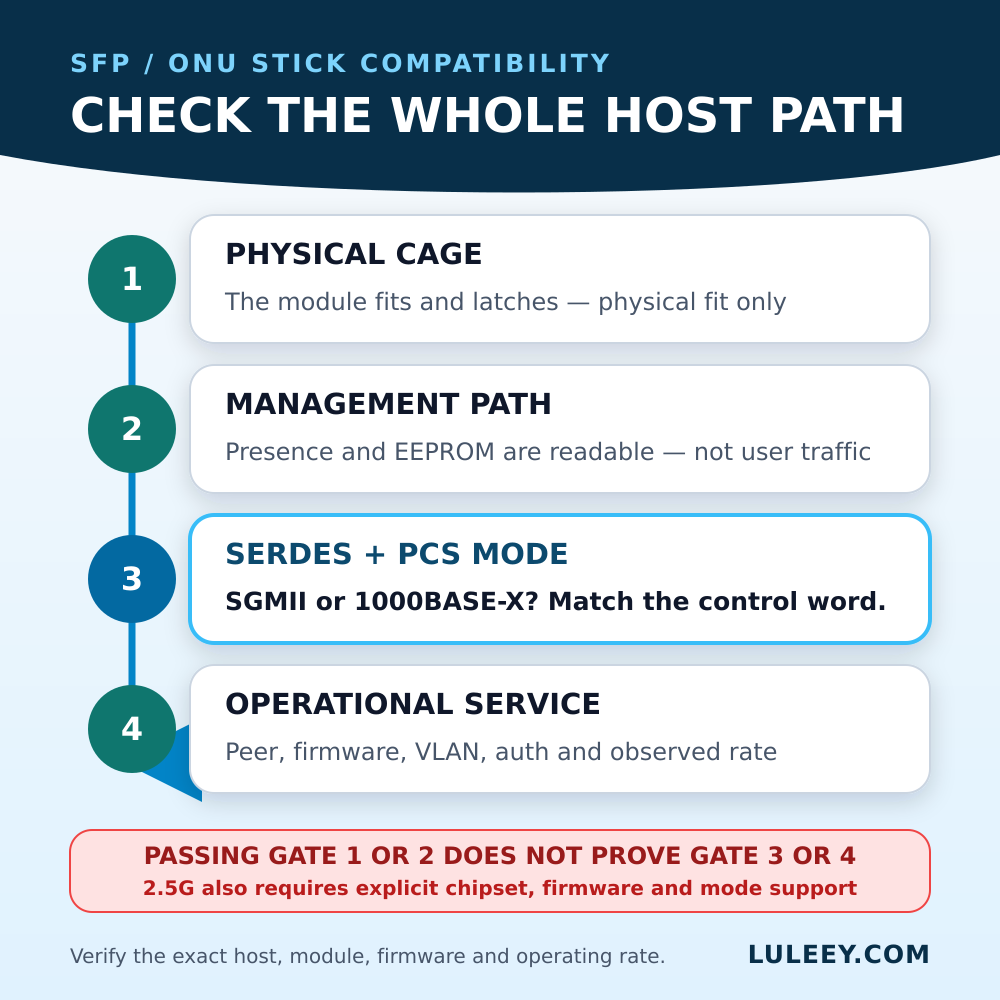
| Gate | 質問 | Evidence that is not enough |
|---|---|---|
| 1. Physical | Does the module fit the SFP-family cage? | It slides in and latches |
| 2. Management | Can the host detect and identify it? | Vendor, serial number or temperature is visible |
| 3. Host data path | Do both sides use the same SerDes rate, PCS and in-band mode? | Both documents contain “1.25G” |
| 4. Operational service | Do protocol, peer, firmware, authentication, VLANs and observed rate match? | A link LED is on |
A deployment is ready only after all four gates have evidence. Passing Gate 1 or Gate 2 does not predict Gate 3.
A Safe SGMII vs 1000BASE-X Troubleshooting Workflow
1. Record the exact identities
Write down the host model, port number, documented chipset or PHY, firmware or driver version, module or Stick model, hardware revision and module coding. Save the current configuration before changing anything.
2. Find the host’s supported interface modes
Look for explicit terms such as SGMII, 1000BASE-X, 2500BASE-X, in-band status or a documented dual-mode setting.
“SFP port,” “1G port” and “auto” are not mode specifications. Auto mode may select only among modes implemented by that exact silicon and firmware.
Linux systems can often report operational speed and link state with ethtool, but the output may not expose the internal PCS mode. Driver logs, firmware configuration, vendor documentation or a board schematic may still be required.
3. Find the inserted device’s host-side requirement
Separate the host-facing interface from the media-facing interface.
For a copper SFP, confirm what it presents to the host as well as what its RJ45 PHY negotiates. For an ONU Stick, confirm the host mode for the exact firmware and requested rate—not just its GPON or XGS-PON optical specification.
4. Match rate, PCS and status handling
Confirm all of these together:
- Physical cage and pin compatibility.
- Host SerDes lane rate.
- SGMII or 1000BASE-X PCS/control-word mode.
- Whether in-band status is required, optional or disabled.
- Module coding and host allow-list behavior.
- Power and thermal limits.
- Actual negotiated or configured rate.
Do not force a mode merely to see whether it links. Use only a mode that both devices document, and make changes in an approved maintenance window.
5. Compare with one controlled reference
If the host is documented to support an ordinary 1G optical SFP, test a known-good, correctly matched 1000BASE-X optical path.
If that path works but the target active module does not, the result narrows the fault to the target device’s mode, power, coding, firmware or service requirements. It does not identify which one without further evidence.
Change one component or setting at a time and record the resulting link state and rate.
How This Applies to a LuLeey メディアコンバータ
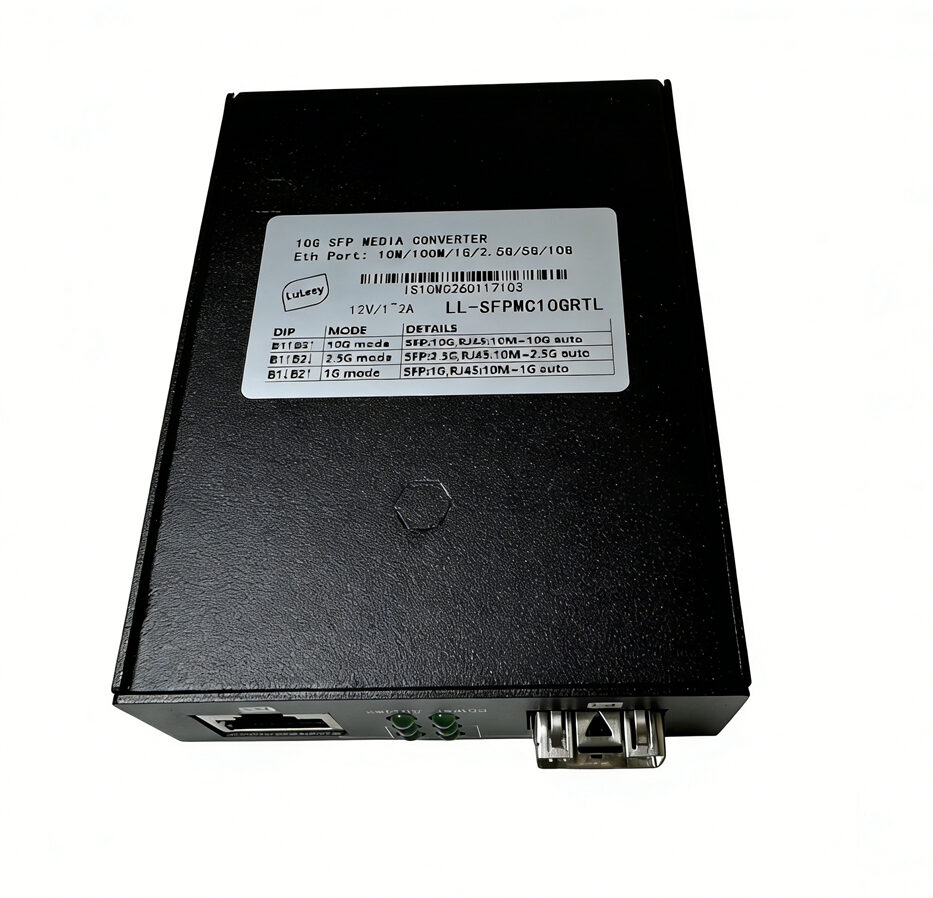
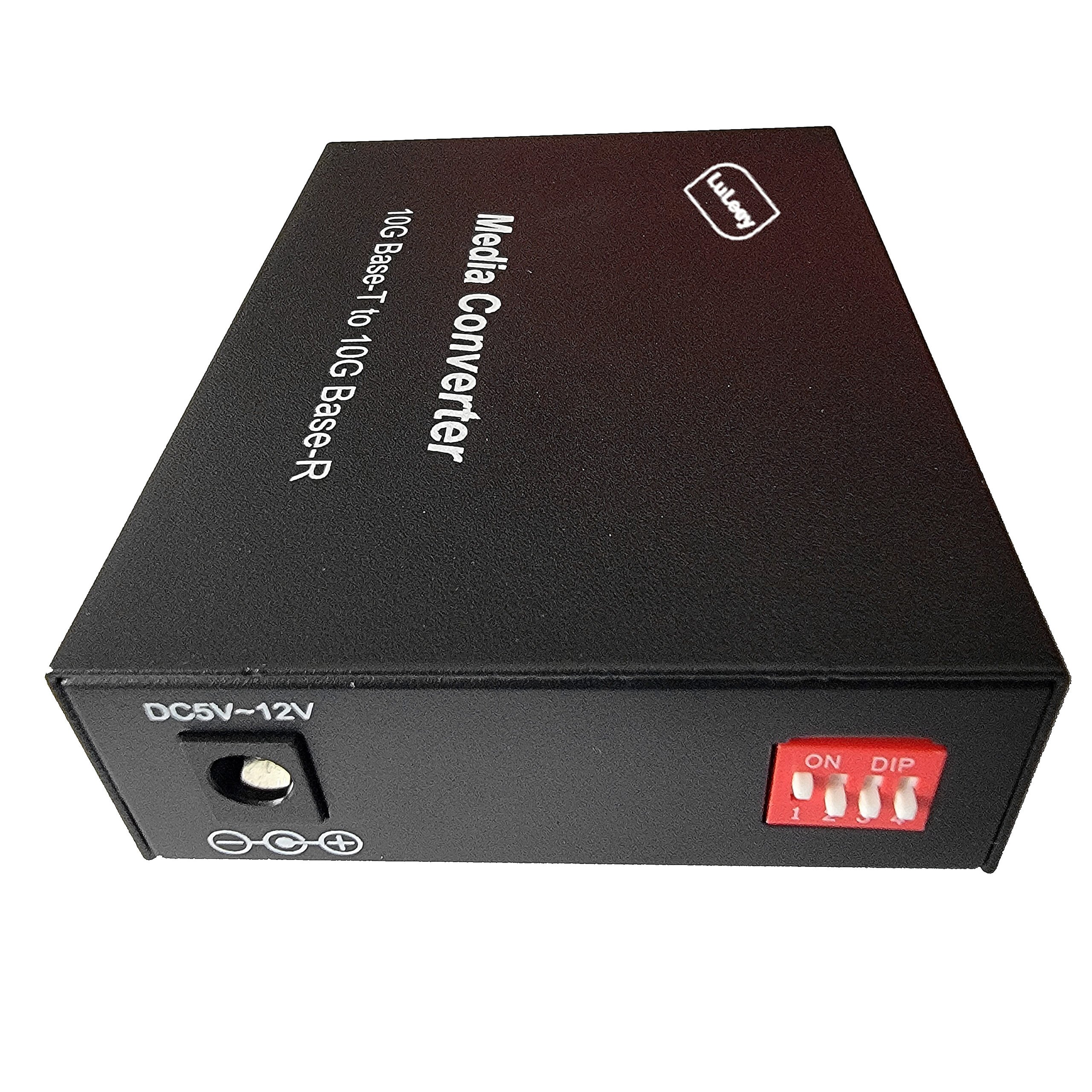
について LuLeey Gigabit SFP Media Converter page lists one 10/100/1000M RJ45 port and one 1000M SFP slot for compatible 1.25G SFP modules. For special GPON Stick scenarios, it explicitly tells users to confirm whether the Stick needs SGMII or 1000BASE-X host mode.
That is a compatibility checkpoint, not a promise that every Stick will work. The page does not publish a matrix covering every Stick, hardware revision, firmware and interface mode.
Before purchase or deployment, provide LuLeey with the exact Stick model, hardware revision, firmware, requested host rate and required interface mode.
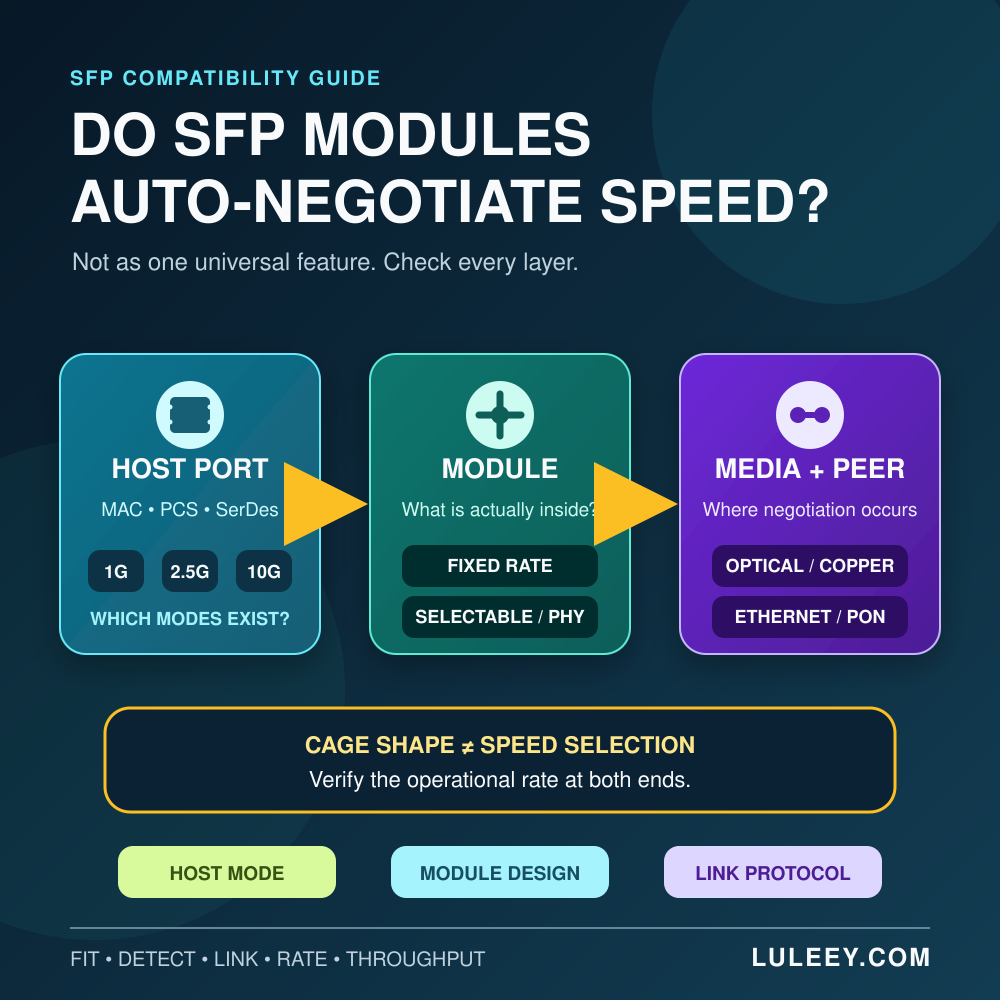
For the wider decision process, see Can a PON ONU Stick Work in an SFP Media Converter?. If the confusing part is where negotiation occurs, use SFPのオートネゴシエーション:モジュールは通信速度を選択するのか? as the companion guide.
 SFP/SFP+ (1G/2.5G/5G/10G)
 SFP-T (1G/2.5G/10G)
 AOCケーブル 10G/25G/40G/100G
 DACケーブル 10G/25G/40G/100G
 qsfp28 qsfp+ sfp28 100g/40g/25g
 銅線-光ファイバー・メディア・コンバーター
 ファイバーメディアコンバータPCBAボード
 OEOファイバー・メディア・コンバーター
 シリアル-ファイバー・メディア・コンバーター
 ビデオ-ファイバー・メディア・コンバーター
 1000m Gポン/エポン・オヌ
 10Gエポン・オヌ/XG-PON/XGS-PON
 2.5g Gpon/XponスティックSFP ONU
 ポー・グポン/エポン・オヌ
 ワイヤレスGPON/EPON ONT
 エポンOLT
 GPON OLT
 SFP PONモジュール
 産業用スイッチ
 マネージド・スイッチ
 POEスイッチ
 アンマネージド・スイッチ
 MTP/MPOファイバーケーブル
 光ファイバーカセット
 光ファイバーループバック
 光ケーブルとファイバーピグテール
 光スプリッターとスプリッターボックス
 ファイバーフランジコネクター
 光アダプター
 光減衰器
光減衰器 クイックコネクターとコネクターパネル
 CATVアンプ
 CATV光受信機
 ビジュアル・フォルト・ロケーター
 OTDR
OTDR 光パワーメーター
 光ファイバー識別器
 光ファイバー・クリーナー
 ファイバー・クリーバー&ファイバー・ストリッパー
 銅工具
銅工具


