Customs duties are the responsibility of customers, but standard logistics support DDP to most countries, duty-free such as US, DE, UK, CA, FR, IT, PL, AT, JP…

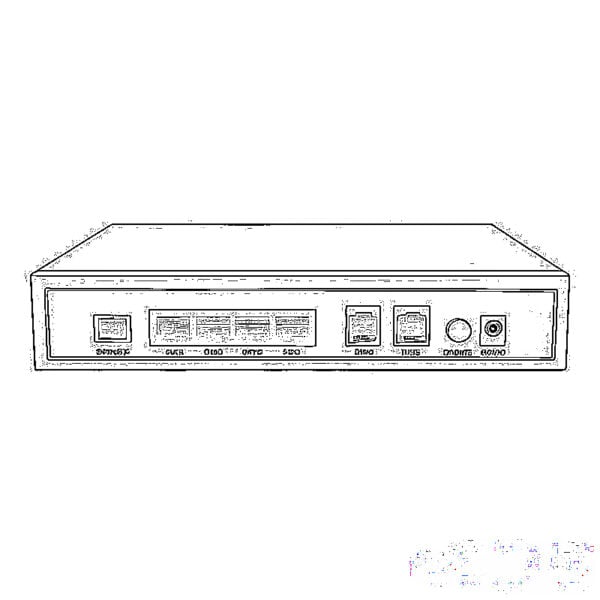
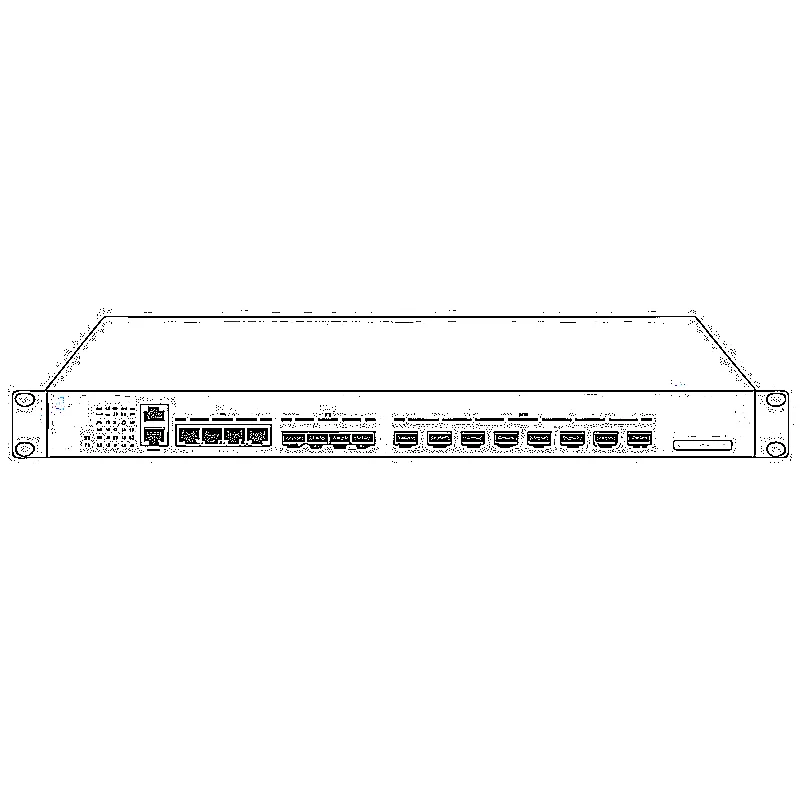
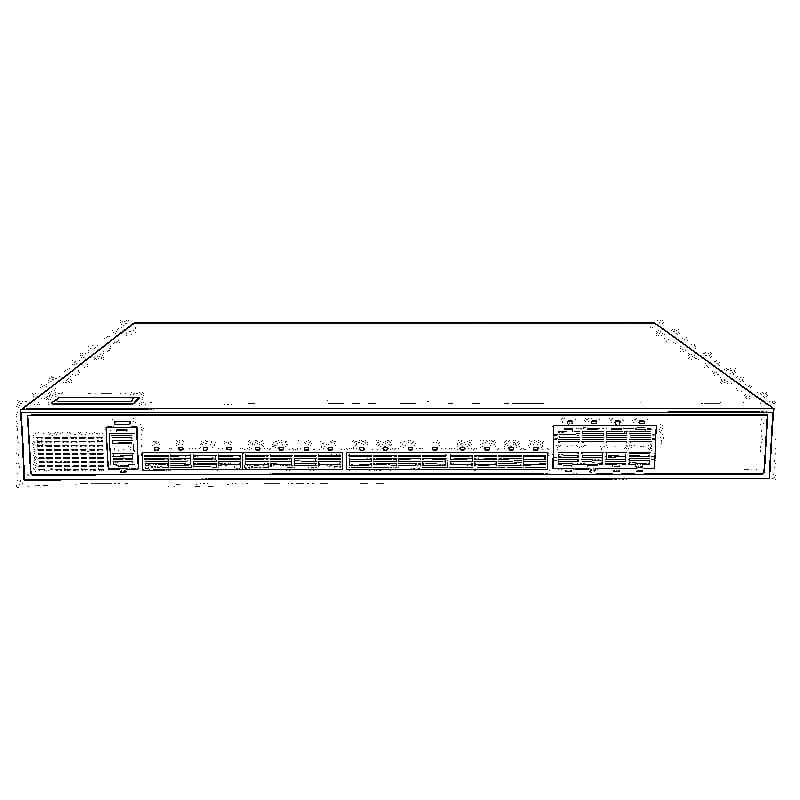
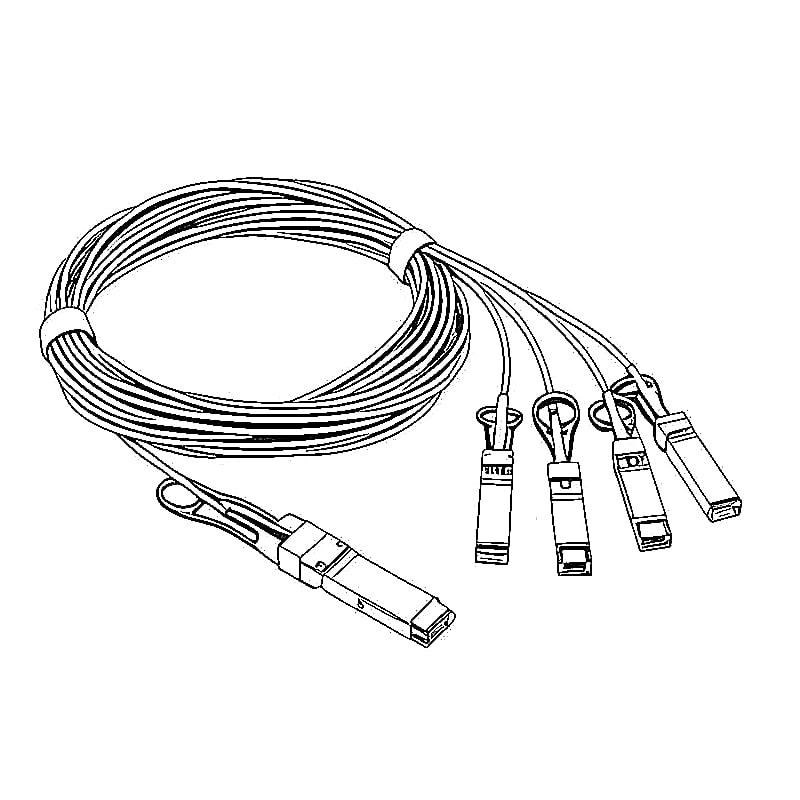
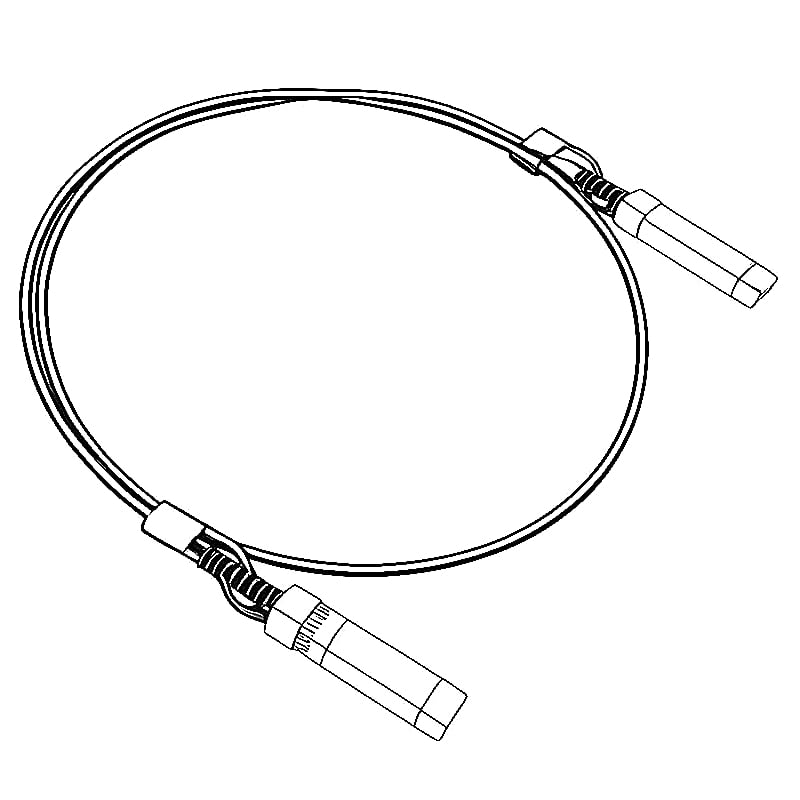
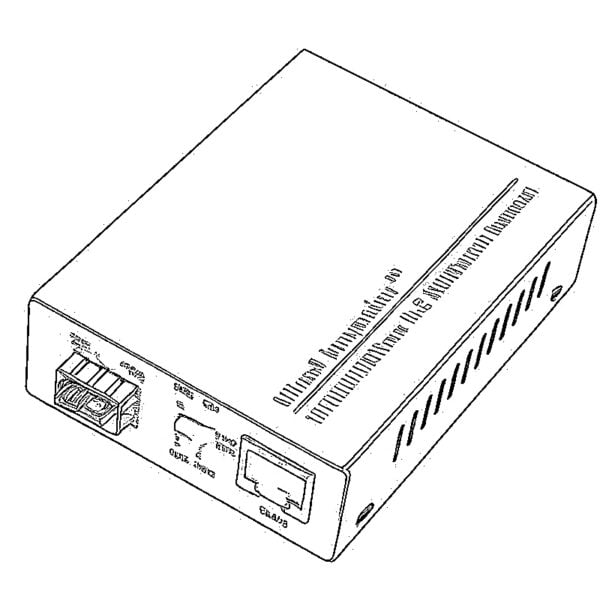
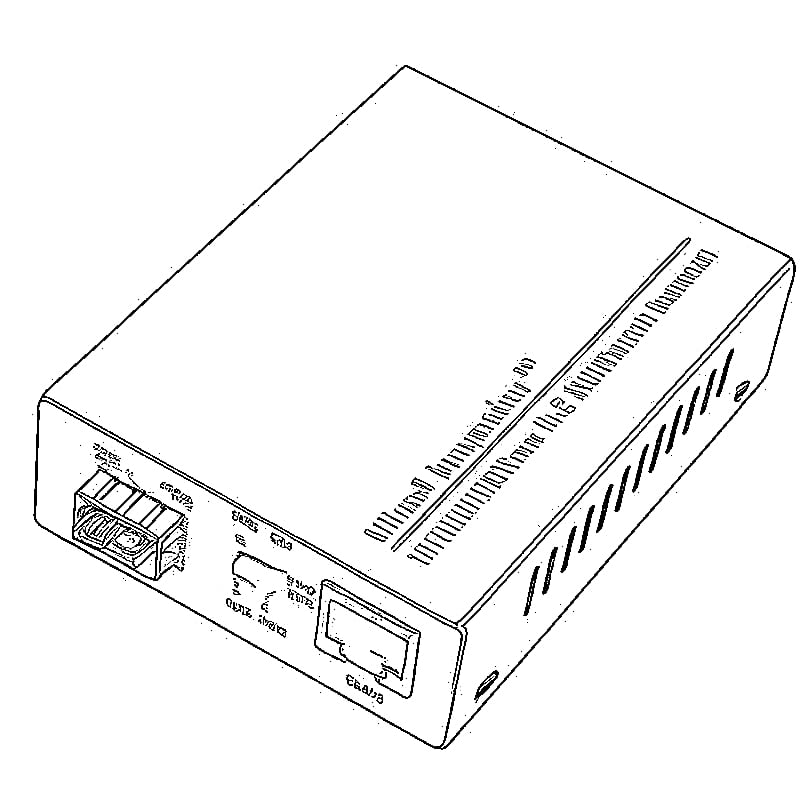

When upgrading your network, setting up a home lab, or expanding a business server room, the choice between 10G optical ports (SFP+) and 10G electrical ports (RJ45/10GBASE-T) is one of the most common dilemmas. Both deliver 10Gbps speed, but their real-world performance, cost, compatibility, and ideal use cases differ dramatically. This guide breaks down everything in plain English, with actionable advice for every scenario.
First: What Exactly Are These Ports?
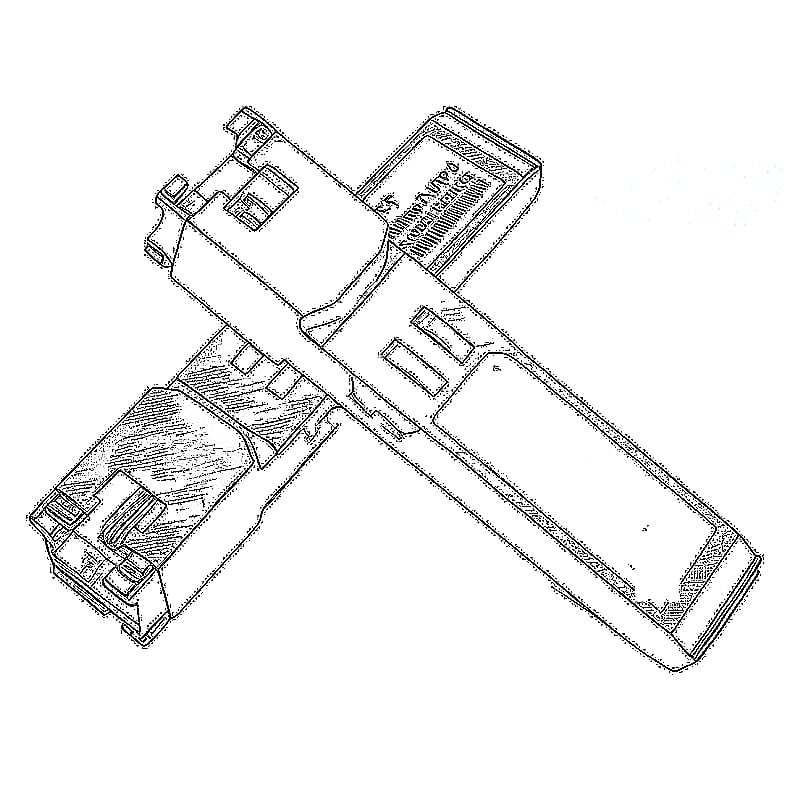
- 10G Electrical Port (10GBASE-T/RJ45): Looks identical to the standard Ethernet port you use every day. It uses copper cables (Cat 6, Cat 6a, Cat 7) to transmit data and is backward compatible with 1G/100Mbps devices.
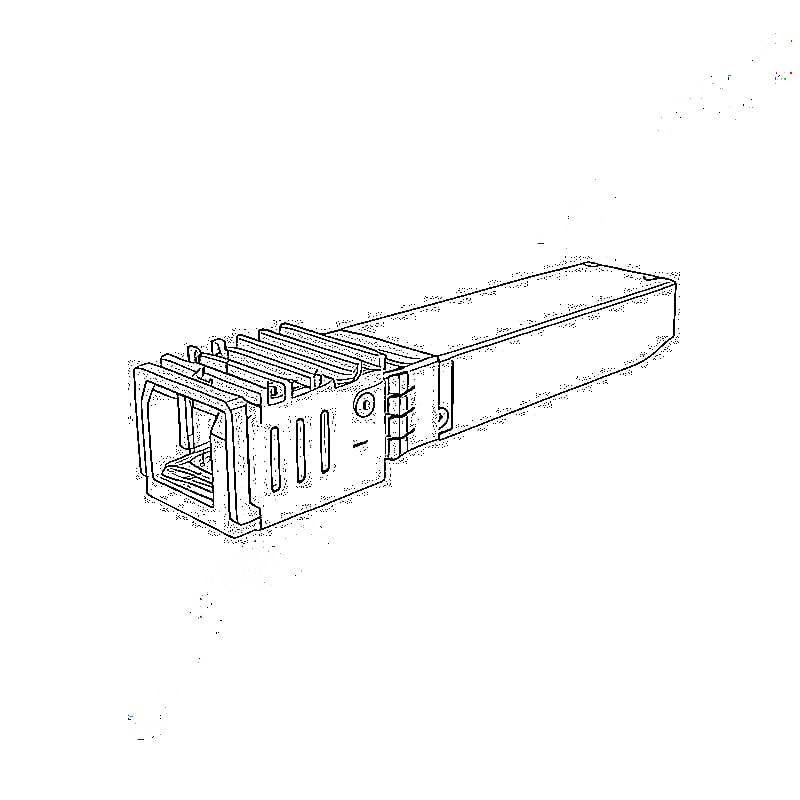
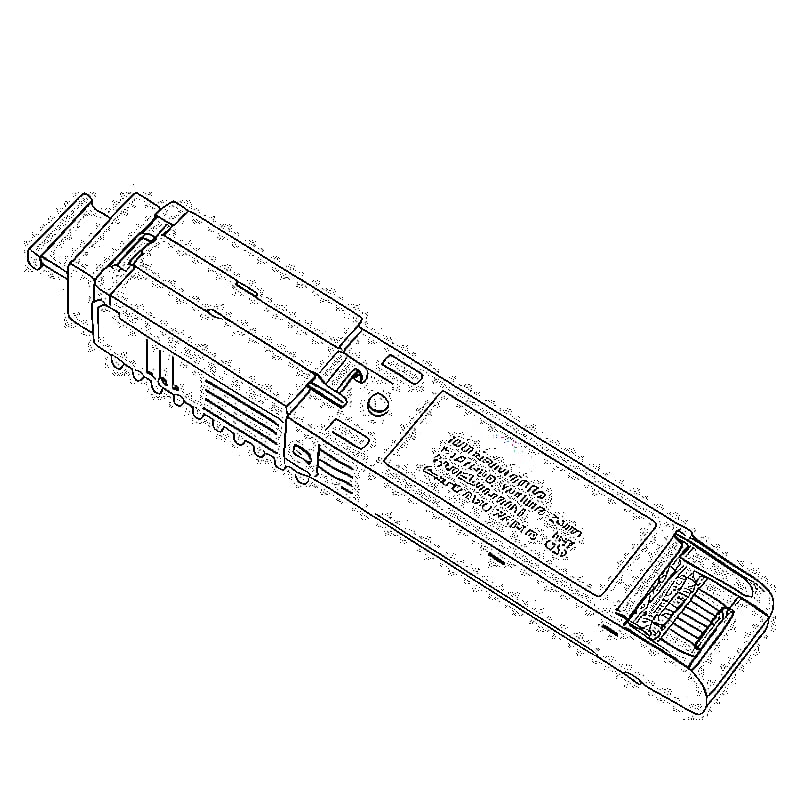
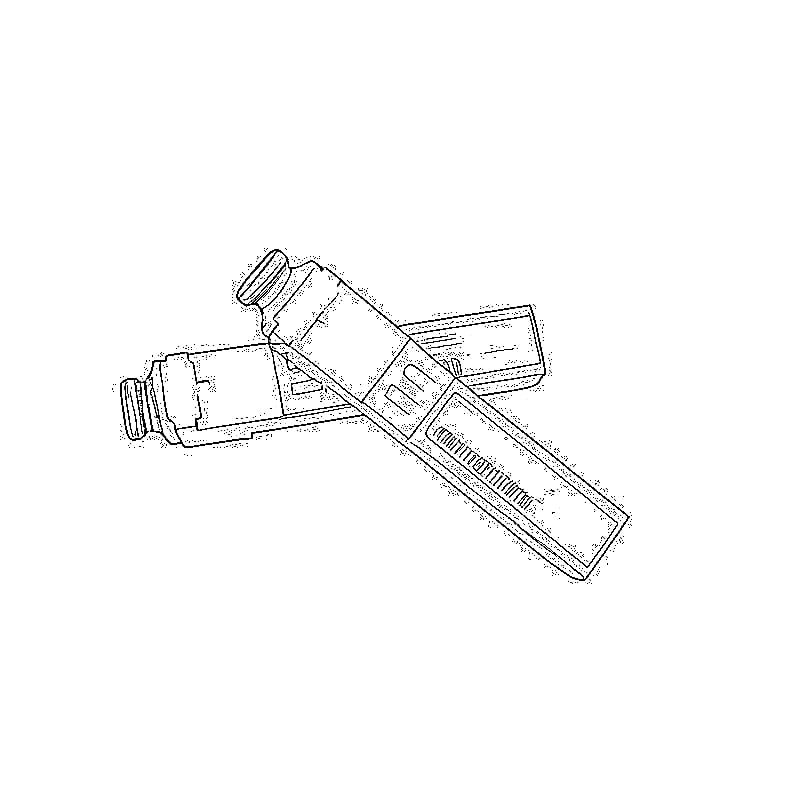
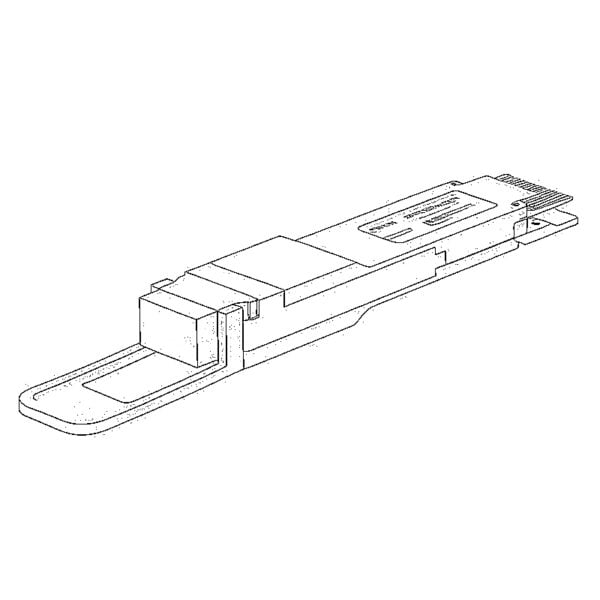
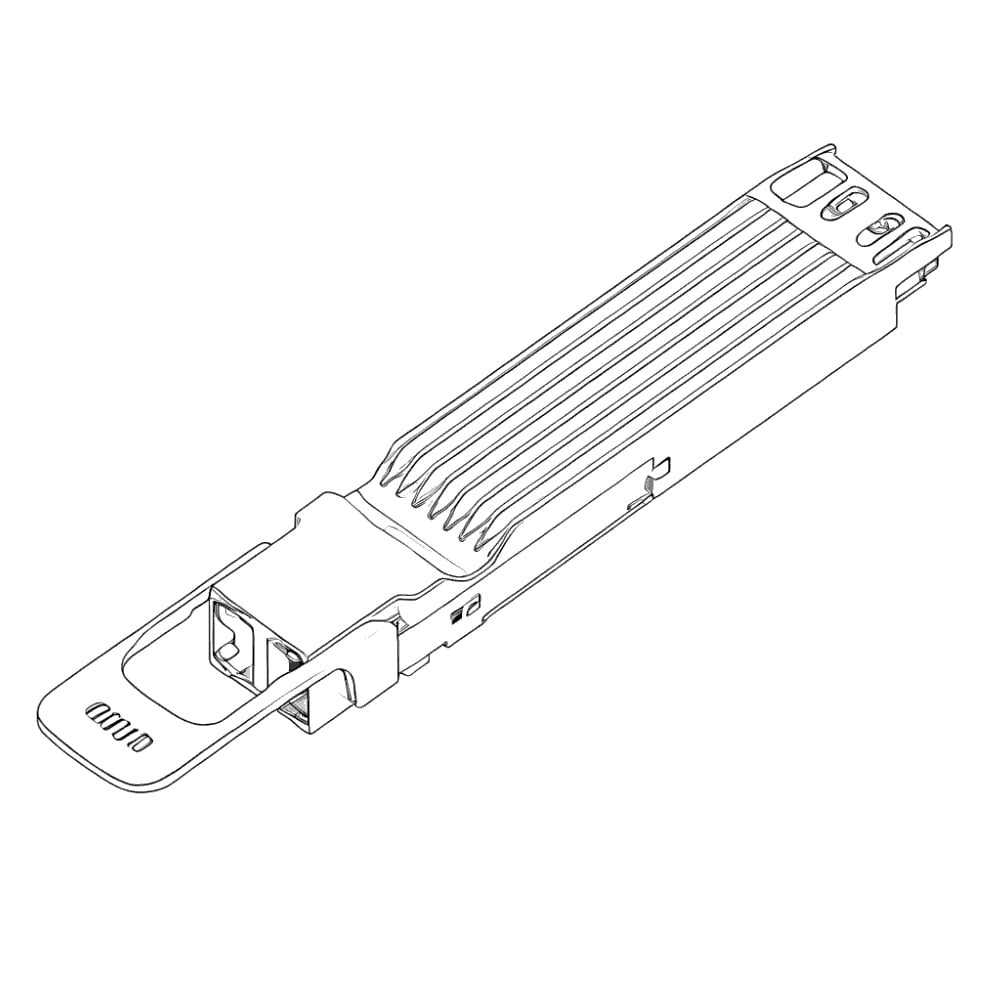
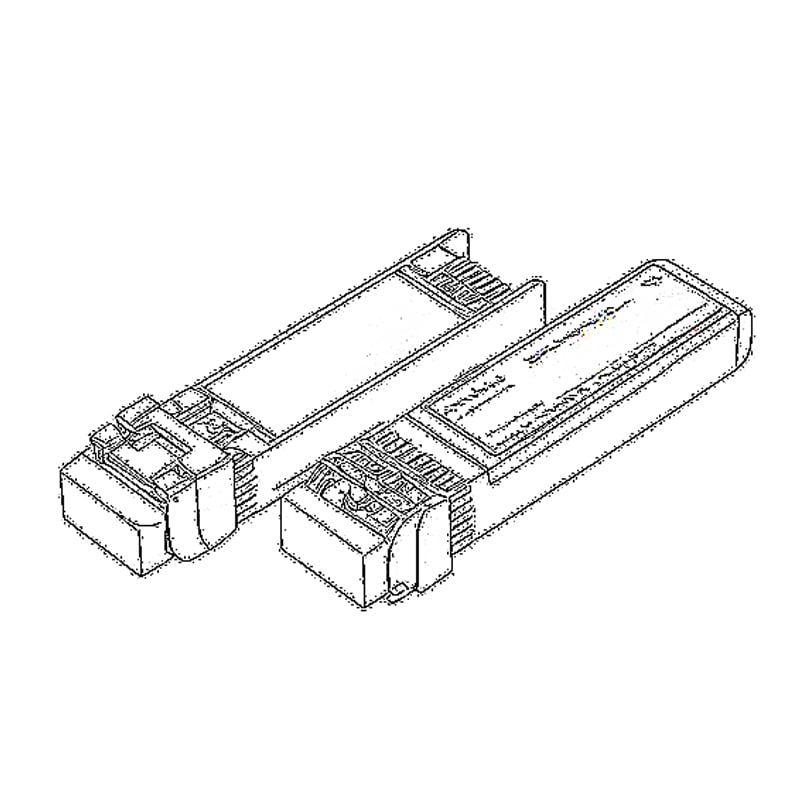
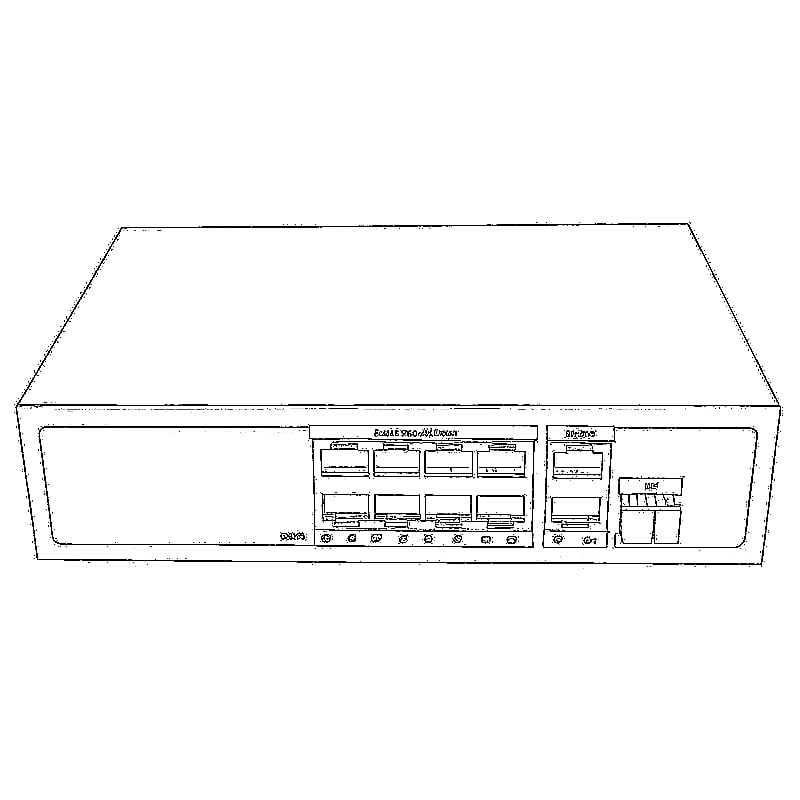
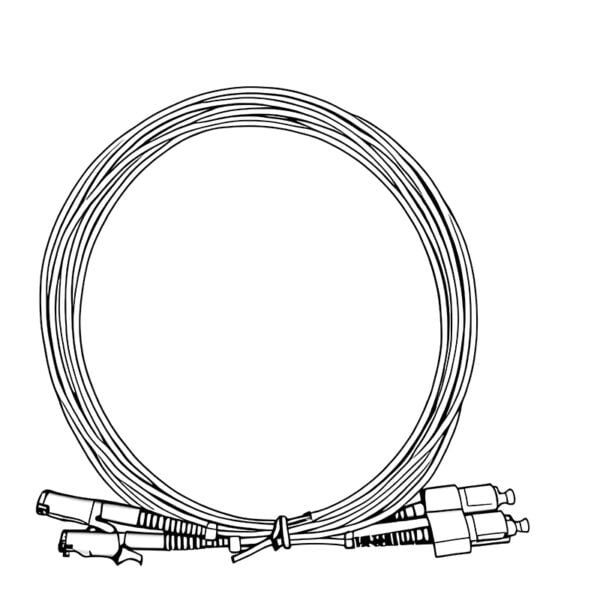
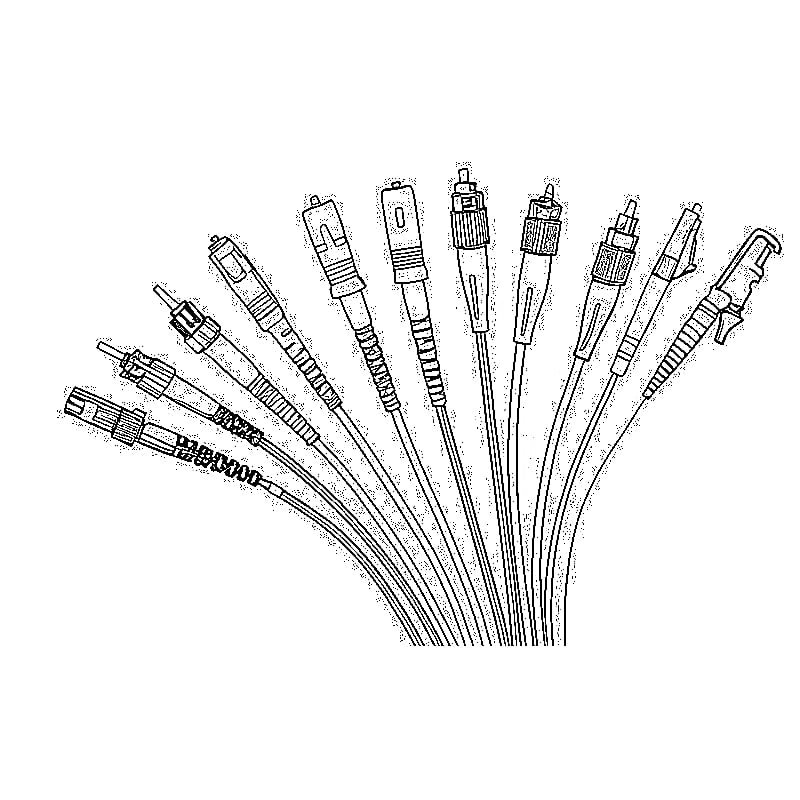
- 10G Optical Port (SFP+): A compact fiber interface that requires two additional components: an SFP+ transceiver module and a fiber patch cord. It transmits data via light signals instead of electricity.
Core Differences Between 10G SFP+ and 10G RJ45
1. Transmission Media & Physical Design
- 10G RJ45: Uses twisted-pair copper cables. No extra accessories needed—just plug in a Cat 6a cable and go.
- 10G SFP+: Requires matching SFP+ modules (single-mode/multi-mode) and fiber cables. You cannot plug a copper Ethernet cable directly into an SFP+ port without a media converter.
2. Maximum Transmission Distance (The Biggest Gap)
- 10G RJ45: Strictly limited to 100 meters with Cat 6a cable. Beyond 50 meters, signal degradation becomes noticeable, and speeds drop significantly.
- 10G SFP+: Dominates long-distance transmission:
- Multi-mode fiber: Up to 300 meters (ideal for in-building use)
- Single-mode fiber: Up to 10–80 kilometers (perfect for cross-campus or city-wide links)
3. EMI Resistance & Long-Term Stability
- 10G RJ45: Copper cables are highly susceptible to interference from power lines, motors, server room equipment, and lightning. This causes packet loss, latency spikes, and random disconnections in noisy environments.
- 10G SFP+: Light signals are completely immune to electromagnetic interference. It delivers consistent, low-latency performance even in industrial settings, data centers, or areas with frequent electrical storms.
4. Total Cost of Ownership
- 10G RJ45: Low upfront cost. A 10-meter Cat 6a cable costs ~$5–$10, and devices with 10GBASE-T ports are often cheaper than their SFP+ counterparts. No ongoing maintenance costs.
- 10G SFP+: Higher initial investment. A basic multi-mode SFP+ module costs ~$10–$30, plus fiber cables (~$15–$50). However, for long distances, fiber is cheaper than running hundreds of meters of high-grade copper.
5. Device Compatibility
- 10G RJ45: Universal compatibility. Works with every consumer device: gaming PCs, NAS drives, laptops (with USB-C adapters), printers, and security cameras.
- 10G SFP+: Rare on consumer devices. Primarily found on enterprise switches, routers, servers, and high-end network cards. Consumer devices require an SFP+ to RJ45 media converter to connect.
| Comparison Factor | 10G SFP+ (Optical Port) | 10G RJ45 (Electrical Port / 10GBASE-T) |
|---|---|---|
| Core Standard | 10GBASE-SR/LR/ER/ZR | 10GBASE-T |
| Transmission Media | Fiber optic cable + SFP+ transceiver module (single-mode/multi-mode) | Twisted-pair copper cable (Cat 6 / Cat 6a / Cat 7) |
| Max Stable Distance | • Multi-mode fiber (OM3): 300m• Multi-mode fiber (OM4): 400m• Single-mode fiber: 10–80km | • Cat 6 cable: 55m• Cat 6a / Cat 7 cable: 100m |
| EMI & Lightning Resistance | ✅ 100% immune to electromagnetic interference and power surges | ❌ Highly susceptible to power lines, motors, and lightning |
| Long-Term TCO | Lower for distances >100m; no signal degradation over time | Lower for distances <100m; copper cables degrade faster |
| Device Compatibility | Primarily enterprise-grade: switches, routers, servers, high-end NICs | Universal: PCs, NAS, laptops, printers, cameras, all consumer devices |
| Deployment Ease | Moderate (requires matching module/fiber types; basic IT knowledge needed) | ✅ Plug-and-play; zero learning curve for non-technical users |
| Latency & Reliability | Ultra-low latency; consistent 24/7 performance; no packet loss | Latency varies with environment; prone to packet loss in noisy areas |
| Scalability | Easily upgrade to 25G/40G/100G with new transceivers | Limited to 10G; requires full cable replacement for higher speeds |
| Power Consumption | ~1W per port | ~2.5–5W per port (higher heat generation) |
| Typical Use Cases | Data centers, cross-building campuses, industrial networks, outdoor security, long-haul links | Home networks, small offices, same-floor LANs, retail POS systems |
Practical Use Cases: When to Choose Which
1. Home 10G Network & NAS File Transfers
Choose 10G RJ45
Home wiring rarely exceeds 30 meters, and Cat 6a cables are already standard in new constructions. It’s plug-and-play, works with your gaming PC, NAS, and smart TV, and delivers full 10Gbps speed for large file backups and 8K media streaming. No need to mess with SFP+ modules or fiber.
2. Small Office & Same-Floor Business LAN
Choose 10G RJ45
Most offices have existing Cat 6 cabling, and all employee laptops/desktops use RJ45 ports. 10GBASE-T easily supports 20+ simultaneous users for video calls, cloud collaboration, and internal file transfers. It’s fast, affordable, and requires no specialized IT knowledge to deploy.
3. Cross-Building Campus & Industrial Park Networks
Must choose 10G SFP+
When connecting buildings 100+ meters apart, copper cables are useless. Fiber optic links with SFP+ ports deliver stable 10Gbps speed over kilometers, are immune to factory machinery interference, and are far more secure than copper.
4. Data Centers & Server Clusters
Industry standard: 10G SFP+
Data centers have dense equipment and extreme electromagnetic noise. SFP+ ports offer lower latency, better heat dissipation, and easier scalability. They also support hot-swappable modules, so you can upgrade links without shutting down servers.
5. Outdoor Security & Industrial IoT Systems
Choose 10G SFP+
Outdoor environments are prone to lightning strikes and power surges. Fiber optic cables are non-conductive, eliminating the risk of electrical damage. They also support long-distance runs for large security camera networks covering factories, parking lots, or construction sites.
6. Budget-Conscious Small Retail & Cafés
Choose 10G RJ45
For small spaces with fewer than 10 devices, a 10GBASE-T switch with Cat 6 cables is more than enough. It supports high-speed guest WiFi, POS systems, and 4K security cameras at a fraction of the cost of a fiber setup.
Final Verdict: Which 10G Port Is Right for You?
- Pick 10G RJ45 (10GBASE-T) if: You’re setting up a home network, small office, or any short-distance (under 100m) network. It’s cheap, easy, and universally compatible.
- Pick 10G SFP+ (Optical) if: You need long-distance links, operate in a noisy industrial environment, or run a data center that requires 24/7 reliability.
For maximum flexibility, choose a combo port switch that supports both 10G SFP+ and 10G RJ45. This lets you use copper for short-range device connections and fiber for backbone links—perfect for growing networks.
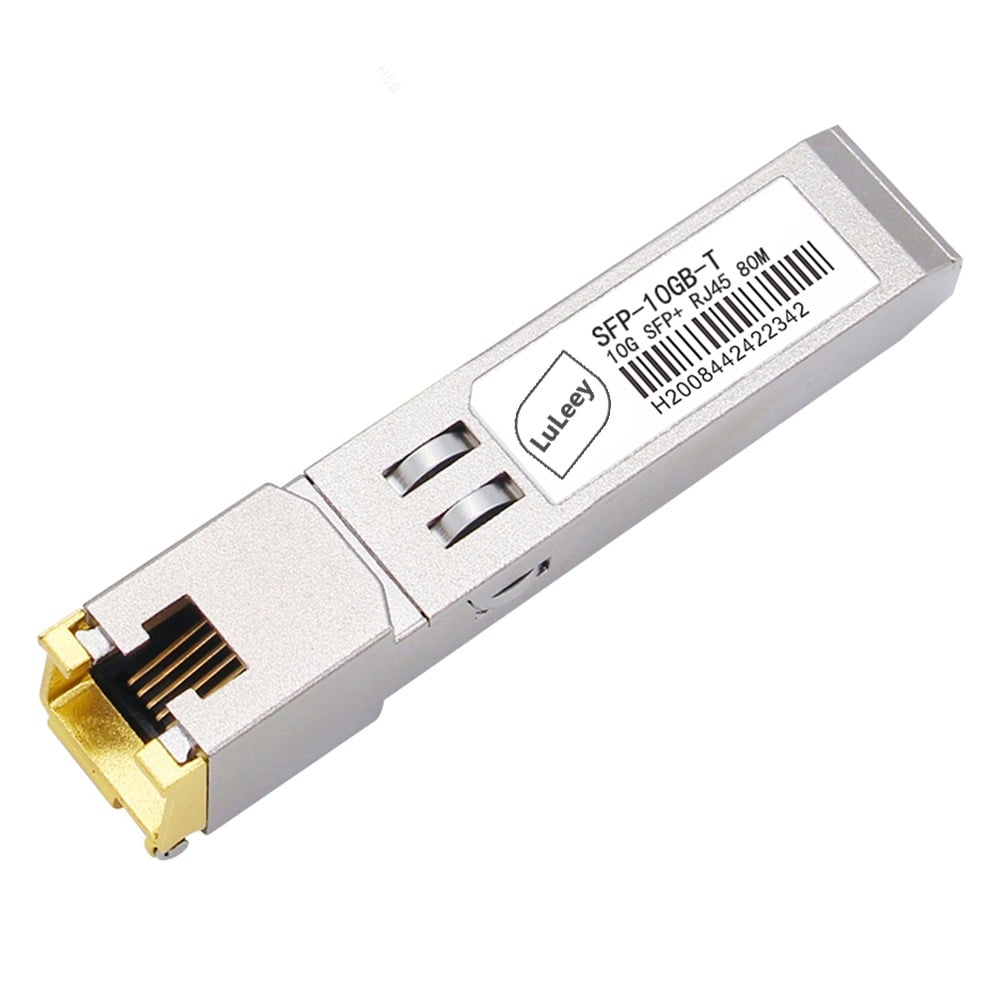
10GBASE-T RJ45 MODULE
10GBase-T SFP+ to RJ45 Copper Module 30m/80m/100m,sfp module
LEARN MORE 10GBASE-T RJ45 MODULE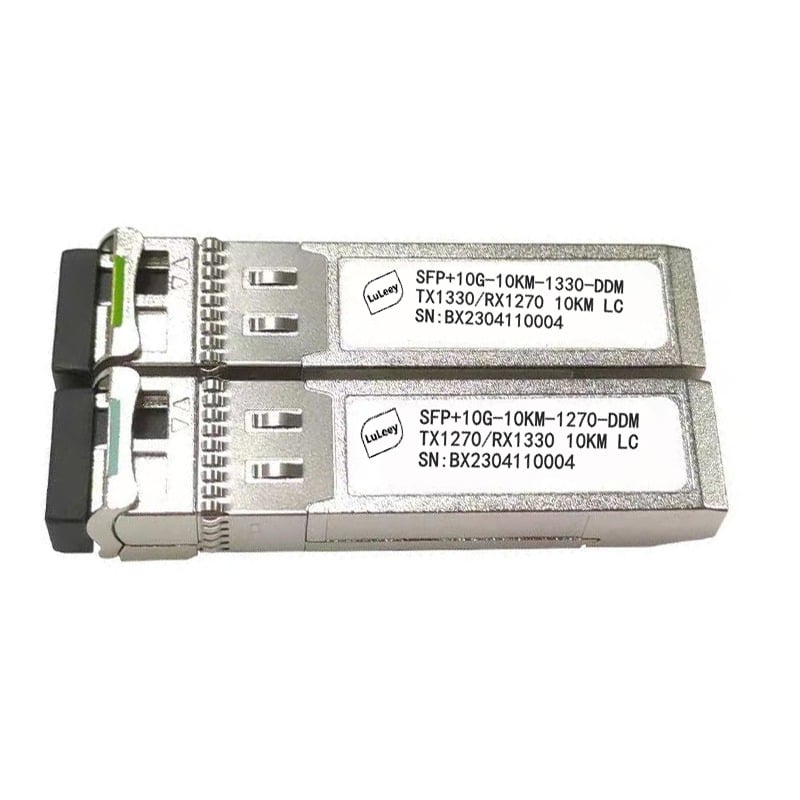
10G SFP+ Transceiver Bidi
10km/40km/60km 10G SFP+ Transceiver Bidi SMF DDM 1pair,sfp module
LEARN MORE 10G SFP+ Transceiver Bidi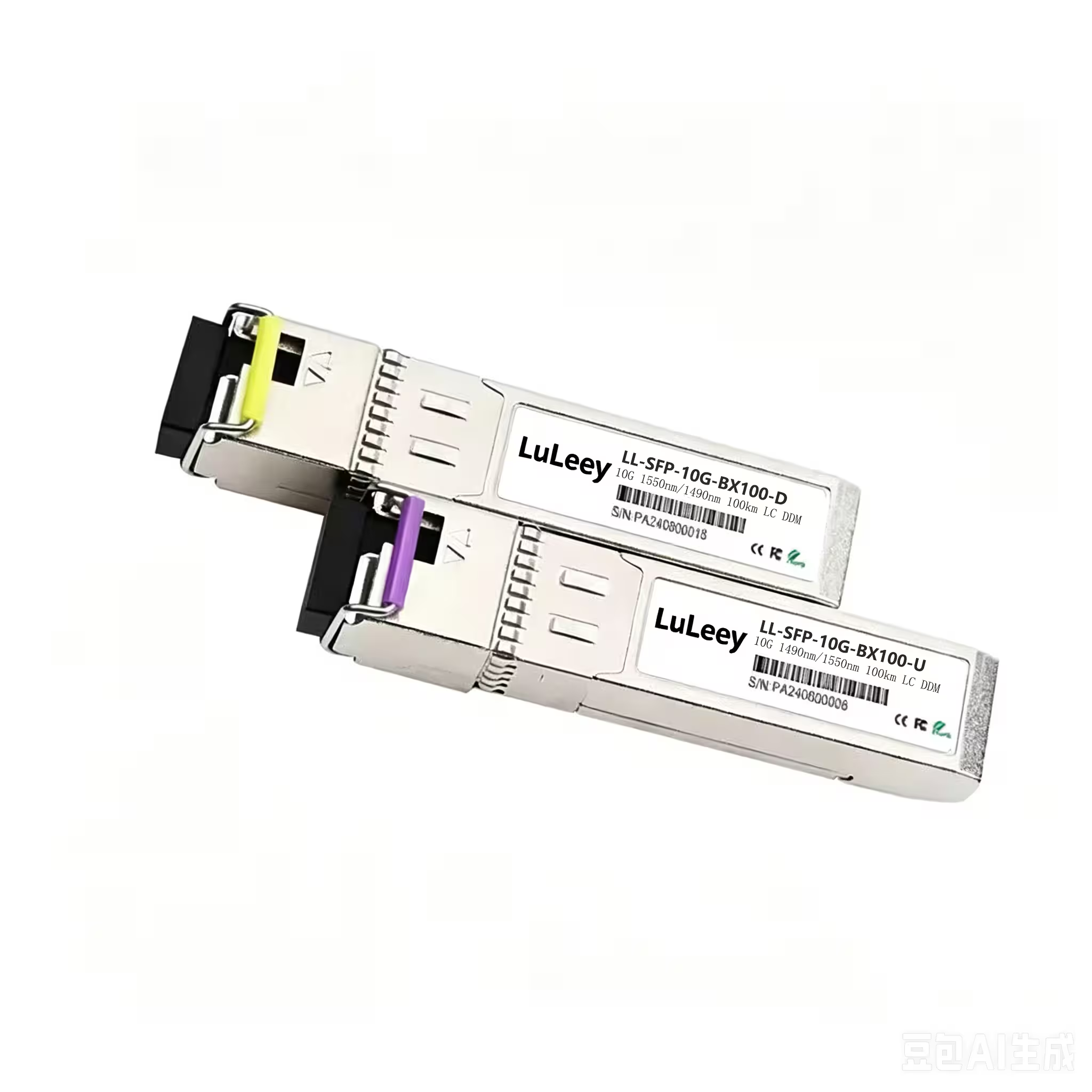
 SFP/SFP+ (1G/2.5G/5G/10G)
 SFP-T (1G/2.5G/10G)
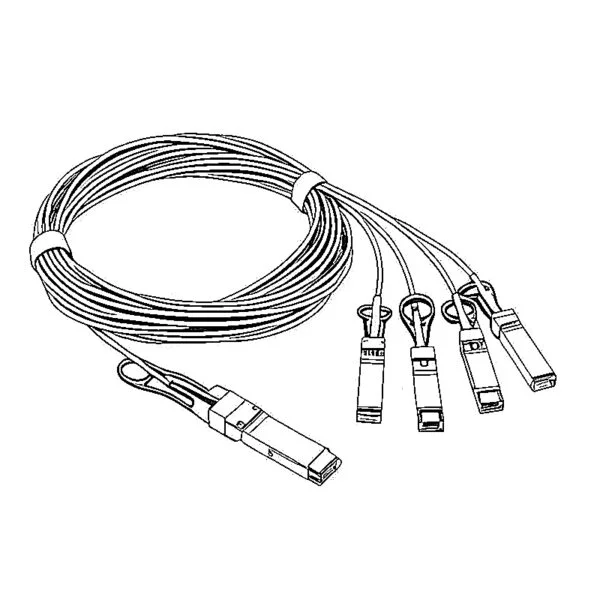 AOC Cable 10G/25G/40G/100G
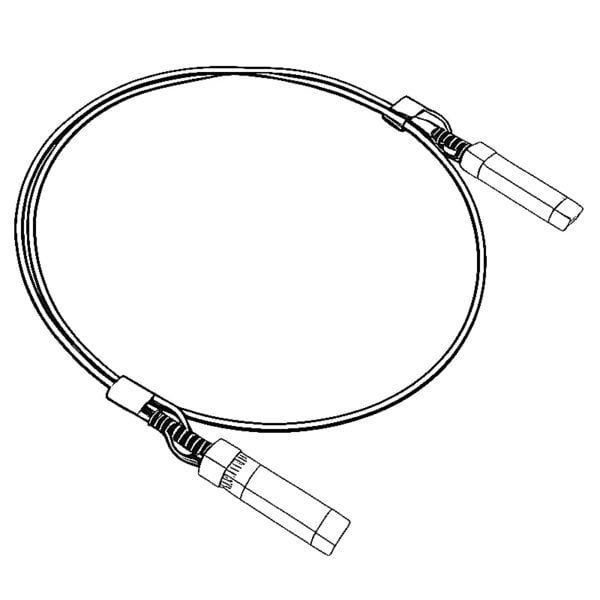 DAC Cable 10G/25G/40G/100G
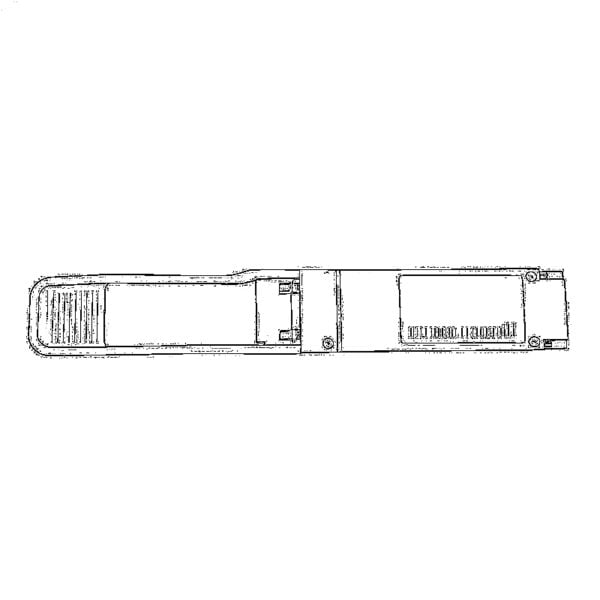 QSFP28 QSFP+ SFP28 100G/40G/25G
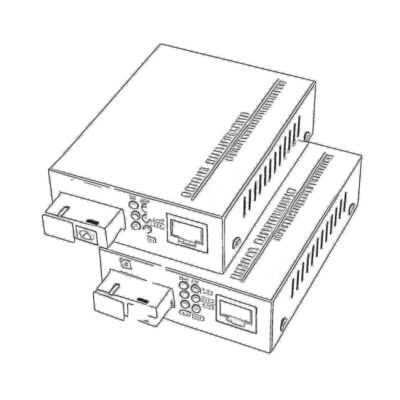 Copper to Fiber Media Converters
 Fiber Media Converter PCBA Board
 OEO Fiber Media Converters
 Serial to Fiber Media Converters
 Video to Fiber Media Converters
 1000M GPON/EPON ONU
 10G EPON ONU/XG-PON/XGS-PON
 2.5G GPON/XPON STICK SFP ONU
 POE GPON/EPON ONU
 Wireless GPON/EPON ONT
 EPON OLT
 GPON OLT
 SFP PON Module
 Industrial Switches
 Managed Switches
 POE Switches
 Unmanaged Switches
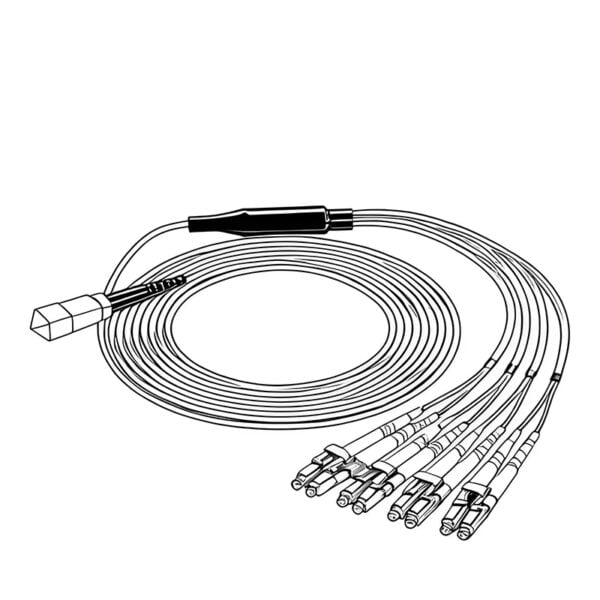 MTP/MPO Fiber Cables
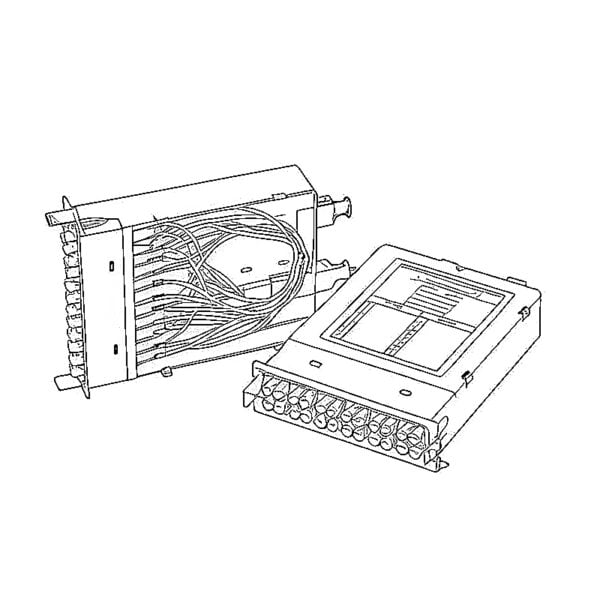 Fiber Optic Cassettes
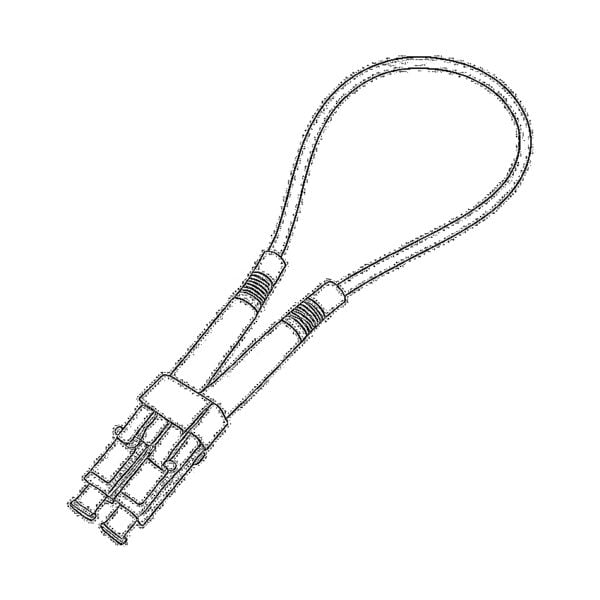 Fiber Optic Loopback
 Optic Cables and Fiber Pigtails
 Optical Splitters and Splitter Box
 Fiber Flange Connectors
 Optical Adapters
 Optical Attenuator
 Quick Connector and Connector Panel
 CATV Amplifier
 CATV Optical Receiver
 Visual Fault Locator
 OTDR
OTDR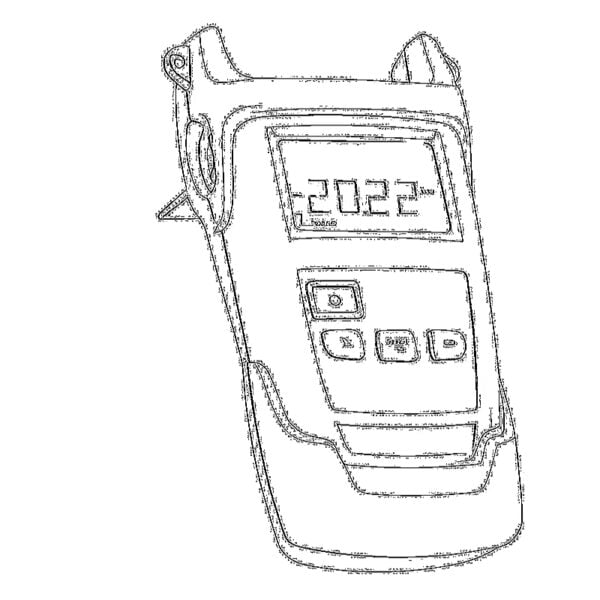 Optical Power Meter
 Fiber Optic Identifier
 Fiber Optic Cleaners
 Fiber Cleavers & Fiber Strippers
 Copper Tools


