Customs duties are the responsibility of customers, but standard logistics support DDP to most countries, duty-free such as US, DE, UK, CA, FR, IT, PL, AT, JP…

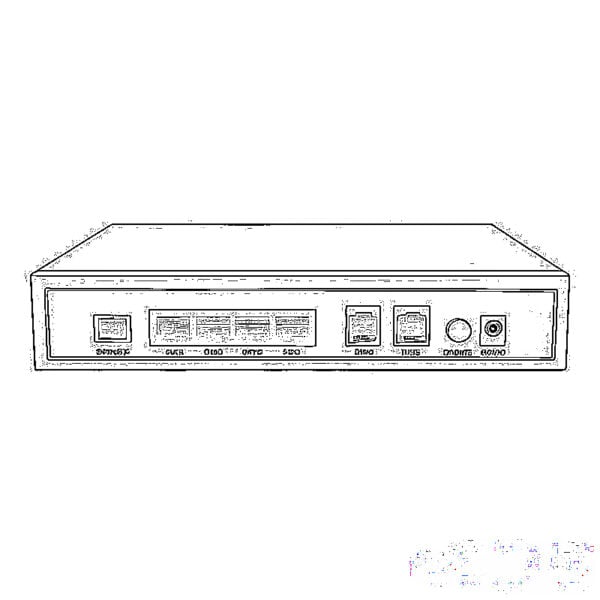
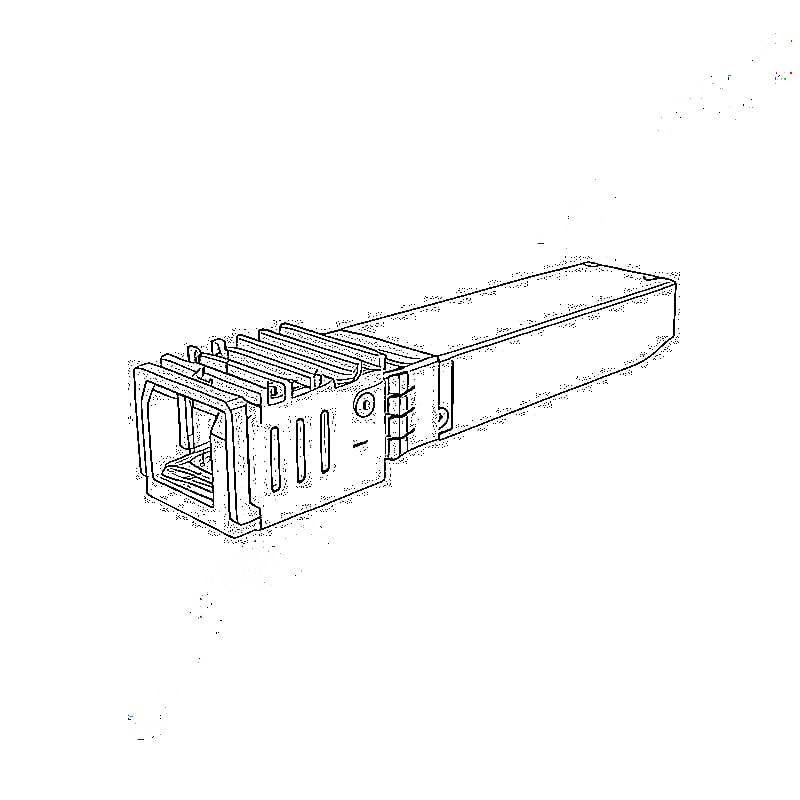
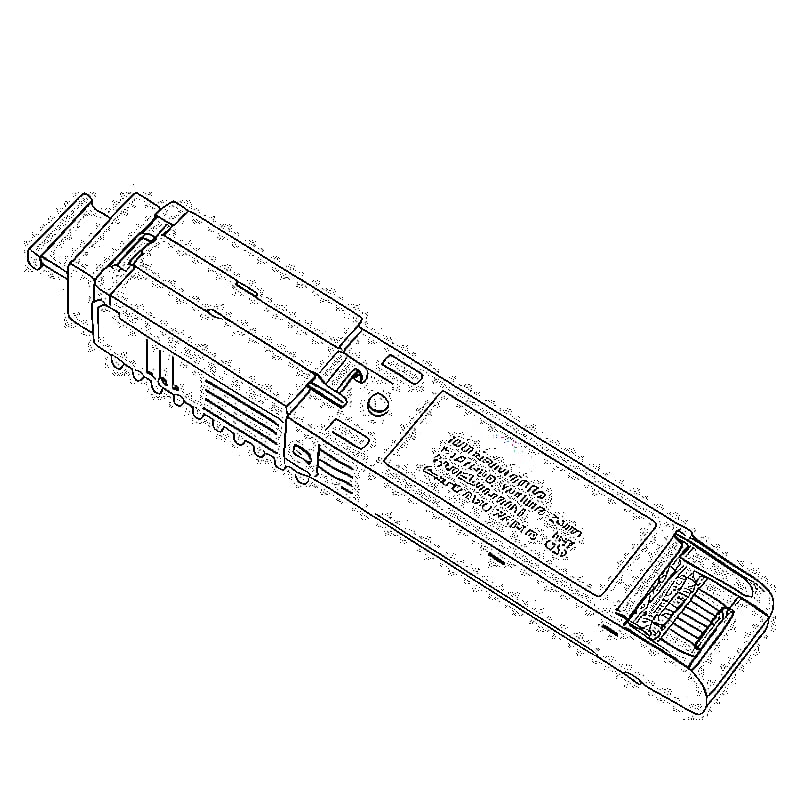
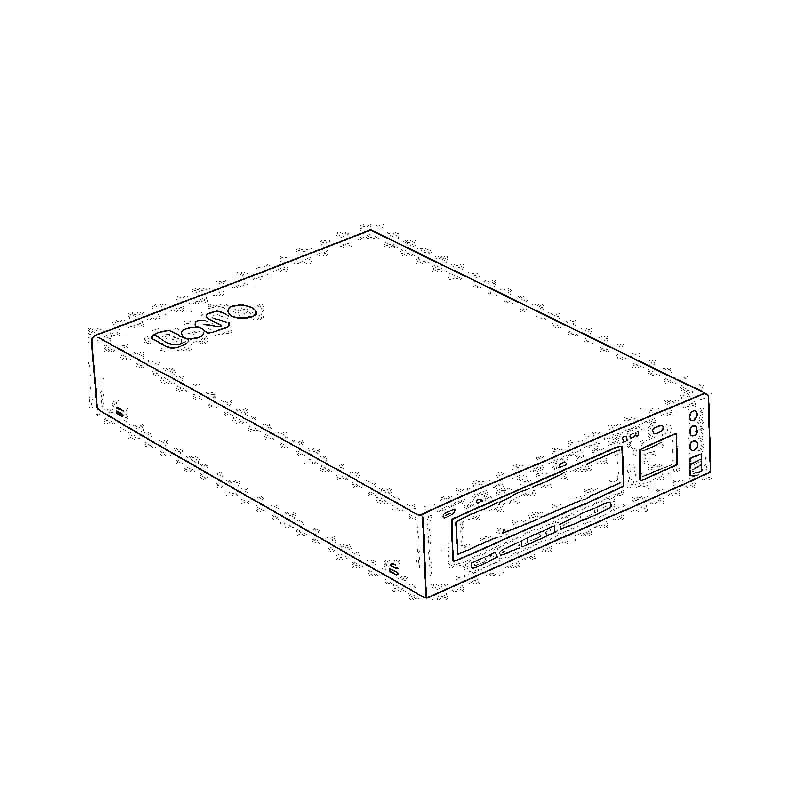
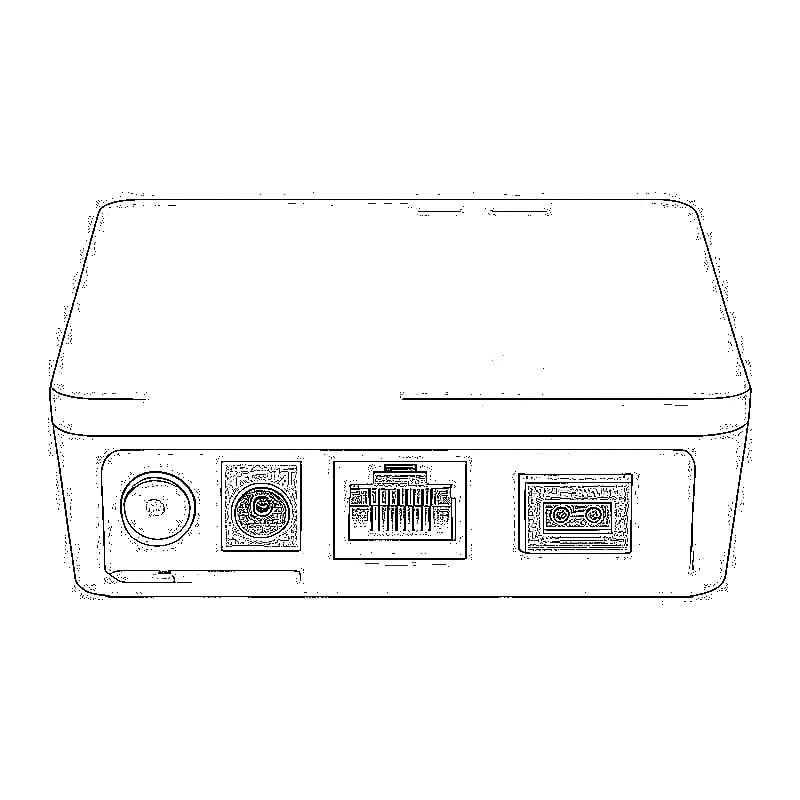
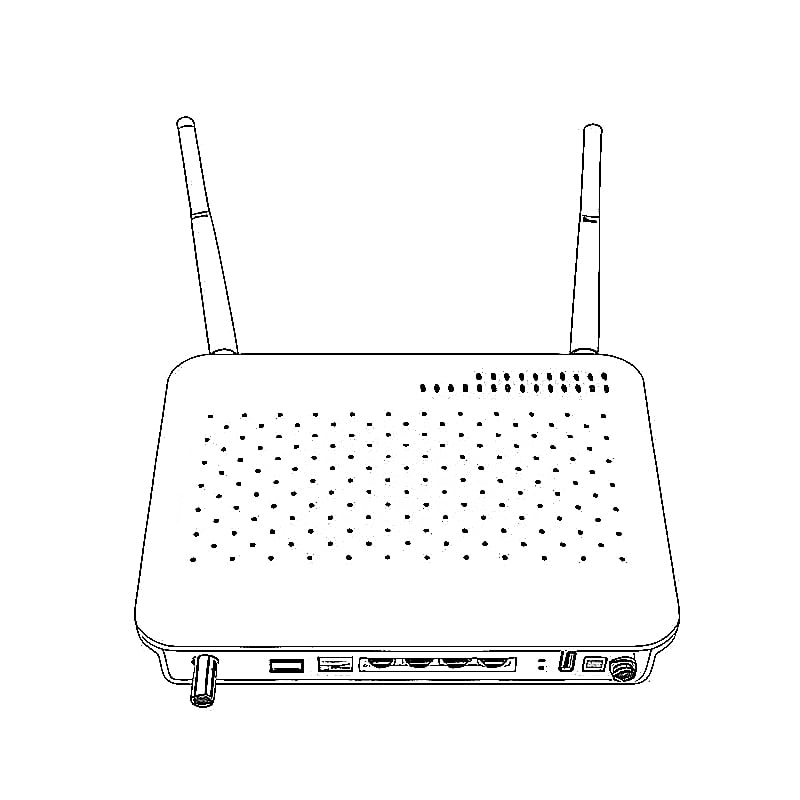
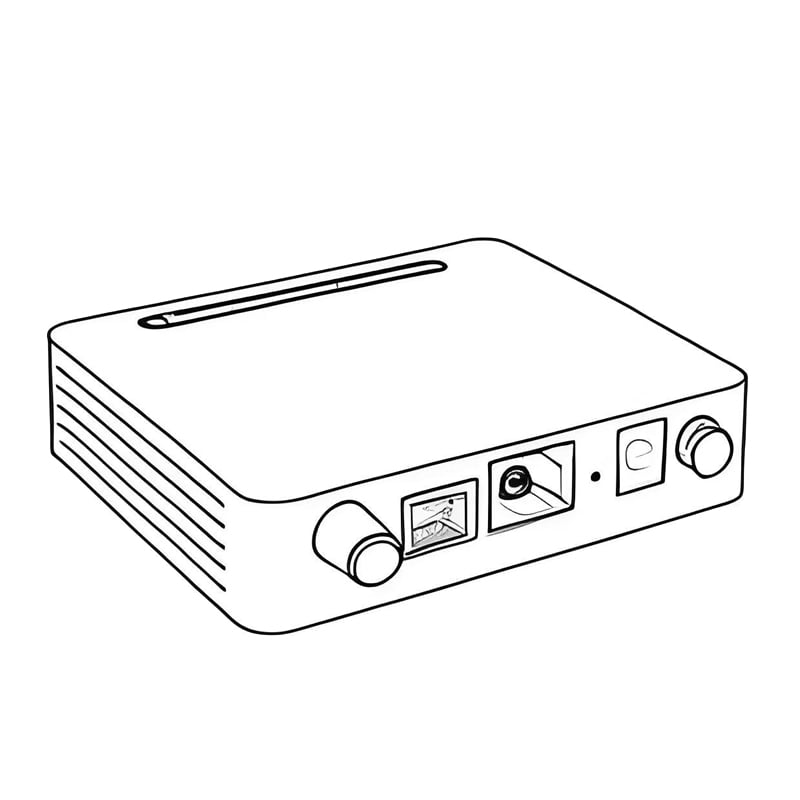
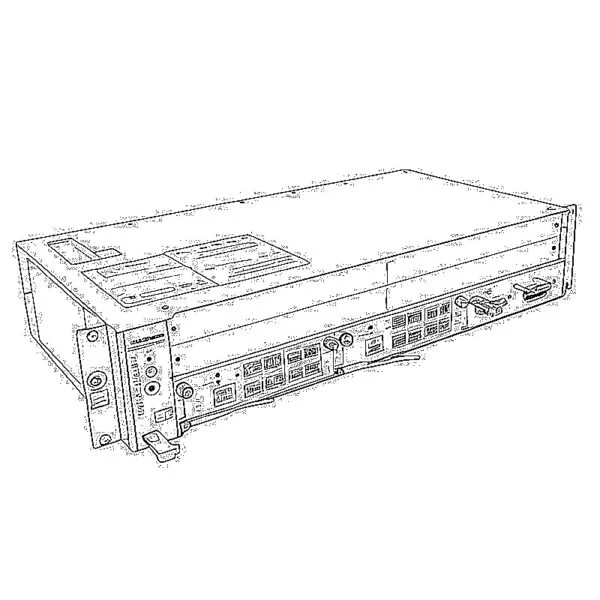
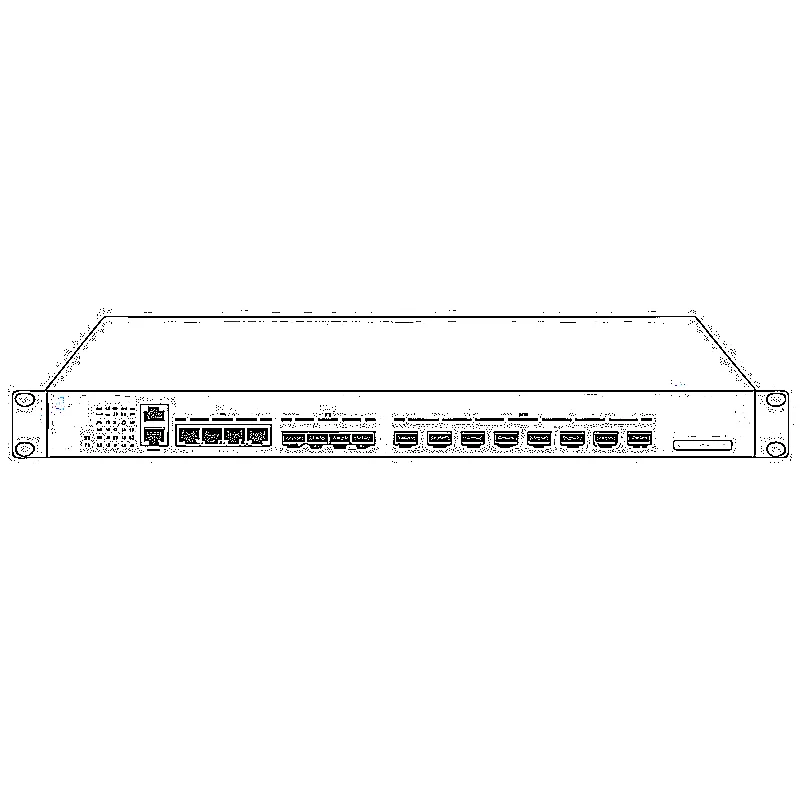
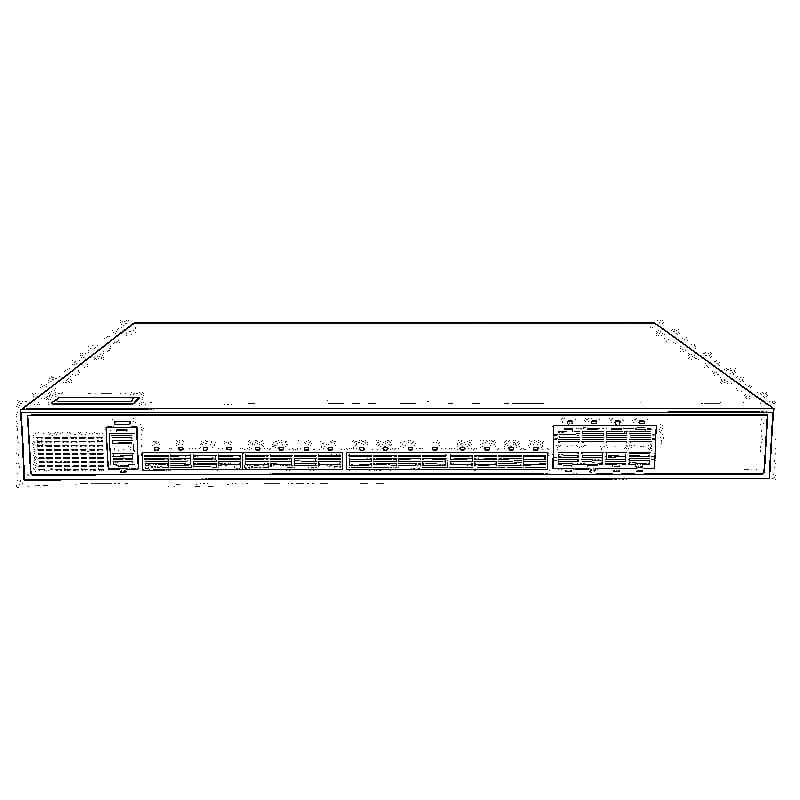
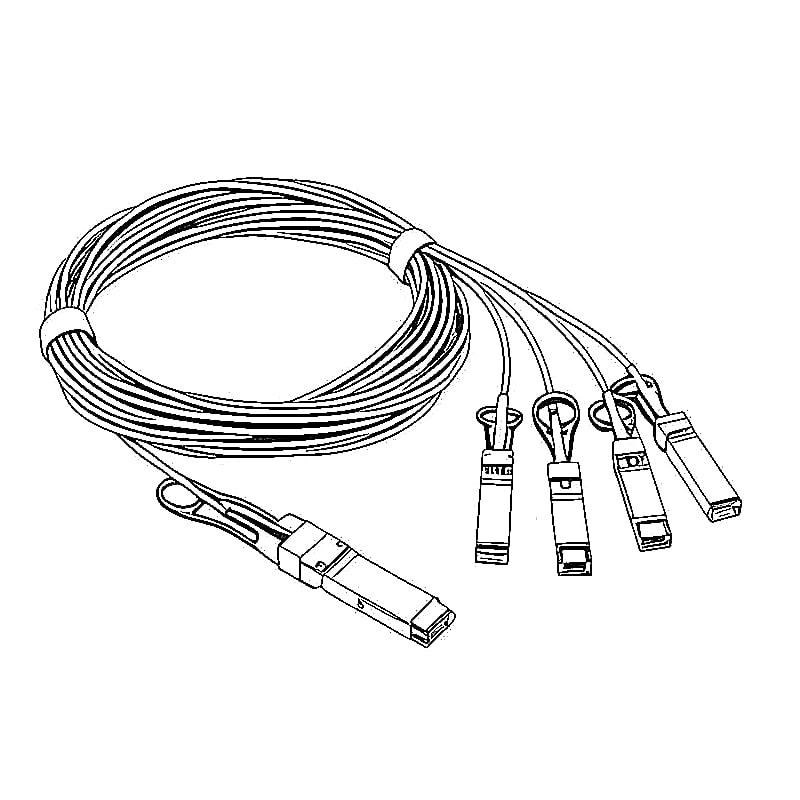
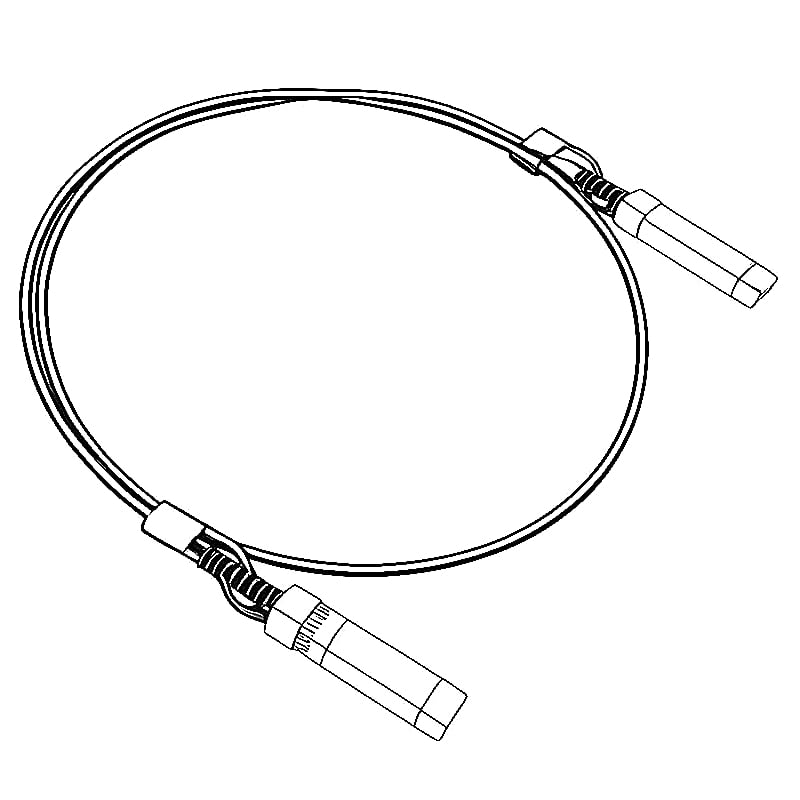
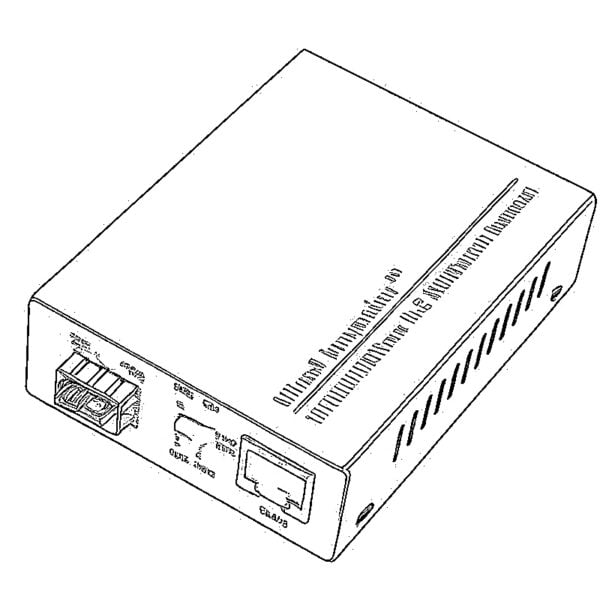
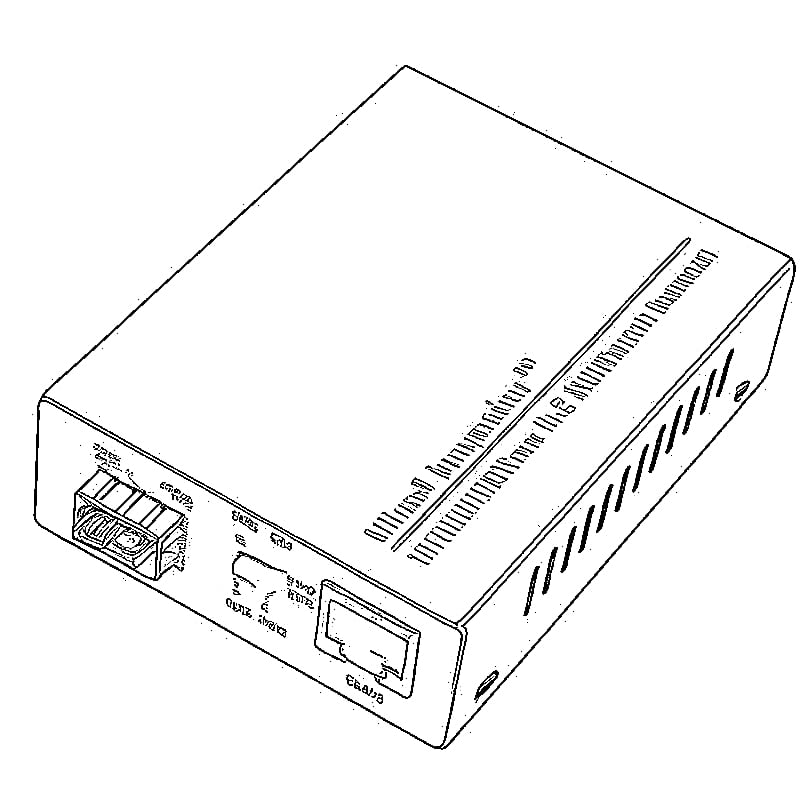
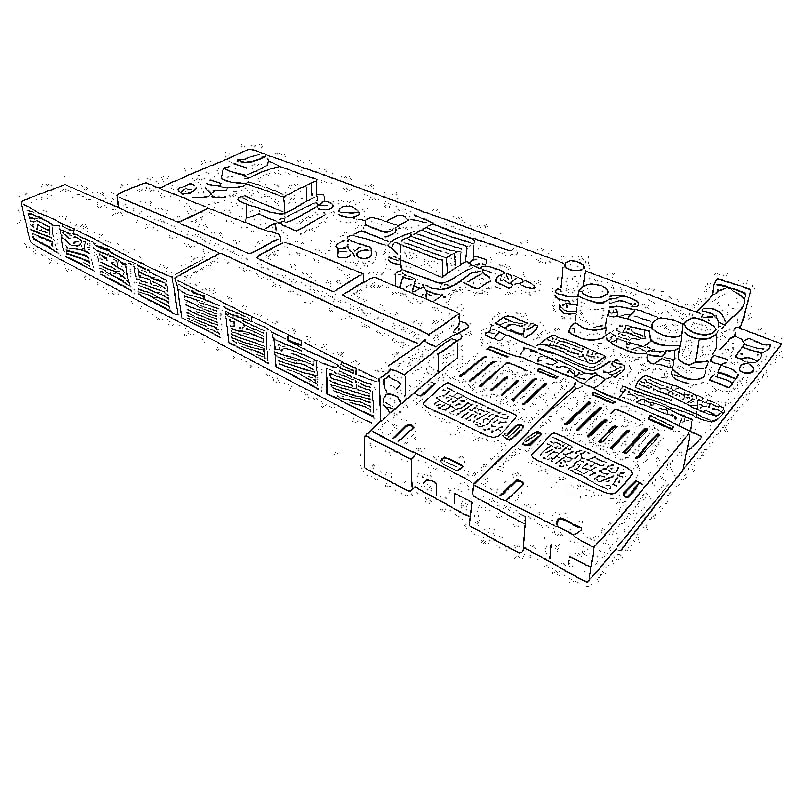
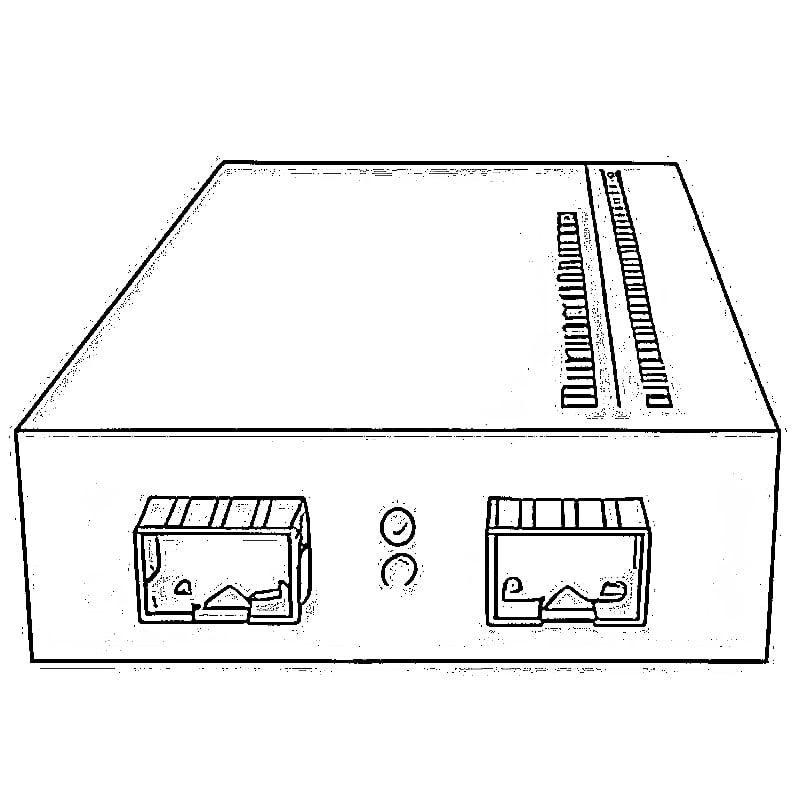
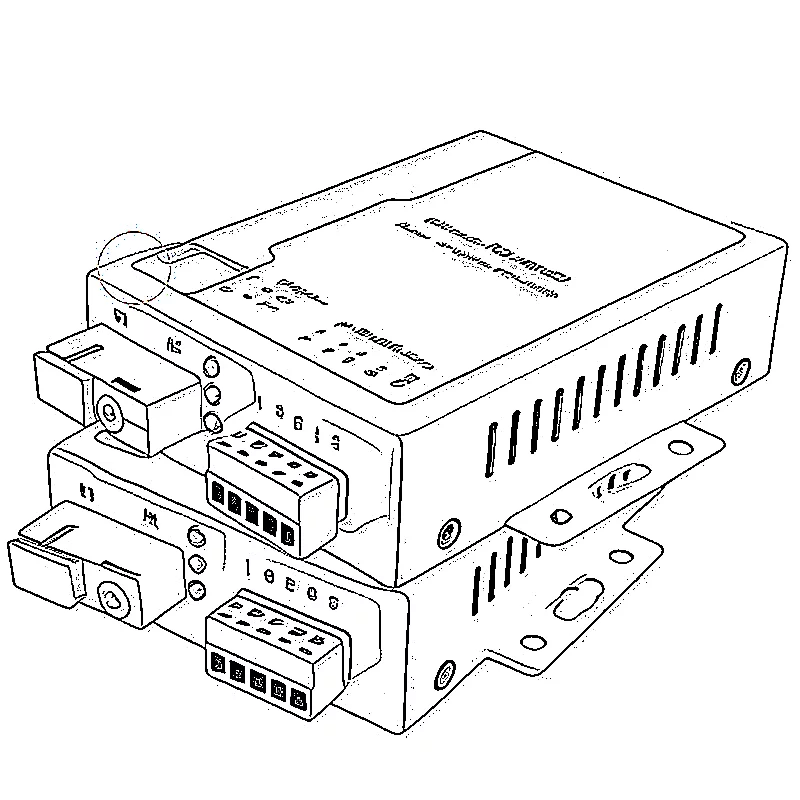
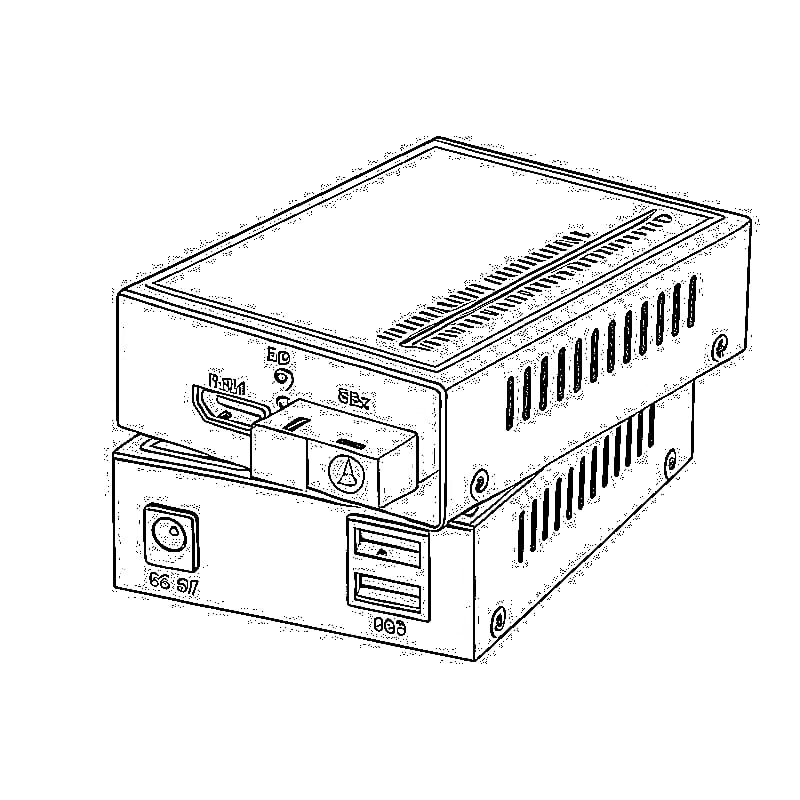

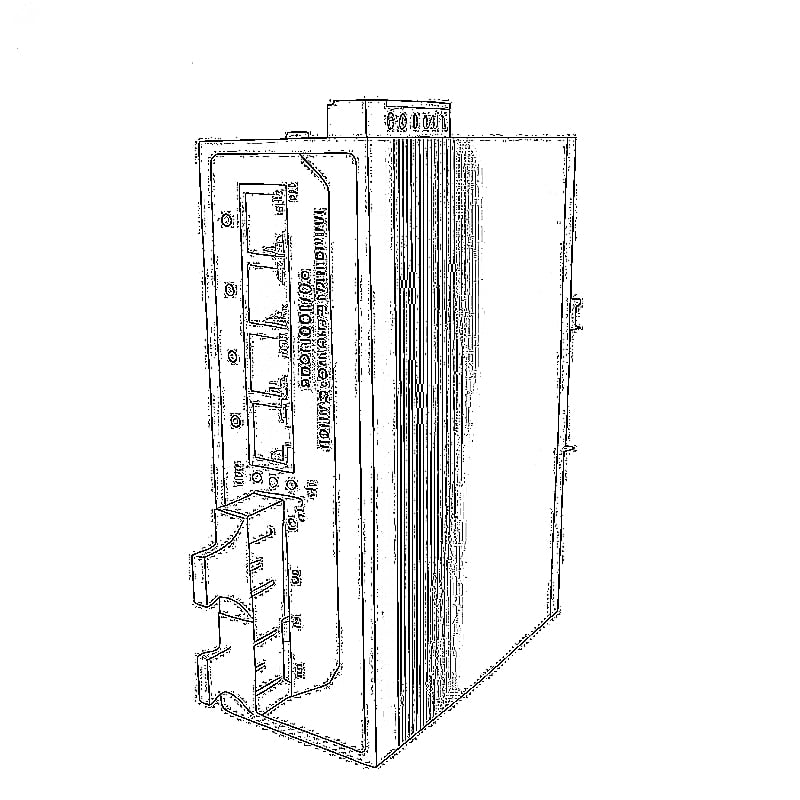
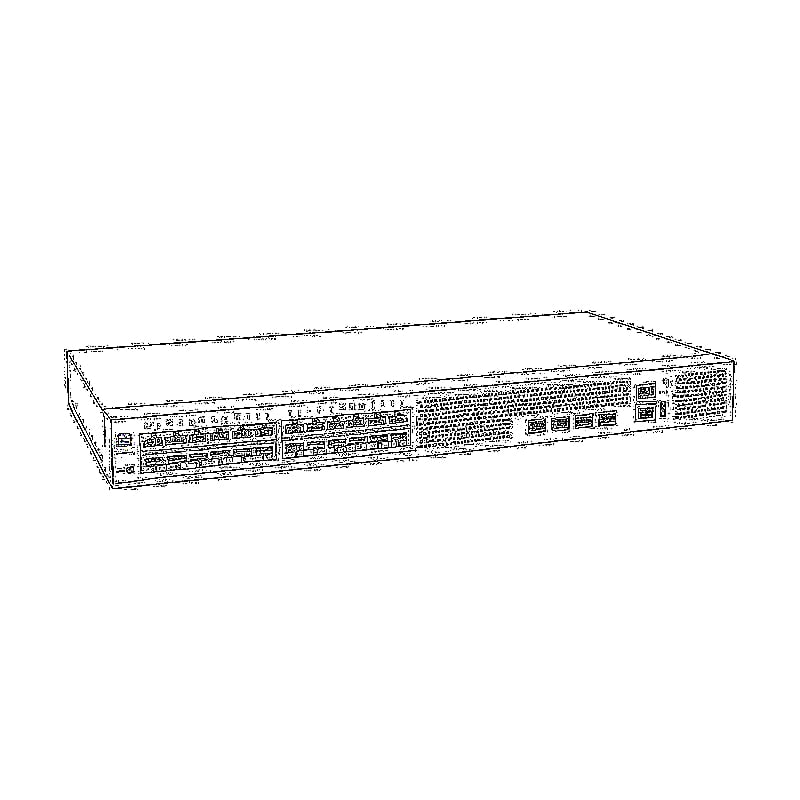
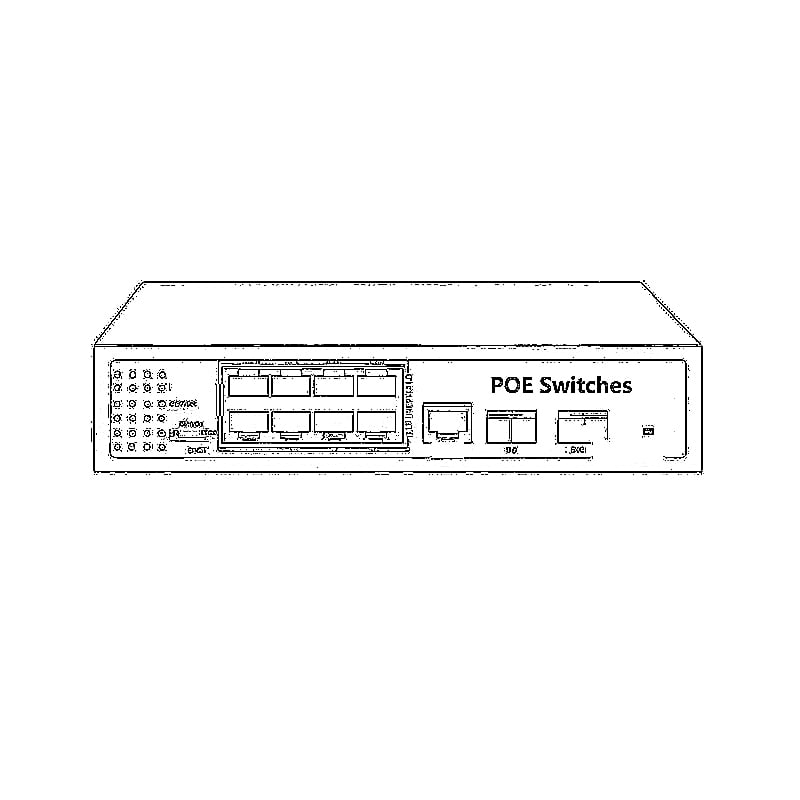
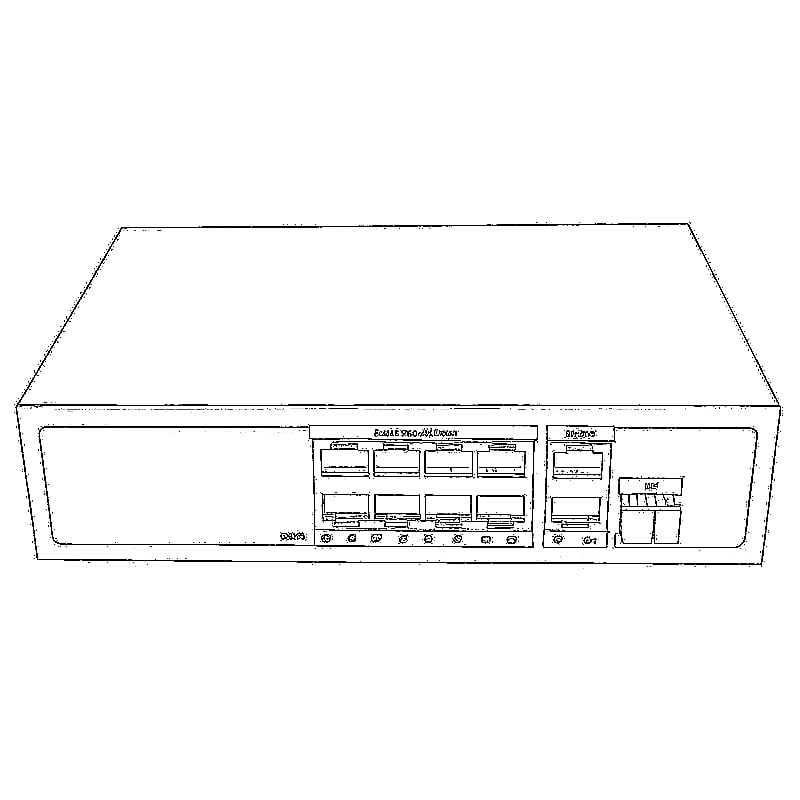

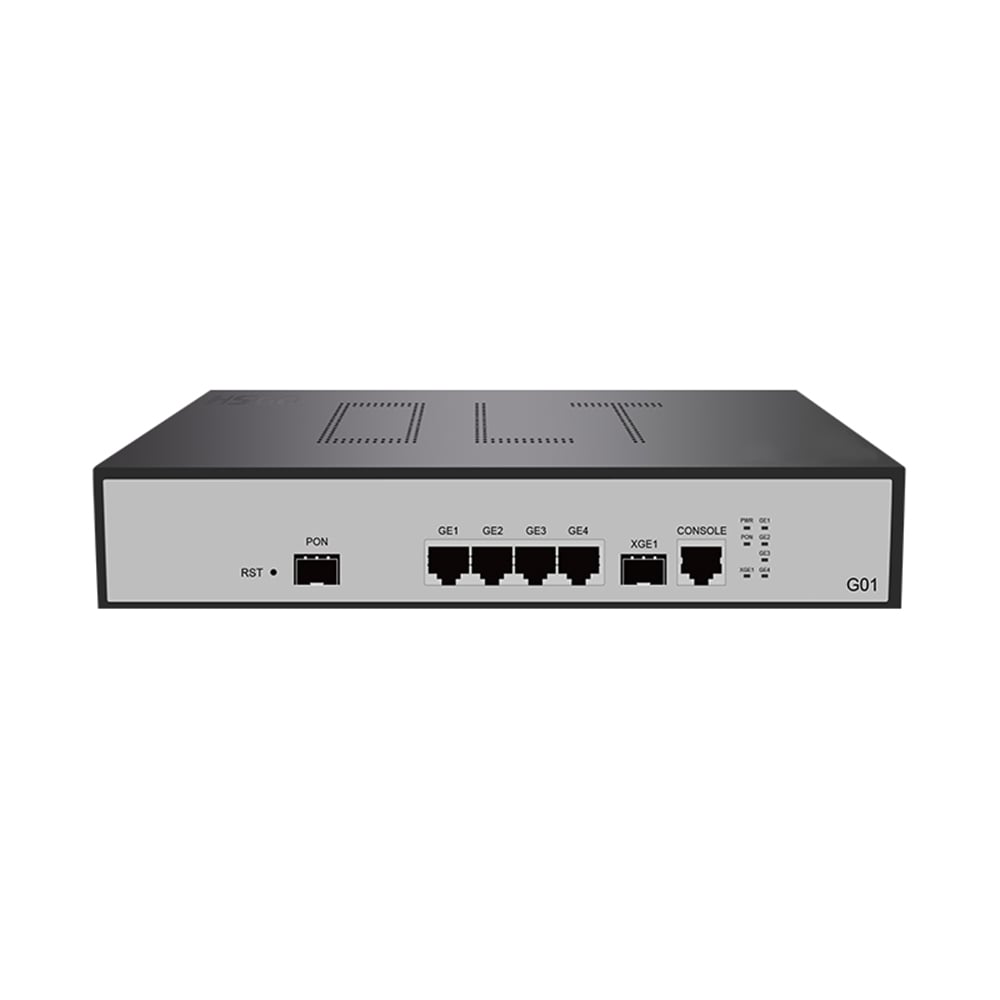
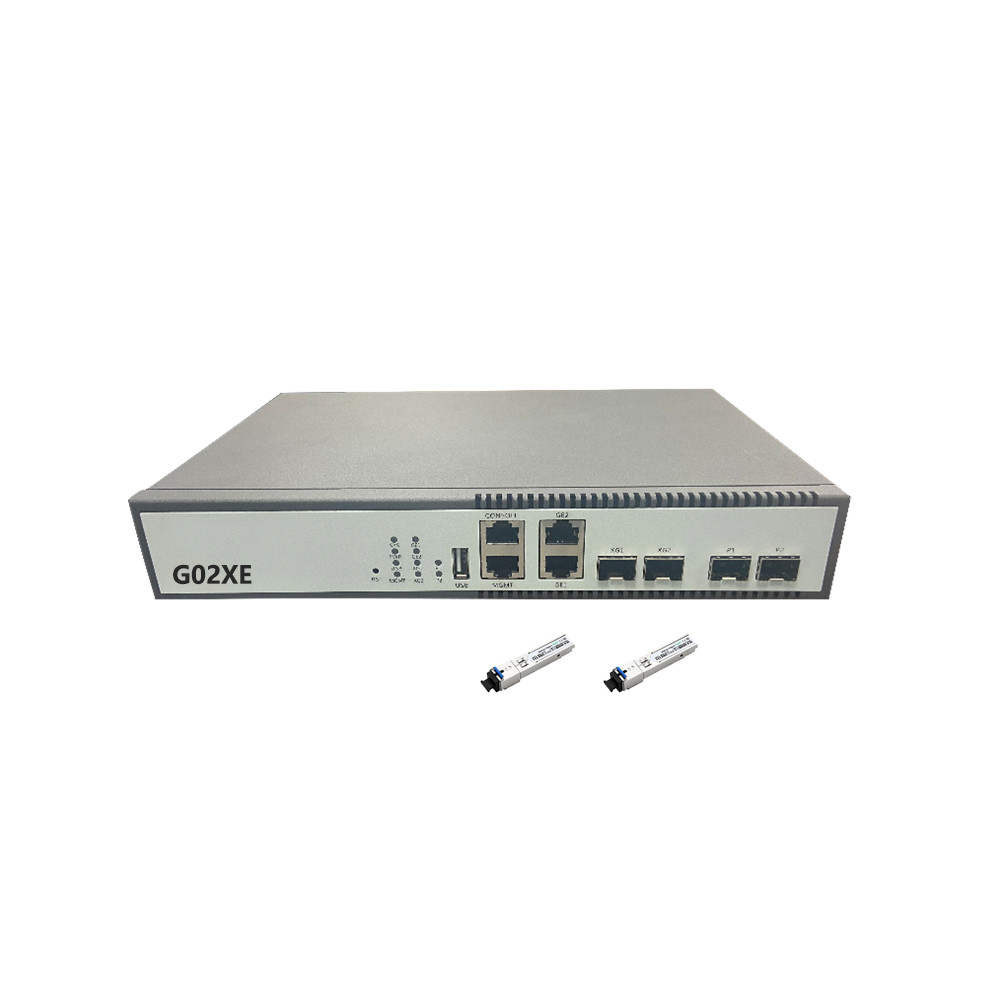
LL-GPOLT-G02
LL-GPOLT-G01
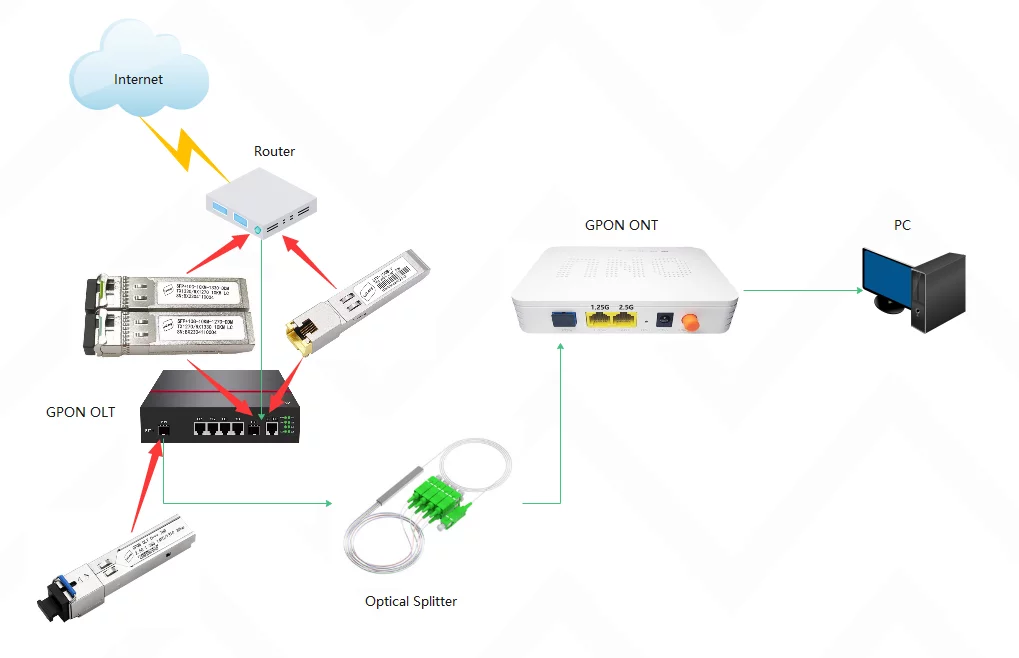
G01&G02 Configuration Guide
method 1:Device factory default pass through, support plug and play
method 2:The device enables the uplink port to transparently transmit the specific VLAN ID, and config is as follows:
method 2:
VLAN –VLAN Transparent –disable

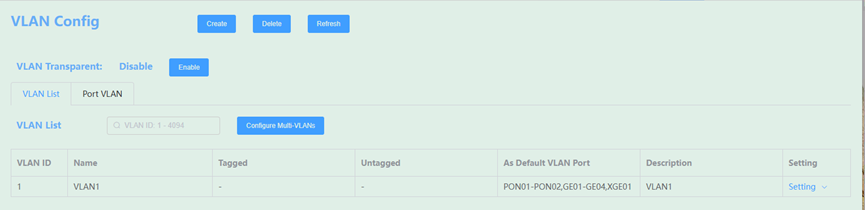
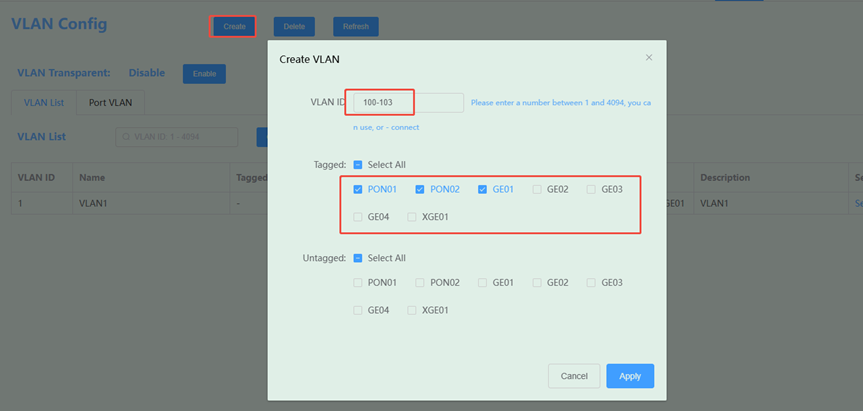
Creat VLAN ID,the VLAN is consistent with the VLAN configured on the uplink device and is bound to the PON port and uplink port:
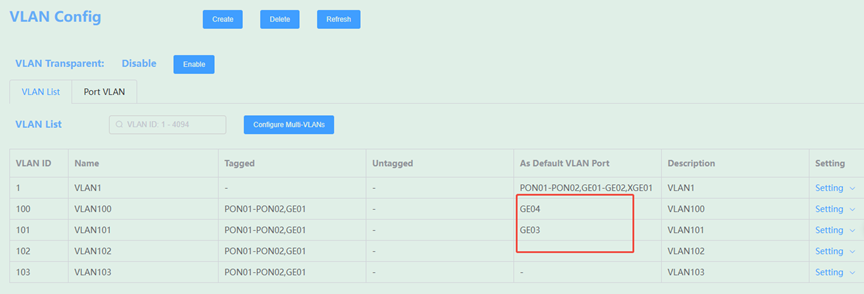
If the upstream device does not enable VLAN, but uses VLAN on the OLT side, as shown in the following figure:
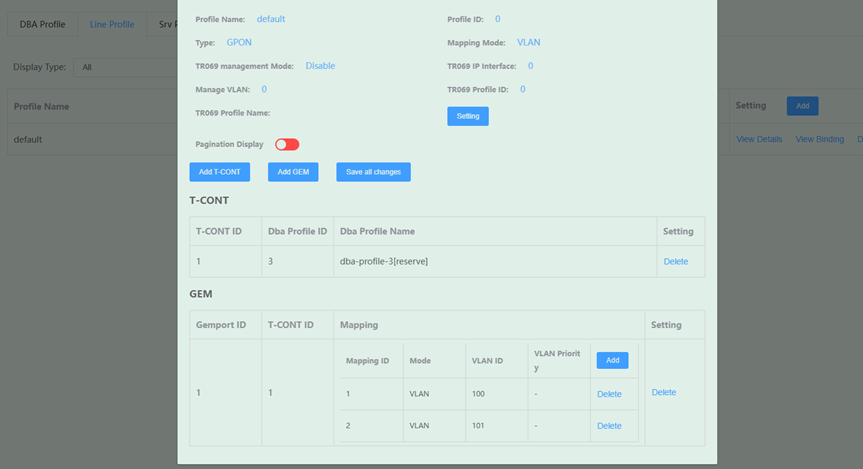
After it is add the line lineprofile, as shown in the figure:

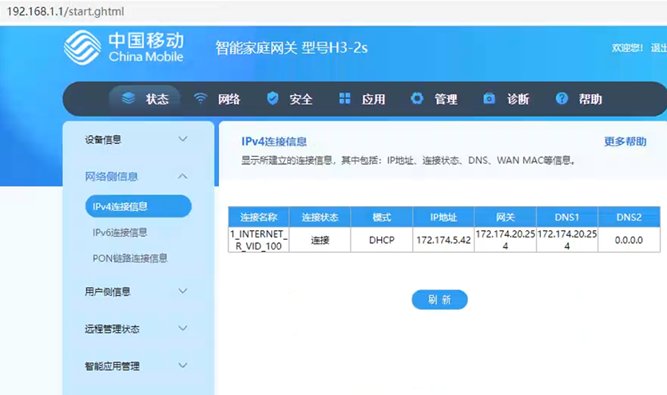
Set ONU WAN connection .as shown in the figure:
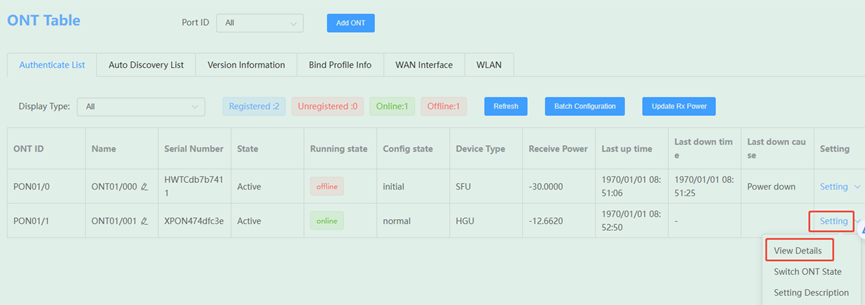
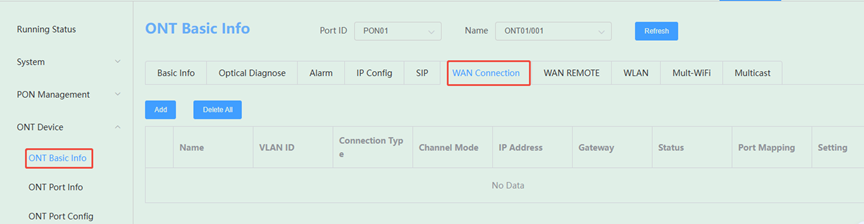
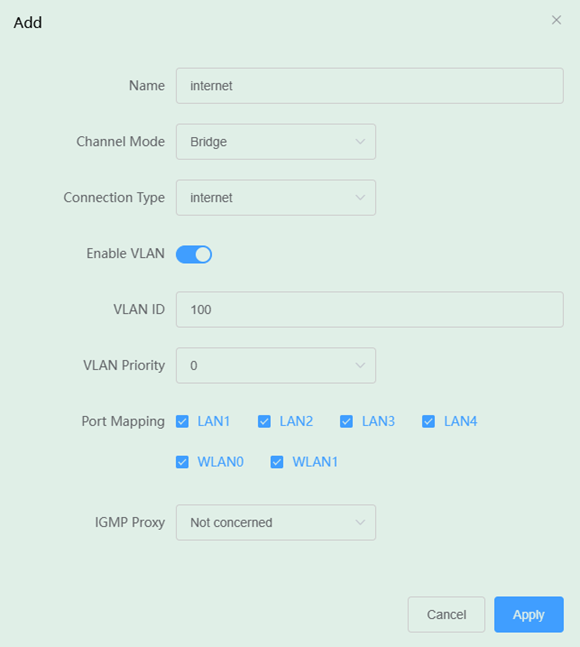
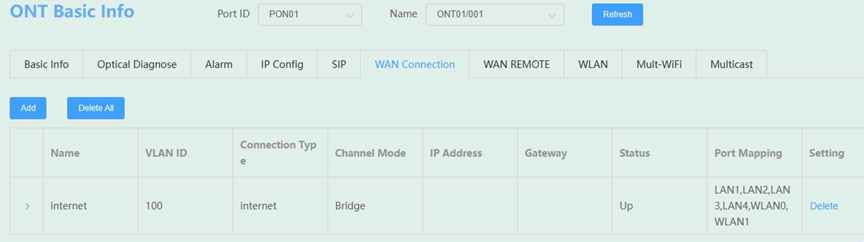
If onu is third party factory , please log in to the ONU WEB then create a WAN connection
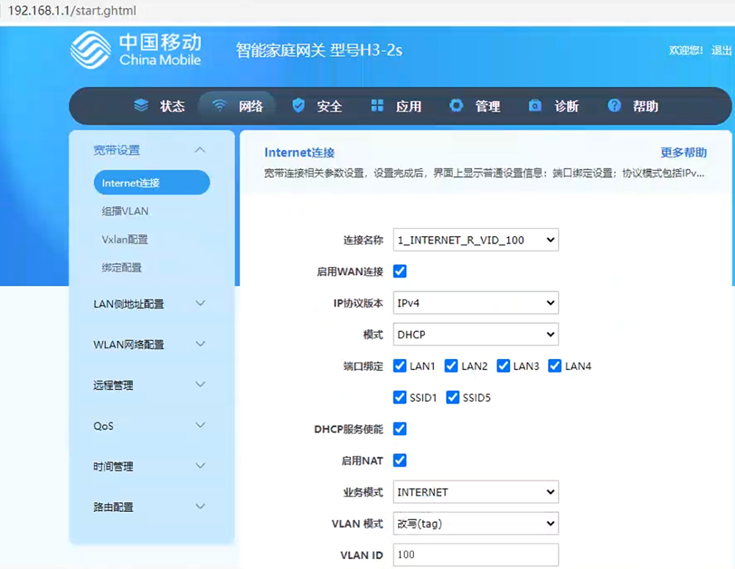
Note: If there are more than 10 VLANs, recommended to use method 1 , That just only set ONU WAN connection .
 SFP/SFP+ (1G/2.5G/5G/10G)
 SFP-T (1G/2.5G/10G)
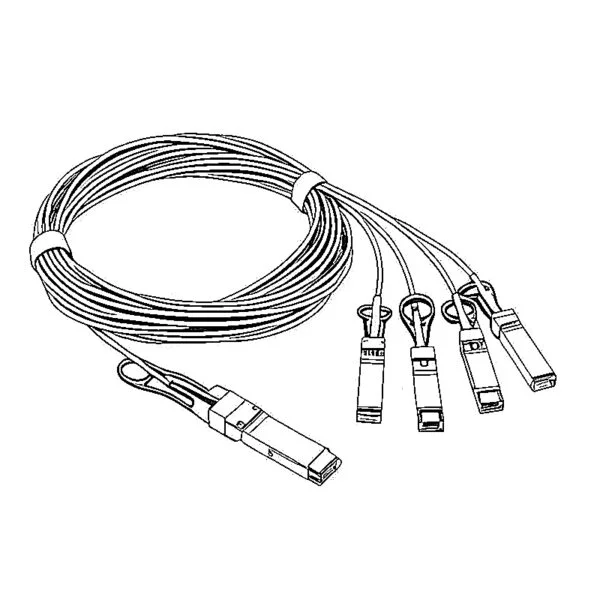 AOC Cable 10G/25G/40G/100G
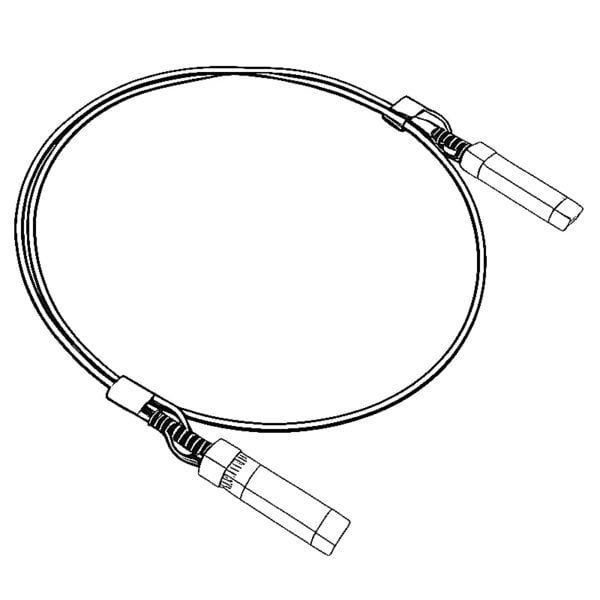 DAC Cable 10G/25G/40G/100G
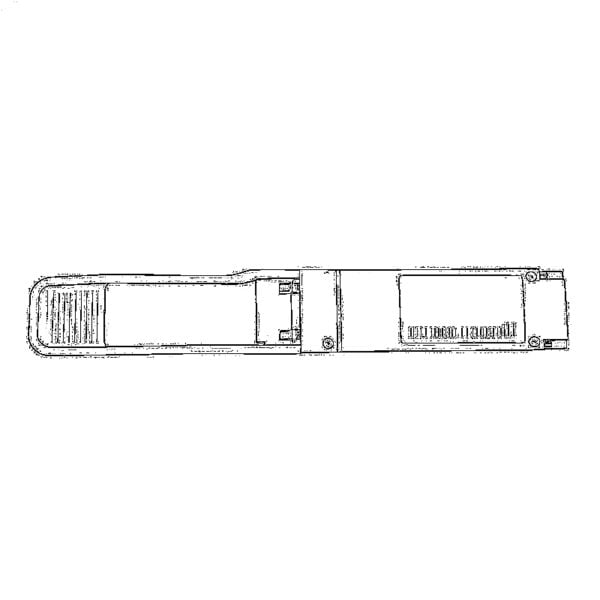 QSFP28 QSFP+ SFP28 100G/40G/25G
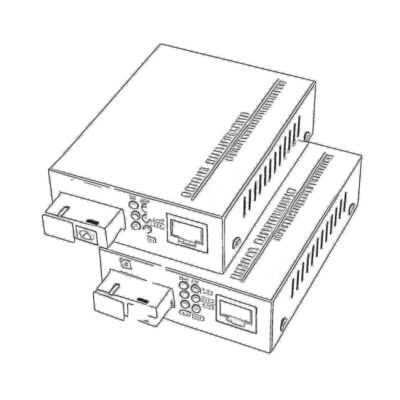 Copper to Fiber Media Converters
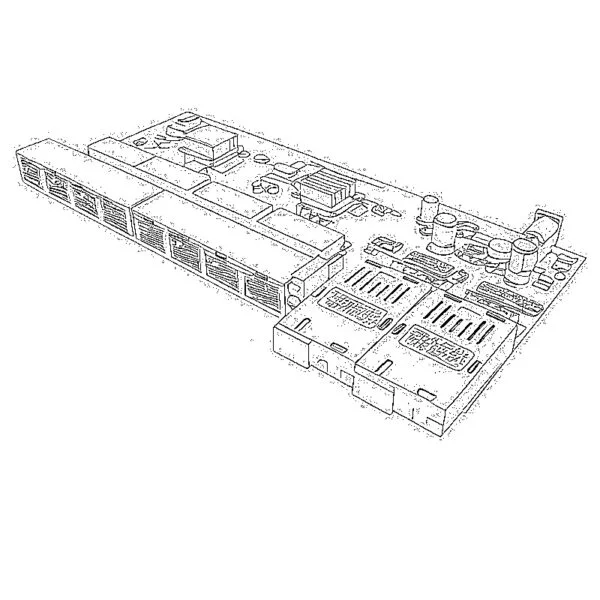 Fiber Media Converter PCBA Board
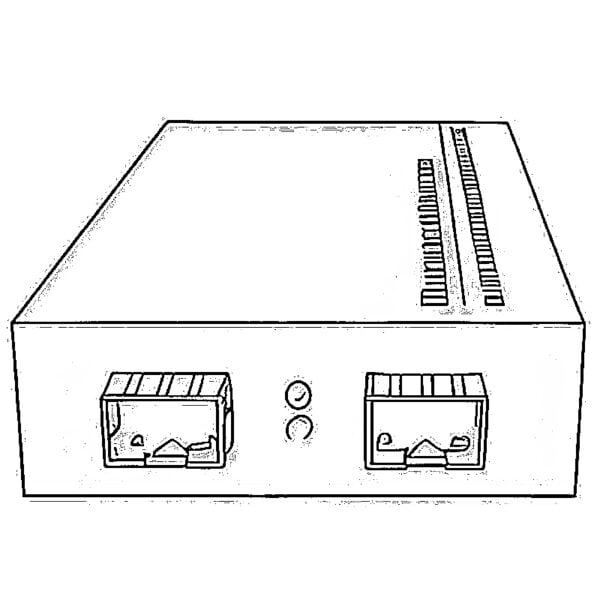 OEO Fiber Media Converters
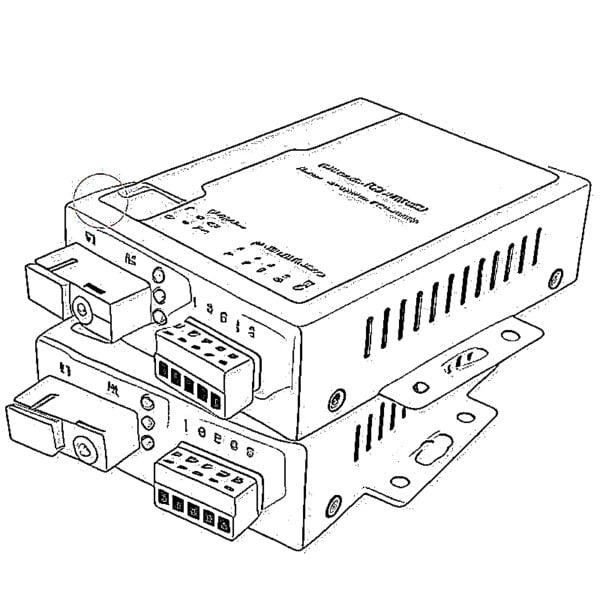 Serial to Fiber Media Converters
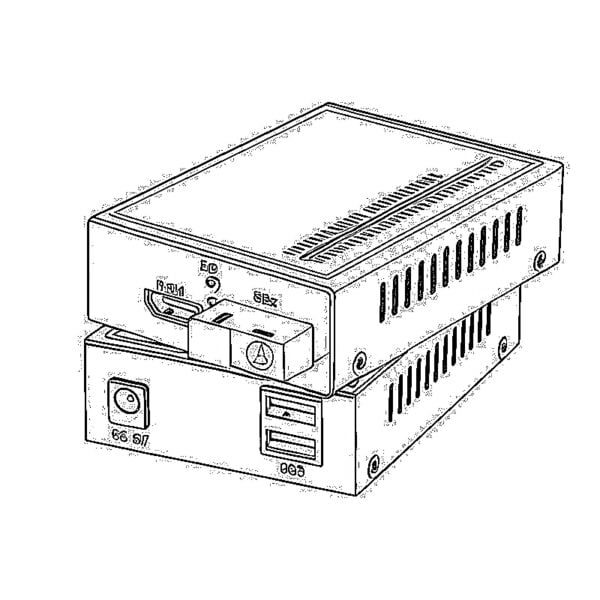 Video to Fiber Media Converters
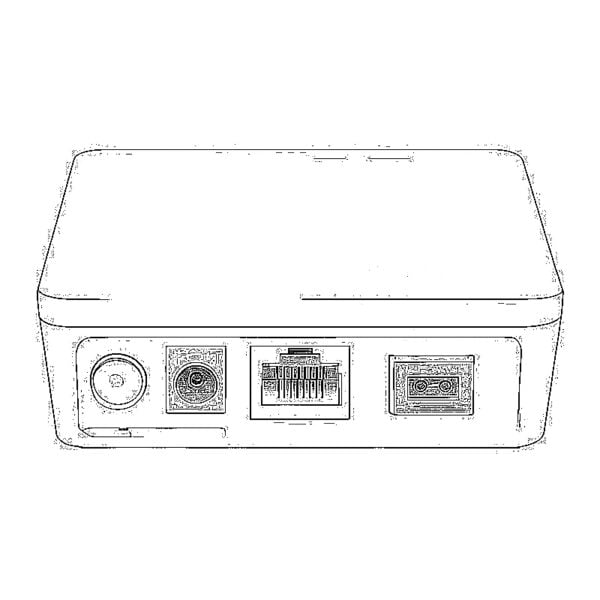 1000M GPON/EPON ONU
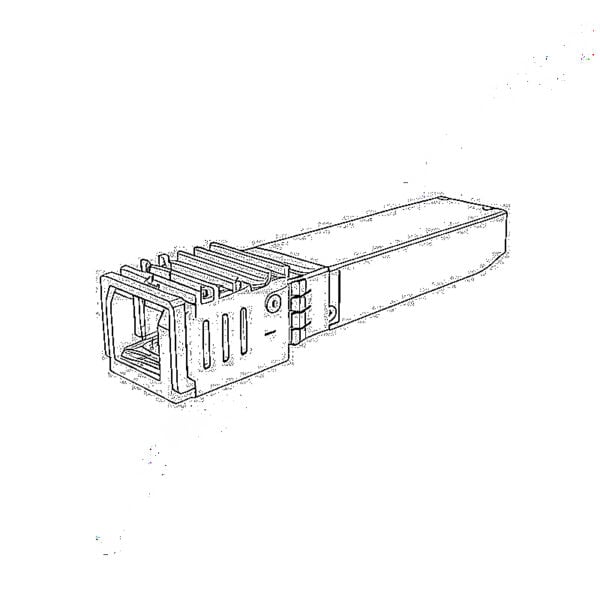 10G EPON ONU/XG-PON/XGS-PON
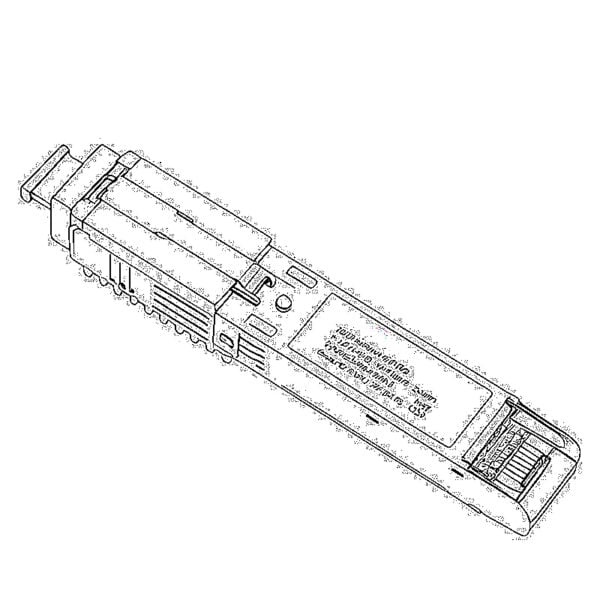 2.5G GPON/XPON STICK SFP ONU
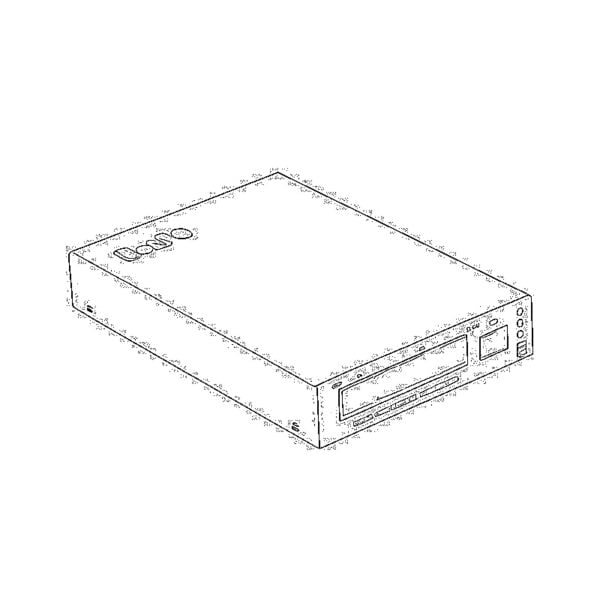 POE GPON/EPON ONU
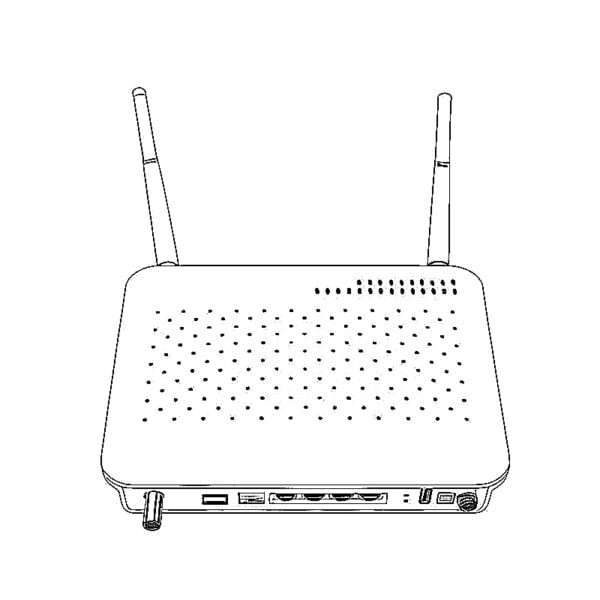 Wireless GPON/EPON ONT
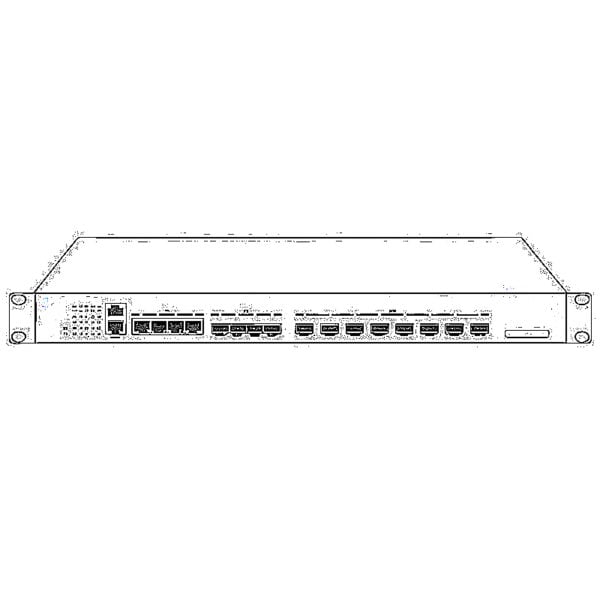 EPON OLT
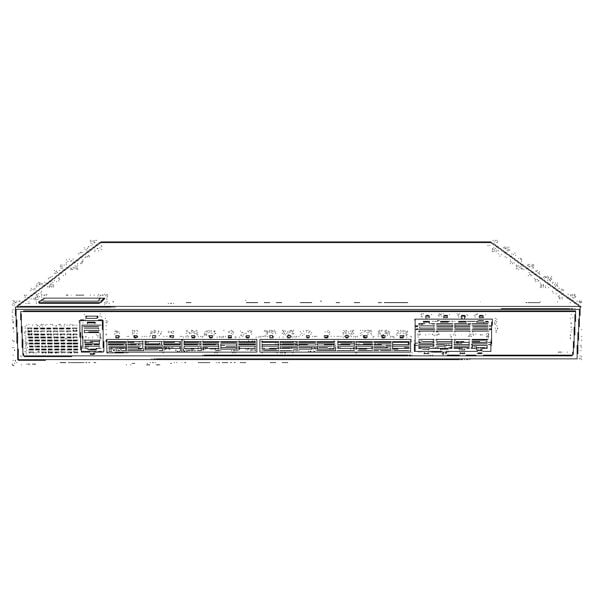 GPON OLT
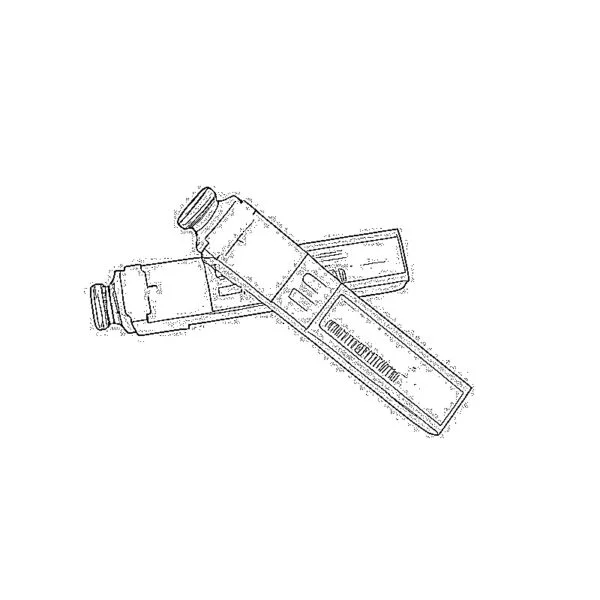 SFP PON Module
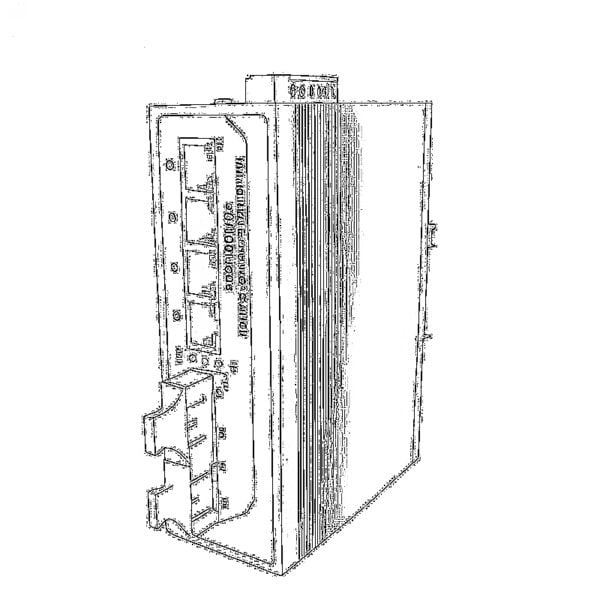 Industrial Switches
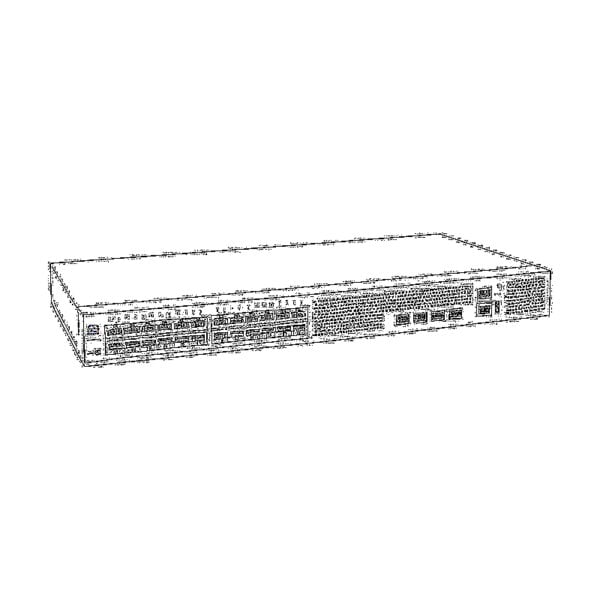 Managed Switches
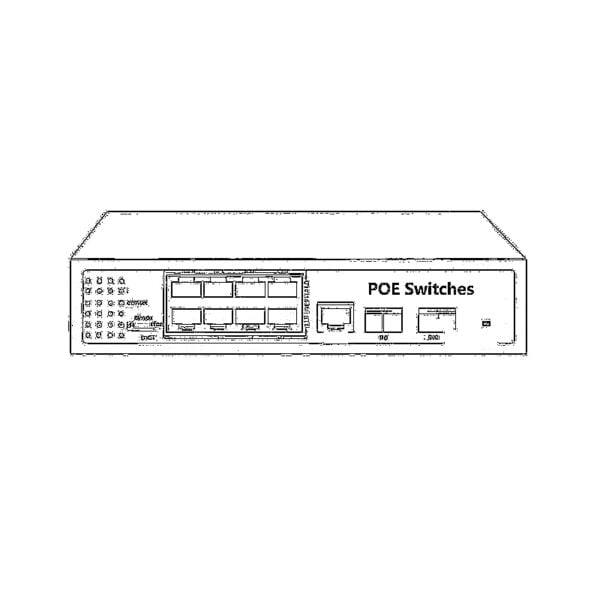 POE Switches
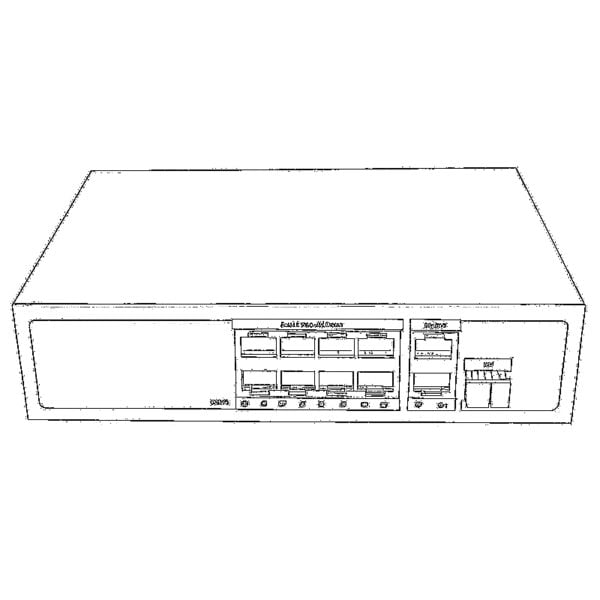 Unmanaged Switches
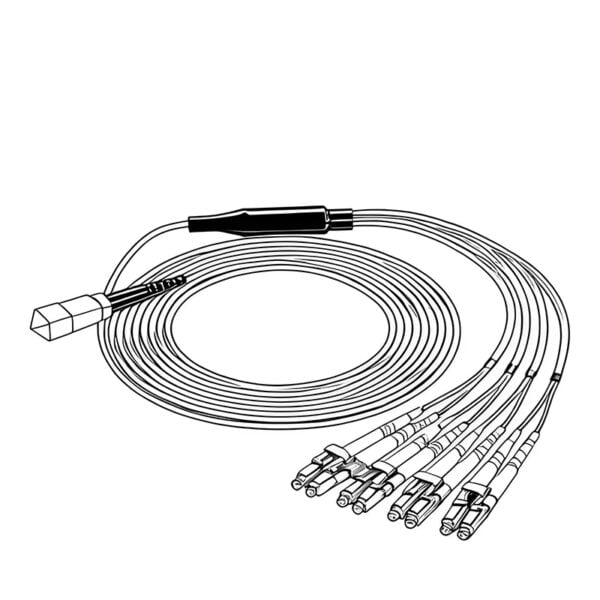 MTP/MPO Fiber Cables
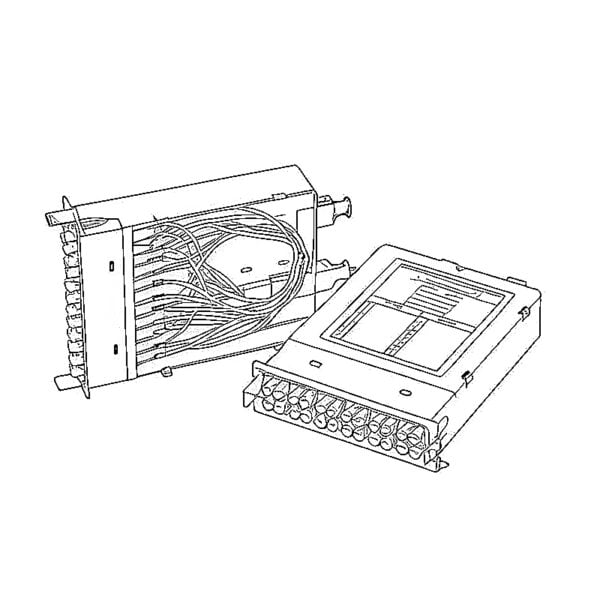 Fiber Optic Cassettes
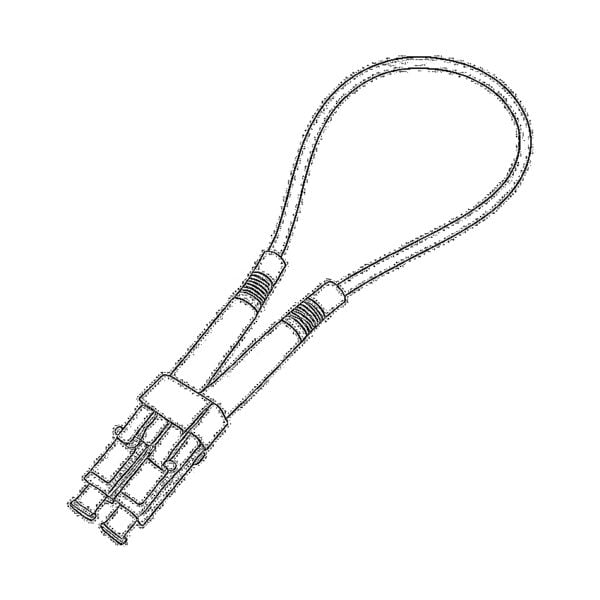 Fiber Optic Loopback
 Optic Cables and Fiber Pigtails
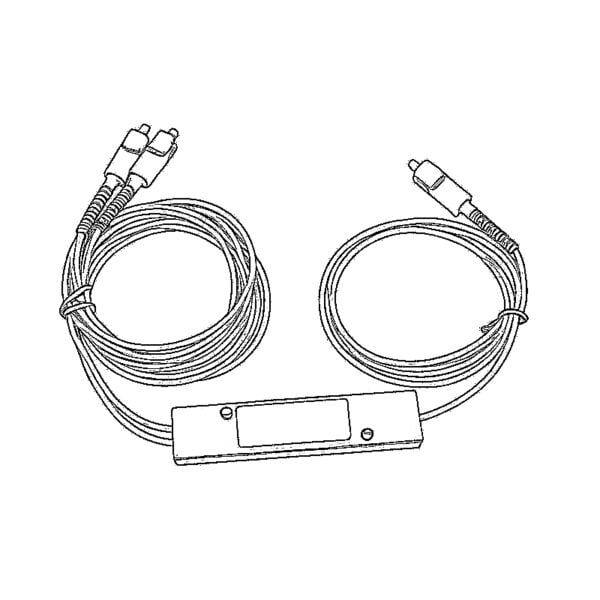 Optical Splitters and Splitter Box
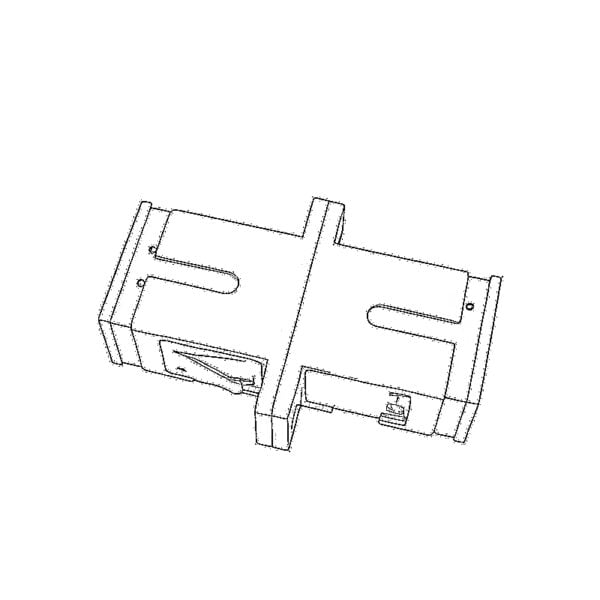 Fiber Flange Connectors
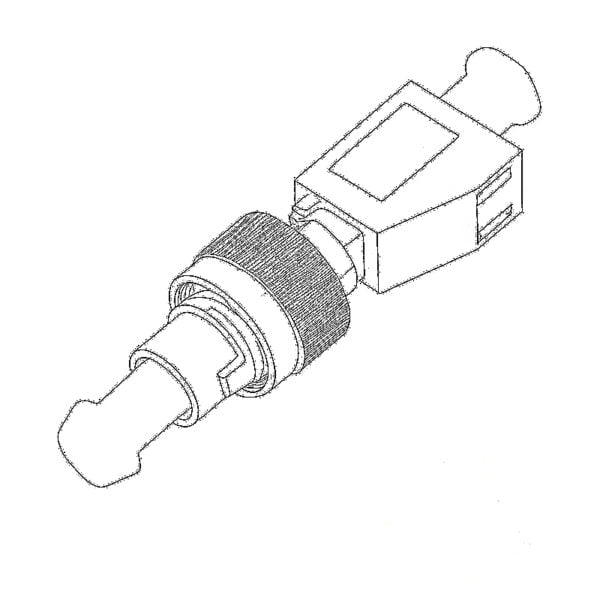 Optical Adapters
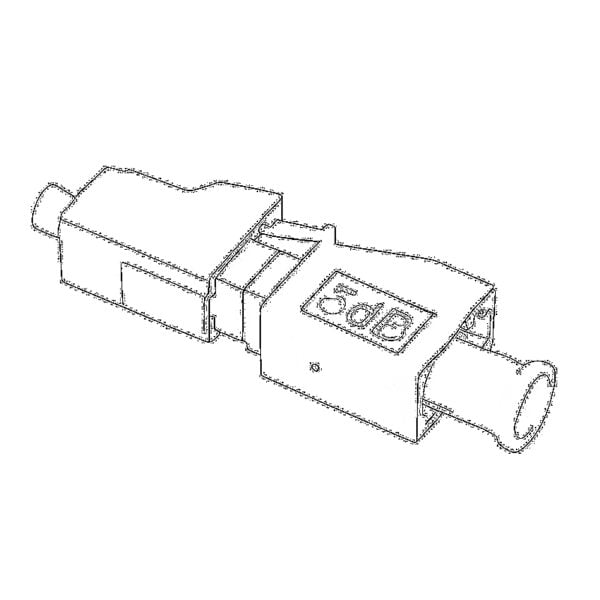 Optical Attenuator
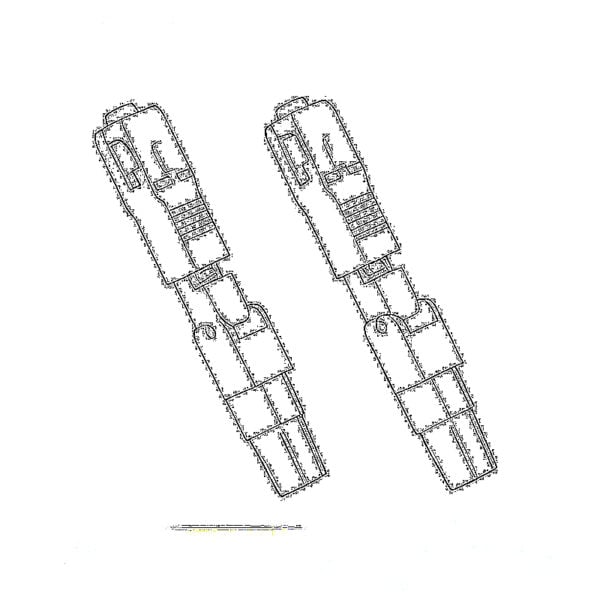 Quick Connector and Connector Panel
 CATV Amplifier
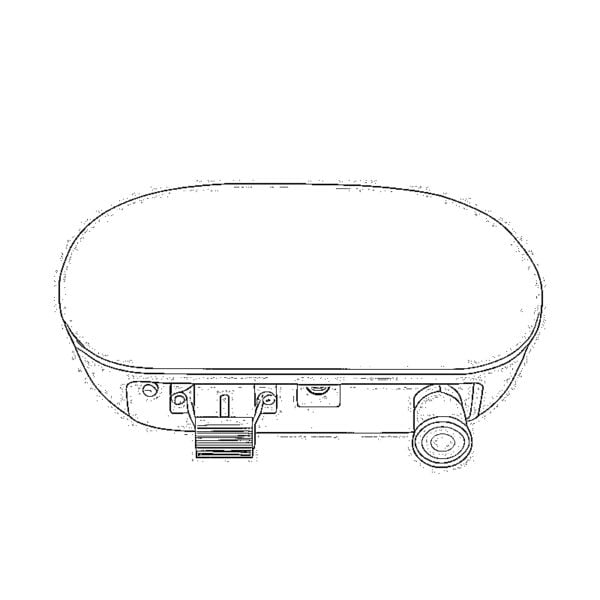 CATV Optical Receiver
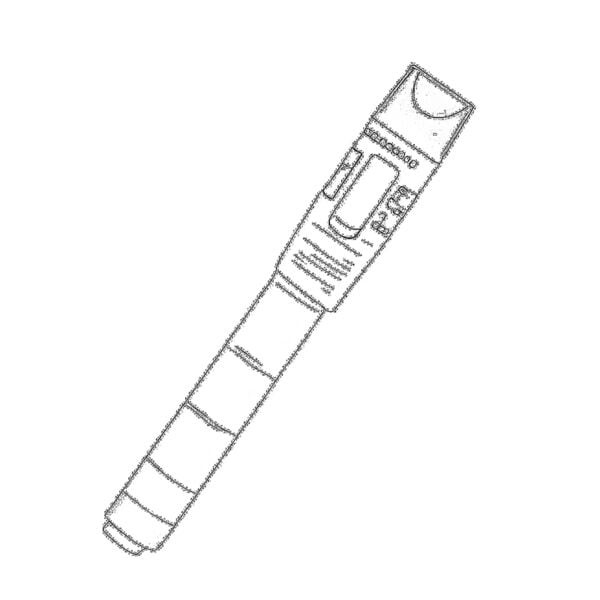 Visual Fault Locator
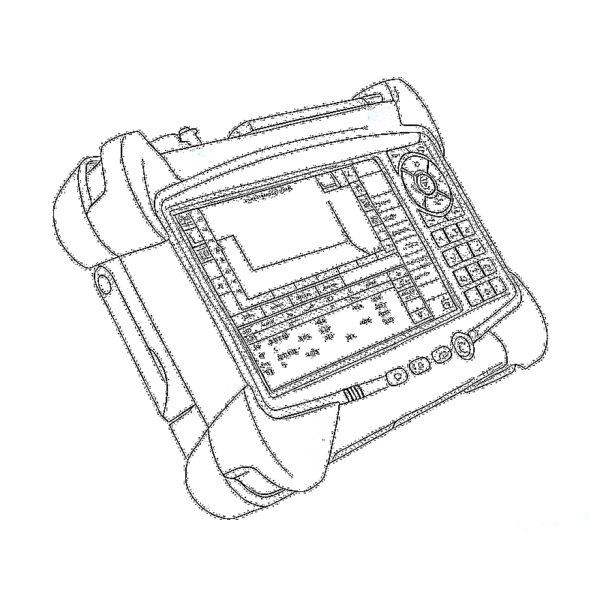 OTDR
OTDR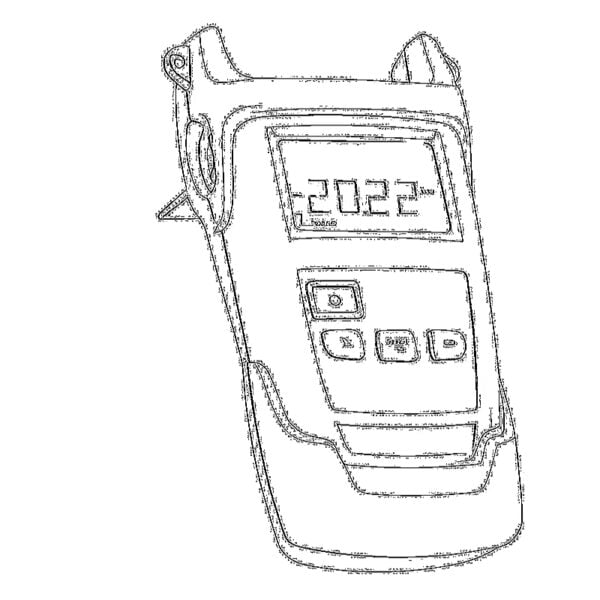 Optical Power Meter
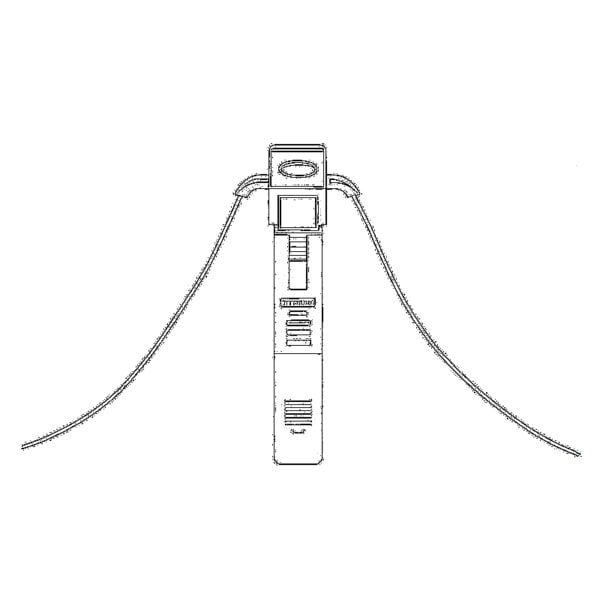 Fiber Optic Identifier
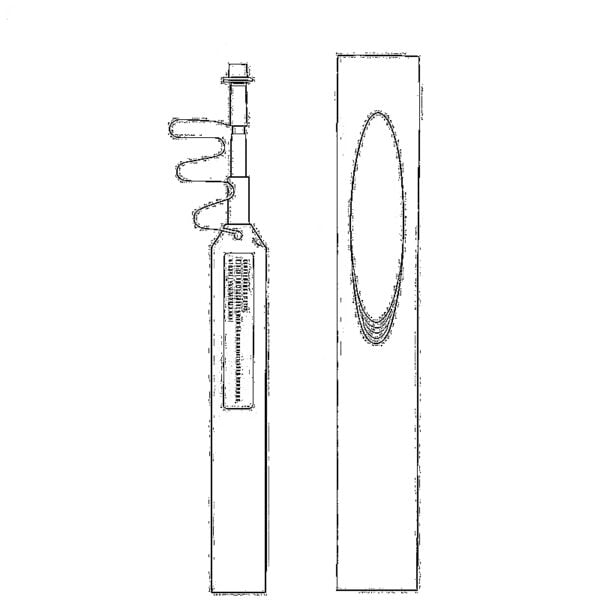 Fiber Optic Cleaners
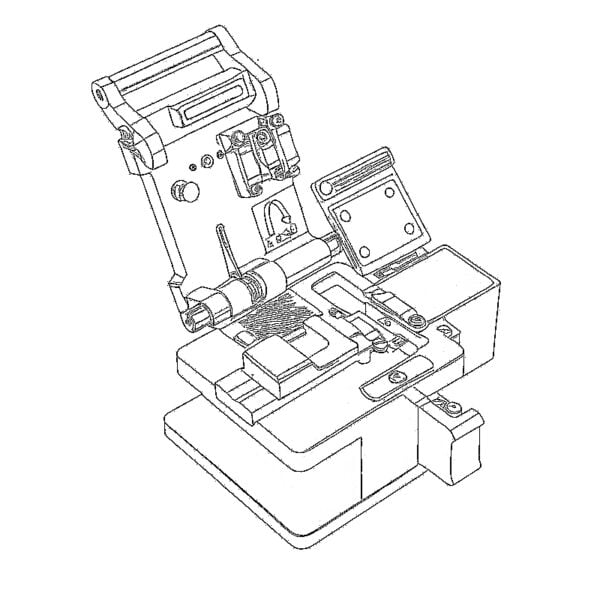 Fiber Cleavers & Fiber Strippers
 Copper Tools


