Customs duties are the responsibility of customers, but standard logistics support DDP to most countries, duty-free such as US, DE, UK, CA, FR, IT, PL, AT, JP…

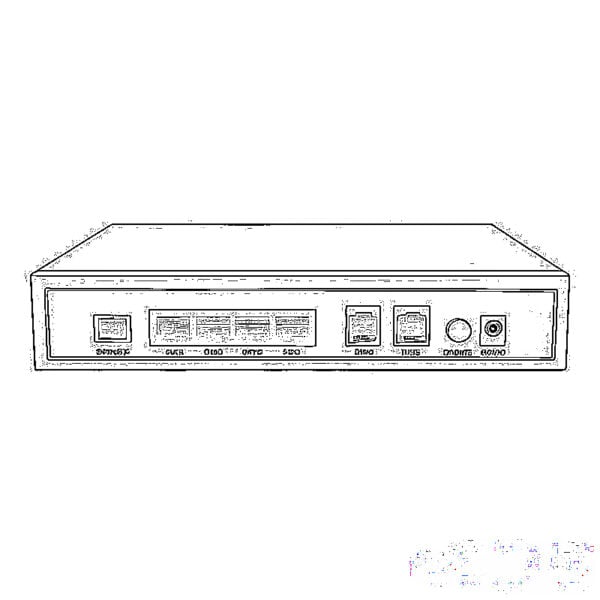
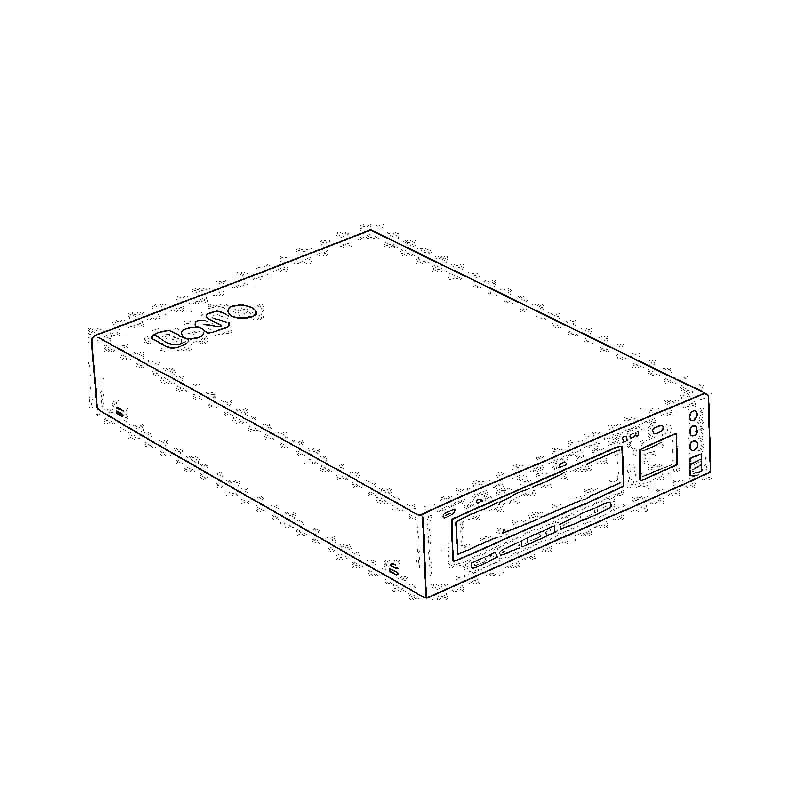
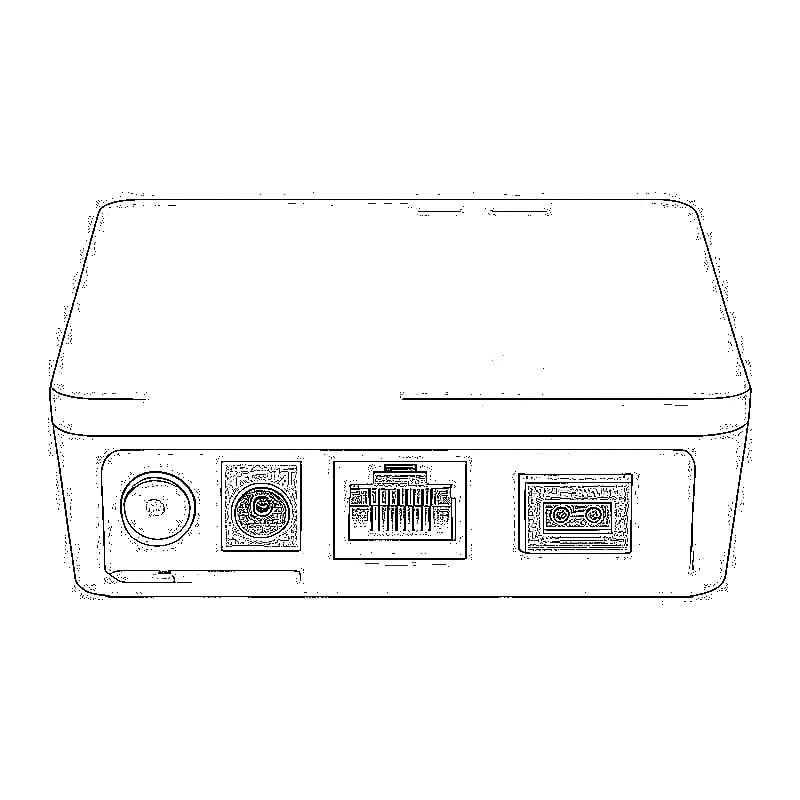
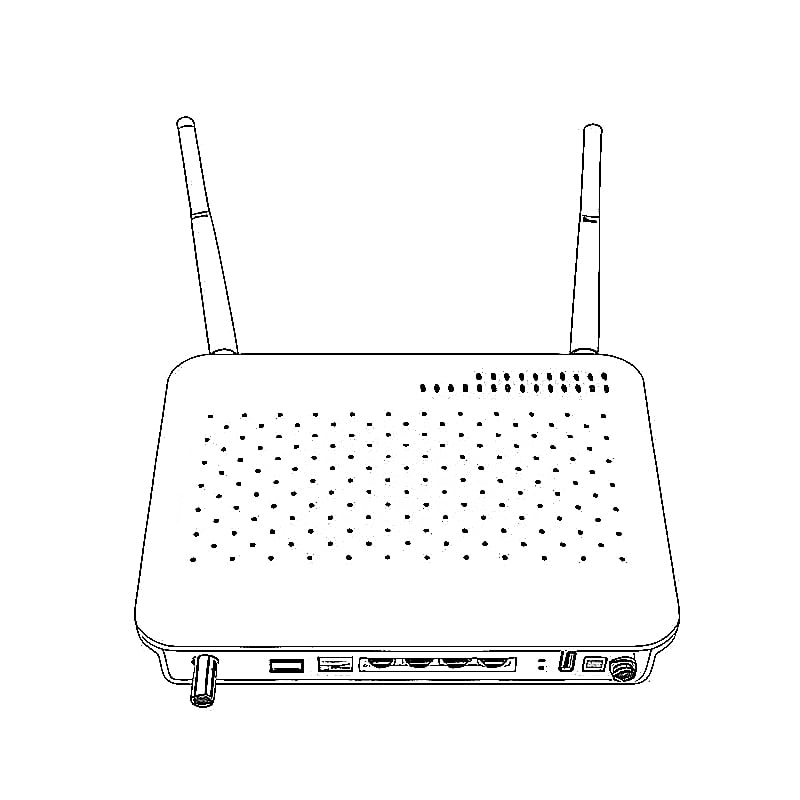
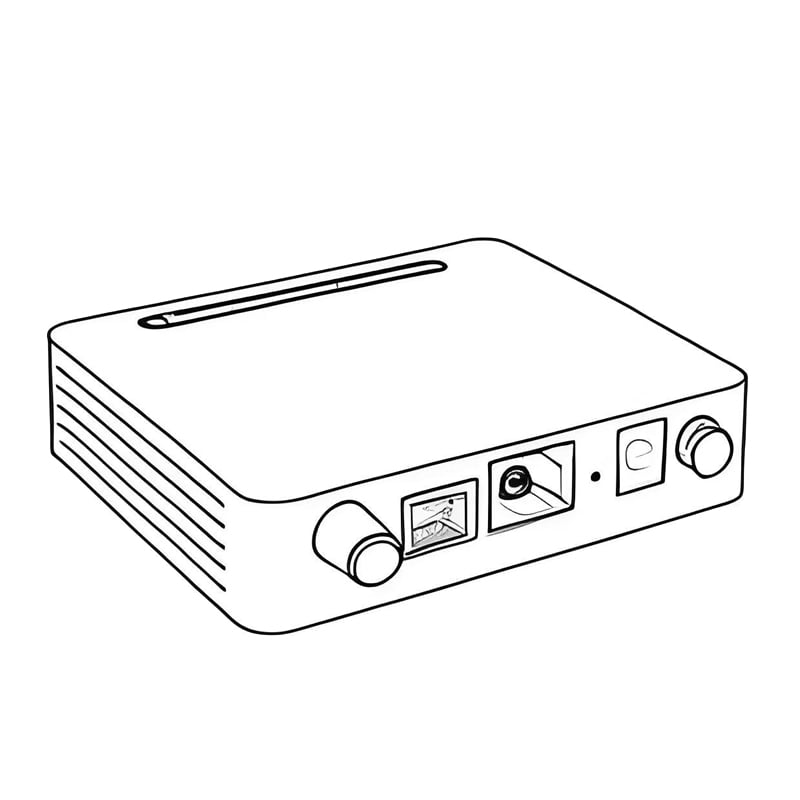
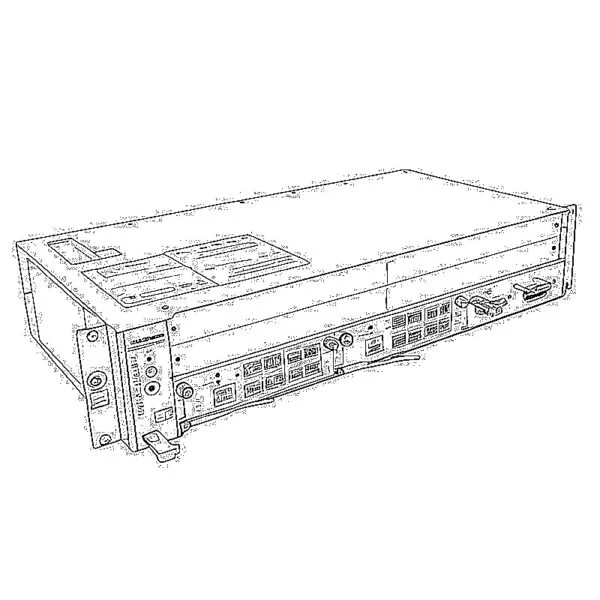
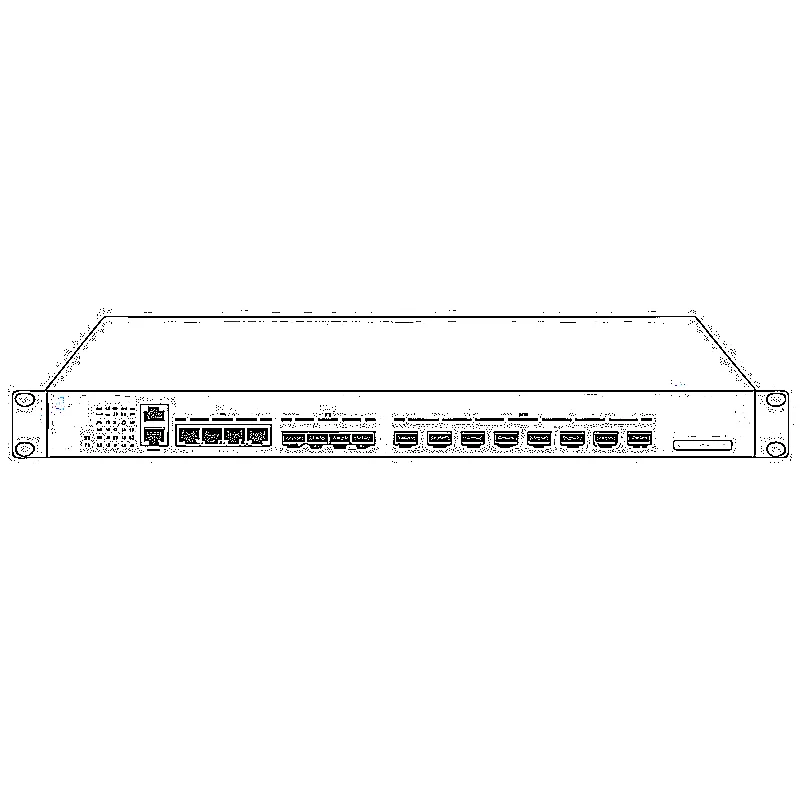
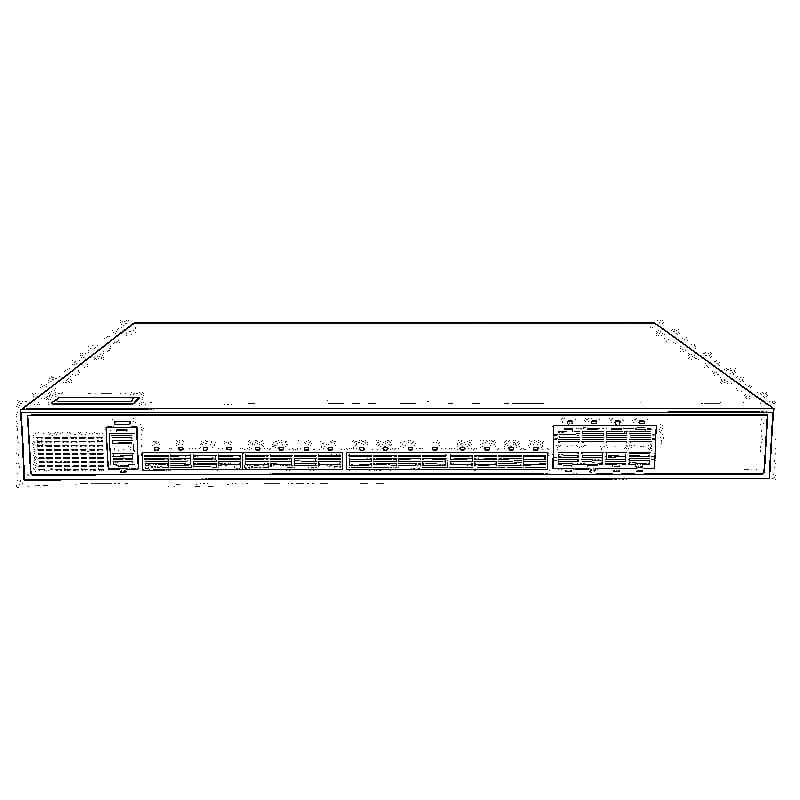
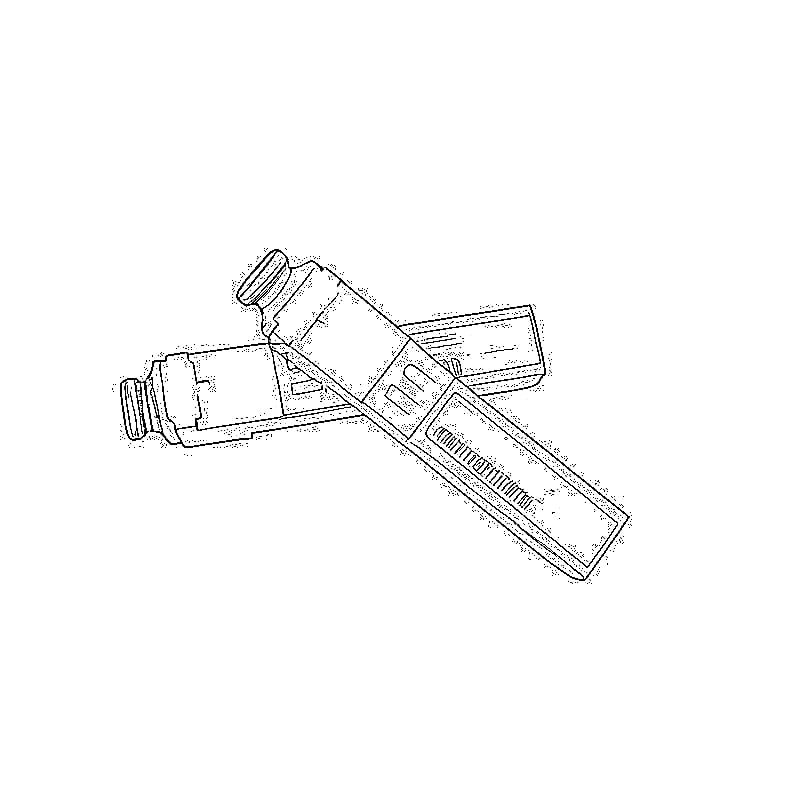
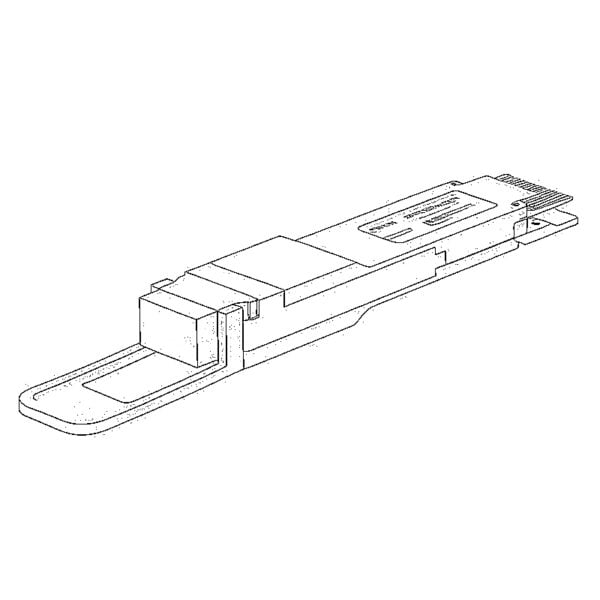
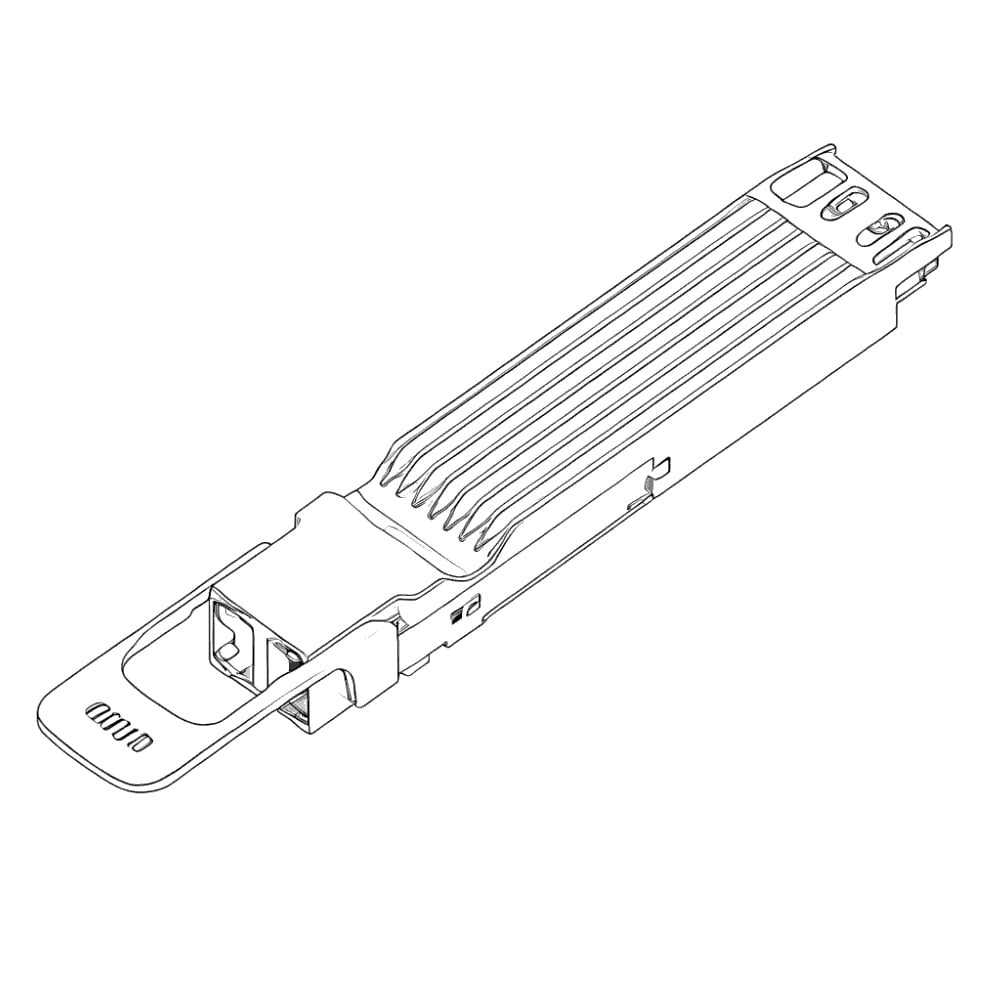


If you’ve spent any time rolling out 10G PON networks—whether for residential FTTH, enterprise campus links, or ISP bulk deployments—you know the biggest headache isn’t the bandwidth itself. It’s the clunky, space-hogging standalone ONUs. Extra rack space you don’t have, random power supply failures, miles of redundant Ethernet jumpers, and costly truck rolls for every tiny config tweak.
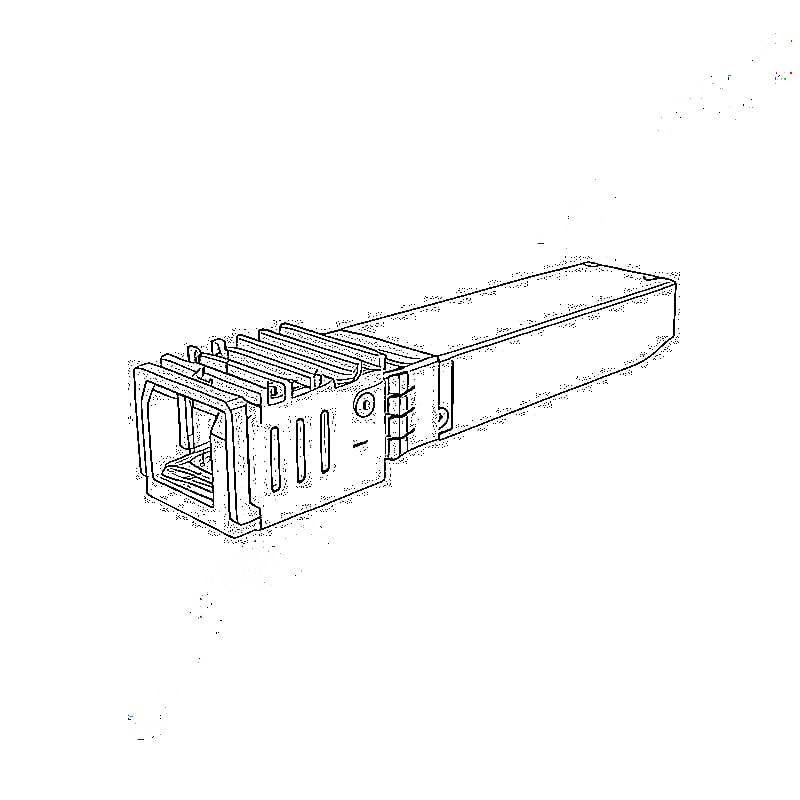
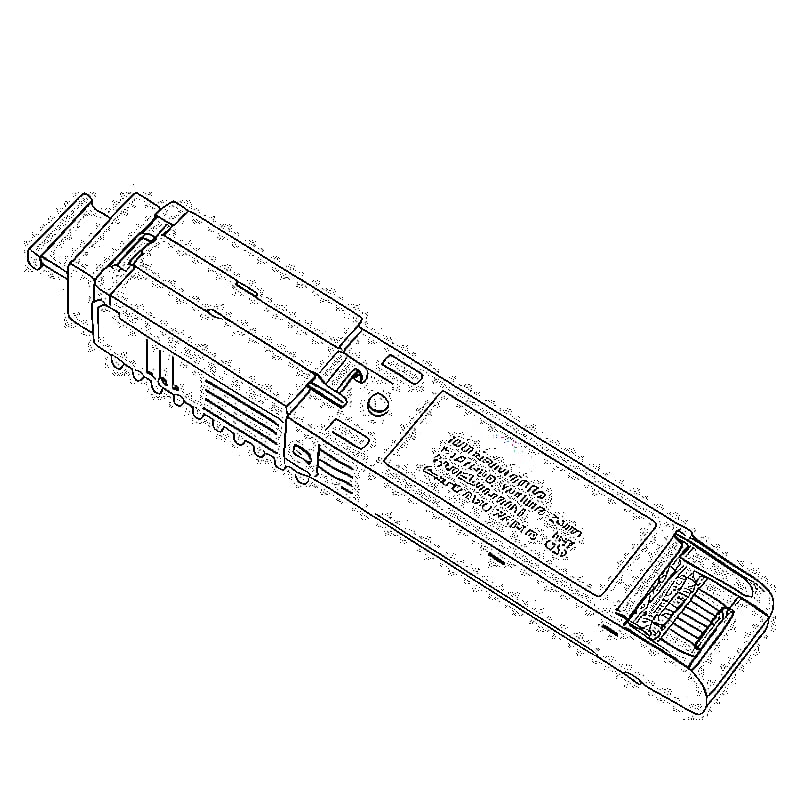
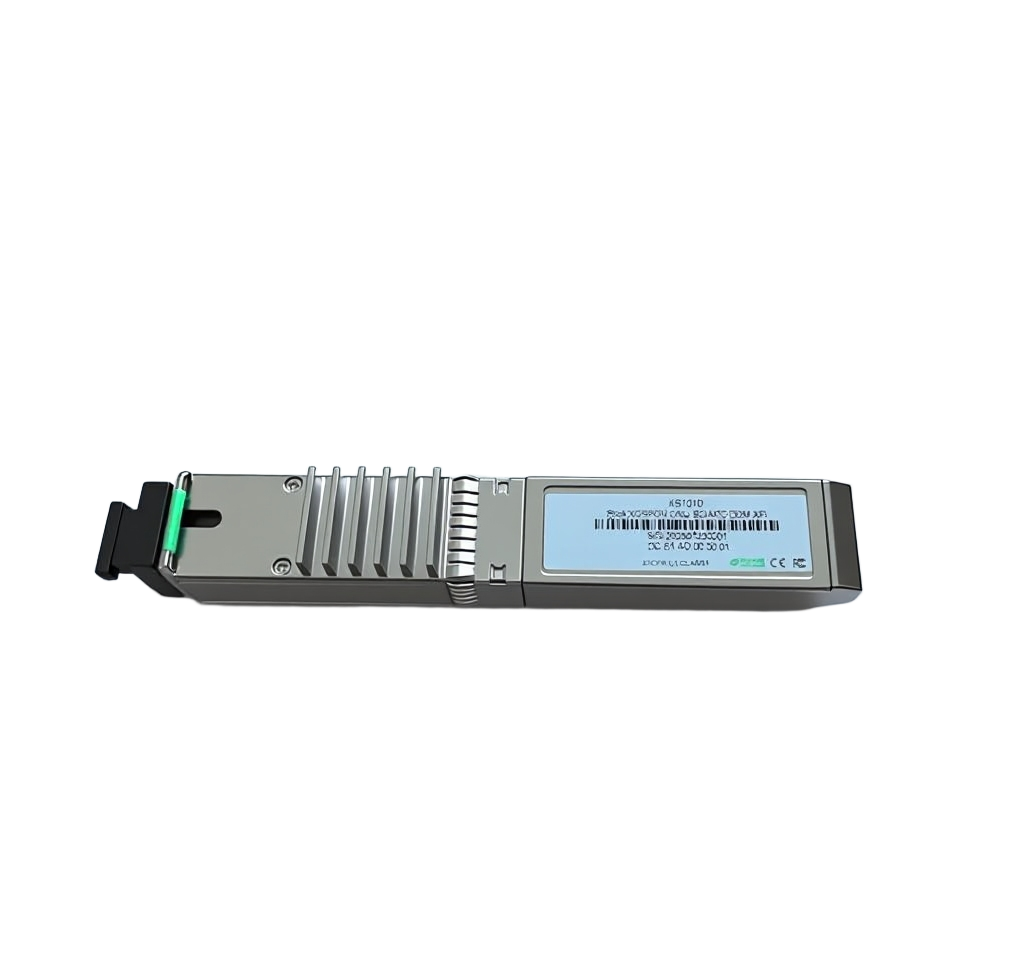
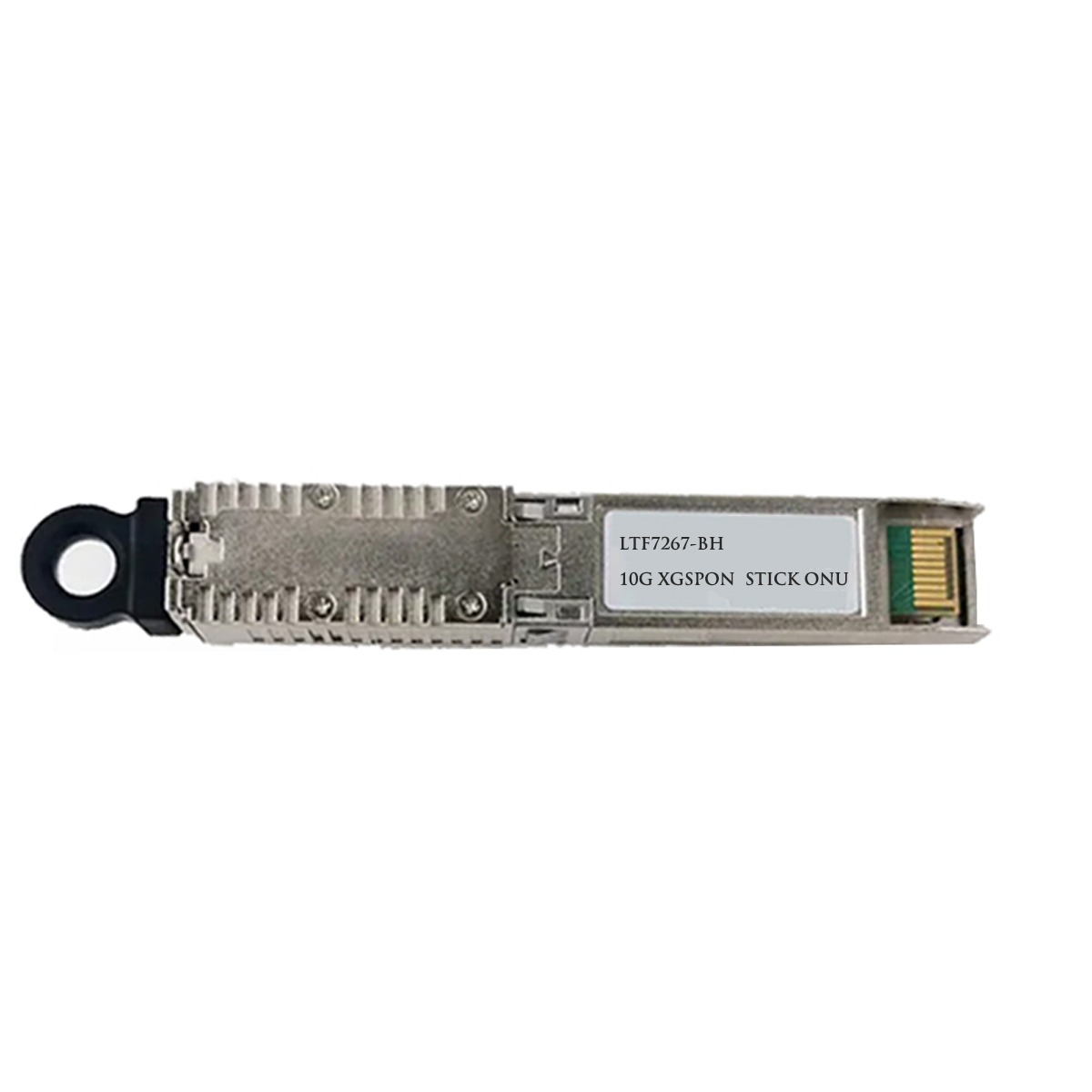
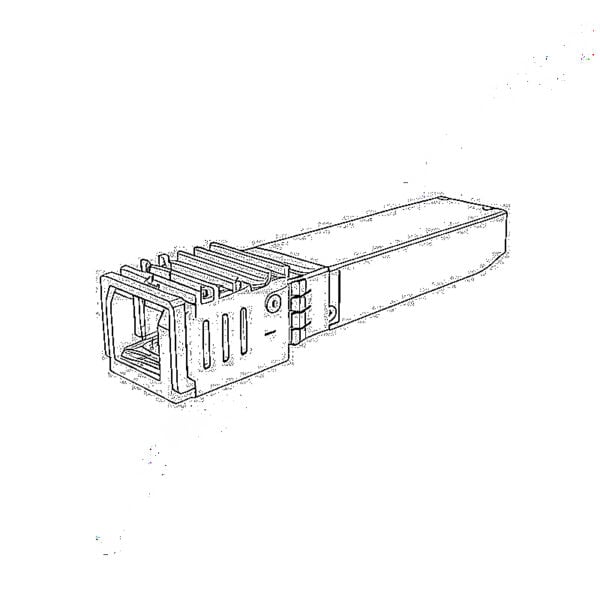
This isn’t another generic, overpolished product datasheet. It’s a hands-on, field-tested guide for the Luleey LL-XS1010: a standards-compliant xgs-pon ONU crammed into a standard hot-swappable SFP form factor. I’m going to walk you through exactly how to use this thing to fix your most annoying deployment headaches, when it’s the right pick, and how to avoid common pitfalls. No fluff, no overpromises, just what actually works in the real world.
How to Ditch Your Bulky Standalone ONUs (And Simplify Your Network in 3 Real-World Steps)
Traditional desktop/rack-mount ONUs bloat your network architecture for no good reason. Here’s how the LL-XS1010 fixes that, with steps we’ve used on hundreds of live deployments:
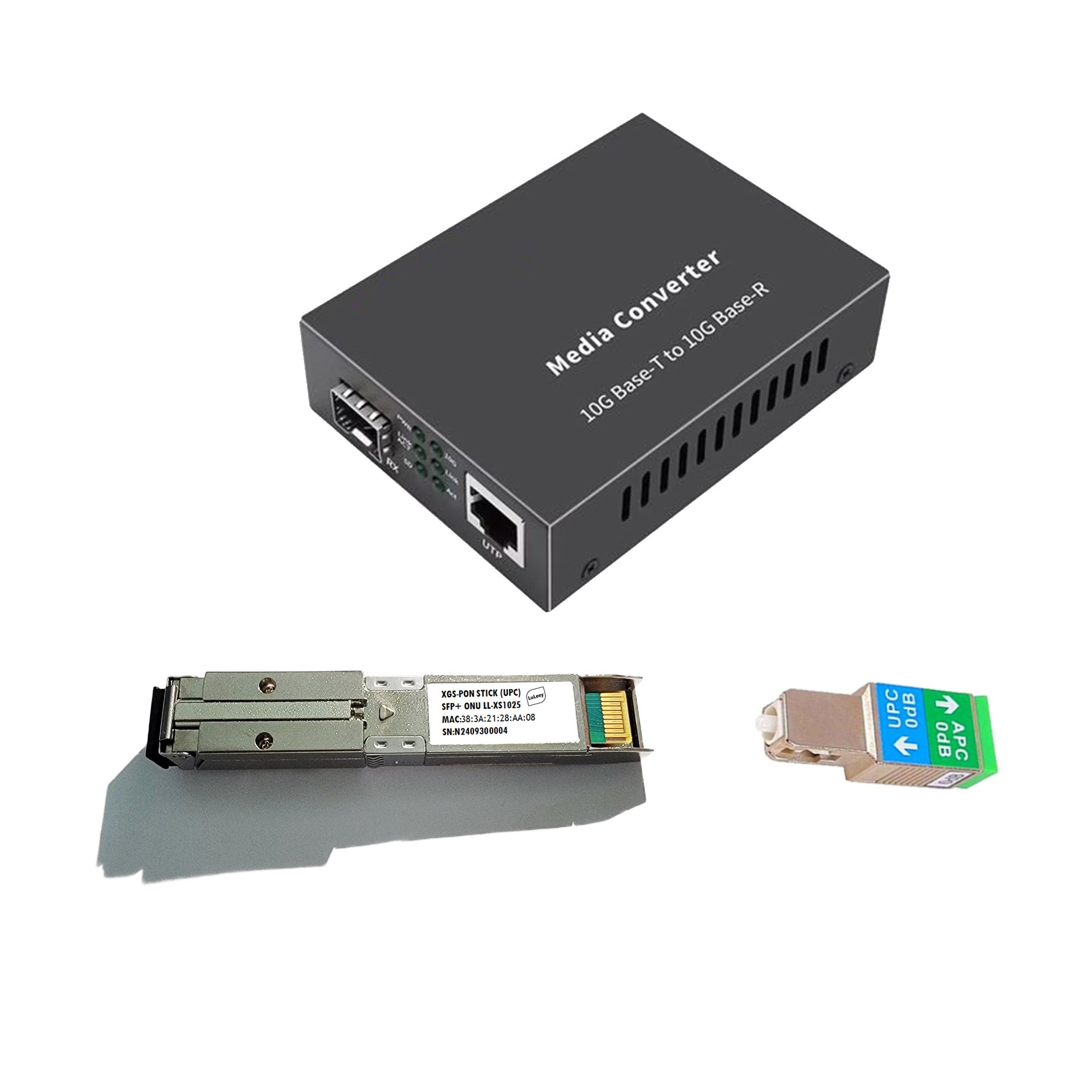
- Cut out unnecessary hardware entirely: No more mounting a full ONU in your already-packed telecom closet. This module plugs directly into the standard SFP/SFP+ port on your existing router, switch, firewall, or NIC—no extra power bricks, no extra Ethernet cables, no extra shelf space. I’ve used these in 12-unit apartment building closets where we couldn’t fit another desktop ONU to save our lives, and they fit right into the existing switch’s empty SFP slots.
- Slash deployment time from 30 minutes to 2 minutes per terminal: All you need to do is connect the fiber drop cable from the operator’s OLT directly to the module’s optical port. No mounting, no power wiring, no extra setup for basic deployment. For bulk jobs, that time savings adds up fast.
- Reclaim 90%+ of your critical deployment space: The SFP form factor shrinks the ONU footprint down to almost nothing. It’s the only viable solution for tight spots: FTTR home weak current boxes, high-density data center racks, compact industrial control cabinets, or luxury condos where the HOA won’t let you mount extra hardware on the walls.
Quick caveat here: This won’t work if your port is only for 1G SFP modules. It needs a 10G-capable SFP/SFP+ slot to hit its full rated speed. That’s table stakes, but I’ve seen people miss it enough to call it out upfront.
How to Fix Your Upstream/Downstream Bandwidth Headaches (For Good)
Here’s the dirty secret of most cheap XG-PON gear: it gives you 10Gbps downstream, but only 2.5Gbps upstream. That’s fine for a family streaming Netflix, but it falls apart the second you’re dealing with live streamers, remote teams on back-to-back video calls, or industrial sensors pushing data 24/7.
The LL-XS1010 delivers true symmetric 10Gbps upstream and downstream speeds. Here’s how to put that to work for your specific use case:
- For residential FTTH/FTTR: That 10Gbps downstream means 4+ household members can stream 8K content, game, and download large files all at once, zero buffering. No more complaints from the home office when the kids are streaming.
- For upload-heavy workloads: We’ve deployed these for small production studios that need to push 4K raw footage to the cloud daily. The symmetric 10Gbps upstream cut their upload times from hours to minutes, no extra gear or circuit upgrades required.
How to Make Sure It Plays Nice With Your Existing OLT (No Custom Firmware Required)
One of the biggest risks with stick ONUs is fake “universal compatibility”. I’ve tested dozens of these modules that claim to work with every OLT, only to brick themselves when we try to register them to live Huawei or ZTE hardware.
The LL-XS1010 is pre-validated for all major global OLT brands, and here’s how to get it up and running without headaches:
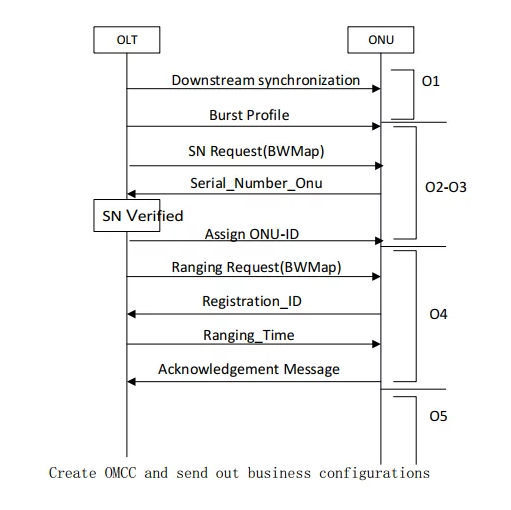
- It natively supports the standard OMCI (ONT Management and Control Interface) protocol, so your OLT talks to it exactly like it would a standard standalone ONU. No custom firmware, no on-site debugging. We rolled out 200+ of these for a regional ISP, and 98% of them registered automatically right out of the box.
- Quick pro tip: If you’re replacing an existing ISP-provided ONU, just pull the LOID and password from the old unit, plug it into the LL-XS1010’s config, and it’ll register in seconds. No need to beg the ISP to re-provision your line.
How to Tell If This Is the Right Fit For Your Project (No Guesswork)
Not every project needs a stick ONU. Here’s how to quickly tell if the LL-XS1010 is worth your time, based on what we’ve learned in the field:
✅ It’s a perfect fit if:
- You’re working with a cramped telecom closet or weak current box and can’t fit another standalone ONU
- You’re rolling out 10G access for a multi-tenant building or industrial park, and want to avoid installing a separate ONU for every unit
- You’re an ISP sick of costly truck rolls, and want to fix 90% of common issues remotely from your NOC
- You need reliable 10G access for outdoor/smart city gear, where temperature swings and power surges kill cheap hardware fast
❌ It’s not the right pick if:
- You need multiple built-in Ethernet ports for a home network (this is a single-port SFP module; pair it with a switch if you need extra ports)
- Your existing network only has 1G ports that can’t support 10G SFP/SFP+ modules
How to Roll These Out In Bulk (And Cut Your O&M Costs By 60%+)
For ISPs and system integrators, bulk deployment is where these modules really shine. Here’s the exact workflow we use for large projects, no on-site senior techs required:
- Pre-provision in batches: We load LOIDs, OMCI parameters, and firmware updates into the OLT before we even ship the modules to the site. When the on-site team plugs them in and connects the fiber drop, they auto-register and go online in 60 seconds or less. No need to have a CCNP on-site for every install.
- Eliminate unnecessary truck rolls: The biggest cost for ISPs isn’t the hardware—it’s sending a tech to the site for every tiny config change or status check. With the LL-XS1010, you can monitor real-time optical power, line rate, and uptime remotely, push firmware updates overnight, and troubleshoot most issues without ever leaving the office. We cut our on-site maintenance calls by 70% after switching to these modules.
- Maximize your rack space: For a recent 500-unit apartment deployment, we fit all the tenant ONUs into 2 existing 24-port SFP switches. That’s 48 ONUs in 2RU of rack space. Compare that to 48 standalone ONUs, which would have taken 3 full racks. The building manager was thrilled.
How to Keep These Running 24/7 (Even In Harsh Environments)
Reliability is non-negotiable. If a module dies in a remote traffic cabinet, you’re still sending a truck roll. Here’s how the LL-XS1010 is built to avoid that:
- Industrial-grade surge and ESD protection: We’ve tested these in areas with frequent lightning storms, and they’ve held up where cheaper modules have fried. No extra surge protectors needed in most indoor and outdoor scenarios.
- Wide operating temperature range: We’ve run these in unconditioned outdoor cabinets in summer (over 120°F/49°C) and winter (well below freezing), and they never dropped the link.
- Ultra-low power design: Less power means less heat, and less heat means longer lifespan. We’ve had the first batch of these modules running in a production network for 3+ years now, zero failures. That’s way better than the 1-2 year lifespan we get from cheap desktop ONUs.
Final Verdict
At the end of the day, the LL-XS1010 isn’t a magic bullet that will fix every single PON network problem. But it will solve 90% of the most annoying, costly, time-consuming headaches that come with deploying 10G PON.
If you’re tired of fighting with bulky ONUs, wasting rack space, and sending techs out for trivial issues, this module is worth every penny. It’s standards-compliant, it works with the gear you already have, it’s easy to deploy, and it holds up in the real world. I’ve tested a lot of stick ONUs over the years, and this is one of the few that I actually recommend to my colleagues and clients.
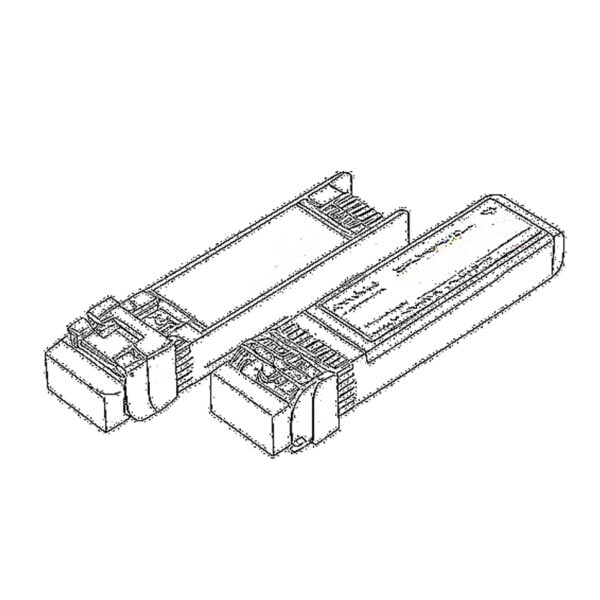 SFP/SFP+ (1G/2.5G/5G/10G)
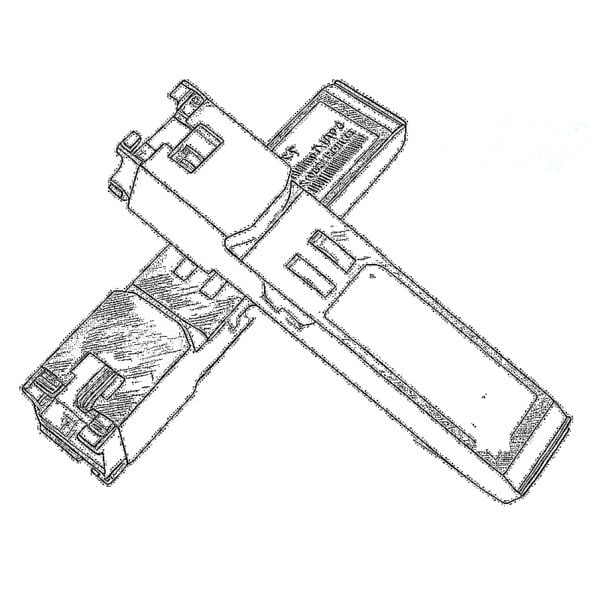 SFP-T (1G/2.5G/10G)
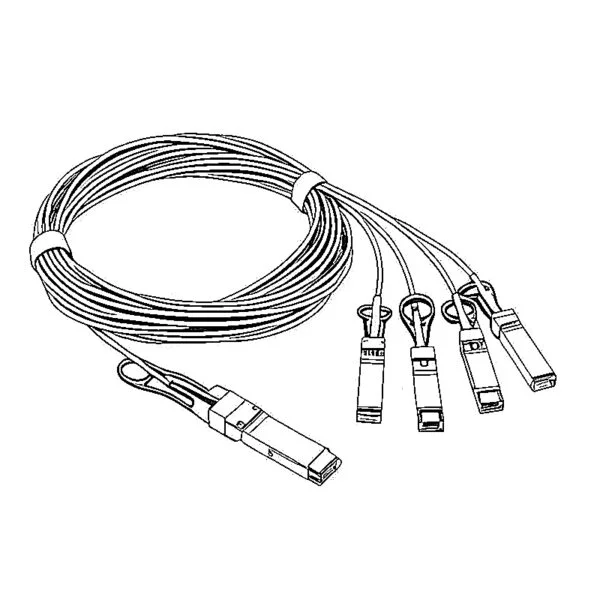 AOC Cable 10G/25G/40G/100G
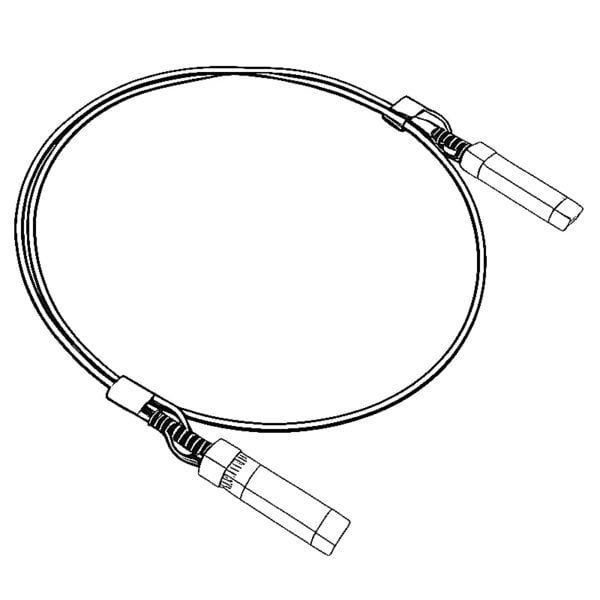 DAC Cable 10G/25G/40G/100G
 QSFP28 QSFP+ SFP28 100G/40G/25G
 Copper to Fiber Media Converters
 Fiber Media Converter PCBA Board
 OEO Fiber Media Converters
 Serial to Fiber Media Converters
 Video to Fiber Media Converters
 1000M GPON/EPON ONU
 10G EPON ONU/XG-PON/XGS-PON
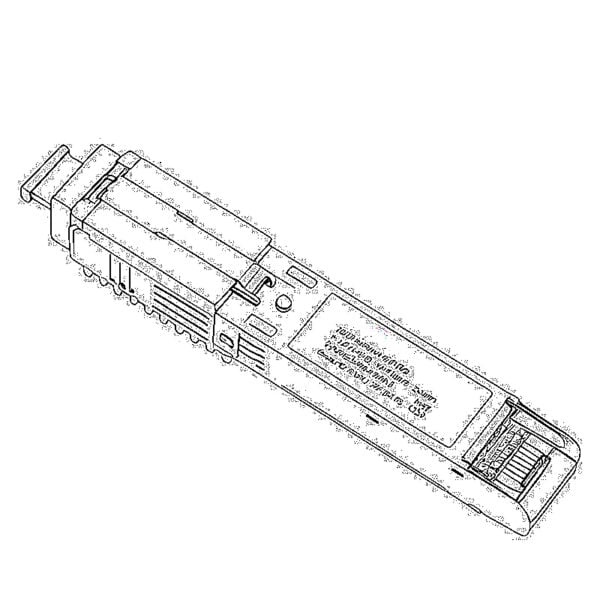 2.5G GPON/XPON STICK SFP ONU
 POE GPON/EPON ONU
 Wireless GPON/EPON ONT
 EPON OLT
 GPON OLT
 SFP PON Module
 Industrial Switches
 Managed Switches
 POE Switches
 Unmanaged Switches
 MTP/MPO Fiber Cables
 Fiber Optic Cassettes
 Fiber Optic Loopback
 Optic Cables and Fiber Pigtails
 Optical Splitters and Splitter Box
 Fiber Flange Connectors
 Optical Adapters
 Optical Attenuator
 Quick Connector and Connector Panel
 CATV Amplifier
 CATV Optical Receiver
 Visual Fault Locator
 OTDR
OTDR Optical Power Meter
 Fiber Optic Identifier
 Fiber Optic Cleaners
 Fiber Cleavers & Fiber Strippers
 Copper Tools


