Customs duties are the responsibility of customers, but standard logistics support DDP to most countries, duty-free such as US, DE, UK, CA, FR, IT, PL, AT, JP…

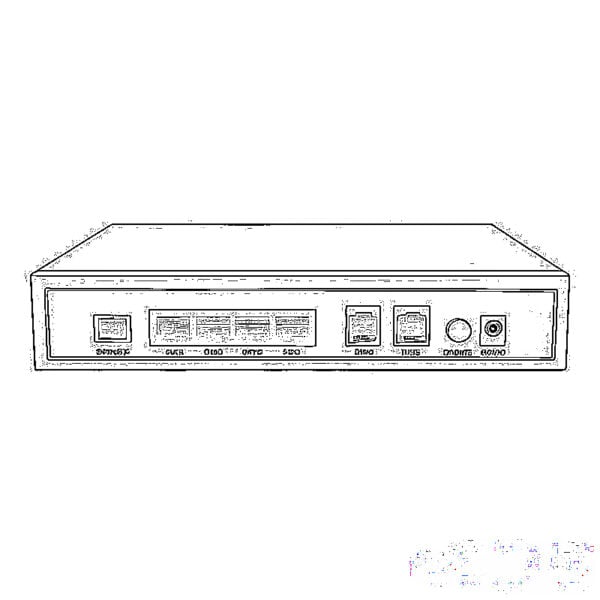
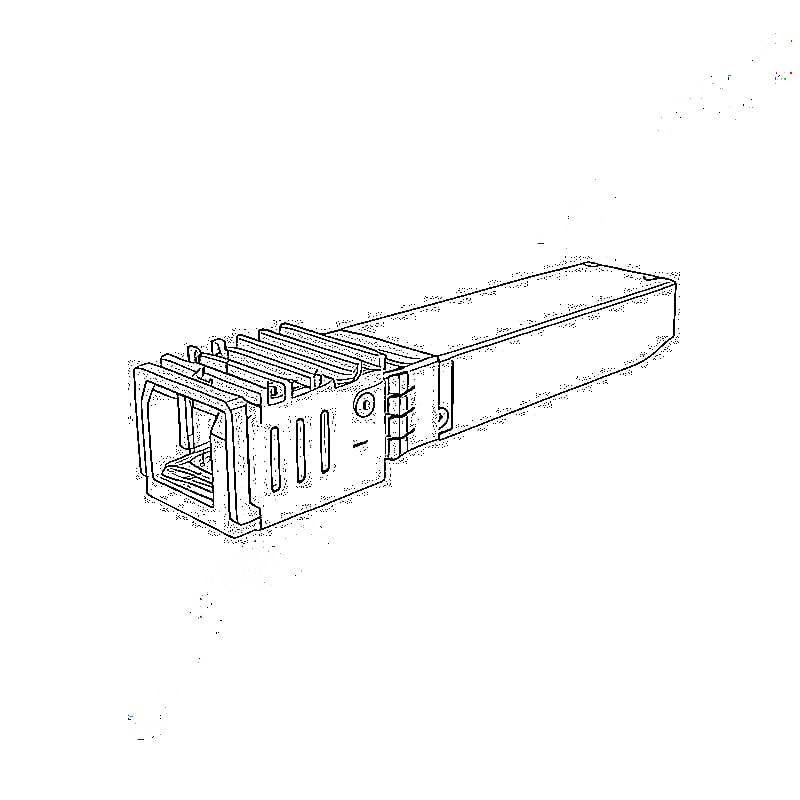
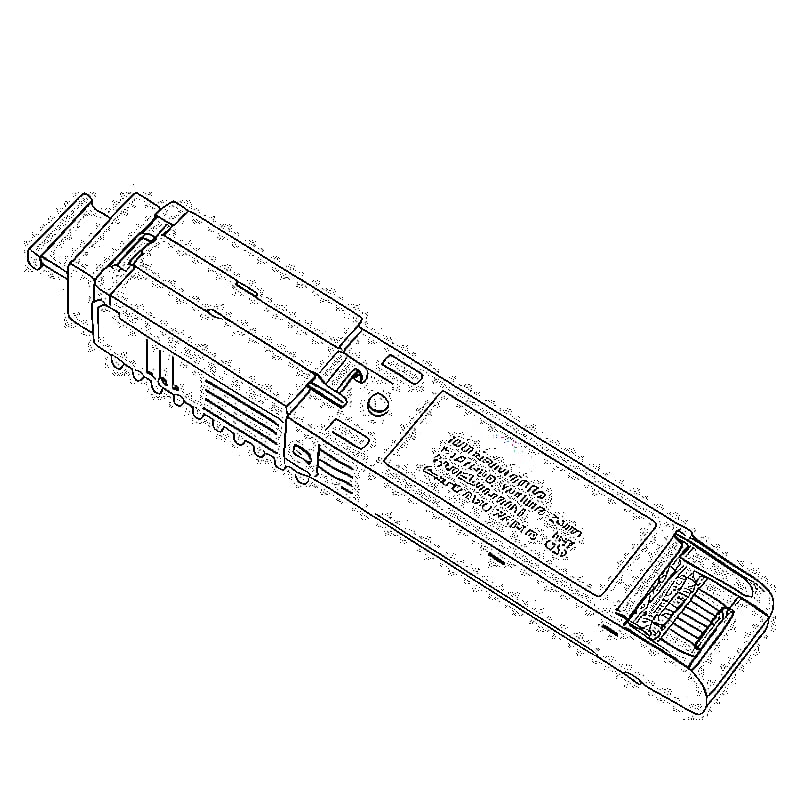
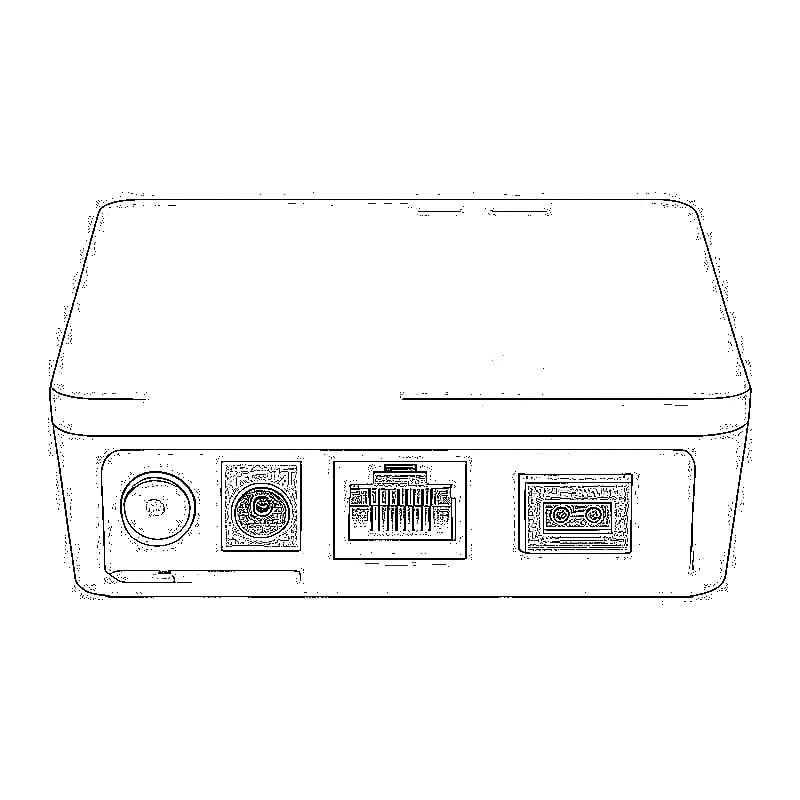
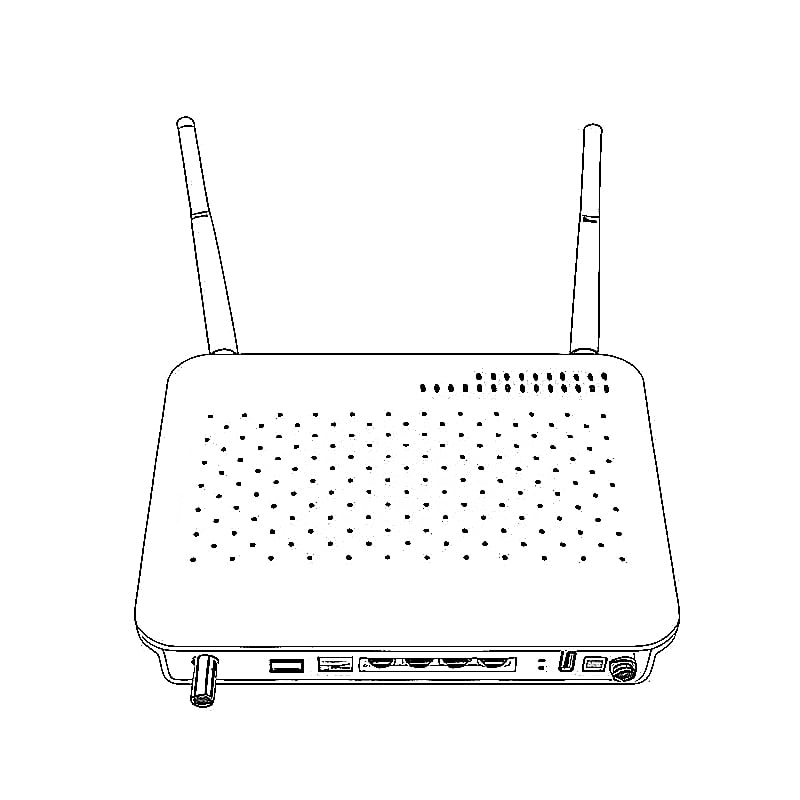
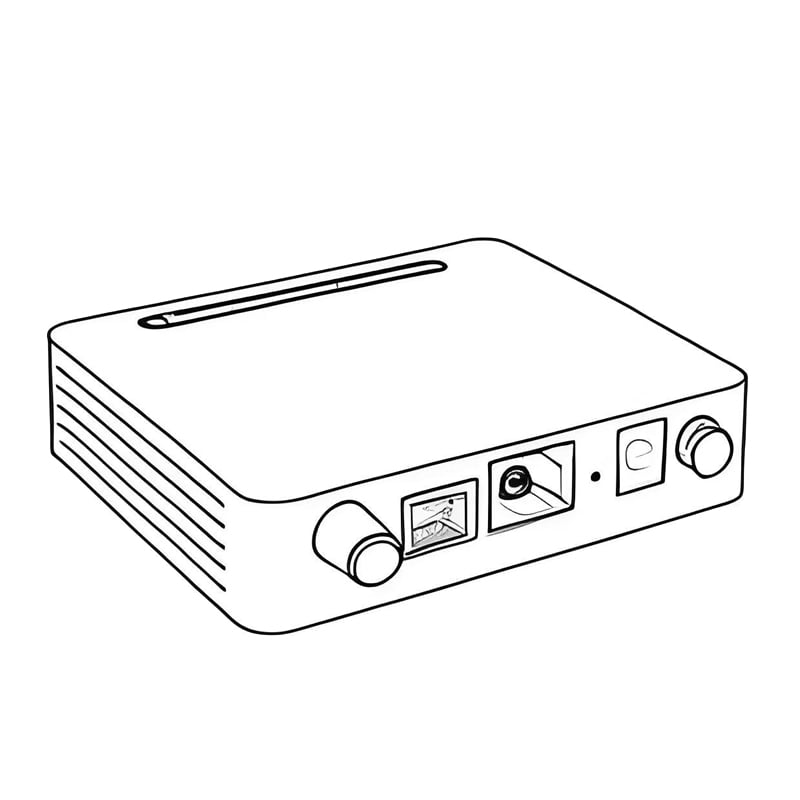
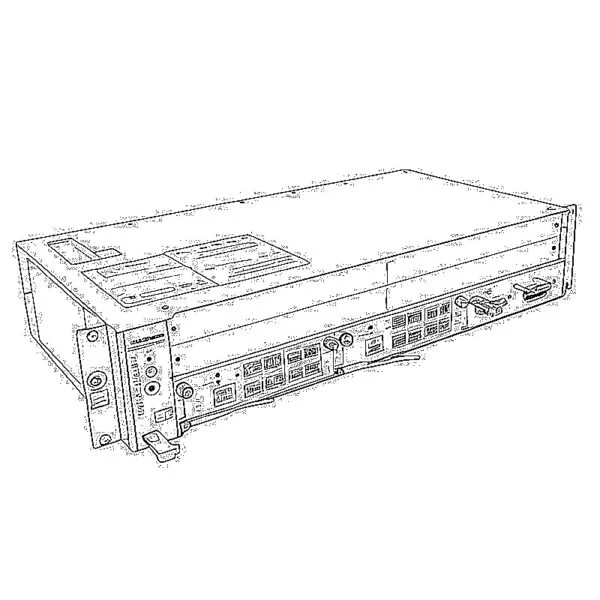
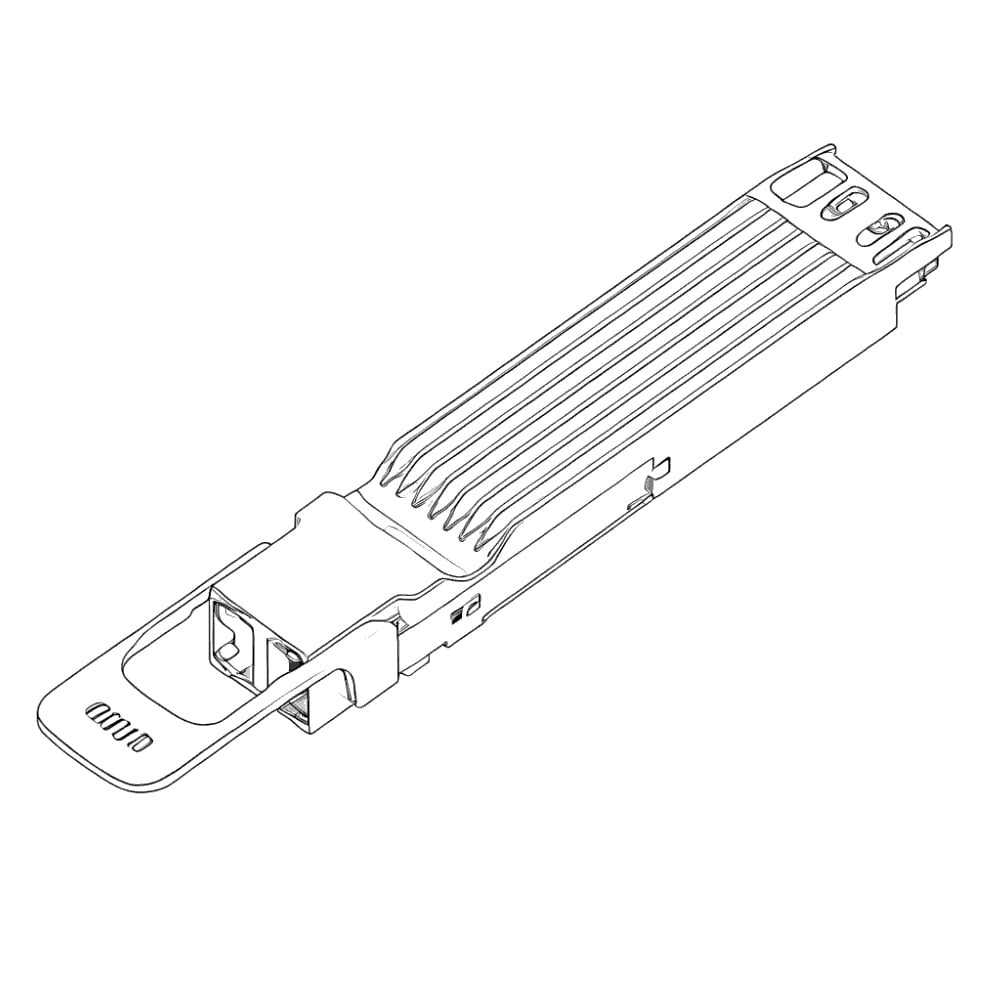


FAQ 1: How to fix Cloud Gateway Fiber (UCG Fiber) failing to recognize the Luleey 2.5G XPON SFP ONU (Model: LL-XS2510)?
Answer: Follow these steps to resolve the recognition issue:
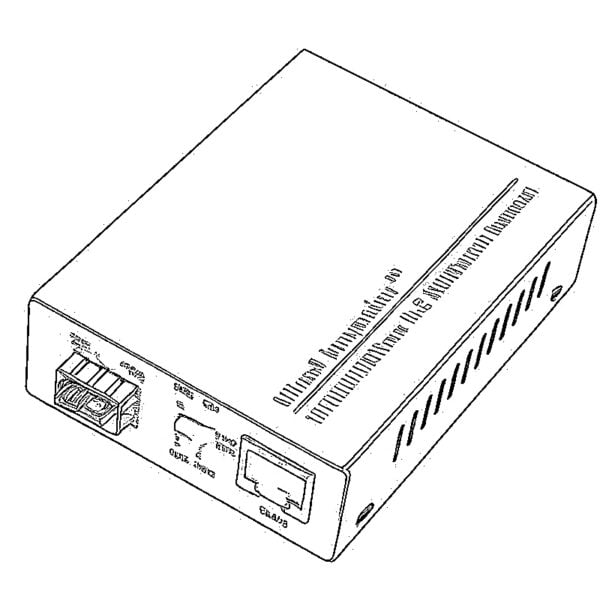
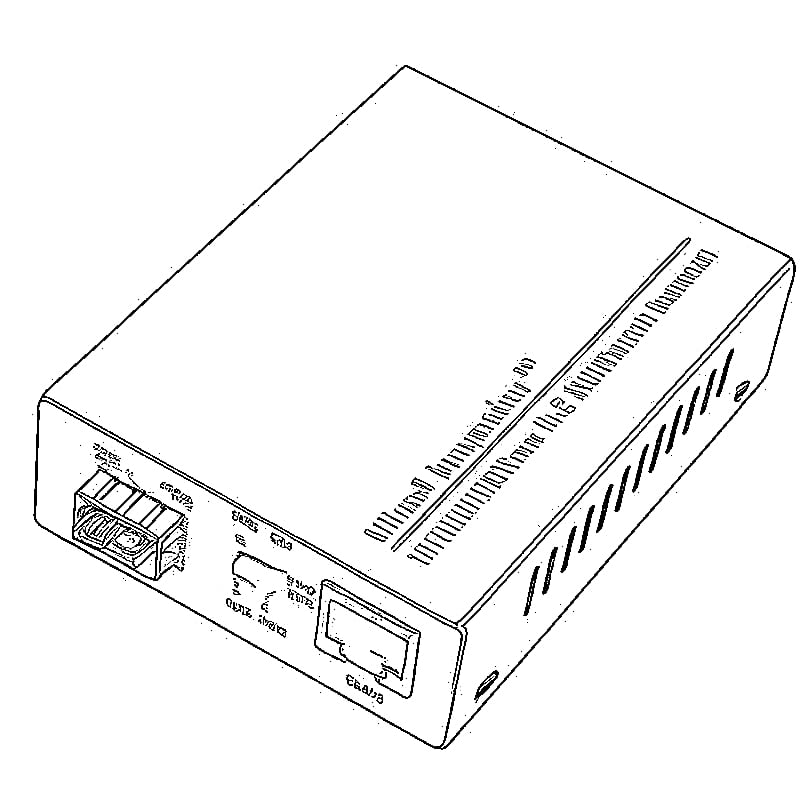
- Prepare the Luleey module first (via a Media Converter for web interface access):
- Configure key parameters in the module’s web interface:
- Set PLOAM Password to “0” and click “Apply Settings”.
- Enter the GPON SN (e.g., “AVMGxxxxxxxx”) obtained from your existing Fritzbox 5590 Fiber (ensure it matches the “Device Serial Number” too), then apply and reboot.
- Configure key parameters in the module’s web interface:
- Fix the core compatibility issue:
- Access the module’s web interface > “VLAN Settings” > switch the VLAN mode from the default “Auto provided by ISP” to “Transparent Mode”. Save and reboot the module.
- Reconnect to UCG Fiber:
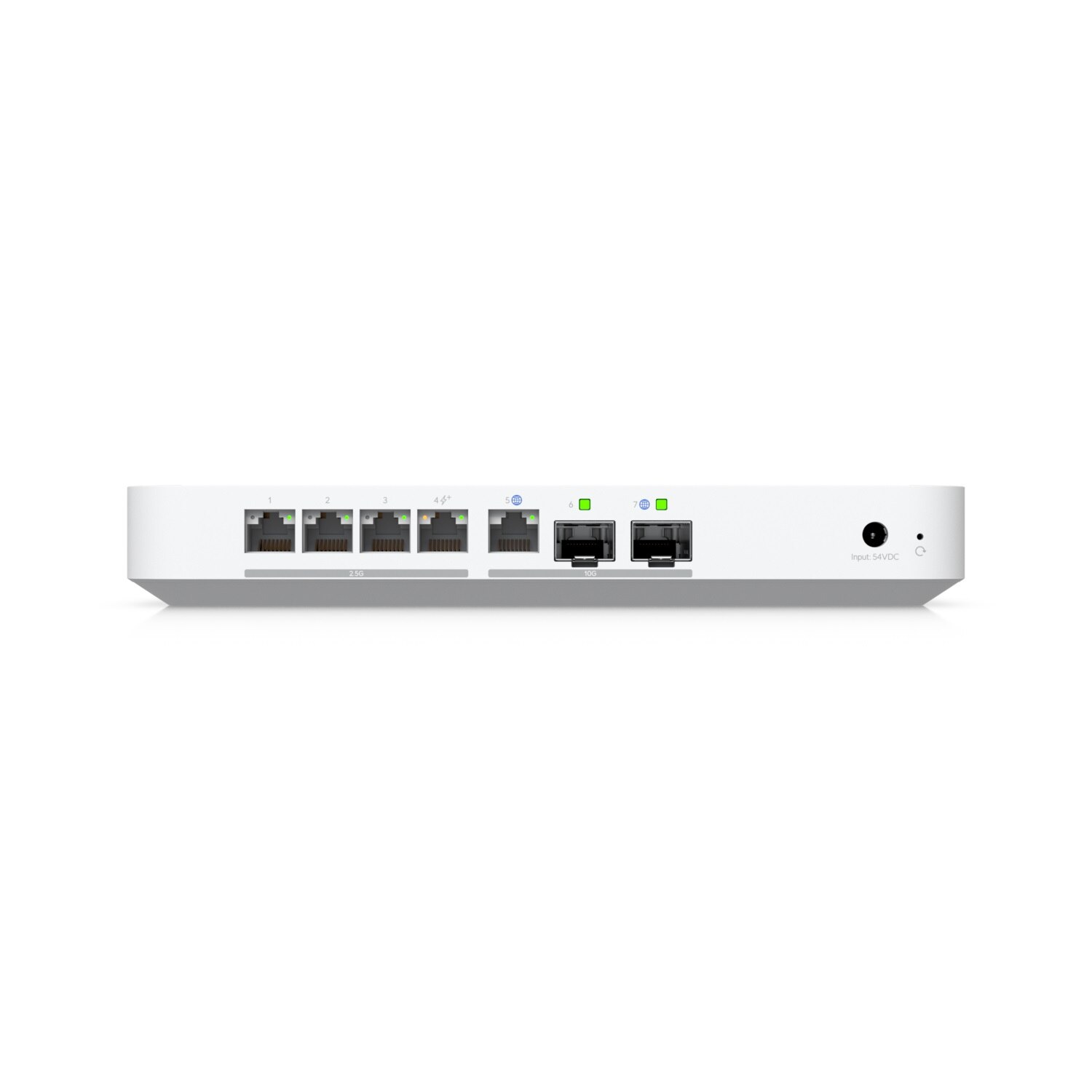
- Insert the module into UCG Fiber’s Port 7. In the UCG web interface, configure WAN1: bind it to Port 7, set VLAN ID 7, and enter your Telekom PPPoE account credentials.The module will then be recognized, and IP allocation will work normally.
FAQ 2: What speeds does the SFP+ port of Cloud Gateway Fiber (UCG Fiber) natively support? How to achieve 2.5Gbps with a 2.5G XPON module?
Answer:
- Native speed support: The SFP+ port of UCG Fiber only natively supports 1Gbit/s and 10Gbit/s (no 2.5Gbit/s option in the “Link Speed” settings).
- How to achieve 2.5Gbps: Use intermediate devices to bridge the speed gap:
- Media Converter: Use a 2.5G-compatible converter (e.g., Media Converter) to connect the Luleey 2.5G XPON module to UCG Fiber (note: bottlenecks may occur—e.g., actual speeds reach only 1004/250 Mbps for 1000/500 Mbps bandwidth plans).
- 2.5G-Supporting Switch: Use a switch with 2.5G ports (e.g., USW-Pro-Aggregation, where all ports support 2.5Gbit/s). Manually set the switch port to “2.5Gbps FDX” before connecting the Luleey module and UCG Fiber—this ensures stable 2.5Gbps performance.
 SFP/SFP+ (1G/2.5G/5G/10G)
 SFP-T (1G/2.5G/10G)
 AOC Cable 10G/25G/40G/100G
 DAC Cable 10G/25G/40G/100G
 QSFP28 QSFP+ SFP28 100G/40G/25G
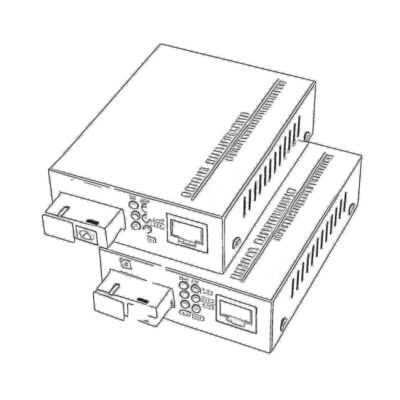 Copper to Fiber Media Converters
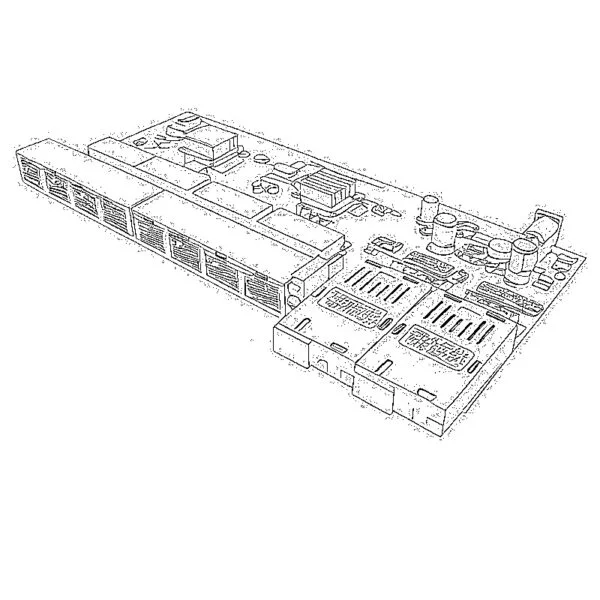 Fiber Media Converter PCBA Board
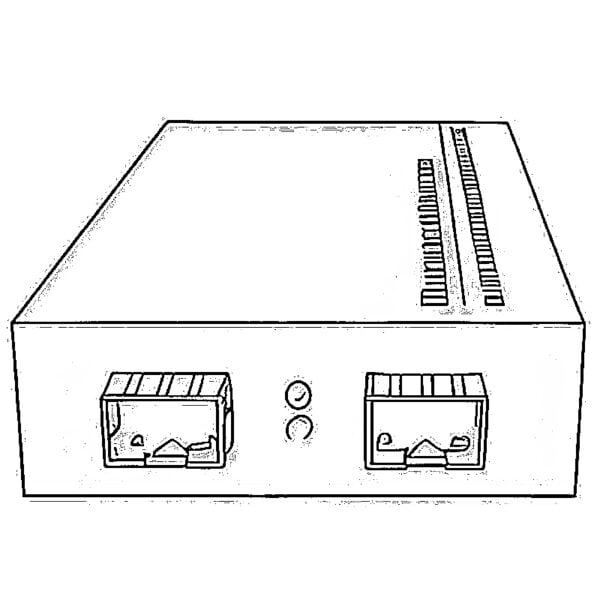 OEO Fiber Media Converters
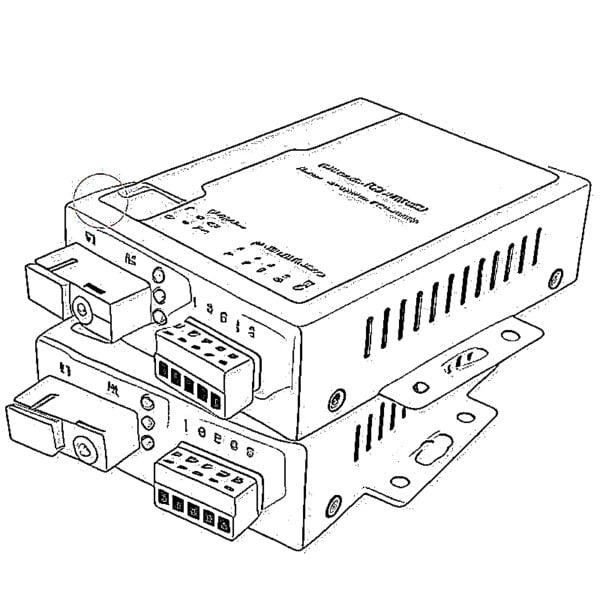 Serial to Fiber Media Converters
 Video to Fiber Media Converters
 1000M GPON/EPON ONU
 10G EPON ONU/XG-PON/XGS-PON
 2.5G GPON/XPON STICK SFP ONU
 POE GPON/EPON ONU
 Wireless GPON/EPON ONT
 EPON OLT
 GPON OLT
 SFP PON Module
 Industrial Switches
 Managed Switches
 POE Switches
 Unmanaged Switches
 MTP/MPO Fiber Cables
 Fiber Optic Cassettes
 Fiber Optic Loopback
 Optic Cables and Fiber Pigtails
 Optical Splitters and Splitter Box
 Fiber Flange Connectors
 Optical Adapters
 Optical Attenuator
 Quick Connector and Connector Panel
 CATV Amplifier
 CATV Optical Receiver
 Visual Fault Locator
 OTDR
OTDR Optical Power Meter
 Fiber Optic Identifier
 Fiber Optic Cleaners
 Fiber Cleavers & Fiber Strippers
 Copper Tools


I have an issue with the LL-XS2510 and my ISP NetCologne (Germany, GPON, PPPoE on VLAN 10).
After several attempts I managed to clone all values from my ISP’s ONT into the stick via the web UI. The PON status page now shows Registered / O5, an ONU ID assigned by the OLT, and MACKEY status success. Only “Olt VendorId” stays empty.
But when I put the stick back into my UniFi UCG-Fiber, the connection drops again and again. VLAN 10 matches my ISP’s requirement and works fine with the external ONT. The drop always happens after an unsuccessful PPPoE attempt.
On the SFP port I only see transmitted packets, 0 received, with no errors at all.
Has anyone seen this? Is there a way to check whether any downstream traffic reaches the module?
My Luleey module has internet connection for a few seconds, after that the Port 7 on the UCG is not blinking.
This repeats many times.
How can it be possible?
Hello, can you access the XPON STICK Web UI when the port is not blinking?
How can I access xs2510 module web UI without media converter? I’m setting the static route in Cloud Gateway (UnifI OS) settings to route requests to 192.168.1.0/22 network to WAN1 (which is mapped to SFP module in WAN mode), but can’t access the 192.168.1.1 yet. Is XS-LL2510 supporting access to WebUI without plugging the GPON network to the module (meaning RS_LOS)? My ISP asked to configure VLAN first before plugging the fiber inside.
Hello, please try to disable the VLAN of the router first, and then enable the VLAN configuration after setting up XPON STICK complete. thank you.
Thank you for reply. I’m not sure how to disable VLAN of the Unify router. My whole goal is to access the web GUI of the SFP module at 192.168.1.1 – I’ve tried so far following – while SFP port of Unify router is in WAN2 mode, I’ve created a static route for 192.168.1.0/24 for WAN2, did not work.
I’ve also tried setting UDR7 router to 192.168.6.1, SFP switched from WAN2 to LAN mode and assigning the IP 192.168.1.37 on my PC – did not help either. I don’t want to reset the XS2510 by multiple inserts of Fiber cable since I’ve promised my provider not to mess with it, but I have my doubts that module is serving webUI at 192.168.1.1 or it does not serve it in cable loss state (since I did not connect the fiber)
I dont have another Router / Modem. I could sucessfully registered the modem with the default Device Serial number. I can’t access the internet. The UGC Fiber shows a green port but no device. I cant access the module using any of both SFP+ ports.
I can’t find the transparent VLAN setting. Where is it. I am on the latest firmware (new ui).
Is this Ip configuration fine?
UGC Fiber: 192.168.178.1
Luleey: 192.168.178.2
hi, the transparent VLAN settings can be modified in XPON STICK WEB-UI with SFU firmware.
This actually solved my problem. I was using the HFU firmware. I installed the SFU, changed the VLAN setting and it worked instantly.
good job. HGU is not useful for everyone. if only ONU function you need, SFU is best.