Customs duties are the responsibility of customers, but standard logistics support DDP to most countries, duty-free such as US, DE, UK, CA, FR, IT, PL, AT, JP…





















































MEDIA CONVERTER VLAN Passthrough is possible when the converter preserves the Ethernet tags and accepts the complete Frame Size. However, the words “unmanaged,” “Gigabit” or “10G” do not prove those capabilities for a particular model.
For example, a fiber connection might carry an ordinary untagged network successfully while a tagged switch uplink fails. The cause could be the converter, but it could also be a port sending untagged frames, a VLAN excluded from the far switch, or a frame-size limit.
Here is how to separate those possibilities before buying replacement hardware.
What Media Converter VLAN Passthrough Actually Means
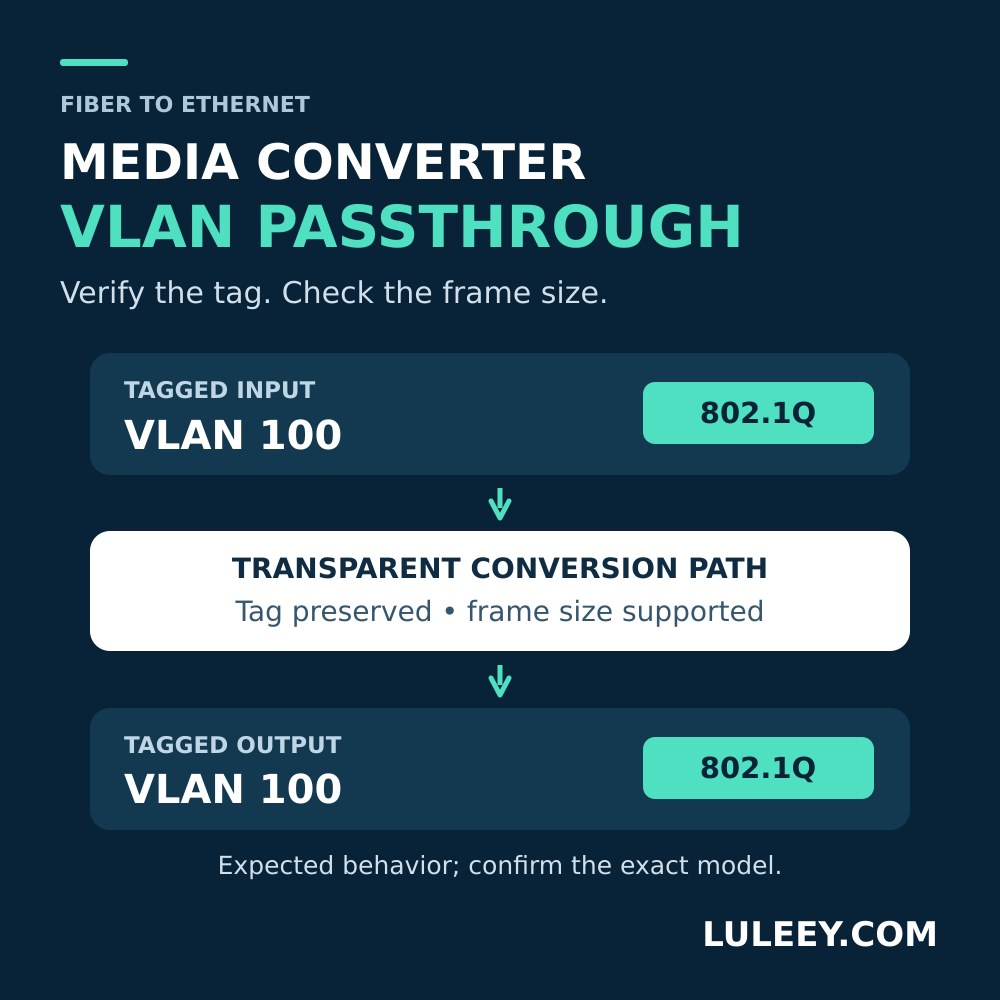
For a transparent path, a frame entering with VLAN ID 100 should leave with the same VLAN tag. Changing between copper and fiber does not, by itself, require changing that tag.
Three capabilities are easily confused:
| Capability | What it does |
|---|---|
| VLAN passthrough | Carries an existing tag through the conversion path |
| VLAN configuration | Assigns, removes, translates or filters tags according to settings |
| Inter-VLAN routing | Moves IP traffic between different VLANs through a routing function |
A converter can pass a tagged frame without providing a VLAN configuration menu. Conversely, a managed device may deliberately filter or alter tags. The Linux kernel bridge documentation illustrates how enabling VLAN filtering makes forwarding depend on VLAN membership as well as the destination MAC address. It is a useful explanation of the distinction, not evidence about a specific converter’s hardware. The Linux Kernel documentation
If the physical link itself is unstable, start with LuLeey’s media converter lights-on troubleshooting guide first.
Check Frame Size, Not Just “MTU 1500”
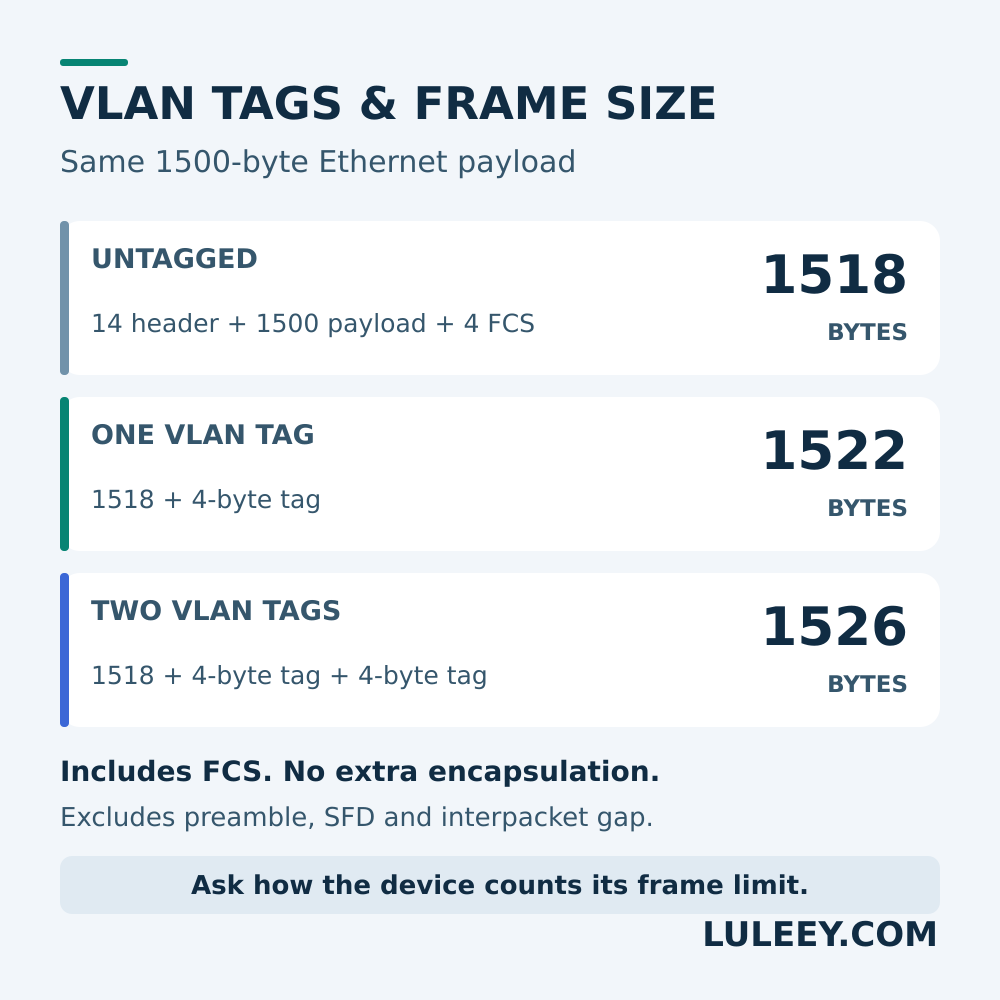
An ordinary 802.1Q VLAN tag adds four bytes to an Ethernet frame. With a 1500-byte Ethernet payload, the resulting sizes are:
| Tagging | Ethernet frame length |
|---|---|
| No VLAN tag | 1518 bytes |
| One VLAN tag | 1522 bytes |
| Two VLAN tags, such as QinQ | 1526 bytes |
These figures include the Ethernet header and four-byte FCS. They exclude the preamble, start-of-frame delimiter and interpacket gap. The two-tag figure is 1518 + 4 + 4; it assumes the payload is still 1500 bytes and no additional encapsulation is added.
The Wireshark Ethernet reference describes the base frame fields and four-byte VLAN tag. The table applies those fields to the same 1500-byte payload. Wireshark Wiki
A specification saying only “MTU 1500” is ambiguous unless it defines what is counted. Ask for the maximum accepted Ethernet frame size and whether that number includes tags and FCS. Passing one tag also does not establish QinQ support: verify the tag types, stacked-tag behavior and required frame size separately.
Check What the Two Endpoint Ports Send
Write down the VLAN ID and whether traffic must be tagged or untagged at each connection.
For a simple VLAN 100 extension between two managed switches, both ports facing the transparent converter path should carry VLAN 100 tagged. Devices attached to access ports can still send ordinary untagged traffic; their switches handle the tags on the uplink.
Check the actual settings, rather than relying on the word “trunk”:
- Is the required VLAN allowed on both uplinks?
- Does either port send that VLAN untagged as its native VLAN?
- Which VLAN receives untagged ingress traffic—the port’s PVID?
- Is any intermediate managed device filtering or translating tags?
This example tests tag preservation. It does not require enabling every VLAN on a production uplink.
A Practical Test for VLAN Passthrough
Use an isolated test network or an agreed maintenance window. Save the existing settings first.
1. Establish a known-working reference
Use two VLAN-capable switches and one test computer behind each. Put the computer-facing access ports in VLAN 100 and configure the inter-switch ports to carry VLAN 100 tagged. Give the computers suitable, unique addresses in the same test subnet.
Verify communication over a known-working direct connection. Then remove that connection and insert the matched converter-and-fiber path between the same switch ports. Keep the VLAN settings and test computers unchanged. Do not leave both paths connected and accidentally create a loop.
Record the operating rates after the substitution. With pluggable converters, physical fit, host SerDes mode, configured or negotiated rate, and usable throughput are separate checks. Confirm the exact converter and module, host chipset/PHY, firmware or driver, port settings and module coding.
2. Test both directions and more than one packet size
Start with small traffic, then test the largest packet size the service requires. A successful default ping is only a small-packet check.
For the single-tag, 1500-byte payload example, verify that the test really produces 1522-byte Ethernet frames including FCS. A tool’s “packet size” may refer to IP length or test payload; it may also fragment traffic. Check the tool’s size convention and confirm that fragmentation is not hiding the limit.
Repeat in both directions. Record transmitted and received test frames, drops and error-counter changes. If the service uses QinQ or larger payloads, add those exact cases separately.
3. Verify tags at the measurement points
Capture the test stream before and after the conversion path using suitable taps or switch mirror ports. Confirm that the mirror configuration preserves tags and that the capture adapter exposes them.
The Wireshark VLAN capture guide explains why the operating system, capture interface, NIC or driver can hide tags. Validate the capture setup against a known tagged stream before blaming the converter for a missing tag. Captures may also omit the FCS, so a displayed length can be four bytes below the table above. Wireshark Wiki
4. Interpret the result
| Controlled observation | Next check |
|---|---|
| Reference path works; converter path fails even with small tagged frames | Recheck endpoint tagging, converter forwarding and the physical path |
| Untagged traffic works; tagged traffic fails in a controlled comparison | Verify actual tag preservation and VLAN filtering at each boundary |
| Small tagged frames work; larger ones fail | Investigate frame-size limits, test-tool sizing and fragmentation |
| The same tags arrive, but DHCP or Internet access fails | Check the return path, DHCP/service availability, routing and firewall policy |
These results narrow the investigation; none alone identifies a defective converter. A ping or an Internet speed test also does not certify every VLAN, frame size or control protocol.
What to Confirm Before Ordering
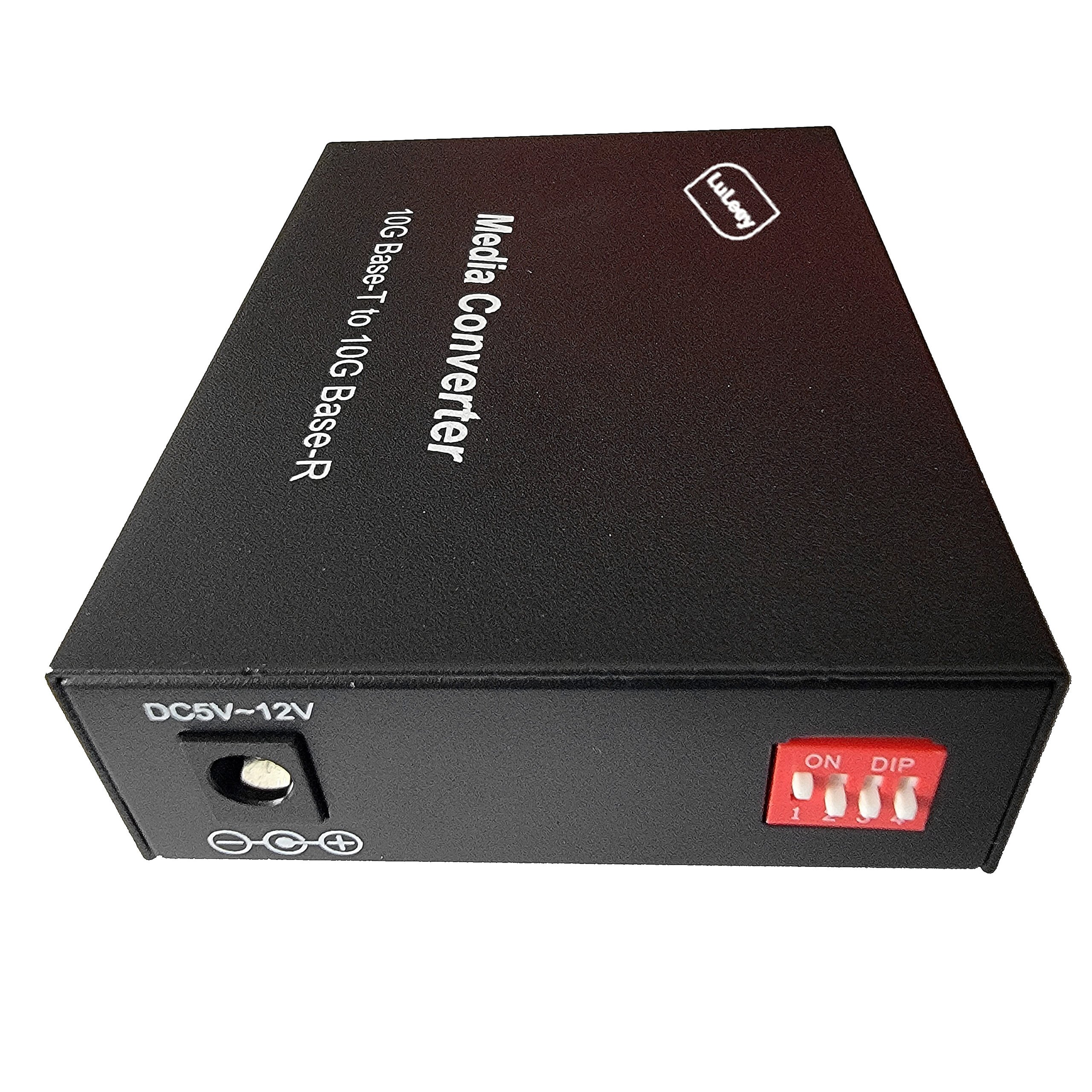
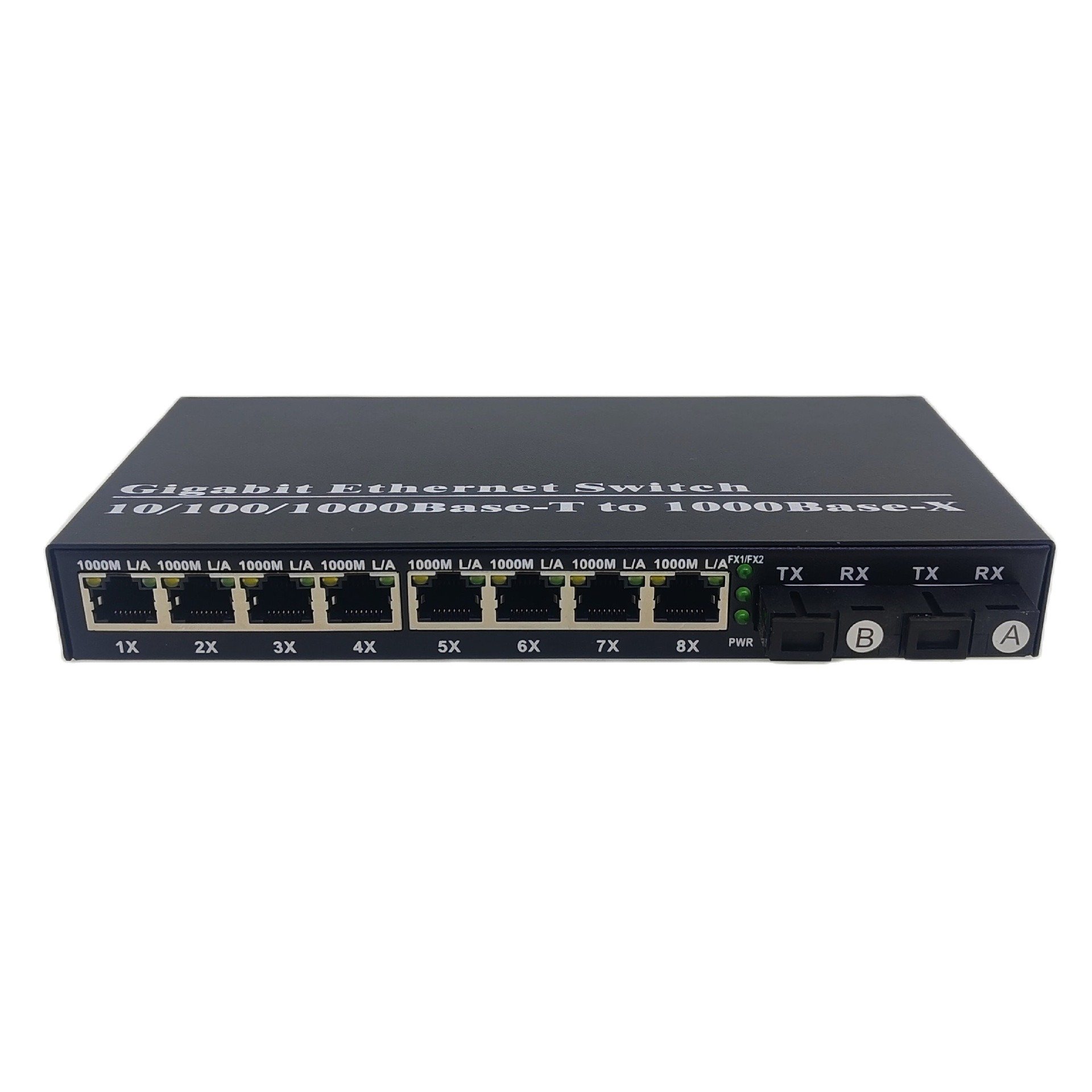
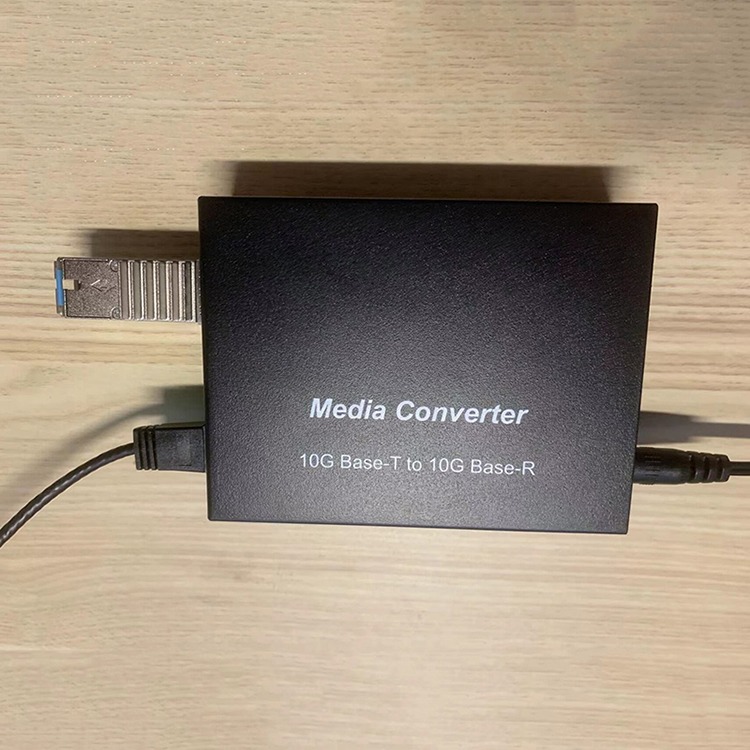
LuLeey’s copper-to-fiber media converter range is a starting point for selecting the physical connection.
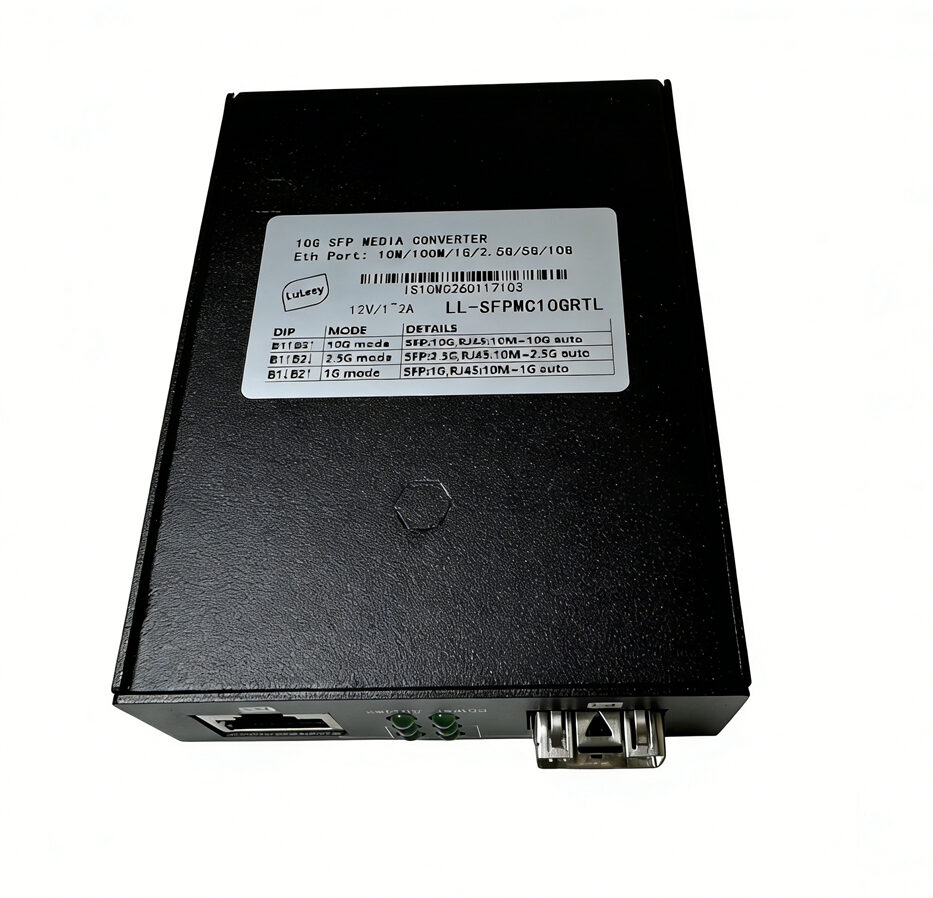
For example, the LL-SFPMC10GRTL product page lists an RTL8261C chip, a 10G/2.5G SFP+ port and a multirate RJ45 port. The page does not state a maximum Ethernet frame size or provide a VLAN/QinQ passthrough test matrix. Those interface specifications alone cannot confirm your tagged service.
 SFP/SFP+ (1G/2.5G/5G/10G)
 SFP-T (1G/2.5G/10G)
 AOC Cable 10G/25G/40G/100G
 DAC Cable 10G/25G/40G/100G
 QSFP28 QSFP+ SFP28 100G/40G/25G
 Copper to Fiber Media Converters
 Fiber Media Converter PCBA Board
 OEO Fiber Media Converters
 Serial to Fiber Media Converters
 Video to Fiber Media Converters
 1000M GPON/EPON ONU
 10G EPON ONU/XG-PON/XGS-PON
 2.5G GPON/XPON STICK SFP ONU
 POE GPON/EPON ONU
 Wireless GPON/EPON ONT
 EPON OLT
 GPON OLT
 SFP PON Module
 Industrial Switches
 Managed Switches
 POE Switches
 Unmanaged Switches
 MTP/MPO Fiber Cables
 Fiber Optic Cassettes
 Fiber Optic Loopback
 Optic Cables and Fiber Pigtails
 Optical Splitters and Splitter Box
 Fiber Flange Connectors
 Optical Adapters
 Optical Attenuator
 Quick Connector and Connector Panel
 CATV Amplifier
 CATV Optical Receiver
 Visual Fault Locator
 OTDR
OTDR Optical Power Meter
 Fiber Optic Identifier
 Fiber Optic Cleaners
 Fiber Cleavers & Fiber Strippers
 Copper Tools


