Customs duties are the responsibility of customers, but standard logistics support DDP to most countries, duty-free such as US, DE, UK, CA, FR, IT, PL, AT, JP…





















































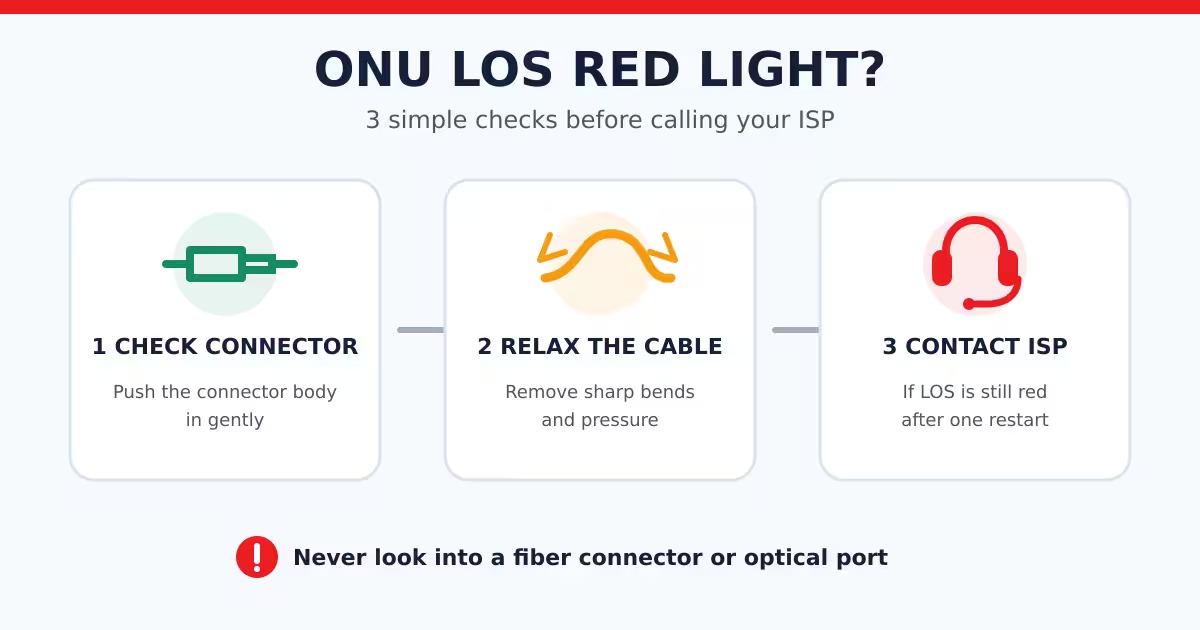
If the LOS light on your ONU or ONT remains red or keeps blinking after startup, the device is usually not receiving a usable optical signal. For example, Huawei describes a slowly blinking red LOS light as no fiber connection or no received optical signal. Indicator behavior may vary by model, so check the device manual when available. Huawei ONT indicator guide.
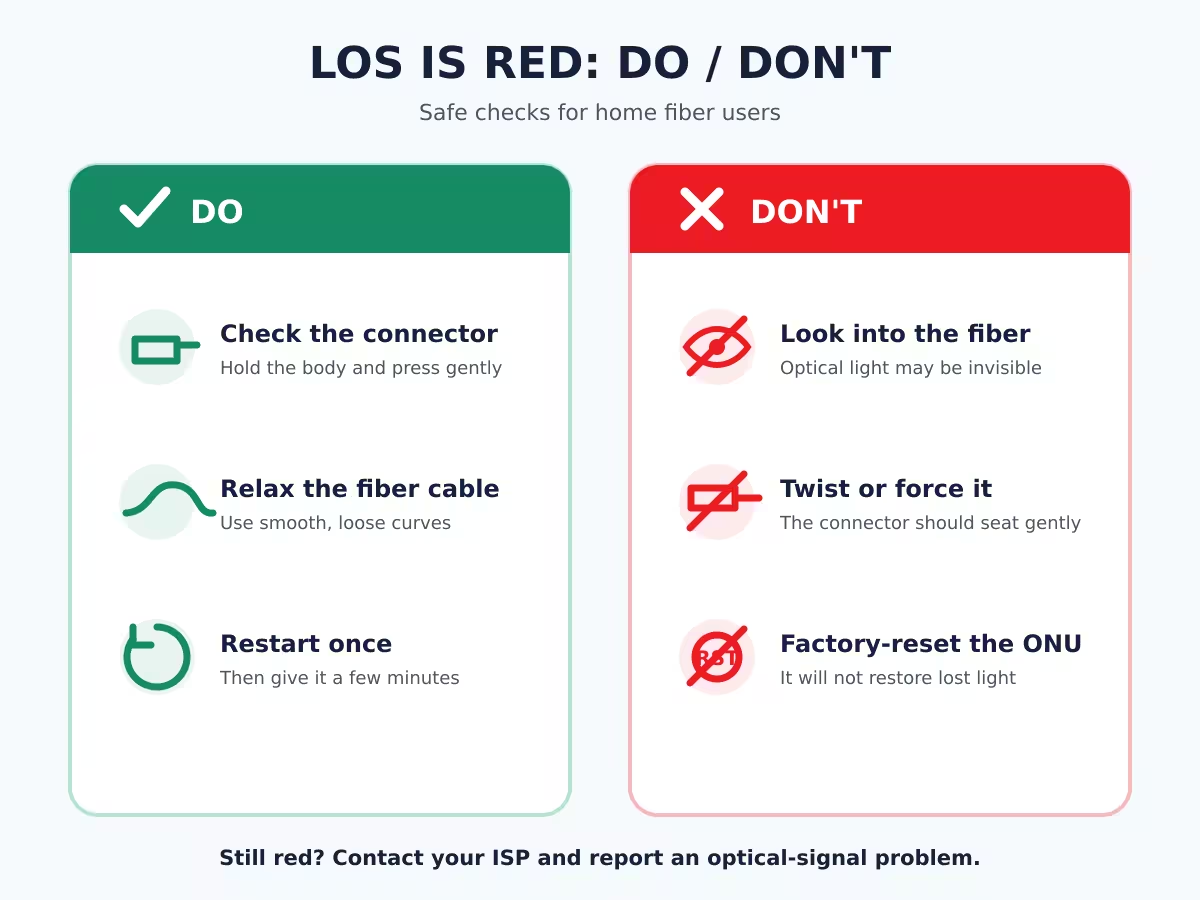
Try these three checks in order.
1. Check the fiber connector
Make sure the fiber connector is fully seated in the optical port.
Hold the connector body—not the thin fiber cable—and press it in gently. Do not twist or force it.
If you unplug the connector, do not touch its end face. Dust and skin oil can increase optical loss. Fiber Optic Association connector guidance
2. Remove sharp bends and pressure
Follow the thin fiber cable from the wall outlet to the ONU.
Check whether it is:
- bent around a sharp corner;
- trapped under furniture or a door;
- pulled tight;
- squeezed by a cable tie.
Use smooth, loose curves instead of tight bends.
3. Restart once
Turn off the ONU, wait about 30 seconds, and turn it back on. Give it a few minutes to start.
If LOS is still red, contact your ISP and tell them:
- the LOS light is red or blinking;
- when the problem started;
- that you checked the connector and cable;
- whether nearby users have the same problem.
What not to do
- Do not look into the fiber connector or optical port. Optical signals may be invisible. Fiber Optic Association safety guidance
- Do not press the factory-reset button. A reset cannot restore a missing optical signal and may erase the ISP configuration.
- Do not repeatedly unplug the fiber. This can introduce dust or damage the connector.
Quick answer
Red LOS after startup = check the connector, remove sharp bends, restart once, and contact your ISP if it remains red.
FAQ
Why is Wi-Fi still visible when LOS is red?
The ONU or router can continue broadcasting its Wi-Fi name even when the incoming fiber connection is down.
Can changing Wi-Fi settings fix a red LOS light?
Usually not. LOS refers to the optical connection, so check the fiber connector and cable first.
Should I replace the ONU immediately?
No. The cause may be a loose connector, pinched cable, damaged fiber, low optical power or an ISP-side outage. Let the ISP test the line before replacing equipment.
Related reading:
 SFP/SFP+ (1G/2.5G/5G/10G)
 SFP-T (1G/2.5G/10G)
 AOC Cable 10G/25G/40G/100G
 DAC Cable 10G/25G/40G/100G
 QSFP28 QSFP+ SFP28 100G/40G/25G
 Copper to Fiber Media Converters
 Fiber Media Converter PCBA Board
 OEO Fiber Media Converters
 Serial to Fiber Media Converters
 Video to Fiber Media Converters
 1000M GPON/EPON ONU
 10G EPON ONU/XG-PON/XGS-PON
 2.5G GPON/XPON STICK SFP ONU
 POE GPON/EPON ONU
 Wireless GPON/EPON ONT
 EPON OLT
 GPON OLT
 SFP PON Module
 Industrial Switches
 Managed Switches
 POE Switches
 Unmanaged Switches
 MTP/MPO Fiber Cables
 Fiber Optic Cassettes
 Fiber Optic Loopback
 Optic Cables and Fiber Pigtails
 Optical Splitters and Splitter Box
 Fiber Flange Connectors
 Optical Adapters
 Optical Attenuator
 Quick Connector and Connector Panel
 CATV Amplifier
 CATV Optical Receiver
 Visual Fault Locator
 OTDR
OTDR Optical Power Meter
 Fiber Optic Identifier
 Fiber Optic Cleaners
 Fiber Cleavers & Fiber Strippers
 Copper Tools


