Customs duties are the responsibility of customers, but standard logistics support DDP to most countries, duty-free such as US, DE, UK, CA, FR, IT, PL, AT, JP…








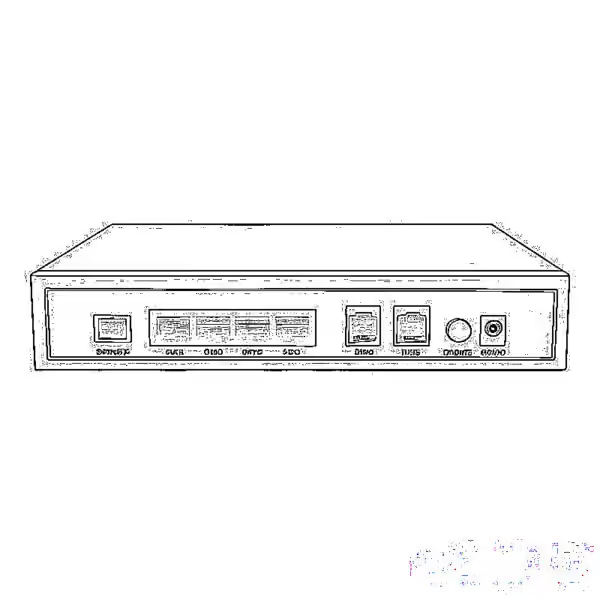
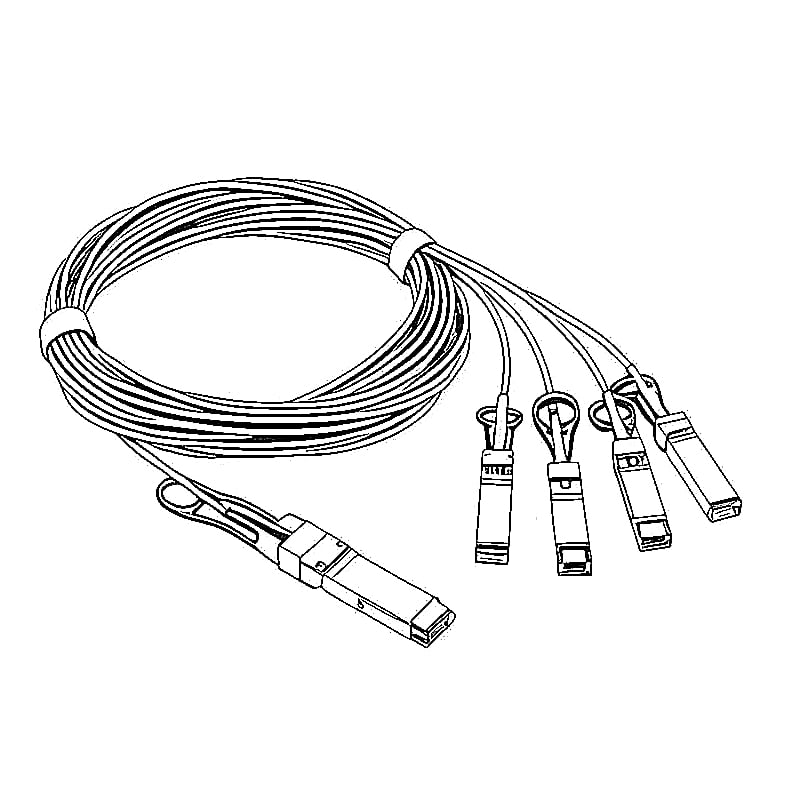
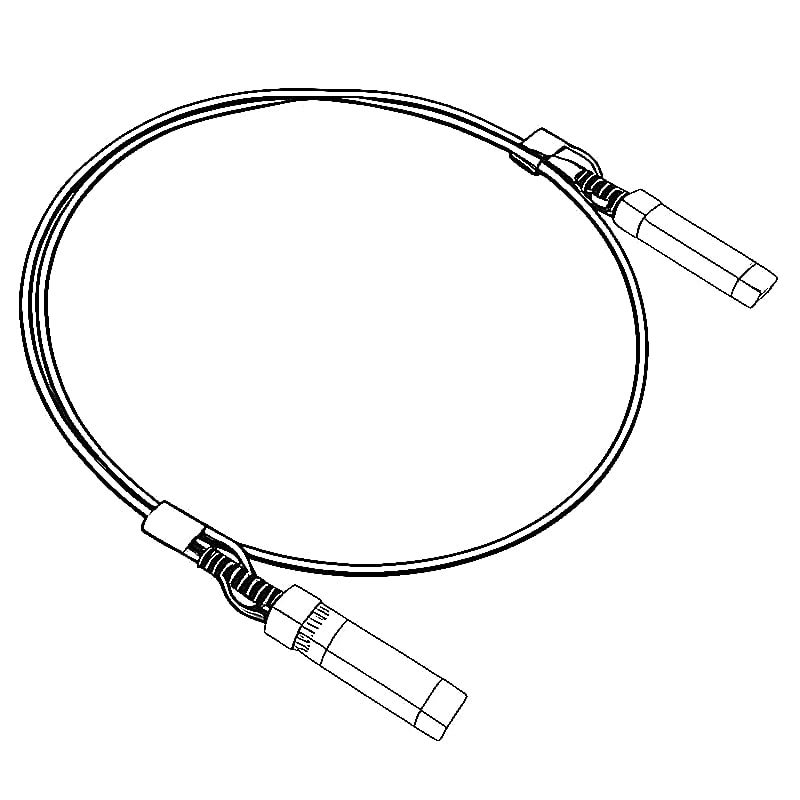
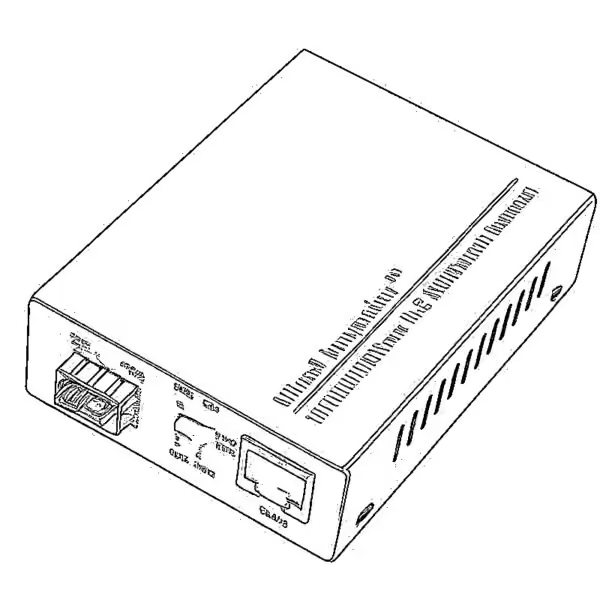
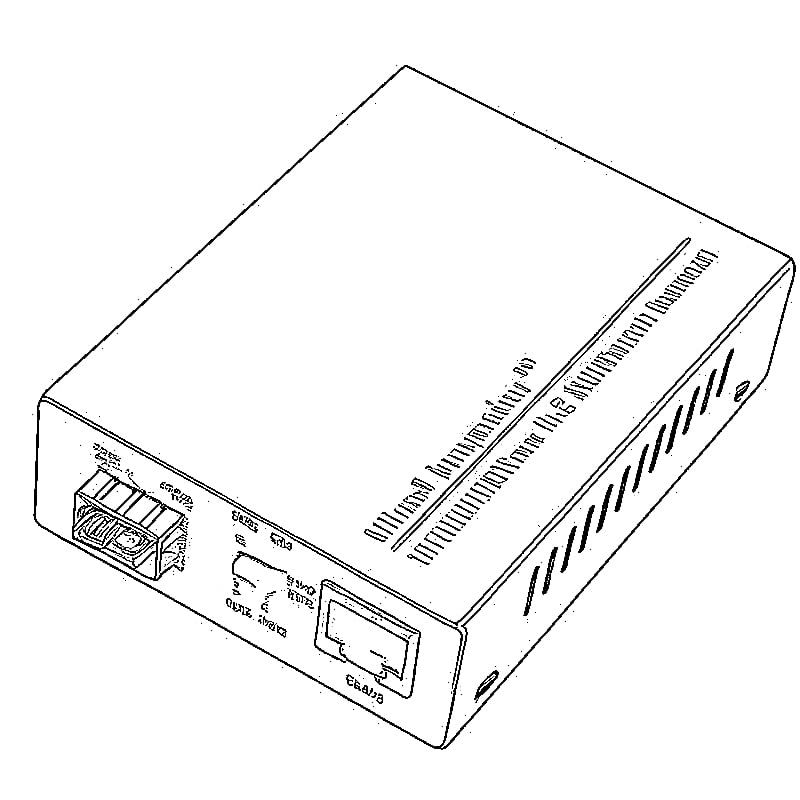
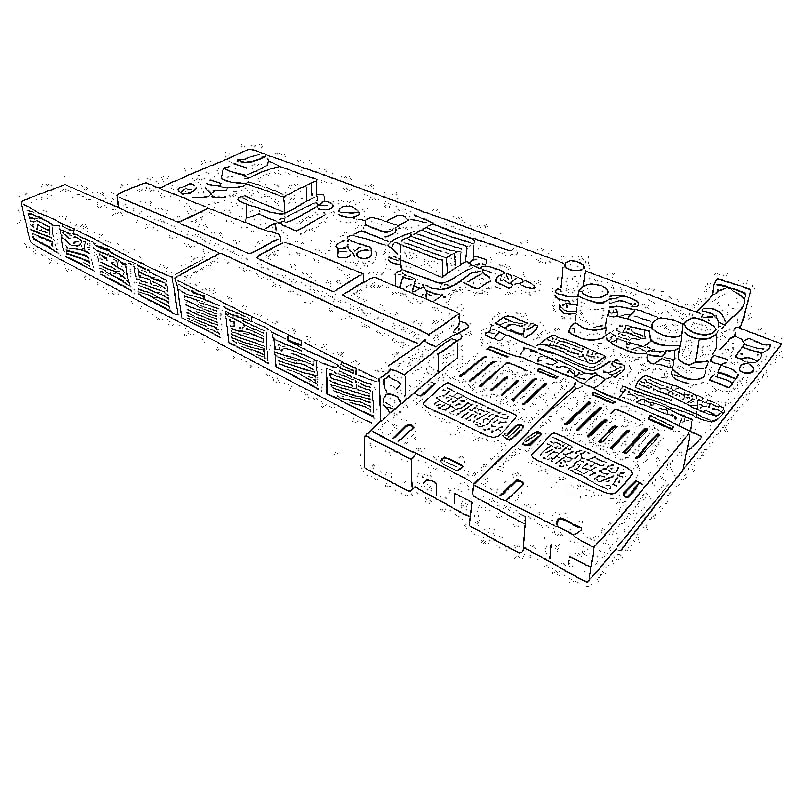
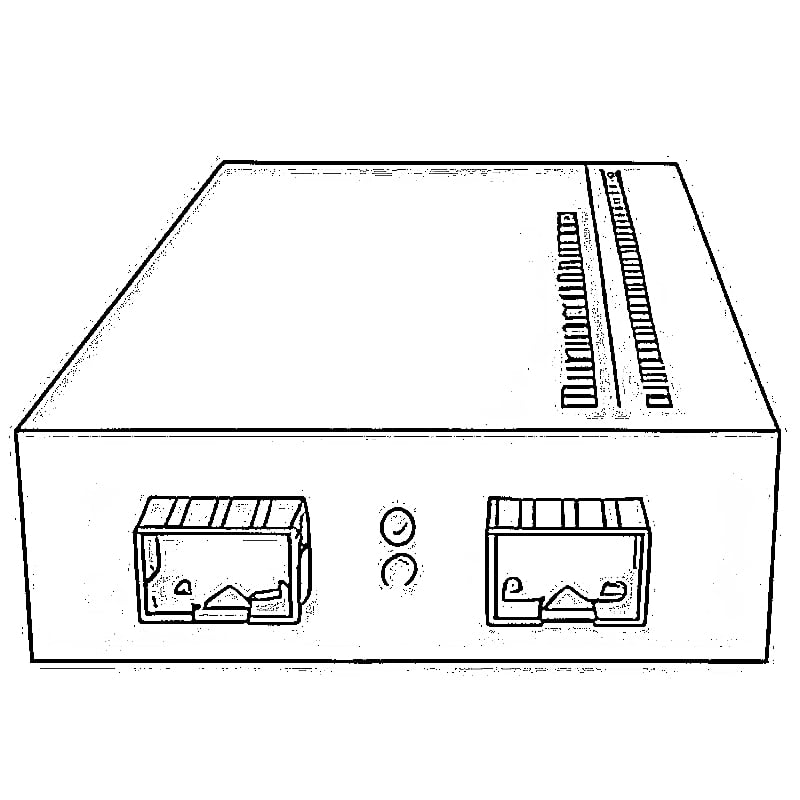
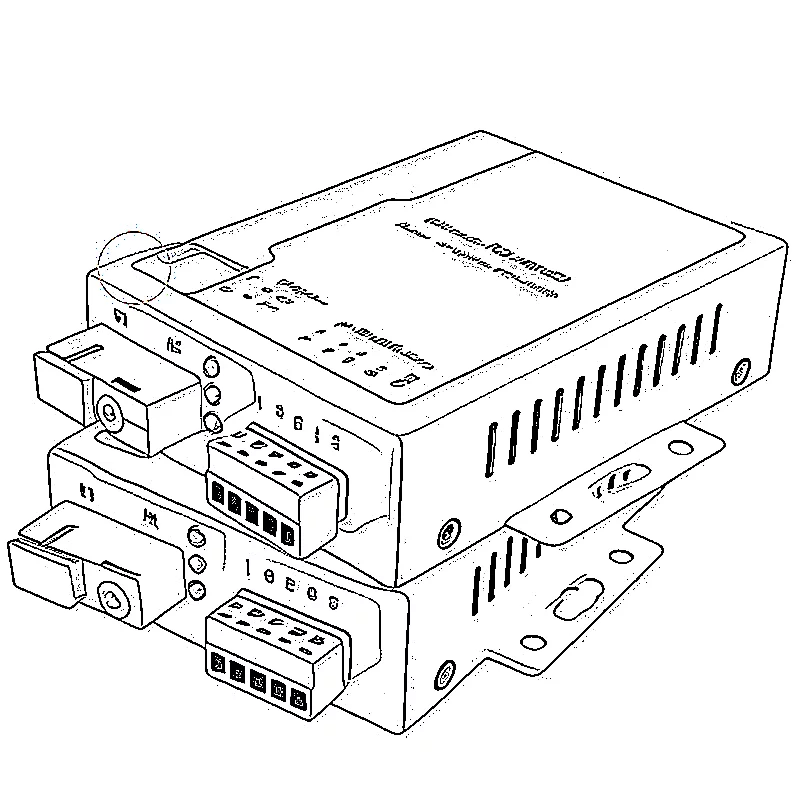
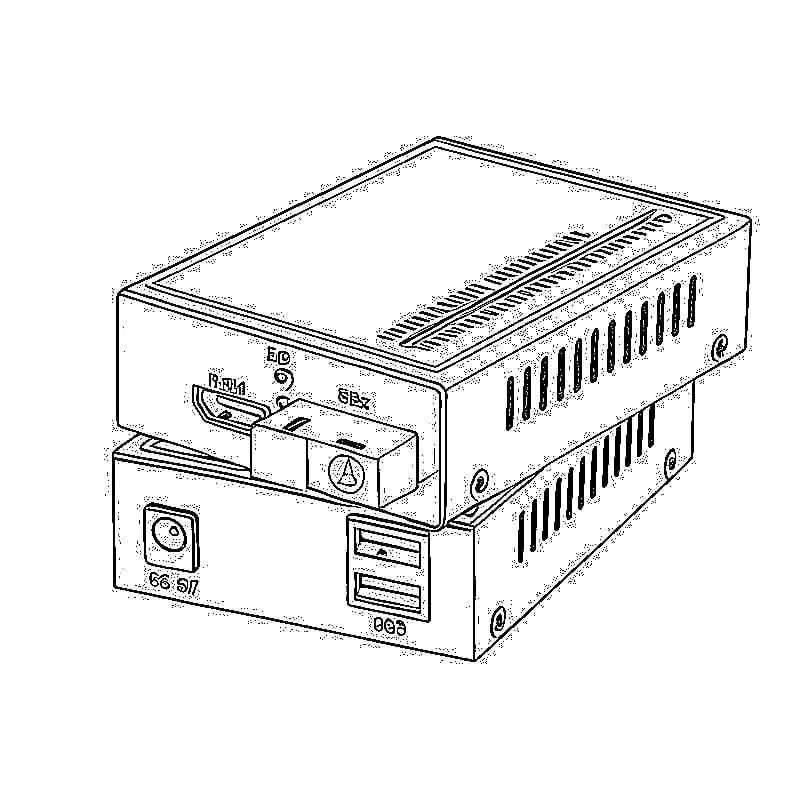


Adding fiber between your PC and router does not guarantee lower gaming ping. Fiber Media Converter latency depends on the hardware, operating rates, frame sizes and traffic load. On a healthy copper link, extra conversion may add delay without fixing the actual bottleneck.
This guide covers a local point-to-point Ethernet link. Changing your ISP’s broadband service is a different decision.
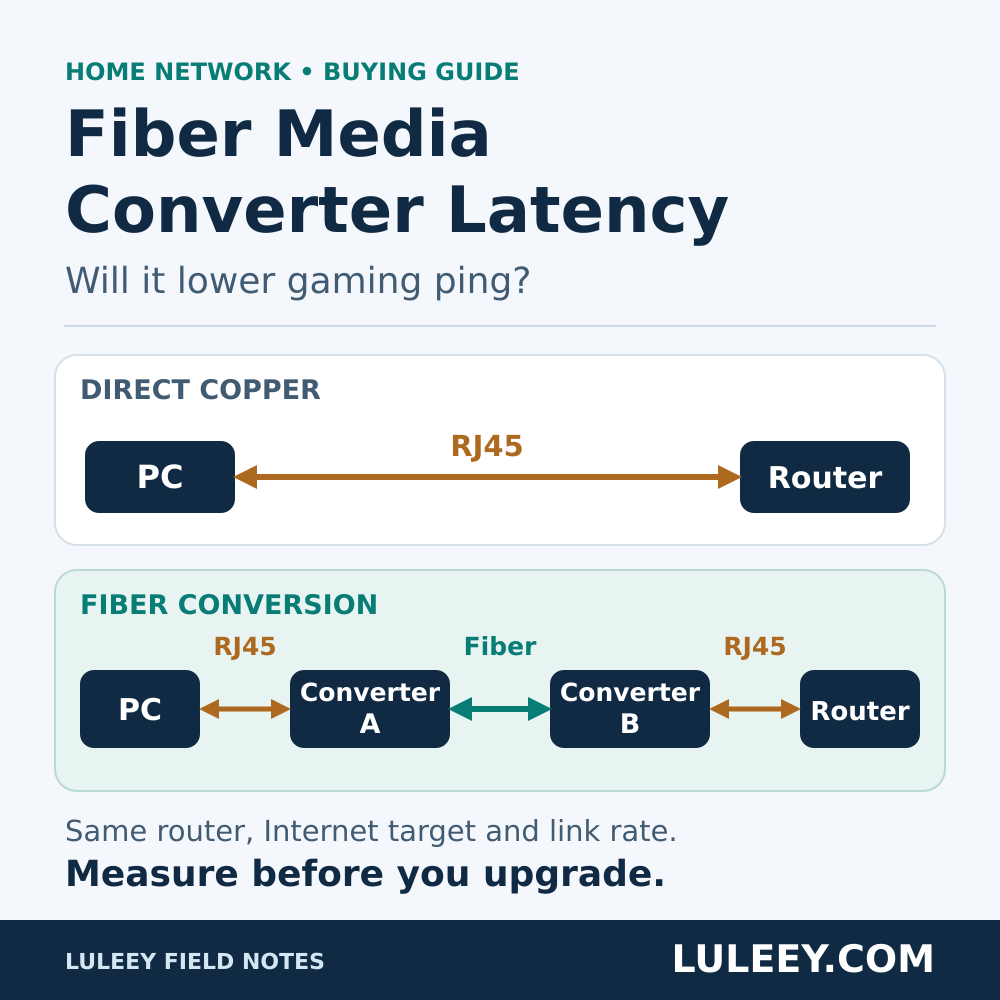
What Fiber Media Converter Latency Actually Changes
A converter changes the local media path. Your traffic still passes through the router and Internet connection to reach the game server. Replacing that local cable does not shorten the ISP’s route.
Converters also introduce their own delay. Compare the exact model and test conditions rather than accepting one universal microsecond figure. RFC 1242’s latency definitions distinguish device-forwarding measurements from other timing effects.
Fiber may help when it replaces a faulty local link or an unstable wireless backhaul. The improvement comes from correcting that problem; it is not an automatic benefit of adding converters.
Try This Before Buying
1. Measure the wired connection at idle
Connect by a known-good Ethernet cable and disable Wi-Fi on the test PC. Pause downloads, cloud backups and VPN software for the comparison.
In two Windows Command Prompt windows, run:
ping /n 60 192.168.1.1
ping /n 60 1.1.1.1
Replace 192.168.1.1 with your router’s actual LAN address. The second address is an example public target; use the same reachable target throughout. It is not a substitute for testing your game.
Microsoft’s ping documentation explains the ICMP round-trip measurement and count option. Record average and maximum time, plus unanswered requests.
2. Repeat during upload and download
Repeat the tests while uploading a large file, then separately while downloading. Keep the same PC, targets and connection.
A repeatable rise under load suggests congestion or device load. IETF RFC 7567 explains how excessive queues increase delay. A fiber segment cannot remove a bottleneck elsewhere.
3. Read the pattern
| Observation | Useful next check |
|---|---|
| Local replies become unstable too | PC load, cable/link errors, router load and local traffic |
| Local replies stay steady; Internet replies worsen under load | WAN congestion, router queue management and router capacity |
| Only the game performs badly | Game-server region, route and the game’s own network statistics |
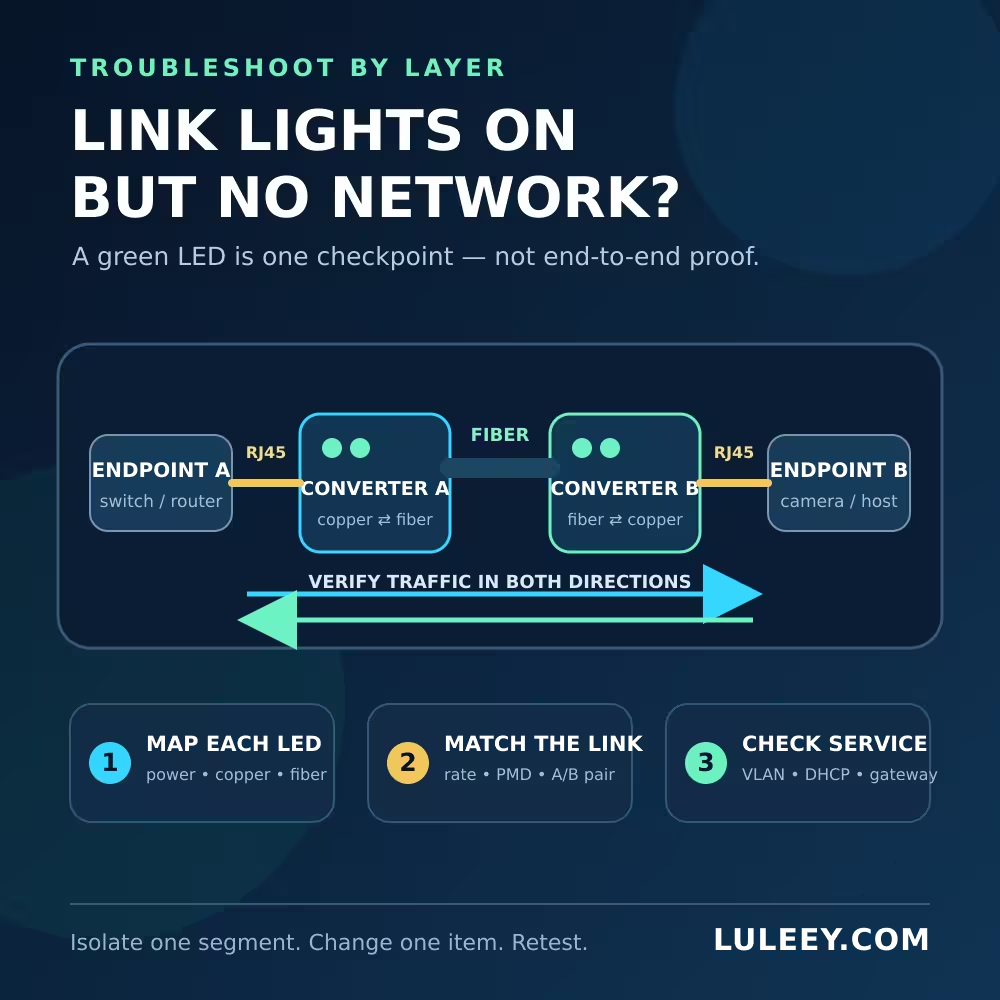
| Problems appear only through an existing converter path | Compare actual link rates, errors, power and the conversion path |
These are clues, not fault verdicts. Devices may rate-limit or deprioritize ICMP. Confirm a pattern with another responsive target and application results.
If a valid copper reference path is available, compare it with the fiber path while keeping endpoints, targets and operating rates unchanged. Repeat the comparison. Ordinary ping includes endpoint and path effects; it cannot isolate a tiny converter delay reliably.
When Does a Fiber Upgrade Make Sense?
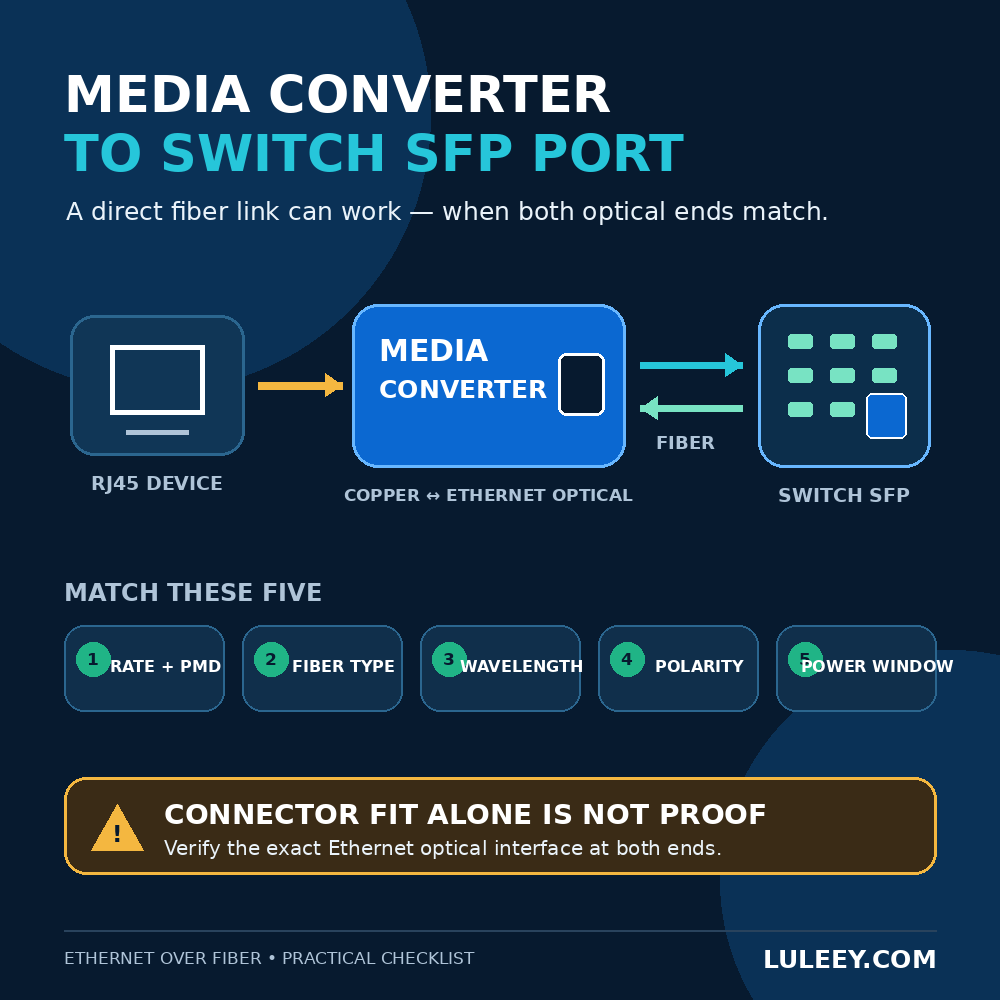
Choose fiber when your installation needs its reach or a different cabling medium. If one end already has a supported optical interface, a second converter may be unnecessary; use LuLeey’s media converter to switch SFP port guide to check the pairing.
For pluggable equipment, physical fit is separate from host SerDes support, actual link rate and usable throughput. Verify exact hardware, firmware, settings and module support.
Your next step: save the idle and loaded results before ordering. If media conversion is needed, compare LuLeey’s copper-to-fiber media converters against the required interfaces and operating modes. Treat latency as a measured requirement, not a benefit implied by “fiber.”

 SFP/SFP+ (1G/2.5G/5G/10G)
 SFP-T (1G/2.5G/10G)
 AOC Cable 10G/25G/40G/100G
 DAC Cable 10G/25G/40G/100G
 QSFP28 QSFP+ SFP28 100G/40G/25G
 Copper to Fiber Media Converters
 Fiber Media Converter PCBA Board
 OEO Fiber Media Converters
 Serial to Fiber Media Converters
 Video to Fiber Media Converters
 1000M GPON/EPON ONU
 10G EPON ONU/XG-PON/XGS-PON
 2.5G GPON/XPON STICK SFP ONU
 POE GPON/EPON ONU
 Wireless GPON/EPON ONT
 EPON OLT
 GPON OLT
 SFP PON Module
 Industrial Switches
 Managed Switches
 POE Switches
 Unmanaged Switches
 MTP/MPO Fiber Cables
 Fiber Optic Cassettes
 Fiber Optic Loopback
 Optic Cables and Fiber Pigtails
 Optical Splitters and Splitter Box
 Fiber Flange Connectors
 Optical Adapters
 Optical Attenuator
 Quick Connector and Connector Panel
 CATV Amplifier
 CATV Optical Receiver
 Visual Fault Locator
 OTDR
 Optical Power Meter
 Fiber Optic Identifier
 Fiber Optic Cleaners
 Fiber Cleavers & Fiber Strippers
 Copper Tools