Customs duties are the responsibility of customers, but standard logistics support DDP to most countries, duty-free such as US, DE, UK, CA, FR, IT, PL, AT, JP…





















































2.5G GPON ONU speed is often misunderstood. A 2.5G interface can remove the Gigabit Ethernet bottleneck between an ONU and your router, but it cannot guarantee a 2.5Gbps Internet test.
The common asymmetric GPON system runs at a nominal 2.48832 Gbit/s downstream and 1.24416 Gbit/s upstream on the shared PON. Those are raw line rates for the entire PON channel, not a dedicated 2.5Gbps service for one subscriber. Protocol overhead, the ISP profile, other active ONUs, the Stick-to-host link, the router, the LAN and the test server all affect usable throughput.
A 2.5G ONU is most useful when your plan is faster than 1Gbps and every link after the ONU also supports the required rate. If any stage is 1G, the upgrade may work correctly while the speed test remains below Gigabit payload throughput.
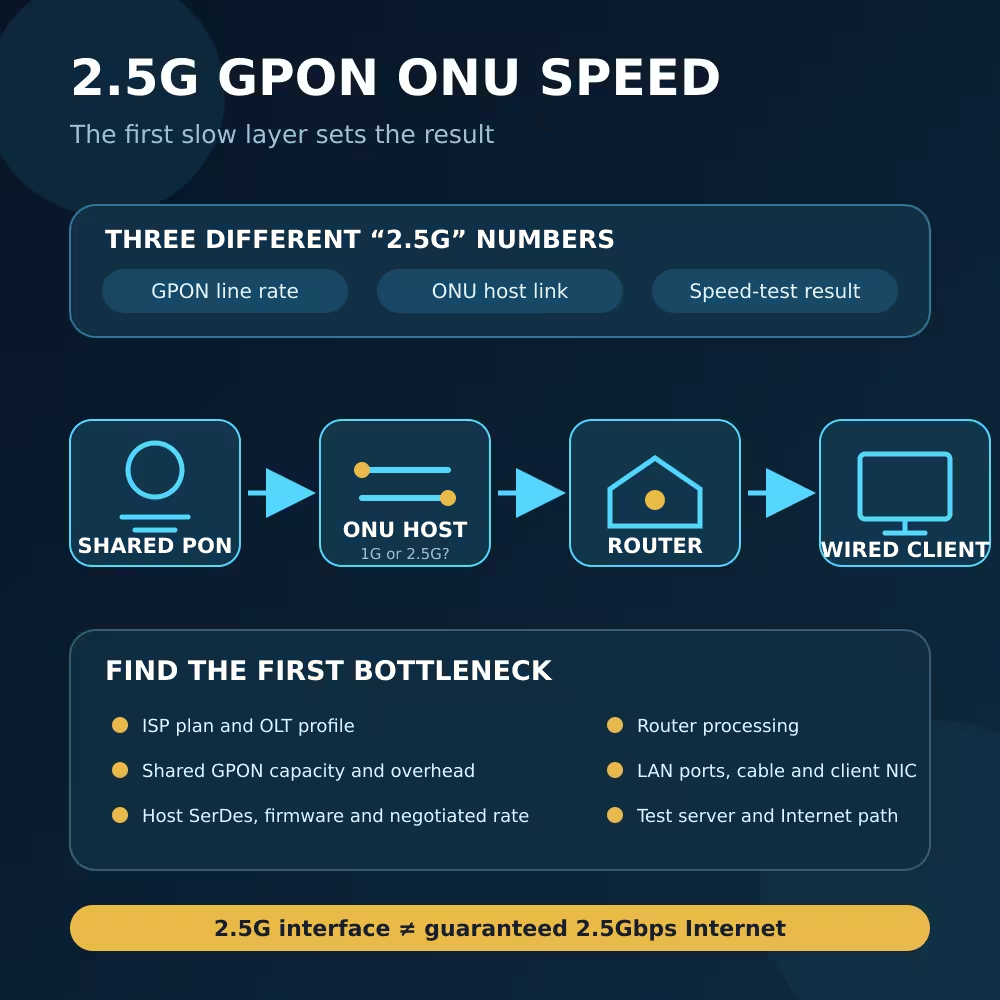
2.5G GPON ONU Speed: Three Different Limits
| The number you see | What it describes | What it does not guarantee |
|---|---|---|
| 2.48832 Gbit/s GPON downstream | Nominal downstream line rate of a common GPON system | Dedicated payload throughput for one customer |
| 1.24416 Gbit/s GPON upstream | Nominal upstream line rate in the common asymmetric deployment | 2.5Gbps upload from a 2.5G ONU port |
| 2.5G ONU or Stick interface | Maximum nominal host/LAN link rate when the exact devices support the same mode | ISP plan speed, PON availability or Internet-test result |
| 2.5G router/switch/NIC port | Local Ethernet link capability | That all preceding and following links are also 2.5G |
| Speed-test result | Application throughput over one particular path and time | Raw GPON rate or maximum performance under every condition |
This distinction explains why a 2.5G label can be accurate while a 2.5Gbps result is impossible in the actual setup.
What a 2.5G ONU Upgrade Can Improve
A traditional 1GE ONU presents a Gigabit Ethernet user interface. Even when the ISP provisions more than 1Gbps downstream, that interface becomes a hard line-rate boundary before Ethernet, IP, TCP and test overhead are considered.
A 2.5G user interface creates more room between the ONU and the router. It can be worthwhile when all of these conditions are true:
- The ISP plan and ONU service profile permit more than 1Gbps.
- The OLT and PON have enough available downstream capacity.
- The ONU or Stick is authorized and correctly provisioned.
- The Stick and host establish the required host-side electrical mode.
- The router, switch, cabling and client all link above 1G.
- The router can process NAT, firewall, PPPoE, VLANs and other enabled features at the target rate.
- The test destination and Internet path can supply the traffic.
The benefit is therefore “removes a 1GE bottleneck,” not “creates a private 2.5Gbps circuit.”
The GPON Line Rate Is Shared and Has Overhead
ITU-T G.984.2 specifies the GPON physical layer. The widely deployed asymmetric rate pair is 2.48832 Gbit/s downstream and 1.24416 Gbit/s upstream.
The OLT sends downstream information over the common PON, and ONUs share the upstream through scheduled transmission opportunities. ITU-T G.984.3 defines GPON transmission convergence, bandwidth maps, T-CONTs and dynamic bandwidth assignment. The OLT allocates upstream bandwidth according to configured traffic contracts and current demand.
Three practical consequences follow:
- The raw line rate includes GPON framing, control and encapsulation overhead. It is not all application payload.
- Multiple subscribers can use the same OLT port and optical tree. Available bandwidth changes with traffic and operator policy.
- In the common asymmetric system, upstream raw capacity is about half the downstream rate. A 2.5G LAN or host interface does not turn it into 2.5G upstream GPON.
Operators can also apply per-subscriber rate limits, traffic containers, service profiles and upstream scheduling policies. Replacing the ONU does not modify those settings.
Why the Speed Test May Still Stop Near 1Gbps
The ISP service profile is still 1G
An ONU can register and present a 2.5G host link while the OLT or broadband edge limits the service to the purchased plan. Check the contracted downstream and upstream speeds and ask the operator whether the ONU profile was updated.
Do not try to solve a service-policy limit by changing optical power, copying identities or forcing unsupported module settings.
The Stick-to-host link is actually 1G
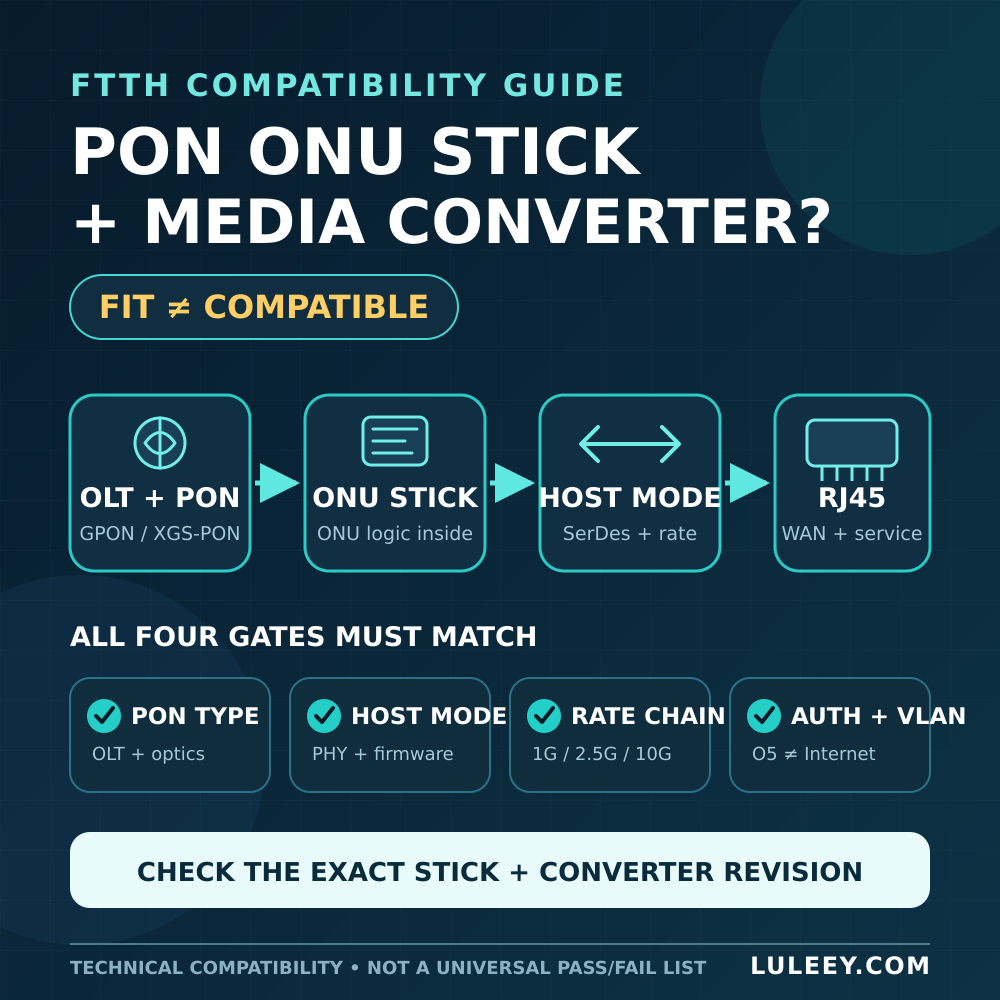
An SFP or SFP+ cage is only part of the interface. Physical insertion does not reveal which electrical modes the host ASIC or PHY supports.
A 1G/10G SFP+ port may operate a 2.5G PON ONU Stick at 1G only when both the Stick and the host support a compatible 1G mode. Some SFP+ ports can support 2.5G with a suitable chipset, PHY, firmware and port configuration. Other ports offer only 1G and 10G modes and cannot establish the Stick’s required 2.5G host link.
Verify the exact combination:
- Host model, hardware revision and port number
- Host ASIC, PHY or SerDes capabilities
- Stick model, hardware and firmware
- Stick host-side mode
- Host firmware, driver and port-speed setting
- Module coding and management-interface acceptance
- Power and cooling support
- Actual negotiated host-side rate
- Maximum usable data throughput
The current SNIA SFF-8419 specification defines SFP+ power and low-speed management behavior. It does not make every SFP+ host support every intermediate serial data rate. Host and module documentation still have to identify a mutually supported high-speed mode.
Module detection is also not a speed test. A host may read EEPROM information while the high-speed data path is down or operating in an unintended mode.
The router has one 2.5G port but the client path is 1G
Follow the traffic from the ONU to the test device:
PON → ONU host link → router WAN → router processing → router LAN → switch → client NIC
Every link needs enough capacity. A router can have a 2.5G WAN port but only 1G LAN ports, or the client may connect through a 1G switch. Wi-Fi link-rate labels are not equivalent to sustained Internet payload throughput.
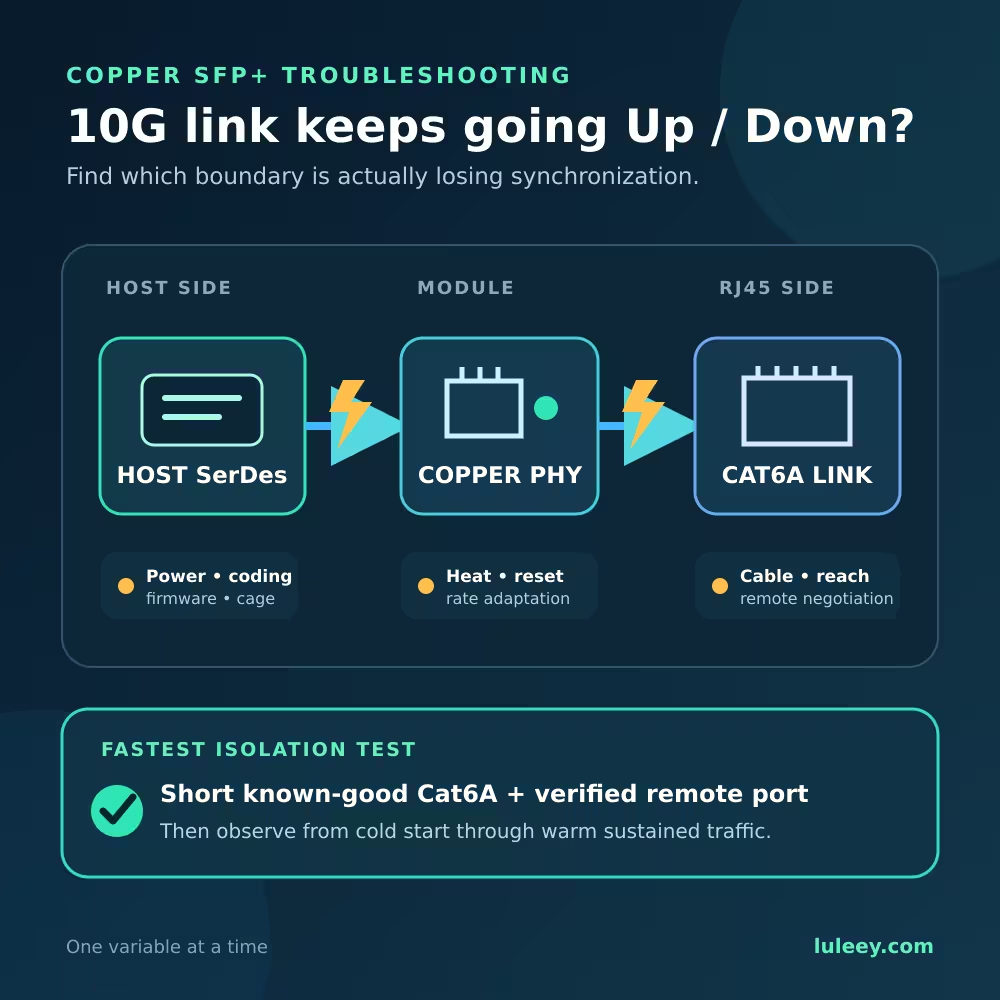
Check the negotiated rate at both ends of every Ethernet segment. For 2.5GBASE-T, also verify the cable, terminations, driver and energy-saving settings if the link is unstable or falls back to 1G.
Router processing is the bottleneck
Routing performance depends on the enabled workload. PPPoE, NAT, stateful firewall rules, traffic shaping, intrusion inspection, VPNs and software bridges can reduce throughput when hardware offload is unavailable or disabled.
Watch CPU use during a wired test. Compare results with and without optional processing features only when the change is authorized and documented. Do not disable security controls on a production network simply to improve a benchmark.
One speed-test path is not representative
A test server can be busy, too far away or reached through a constrained peering path. A single TCP flow can also be limited by latency, packet loss and endpoint tuning.
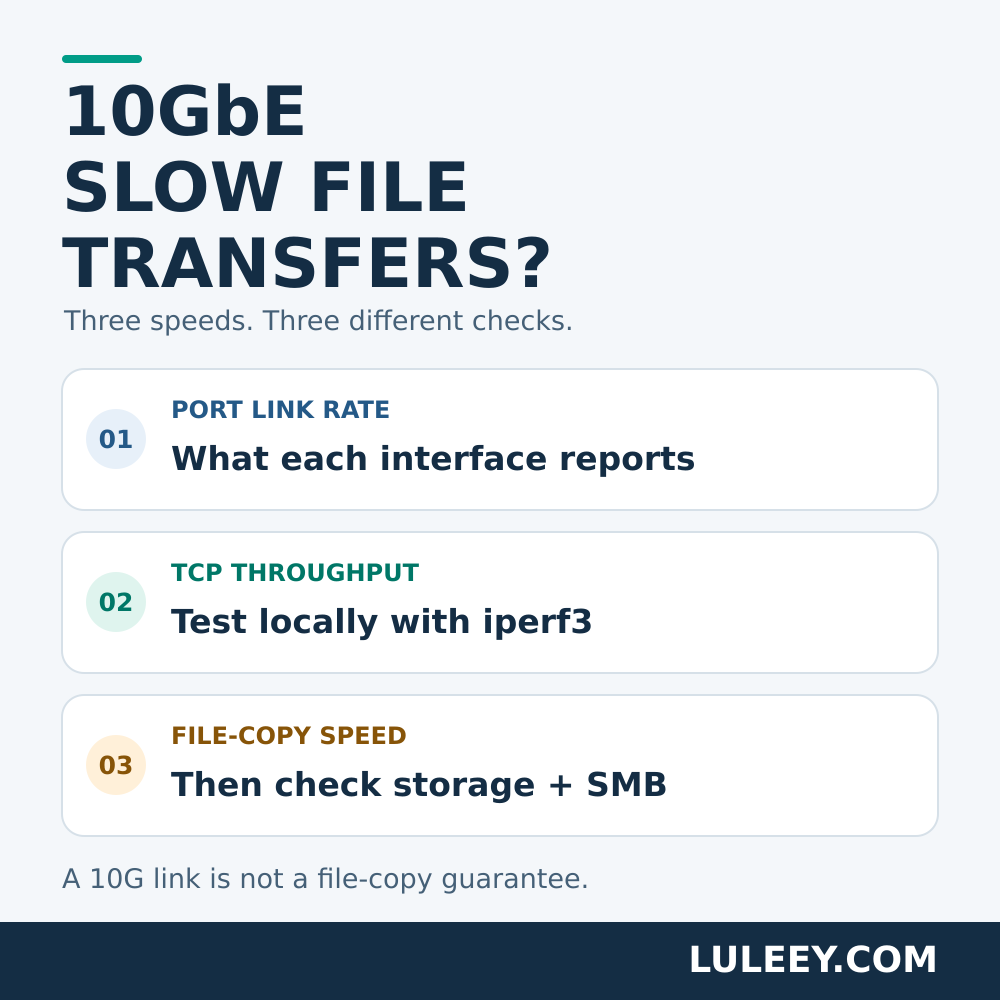
Use a wired 2.5G-capable client, test several nearby servers, repeat at different times and compare single- and multi-connection results. A local LAN throughput test helps confirm the router, switch and NIC before the ISP path is blamed.
O5 or “Registered” Does Not Prove 2.5G Host Compatibility
O5/Operational means the ONU has completed the relevant PON activation and is communicating with the OLT. It does not prove that the customer-side data path is correct.
An ONU can reach O5 while:
- The Stick-to-host SerDes is down.
- The host link runs at 1G.
- The module is detected but data traffic is not passed.
- The service VLAN is missing or tagged incorrectly.
- PPPoE or DHCP is not established.
- The OLT profile limits the service.
- The router WAN or LAN side is the bottleneck.
Treat optical/PON state, host-link state, service configuration and application throughput as four separate checks.
LuLeey’s UCG Fiber access guide for the LL-XS2510 documents one concrete case where a host exposes 1G and 10G choices rather than a native 2.5G setting. That host-specific example should not be generalized to every SFP+ device, but it illustrates why the exact port menu and hardware matter.
A Simple End-to-End Speed Example
Suppose a customer has:
- A 2Gbps downstream / 1Gbps upstream service profile
- A common asymmetric GPON connection
- A 2.5G ONU host link
- A router with 2.5G WAN and 2.5G LAN
- A wired 2.5G client
This setup can potentially exceed the practical limit of a 1GE ONU on downstream tests when the PON and Internet path have enough capacity. It should not be expected to show the full 2.48832 Gbit/s GPON line rate as application data, and it cannot deliver 2.5Gbps upload on the common 1.24416 Gbit/s upstream GPON channel.
Now change only one item:
- If the service profile is 1Gbps, the 2.5G hardware does not raise the purchased limit.
- If the Stick-to-host link runs at 1G, it becomes the boundary.
- If the router’s LAN side is 1G, the wired client remains below that interface’s payload limit.
- If another subscriber consumes shared PON capacity, the result can vary by time.
This is why troubleshooting should identify the first slow layer instead of replacing parts at random.
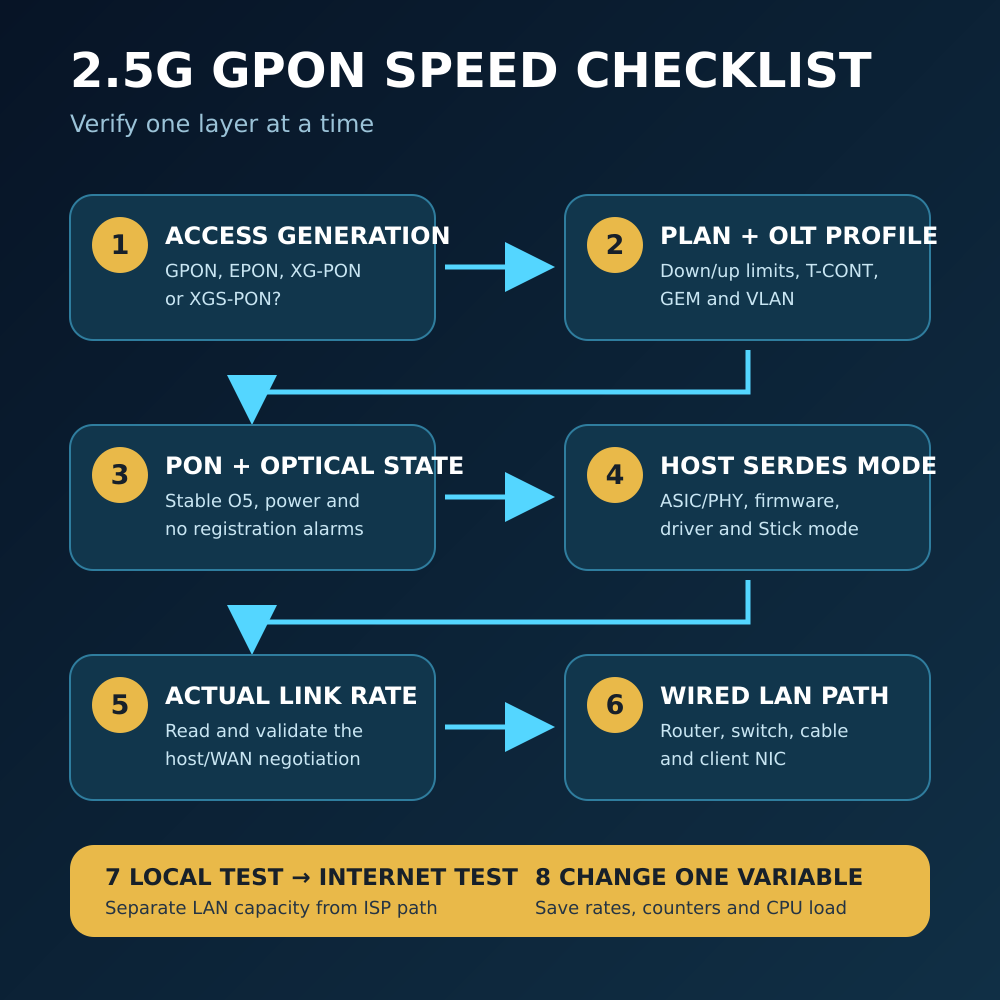
An Eight-Step 2.5G GPON Speed Checklist
Step 1: Confirm the access generation
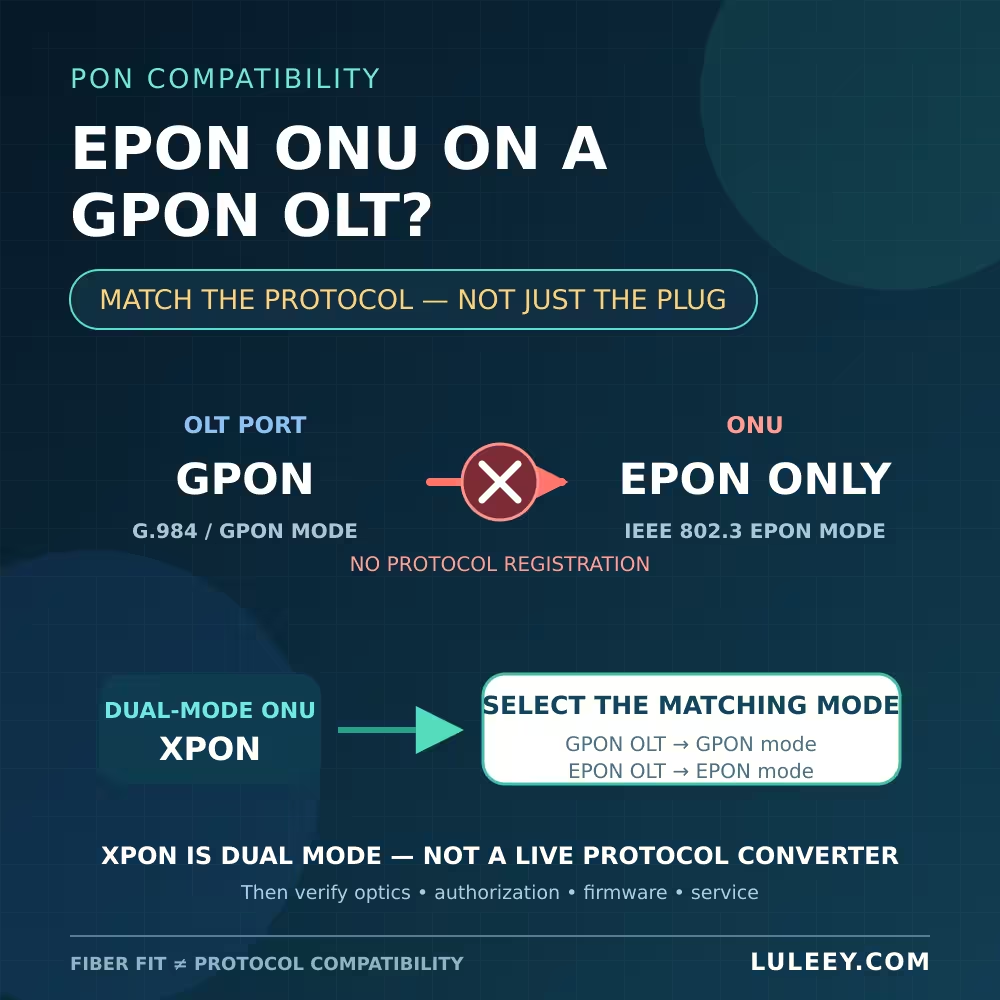
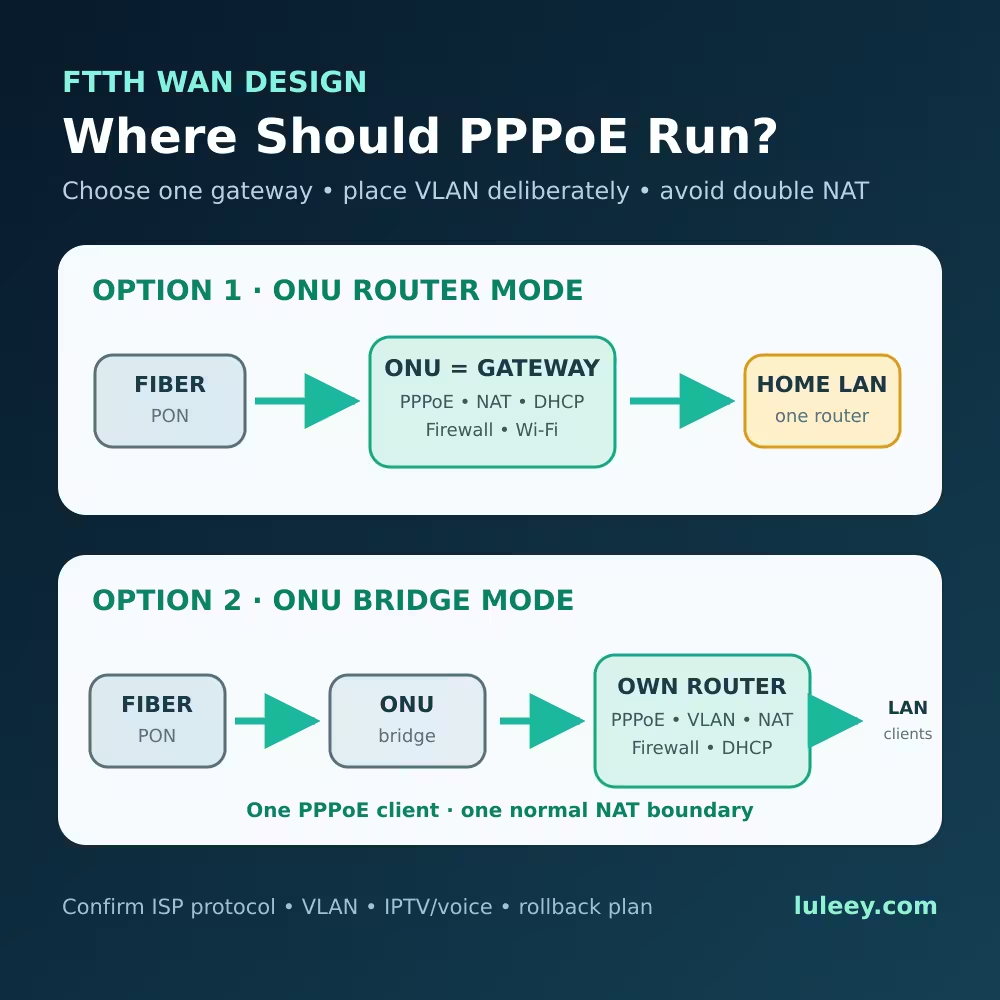
Verify whether the service is GPON, EPON, XG-PON, XGS-PON or another system. “XPON” on a product label often means GPON/EPON dual mode; it does not prove XGS-PON support.
Step 2: Confirm the plan and OLT profile
Record the contracted downstream and upstream rates. Ask whether the exact ONU identity is assigned the correct service profile, T-CONT/GEM mapping and VLAN configuration.
Step 3: Verify PON activation and optical health
Confirm stable operational state, appropriate received power for the exact optical class, and absence of optical or registration alarms. Stable O5 is necessary but not sufficient.
Step 4: Verify the Stick host mode
Record the host model, chipset or PHY, firmware, driver, port setting, module coding and Stick firmware. Confirm the required electrical mode on both sides instead of inferring it from SFP/SFP+ labels.
Step 5: Read the actual negotiated rate
Check what the host reports for the module/port and what the router reports for WAN. If the interface is fixed or displayed ambiguously, confirm with the vendor and validate with controlled traffic.
Step 6: Audit the whole LAN path
Check router WAN, routing capacity, LAN port, switch, cable and client NIC. Disable Wi-Fi as a variable by using a wired 2.5G-capable test client.
Step 7: Separate local and Internet performance
Run a local wired throughput test across the intended router/switch path. Then test several Internet servers and times. Record CPU load, errors, drops and negotiated rates during each run.
Step 8: Change one variable and retest
Change only the host port, converter, cable, router setting or test endpoint under investigation. Save before-and-after results so the improvement can be attributed to one cause.
Choosing a Stick, Media Converter or Standard ONU
Use a 2.5G ONU Stick when the host is verified
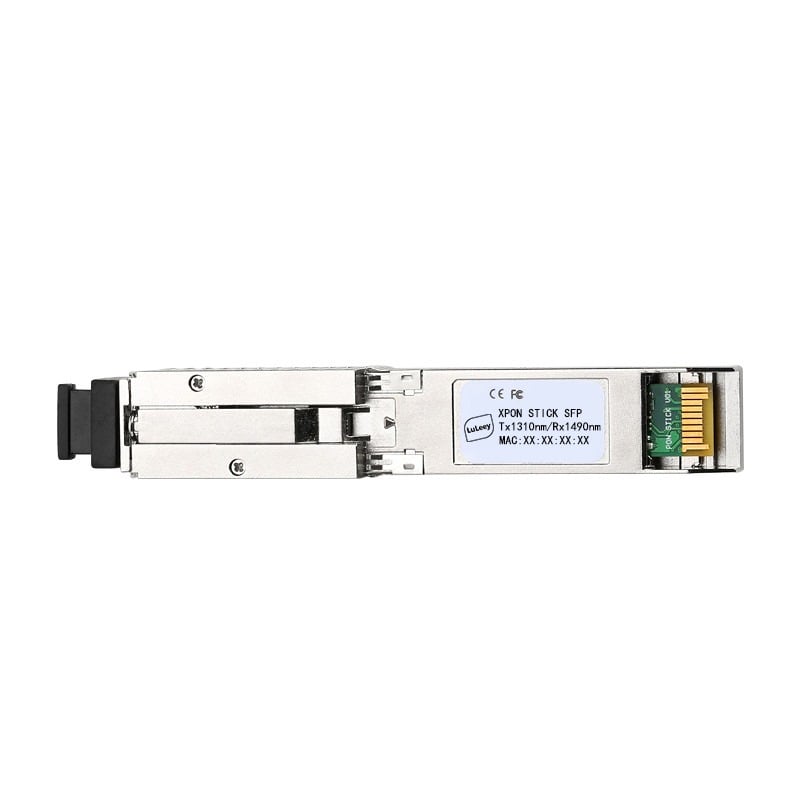
LuLeey’s LL-XS2510 2.5G XPON SFP ONU Stick page lists the RTL9601D chipset, GPON/EPON operation, SC/APC or SC/UPC options, web management, bridge mode, DBA and 2.5G Ethernet capability.
Those product-level claims do not prove that every SFP or SFP+ host supports the required electrical mode. Before ordering, confirm the exact host, port, chipset, firmware, driver, module coding, Stick host mode and ISP activation method.
Use a media converter when the router has 2.5G RJ45
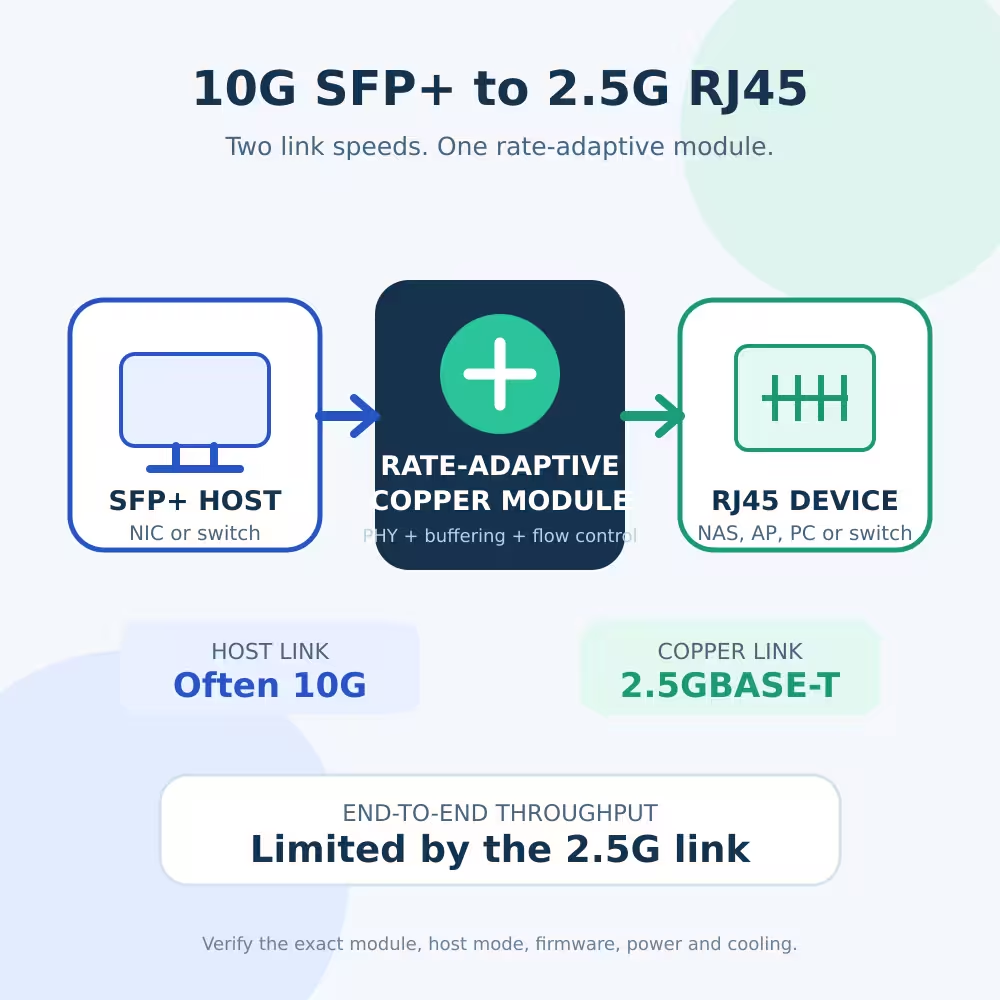
LuLeey’s LL-25SFMC 2.5G SFP-to-RJ45 media converter page lists one 2.5G SFP optical port, one 100M/1G/2.5G adaptive RJ45 port and a manual switch for 2.5G or 1G SFP operation.
This can separate the ONU Stick from a router that lacks a suitable 2.5G SFP mode. It is not universal: verify the Stick model, required host mode, converter firmware/hardware, power, ISP authentication, VLAN behavior and actual RJ45 negotiation.
LuLeey also lists a 2.5G XPON Stick and media-converter bundle with a 2.5G optical mode and an adaptive 100M/1G/2.5G electrical port. Treat the bundle specifications as the starting point for a particular topology, not proof of compatibility with every OLT or router.
Keep a 1GE ONU when the service is 1G or below
If the purchased service, router and clients are all 1G, a 2.5G host interface may not change Internet throughput. Upgrade when it removes a measured bottleneck or supports a planned service change.
Use the correct PON generation for symmetric multi-gigabit service
If the requirement is multi-gigabit upstream as well as downstream, first confirm what the ISP actually deploys. A common asymmetric GPON link cannot supply 2.5Gbps upstream.
An XGS-PON service requires an XGS-PON-capable OLT channel, ONU, optics, provisioning and host path. A 2.5G GPON/EPON Stick is not converted into XGS-PON by its LAN rate.
Final Answer
A 2.5G GPON ONU can remove the 1GE boundary between the ONU and your router, making downstream speeds above 1Gbps possible in a correctly provisioned and uncongested setup. It cannot guarantee 2.5Gbps because the final result is constrained by the shared GPON line, protocol overhead, ISP profile, Stick host mode, router, LAN and test path.
Check the system in this order:
- PON generation and nominal line rates
- Purchased plan and OLT service profile
- Stable ONU activation and optical state
- Host chipset, SerDes mode, firmware, driver and Stick host mode
- Actual negotiated host/WAN link rate
- Router processing and complete wired LAN path
- Local throughput before Internet testing
- Multiple controlled speed tests and error counters
When asking LuLeey to recommend a Stick or converter, provide the OLT and ISP activation method, host/router model, exact SFP/SFP+ port, chipset or PHY, firmware, required host mode, expected downstream and upstream rates, and the complete LAN topology. Those details are more useful than the “2.5G” label alone.

 SFP/SFP+ (1G/2.5G/5G/10G)
 SFP-T (1G/2.5G/10G)
 AOC Cable 10G/25G/40G/100G
 DAC Cable 10G/25G/40G/100G
 QSFP28 QSFP+ SFP28 100G/40G/25G
 Copper to Fiber Media Converters
 Fiber Media Converter PCBA Board
 OEO Fiber Media Converters
 Serial to Fiber Media Converters
 Video to Fiber Media Converters
 1000M GPON/EPON ONU
 10G EPON ONU/XG-PON/XGS-PON
 2.5G GPON/XPON STICK SFP ONU
 POE GPON/EPON ONU
 Wireless GPON/EPON ONT
 EPON OLT
 GPON OLT
 SFP PON Module
 Industrial Switches
 Managed Switches
 POE Switches
 Unmanaged Switches
 MTP/MPO Fiber Cables
 Fiber Optic Cassettes
 Fiber Optic Loopback
 Optic Cables and Fiber Pigtails
 Optical Splitters and Splitter Box
 Fiber Flange Connectors
 Optical Adapters
 Optical Attenuator
 Quick Connector and Connector Panel
 CATV Amplifier
 CATV Optical Receiver
 Visual Fault Locator
 OTDR
OTDR Optical Power Meter
 Fiber Optic Identifier
 Fiber Optic Cleaners
 Fiber Cleavers & Fiber Strippers
 Copper Tools


