Customs duties are the responsibility of customers, but standard logistics support DDP to most countries, duty-free such as US, DE, UK, CA, FR, IT, PL, AT, JP…





















































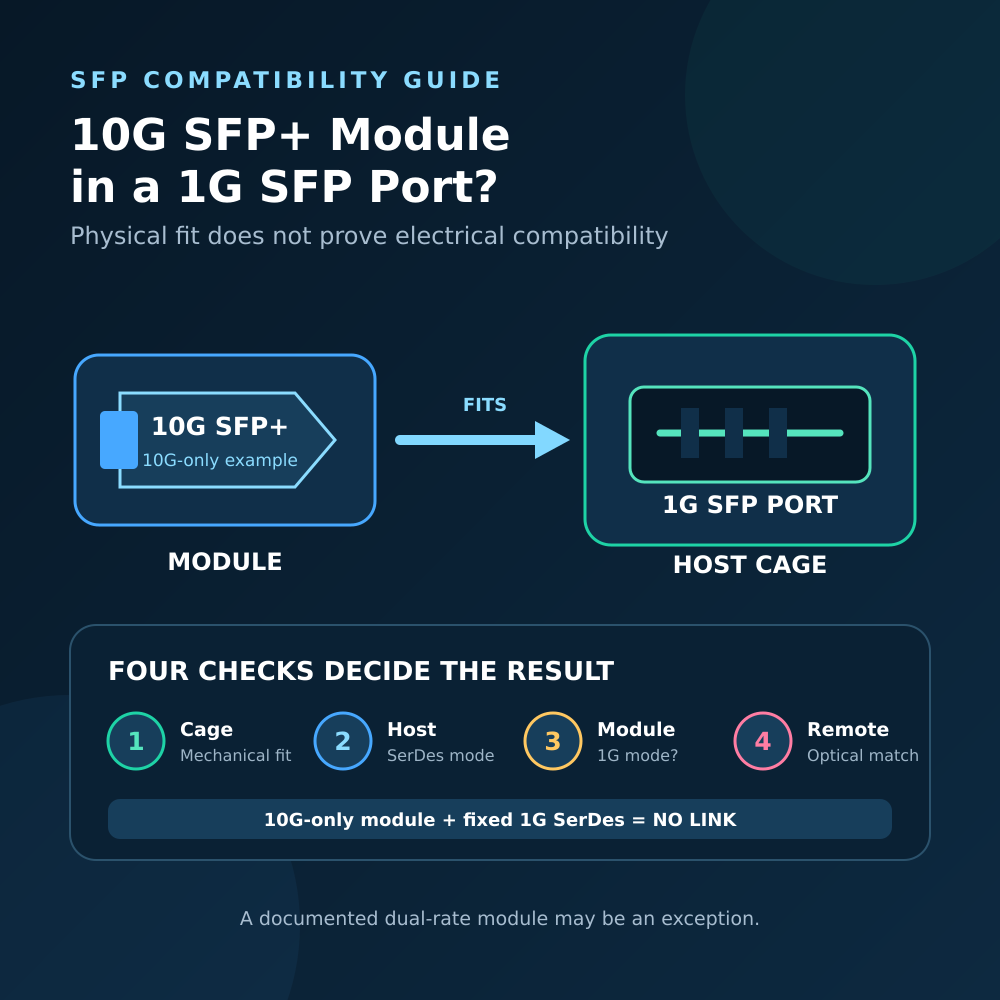
A 10G SFP+ module in a 1G SFP Port will usually not work when the module is designed only for 10Gbps operation. The module may fit into the cage and its EEPROM may even be readable, but a 1G host normally cannot exchange data with a module that requires a 10G electrical interface.
There is one important exception: a transceiver explicitly designed for both 1G and 10G may operate in a 1G SFP port if the module supports the required low-rate mode, the host accepts its coding and control behavior, and the remote endpoint matches the resulting 1G optical link.
The accurate answer is therefore not “SFP+ always works” or “SFP+ never works.” You must check the host electrical mode and the module’s actual supported applications—not only the shell size or product name.
10G SFP+ Module in a 1G SFP Port: Quick Answer
| Combination | Likely result | What must be verified |
|---|---|---|
| 10G-only SFP+ module in a 1G SFP port | No link | The 1G host cannot supply a 10G SerDes mode |
| Explicit 1G/10G dual-rate module in a 1G SFP port | May work at 1G | Module low-rate mode, host coding and control support |
| 1G SFP module in a 1G SFP port | Expected if optics match | Wavelength, fiber, reach, coding and remote endpoint |
| 1G SFP module in an SFP+ port | Often possible, but not guaranteed | SFP+ host port must support a 1.25GBd/1G mode |
| 2.5G module in a 1G/10G cage | Model-specific | Host SerDes modes, module host mode, firmware and coding |
“Likely result” is not a compatibility guarantee. The exact switch, NIC, router or media converter model and its firmware remain decisive.
Physical Fit Is Only the First Layer
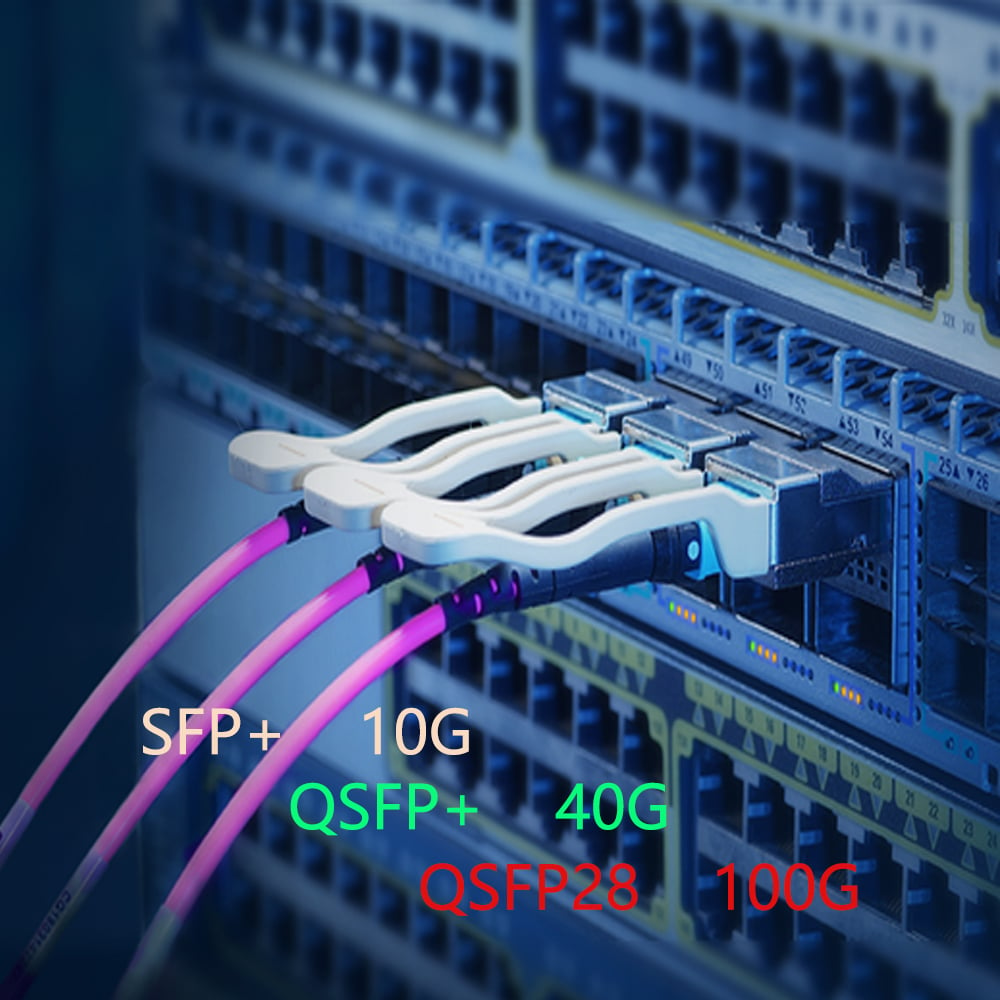
SFP and SFP+ use closely related compact module and cage formats. This is why a 10G SFP+ transceiver can often be physically inserted into a port labeled SFP.
Mechanical fit confirms only that the module enters the cage and its electrical contacts align. It does not confirm:
- Host serial data rate
- Signaling application
- Module low-rate support
- EEPROM coding acceptance
- Laser and receiver control behavior
- Remote transceiver compatibility
- Usable end-to-end throughput
The SNIA SFF specifications separate the mechanical, high-speed electrical, low-speed control and management aspects of the SFP family. A matching cage shape is therefore only one part of interoperability.
The Host SerDes Mode Is the Main Limitation
Behind the cage, the switch or NIC connects to the module through a serializer/deserializer, commonly called a SerDes.
A traditional 1G optical SFP host commonly operates around the 1.25GBd signaling used by Gigabit Ethernet optical applications. A common 10GBASE-R SFP+ application uses a 10.3125GBd serial electrical interface.
If the host port supports only the 1G electrical mode, it cannot transmit 10G signaling simply because a 10G module was inserted. The cage does not create a faster SerDes.
The reverse direction can be different. Some SFP+ hosts are deliberately designed to support classic 1G SFP modules. SNIA’s public SFF-8418 SFP+ electrical-interface specification includes requirements for SFP+ hosts supporting 1.25GBd operation and notes the possibility of classic SFP modules being inserted into SFP+ hosts.
However, this capability must still be implemented by the finished switch or NIC. An SFP+ cage is not proof that the port supports 1G.
A 10G-Only Module Does Not Automatically Downshift
Many optical SFP+ modules are designed for one application rate. A 10GBASE-SR or 10GBASE-LR module normally expects a 10G host electrical signal and a matching 10G optical endpoint.
Unlike a multi-rate copper Ethernet port, an optical module does not necessarily negotiate through 10G, 5G, 2.5G and 1G until it finds a common speed.
For example, plugging a 10G-only SFP+ LR module into a 1G host does not turn it into a 1000BASE-LX module. Even if both products use 1310nm light and LC connectors, their signaling rates and physical-layer applications remain different.
Connector, wavelength and distance are important, but they do not replace rate compatibility.
When a Dual-Rate SFP+ Module May Work at 1G
Some optical transceivers explicitly support more than one rate or application. These modules may change receiver bandwidth, clocking or internal operating parameters through hardware or software controls.
SNIA’s SFF-8079 SFP Rate and Application Selection defines mechanisms for rate and application selection. SFF-8472 defines management fields and optional software rate-selection controls.
These standards show that multi-rate control exists. They do not mean every SFP+ module supports 1G.
For a dual-rate module to work in a 1G SFP port, all of the following must be true:
- The finished module explicitly lists the required 1G optical application.
- The module can enter that mode with the control state provided by the 1G host.
- The host accepts the module identifier, vendor coding and power requirements.
- The remote endpoint uses the matching 1G rate, wavelength and fiber type.
- The transmitter and receiver power ranges are compatible.
A product listing that says only “10G SFP+” is not evidence of dual-rate support. Look for an explicit application or rate table.
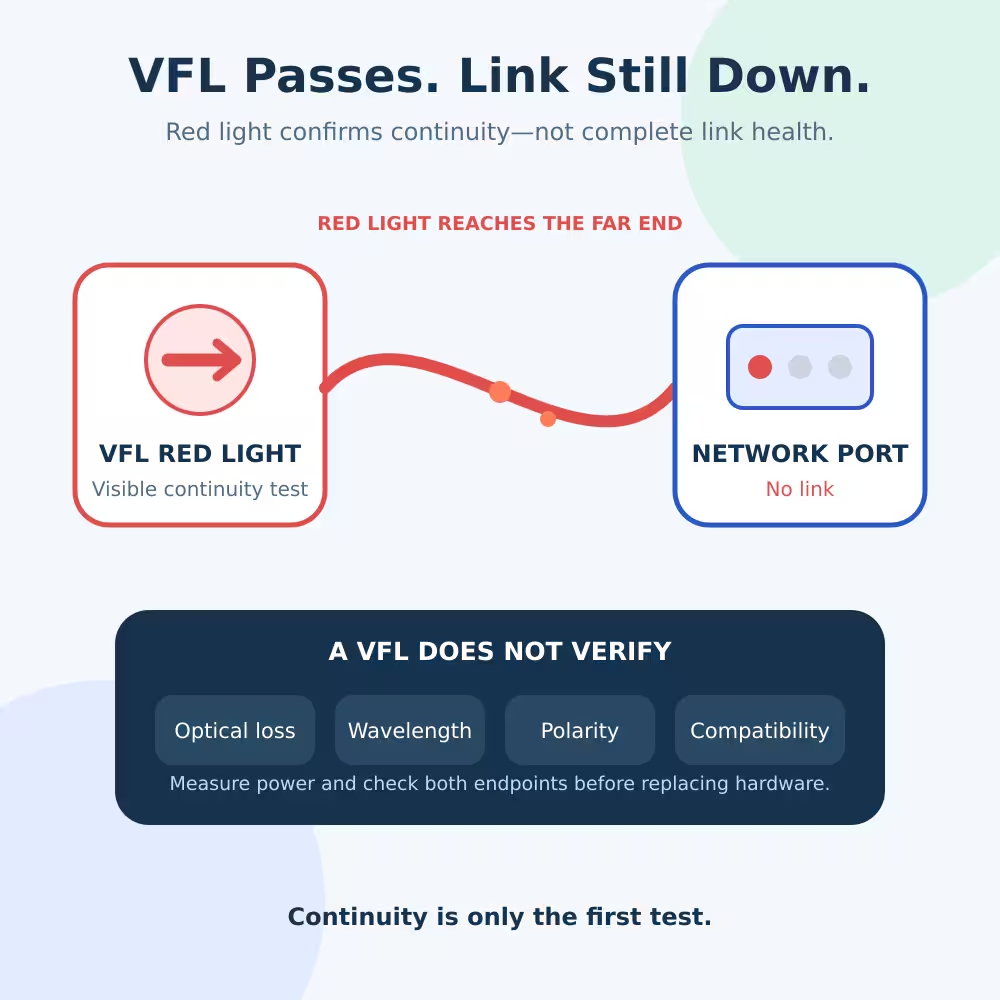
Reading the Module Does Not Mean the Link Is Compatible
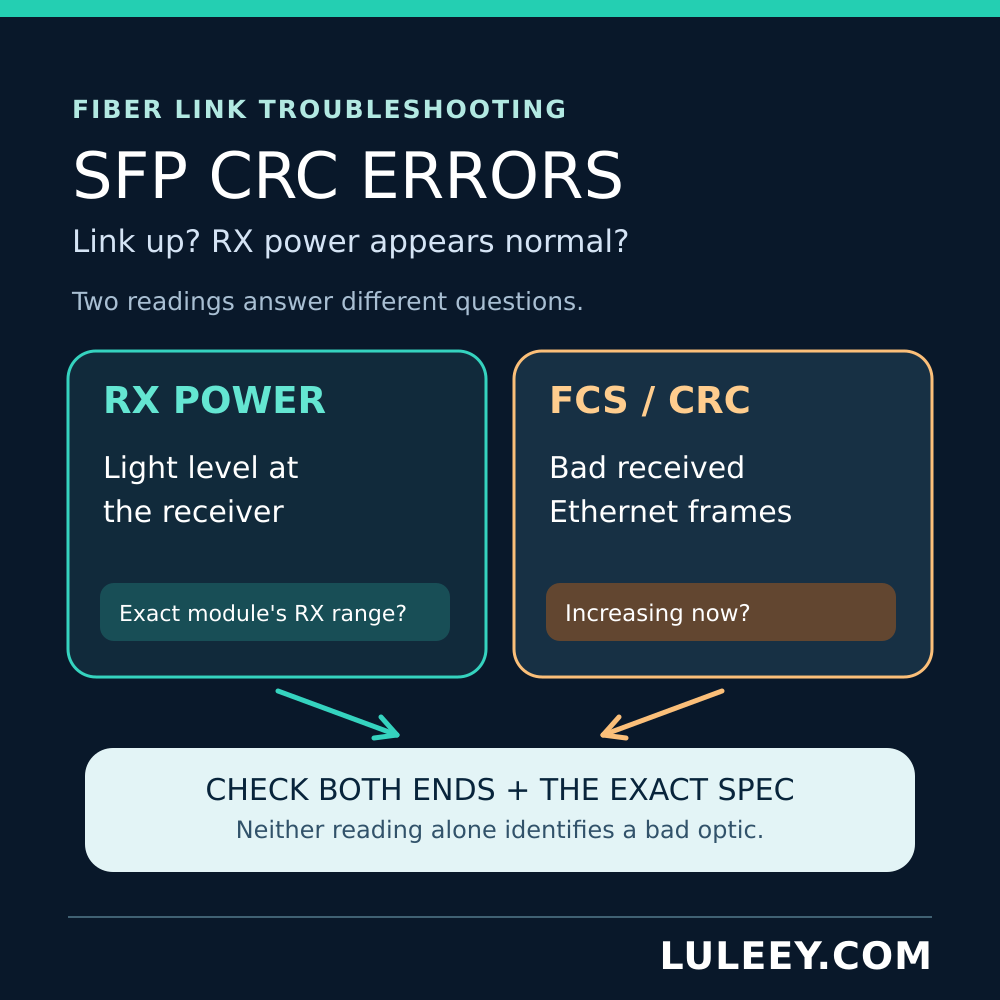
A host may read the module’s identification memory through the low-speed two-wire management interface even when the high-speed data path cannot operate.
This can create confusing results:
- The switch displays the module vendor and part number.
- Temperature, voltage or optical power readings appear.
- The port still shows down or no carrier.
SFF-8472 defines the management interface and diagnostic memory used by many SFP-family modules. Reading that information confirms management communication, not successful high-speed SerDes operation.
LuLeey’s DDM/DOM guide explains diagnostic values such as TX power, RX power and module temperature. Valid DDM readings do not prove that the host and module are running the same data application.
What About a 2.5G SFP or PON ONU Stick?
Do not decide compatibility from “2.5G,” “SFP” or “SFP+” alone.
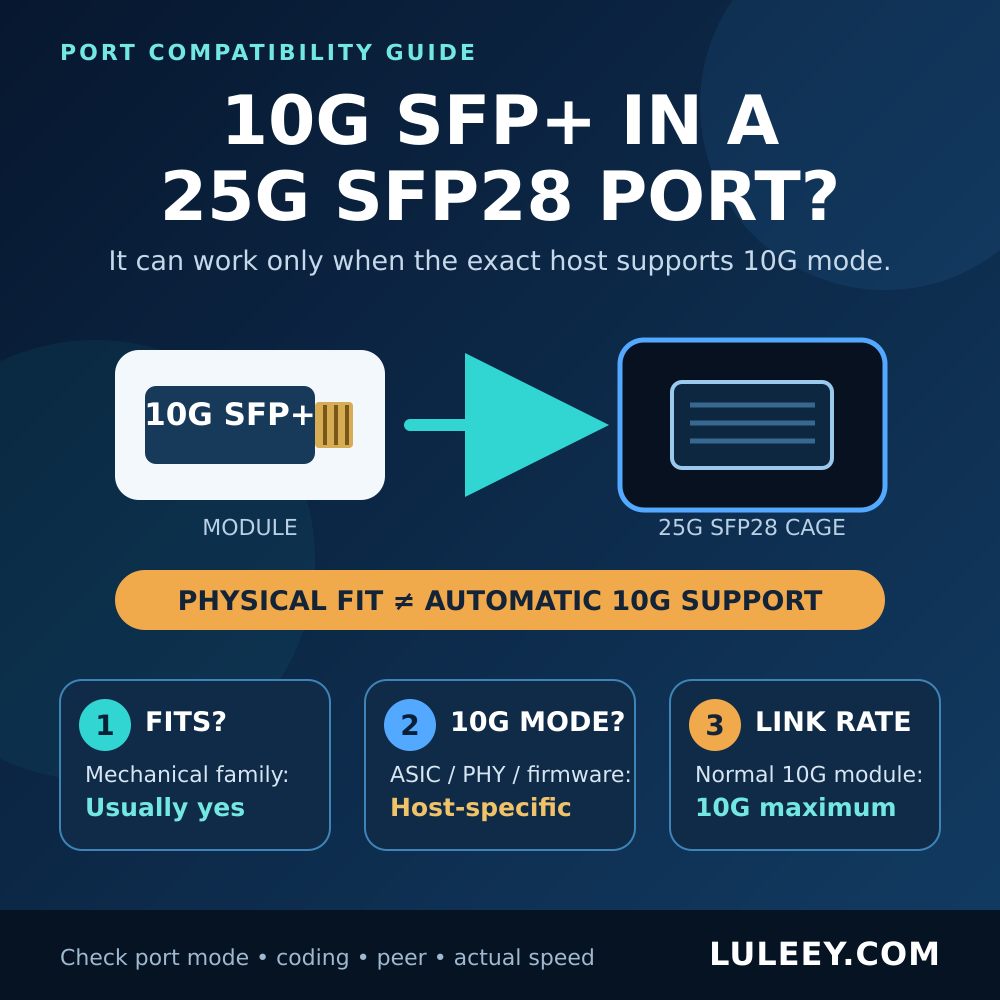
A 2.5G module may expect a native 2.5G host SerDes mode. Some SFP+ ports can support 2.5G with a suitable controller, PHY, firmware, driver and port configuration; others support only 1G and 10G.
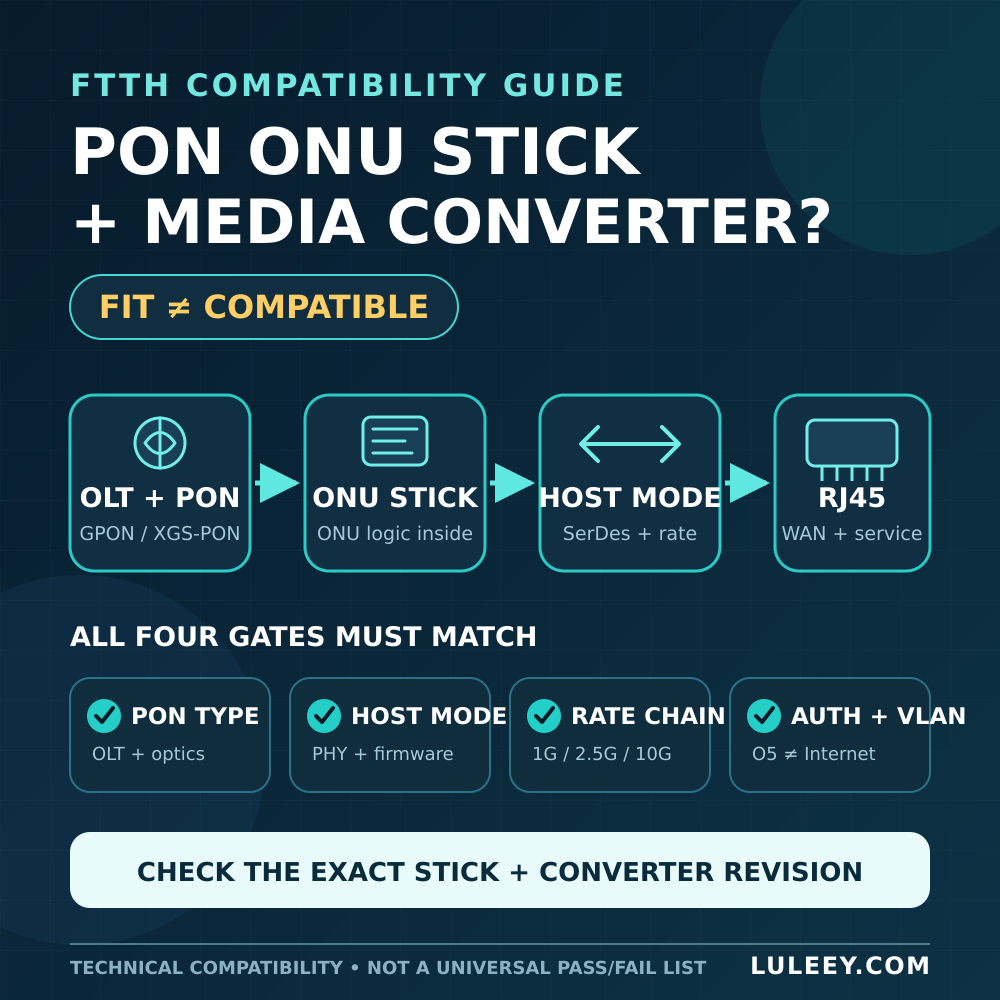
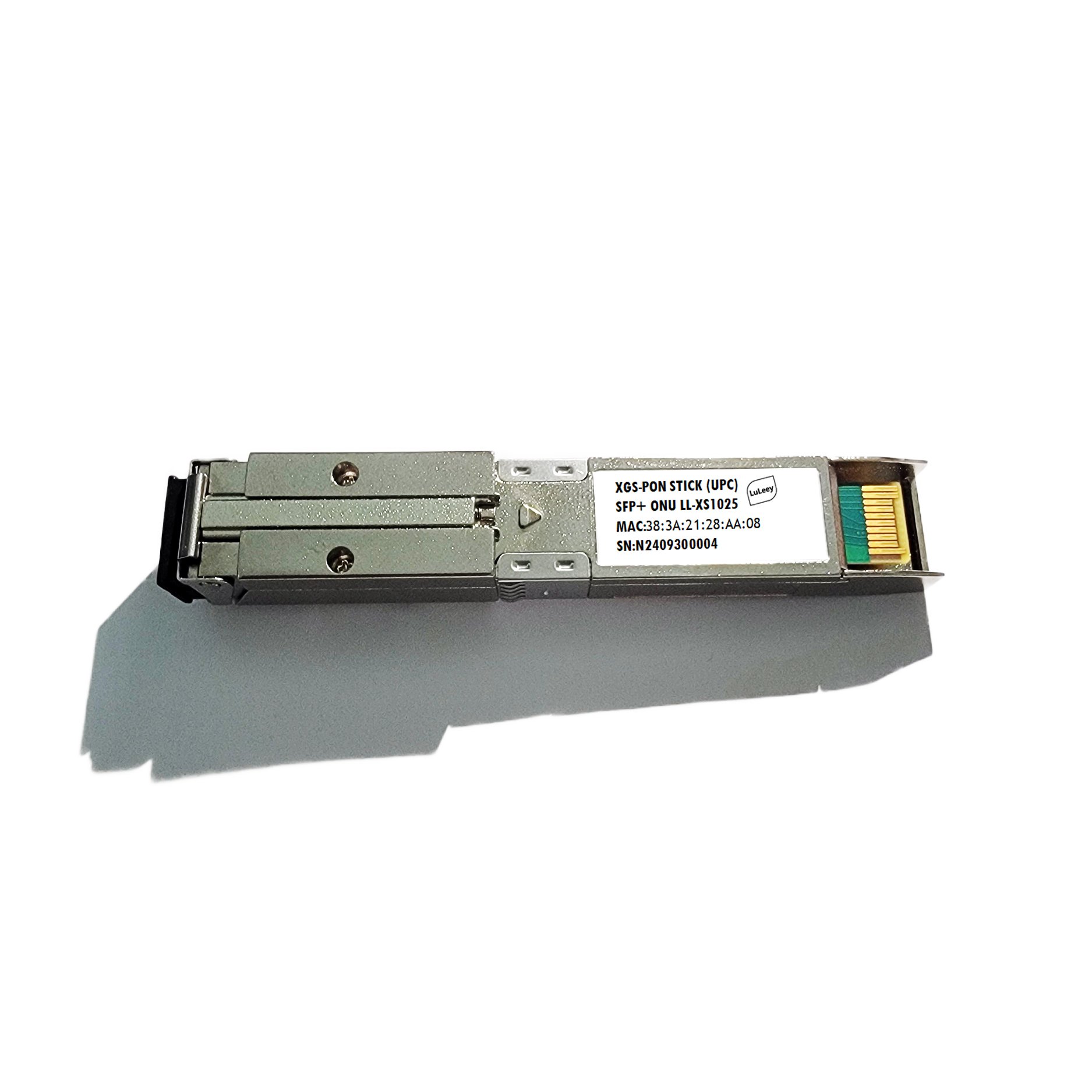
A 2.5G PON ONU Stick is more complex because its optical side runs a PON protocol while its host side presents an Ethernet-related mode.
Depending on the exact Stick design and configuration:
- It may operate through a compatible 1G host mode, limiting throughput to the Gigabit link capability.
- It may use a native 2.5G host mode when the host hardware and software support it.
- It may fail when the required mode, coding or control behavior is unavailable.
Before drawing a conclusion, verify the exact Stick model, host controller or PHY, firmware, driver, port setting, module coding and configured host mode.
Why Both Optical Ends Must Still Match
Solving the host-side rate is not enough. The optical link also requires compatible endpoints.
Check:
- Data application and line rate
- Transmit and receive wavelengths
- BiDi wavelength pairing or duplex-fiber polarity
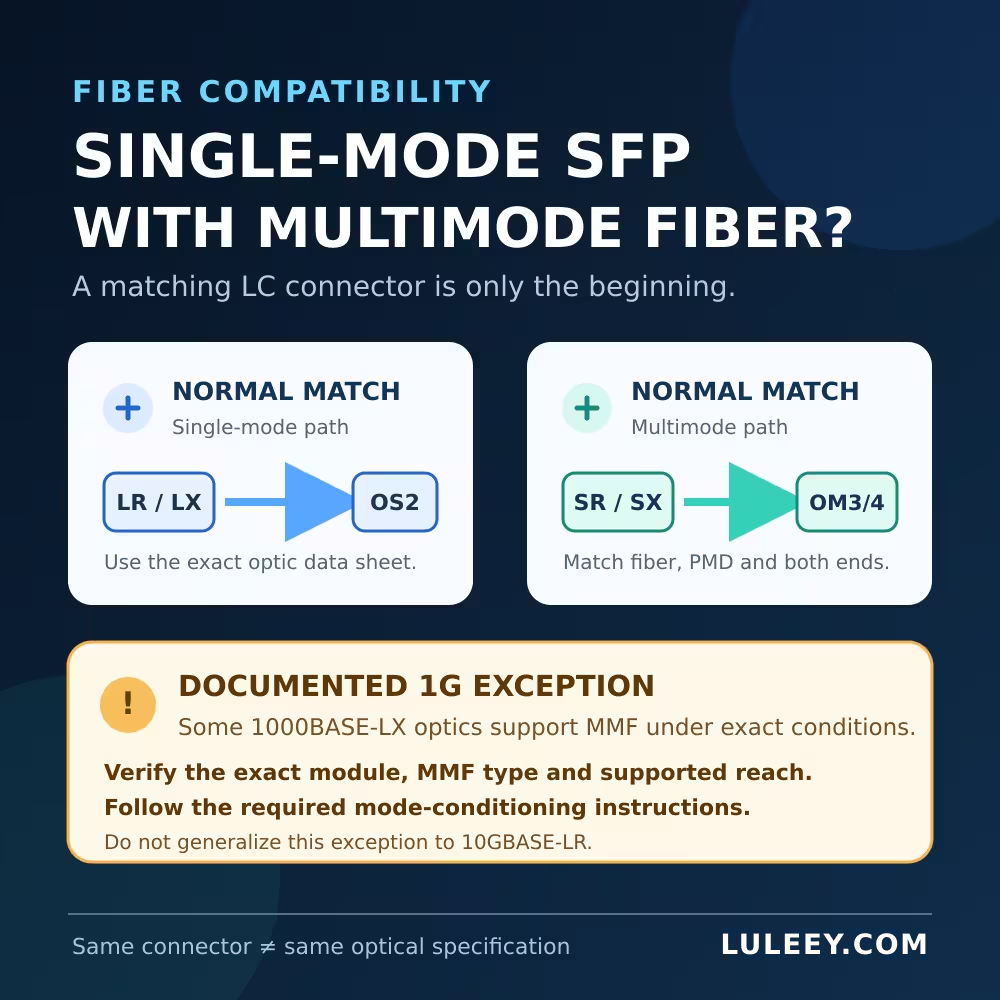
- Single-mode or multimode fiber
- Connector type and polish
- Transmitter output range
- Receiver sensitivity and overload limit
- Supported distance and total link loss
Two dual-rate modules may support different 1G optical applications. Likewise, two modules using the same wavelength can still be incompatible because one transmits at 10G and the other expects 1G.
Compatibility Checklist Before Ordering
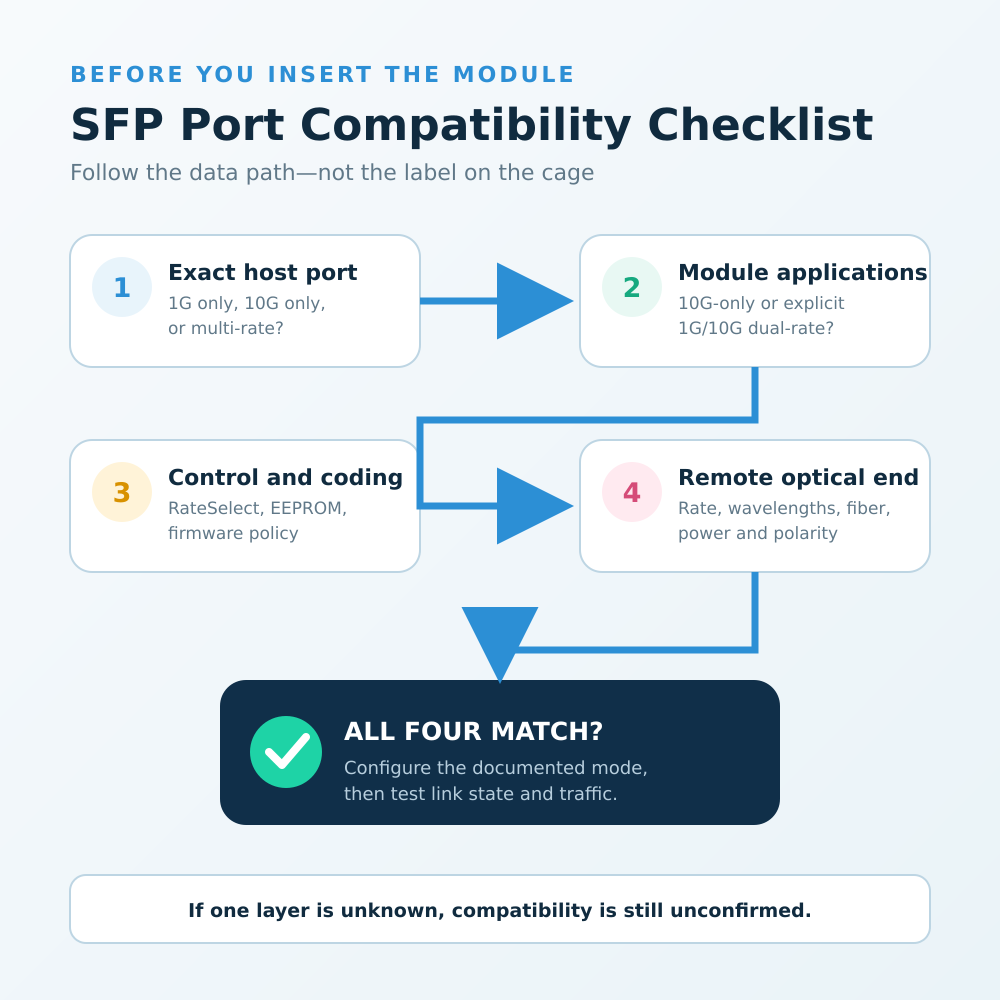
1. Record the exact host model
Write down the switch, router, NIC or media-converter model, hardware revision, firmware and driver.
“1G switch” or “SFP NIC” is not specific enough.
2. Check the port’s supported SerDes modes
Confirm whether the port supports only 1G, only 10G, 1G/10G, native 2.5G or another combination.
Check whether the speed is automatic or must be configured manually.
3. Read the module’s supported-application table
Look for explicit support for 1000BASE-X, 10GBASE-R, Fibre Channel or another required application.
Do not infer a low-rate mode from the word “SFP+.”
4. Check how the module selects its rate
Determine whether it uses automatic detection, a RateSelect pin, software control, EEPROM application selection or fixed configuration.
5. Verify coding and host policy
Some systems accept generic coding; others warn, disable the laser or reject unsupported modules. Firmware updates can change this behavior.
6. Match the remote endpoint
Verify the module or port at the other end, not just the local side. Both endpoints must support the final optical application.
7. Check power and temperature
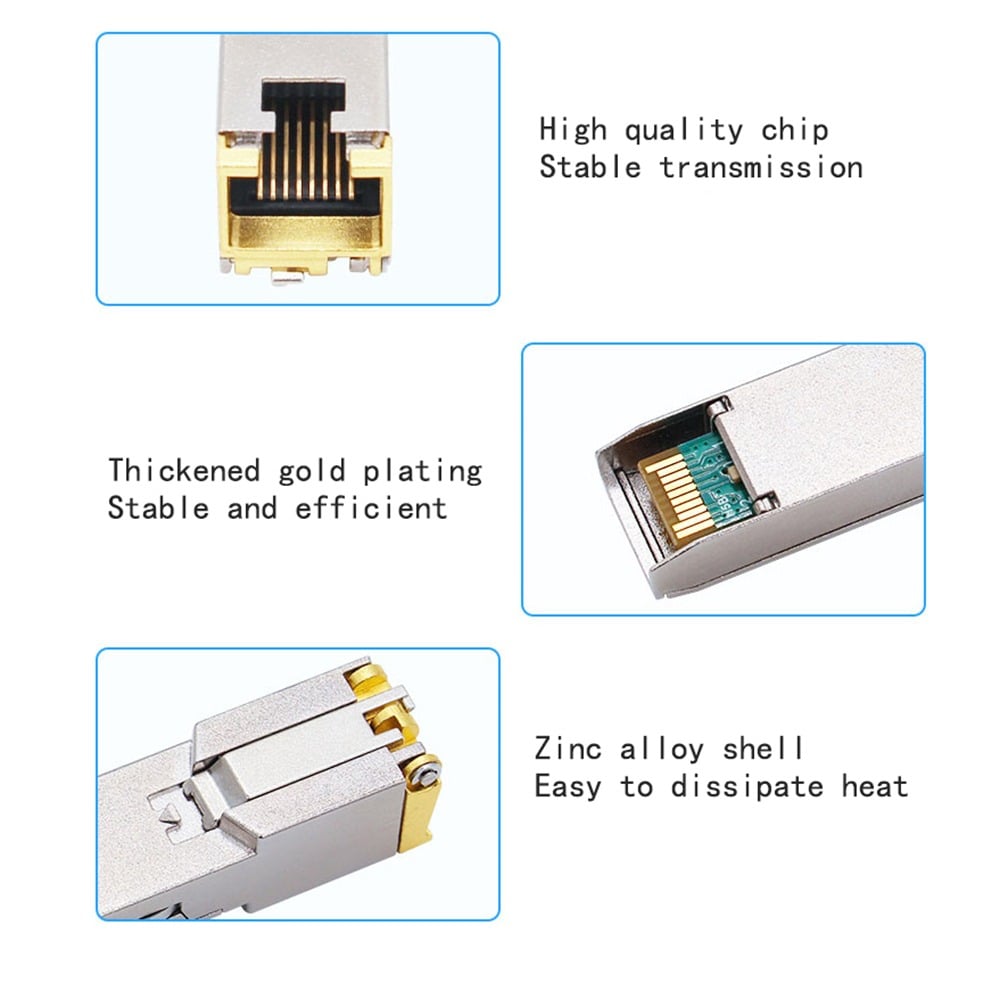
Confirm that the host cage supplies the required power and cooling, especially for copper SFP+ modules and longer-reach optics.
How to Test a Suspected Dual-Rate Module
- Back up the existing port configuration.
- Confirm that the module documentation explicitly lists 1G operation.
- Set the host port to the documented 1G mode if manual configuration is required.
- Verify that the remote endpoint uses the matching 1G application.
- Check whether the host identifies the exact module and reports any unsupported-transceiver warning.
- Read link state, configured speed, actual speed, LOS and module diagnostics separately.
- Test traffic in both directions and check error counters.
- Follow the equipment restart procedure and confirm that the link returns after restarting.
The expected outcome in a 1G host is a 1G link. A dual-rate module does not provide 10Gbps throughput through a 1G SerDes.
What to Use Instead of a 10G-Only Module
If the host has a fixed 1G SFP port, the simplest option is usually a module designed for the exact 1G application.
LuLeey’s 1.25G 1000BASE-LX SFP module is listed for 1.25Gbps operation, 1310nm, dual LC, single-mode fiber, DDM and up to 20km. The actual host coding, link budget and remote optic must still be confirmed.
For a host supporting a 10G SFP+ mode, LuLeey’s 10GBASE-LR SFP+ module is listed for 10.3125Gbps, 1310nm, dual LC, single-mode fiber and 10km.
Its page does not state a 1G optical operating mode, so it should not be presented as a drop-in 1G SFP replacement.
Browse LuLeey’s 1G to 10G SFP and SFP+ category only after identifying the host mode, remote wavelength, connector, fiber type and required distance.
Final Answer
A 10G-only SFP+ module normally cannot work in a fixed 1G SFP port, even though it may physically fit and its EEPROM may be readable.
An explicitly dual-rate 1G/10G module may work at 1G if:
- The module supports the required low-rate application.
- The host provides the correct electrical and control mode.
- The module coding is accepted.
- The remote optical endpoint matches.
Before ordering, provide LuLeey with the exact host model, firmware, port mode, remote module, fiber type, wavelengths and required distance.
Those details allow a real compatibility check; “SFP+ fits in SFP” does not.

 SFP/SFP+ (1G/2.5G/5G/10G)
 SFP-T (1G/2.5G/10G)
 AOC Cable 10G/25G/40G/100G
 DAC Cable 10G/25G/40G/100G
 QSFP28 QSFP+ SFP28 100G/40G/25G
 Copper to Fiber Media Converters
 Fiber Media Converter PCBA Board
 OEO Fiber Media Converters
 Serial to Fiber Media Converters
 Video to Fiber Media Converters
 1000M GPON/EPON ONU
 10G EPON ONU/XG-PON/XGS-PON
 2.5G GPON/XPON STICK SFP ONU
 POE GPON/EPON ONU
 Wireless GPON/EPON ONT
 EPON OLT
 GPON OLT
 SFP PON Module
 Industrial Switches
 Managed Switches
 POE Switches
 Unmanaged Switches
 MTP/MPO Fiber Cables
 Fiber Optic Cassettes
 Fiber Optic Loopback
 Optic Cables and Fiber Pigtails
 Optical Splitters and Splitter Box
 Fiber Flange Connectors
 Optical Adapters
 Optical Attenuator
 Quick Connector and Connector Panel
 CATV Amplifier
 CATV Optical Receiver
 Visual Fault Locator
 OTDR
OTDR Optical Power Meter
 Fiber Optic Identifier
 Fiber Optic Cleaners
 Fiber Cleavers & Fiber Strippers
 Copper Tools


