Customs duties are the responsibility of customers, but standard logistics support DDP to most countries, duty-free such as US, DE, UK, CA, FR, IT, PL, AT, JP…





















































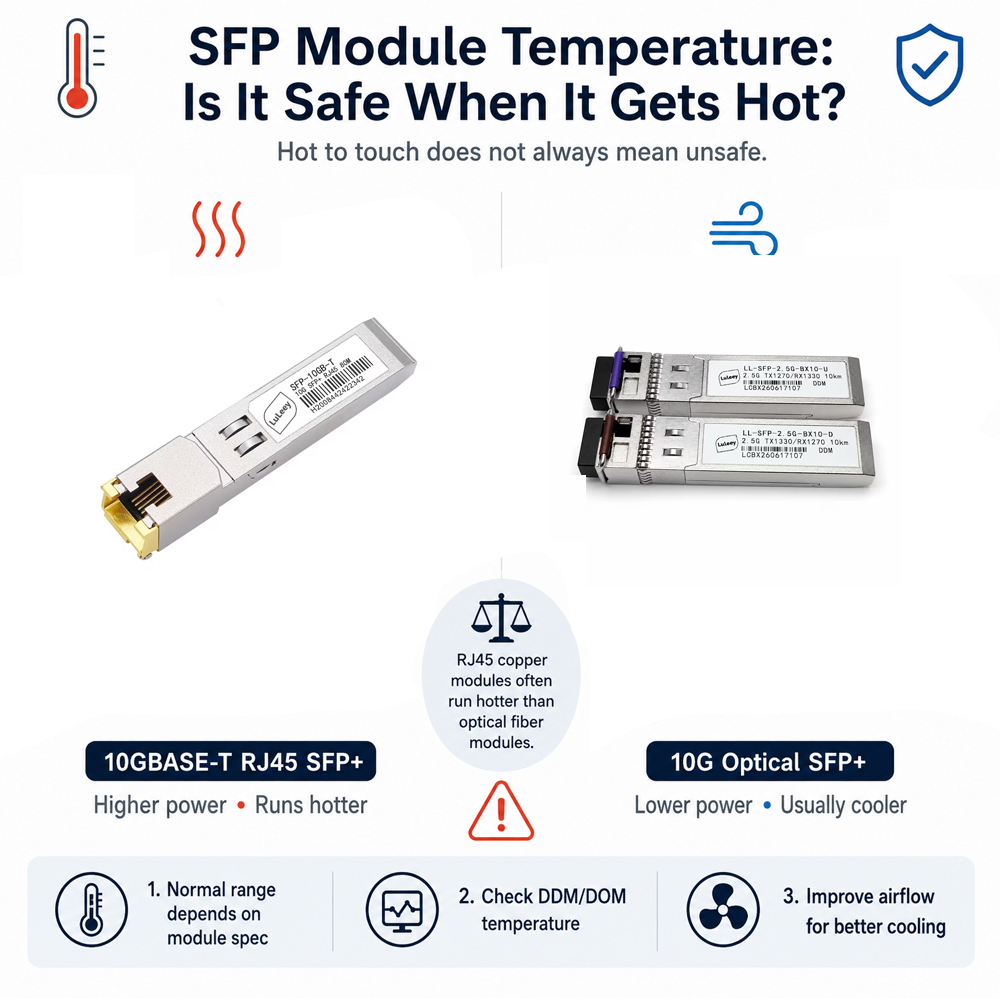
If you have ever touched a running SFP or SFP+ transceiver, especially a 10G module, you may have had the same reaction:
“Why is this thing so hot? Is it safe?”
The short answer is:
Usually, yes. A hot SFP module does not automatically mean it is overheating.
SFP transceivers are small devices packed with lasers, receivers, signal-processing chips and power circuits. All of these components generate heat, while the metal housing also works as part of the heat-dissipation system.
That means the outside of the module can feel surprisingly hot even when it is still operating normally.
How Hot Can an SFP Module Normally Get?
There is no single temperature limit for every transceiver.
However, many commercial SFP and SFP+ modules are designed for an operating temperature range of approximately:
0°C to 70°C
Industrial-grade transceivers commonly support:
-40°C to 85°C
For example, Cisco specifies 0°C to 70°C for many commercial SFP+ modules, while industrial versions can operate up to 85°C.
So if your switch reports an SFP temperature of 50°C, 55°C or even 60°C, seeing a number that looks “high” does not automatically mean something is wrong.
Think about a laptop charger.
After running for several hours, the charger may feel quite hot in your hand. That does not necessarily mean it is failing—it is simply converting electrical energy and releasing some of it as heat.
An SFP module works in a similar way, except everything is squeezed into a very small metal enclosure.
Why Are 10G SFP+ Modules Hotter?
In general:
Higher speed = more signal processing = more power consumption = more heat.
A typical 10G optical SFP+ such as 10GBASE-SR or 10GBASE-LR may consume around 1W.
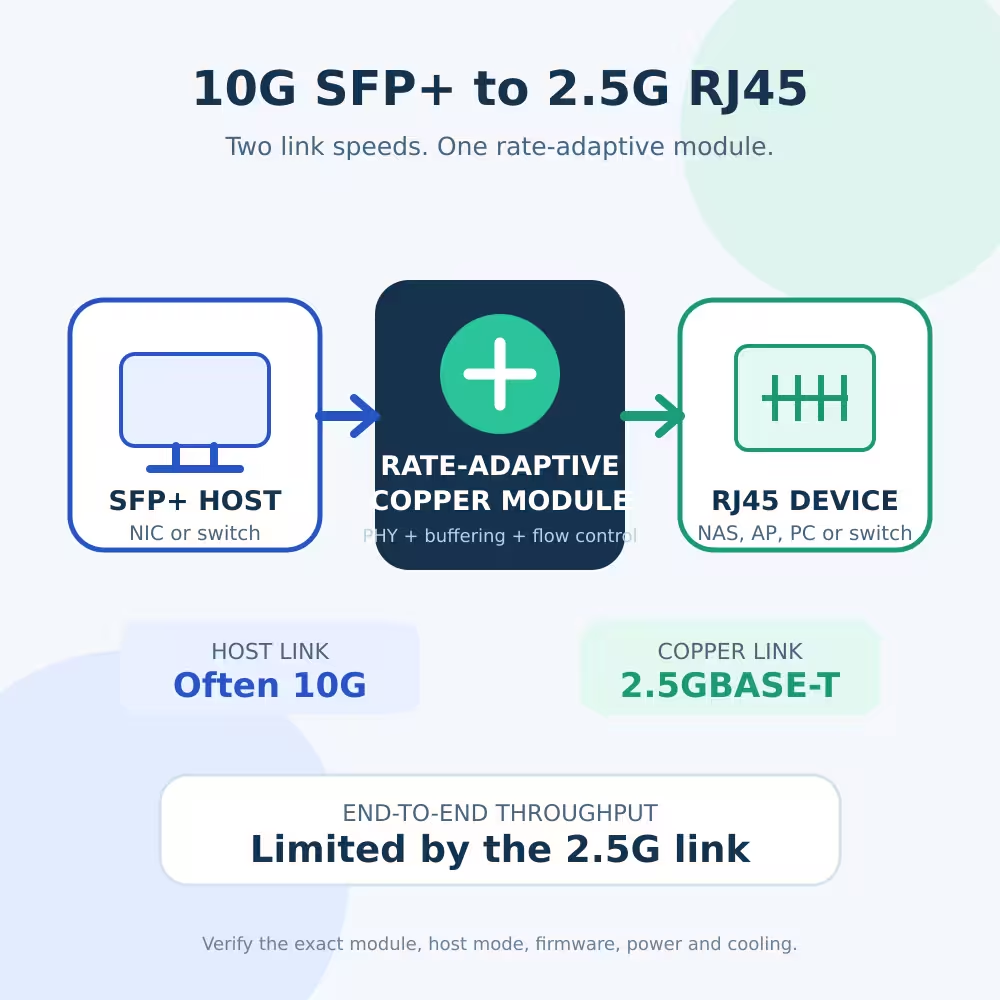
A 10GBase-T SFP+ to RJ45 transceiver, however, can consume significantly more power.
Cisco, for example, lists its SFP-10G-T-X copper transceiver at up to 2.5W, compared with about 1W for many 10G SR and LR optical modules.
That difference sounds small.
But remember how tiny an SFP+ module is.
Putting 2.5W of heat into such a small metal enclosure is very different from putting 2.5W into a large switch chassis.
That is why a 10G RJ45 SFP+ often feels much hotter than a fiber SFP+ module.
Why Does 10GBASE-T Generate So Much Heat?
A 10GBASE-T transceiver is doing more than simply converting an electrical signal into light.
It needs complicated signal processing to send 10Gbps Ethernet over twisted-pair copper cable.
Inside the module, the PHY/DSP has to handle tasks such as signal equalization, encoding and noise compensation.
All of this consumes power.
So if you compare:
10G SFP+ optical module → LC fiber
and
10GBASE-T SFP+ → RJ45 copper cable
the RJ45 version will normally run hotter.
This is not necessarily a quality problem. It is partly a characteristic of the technology.
A Simple HomeLab Example
Imagine a small 10G switch with eight SFP+ ports.
You install one 10GBASE-T module.
No problem.
Now imagine installing eight high-power 10GBASE-T SFP+ modules next to each other.
If every module consumes around 2–2.5W, a considerable amount of heat is concentrated around the SFP cage.
The individual modules may still be within specification, but the surrounding temperature rises and the switch has more heat to remove.
This is why some switch manufacturers place restrictions on how many high-power 10GBASE-T SFP+ modules can be installed together. Cisco specifically notes deployment limitations for its 2.5W SFP-10G-T-X on some platforms.
For a HomeLab, this is worth paying attention to.
When Should You Actually Worry?
Do not judge an SFP module only by touching it.
Instead, look for actual signs of overheating.
You should investigate if you see:
- Module temperature exceeding its specified operating range
- High-temperature or temperature-alarm warnings
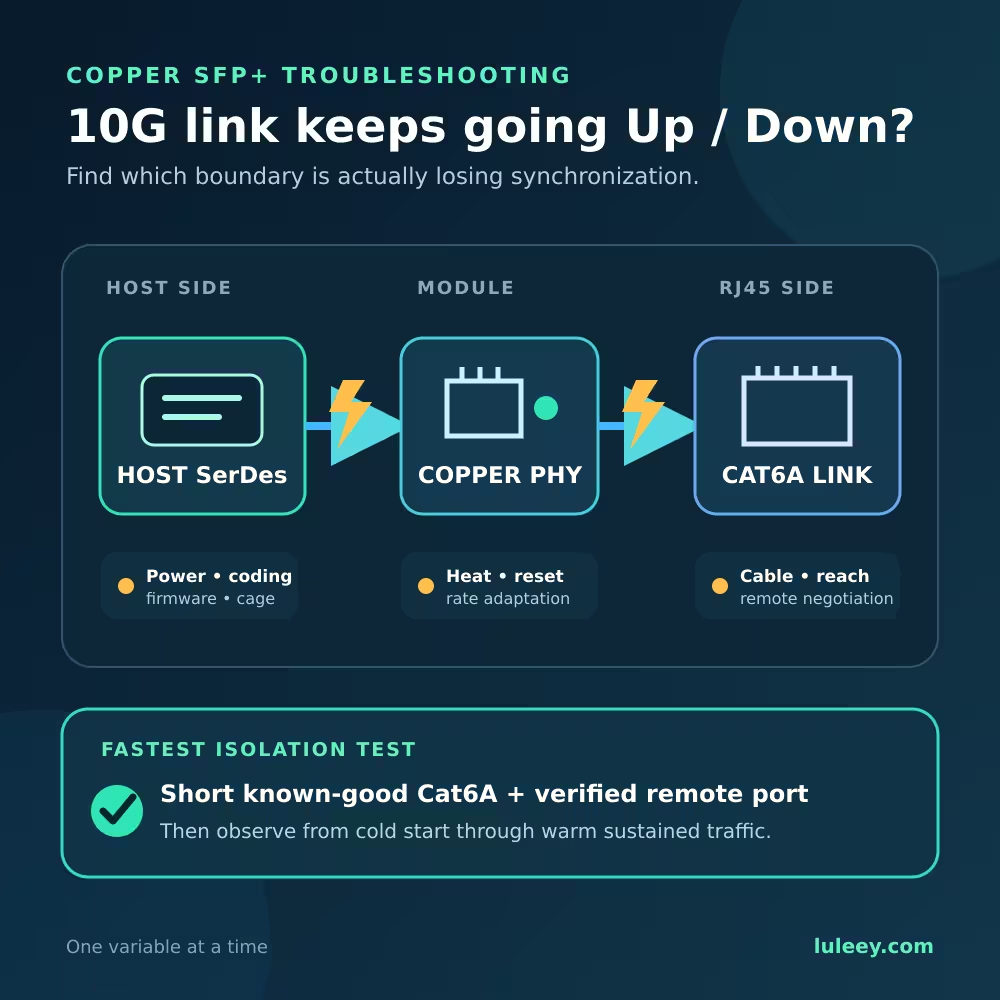
- Random link drops
- 10G link frequently reconnecting
- Increasing CRC or packet errors
- Speed unexpectedly falling from 10G to a lower rate
- Switch fans constantly running at maximum speed
- Several high-power copper modules installed tightly together
- Discoloration, unusual smell or obvious physical damage
If the module is simply hot to touch but the temperature remains within specification and the link is completely stable, there is usually much less reason to worry.
Check DDM / DOM Instead of Using Your Finger
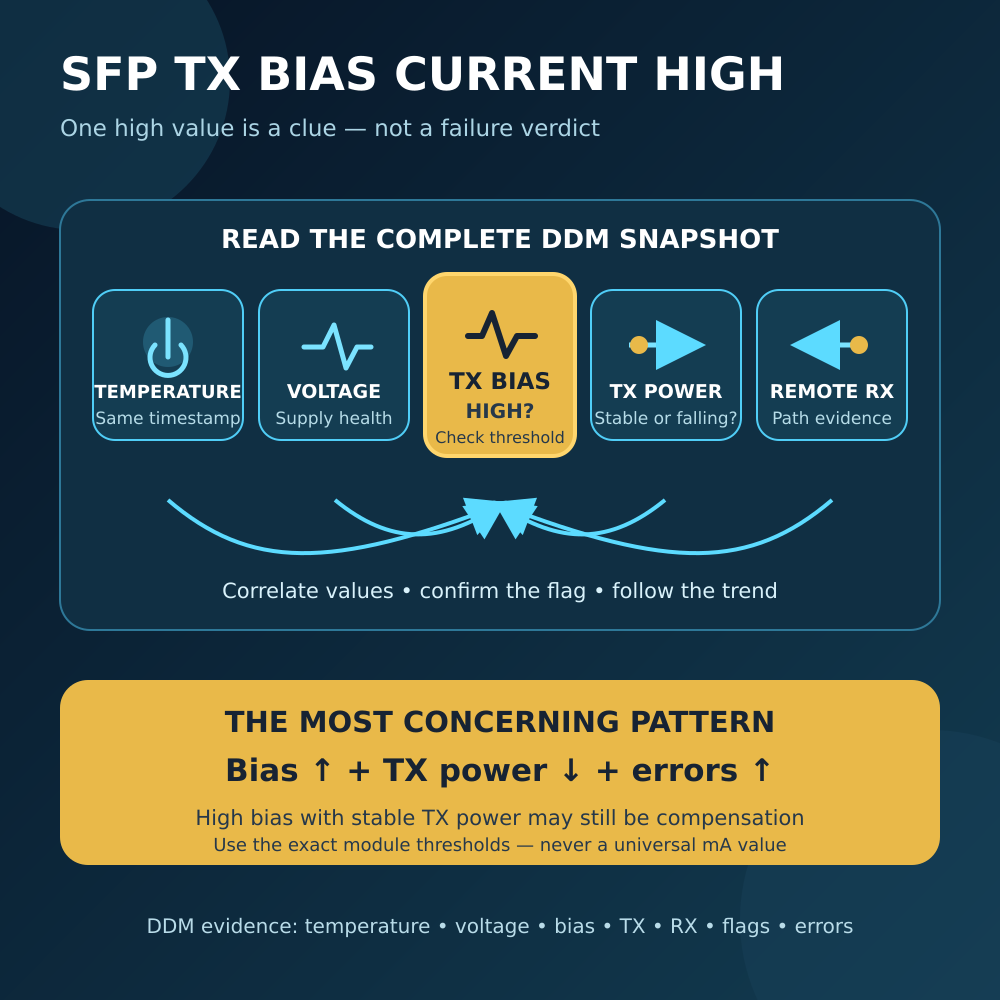
Many optical transceivers support DDM or DOM — Digital Diagnostic Monitoring.
Depending on the module and switch, you may be able to monitor:
- Temperature
- Supply voltage
- TX optical power
- RX optical power
- Laser bias current
SFF-8472 defines the management and diagnostic interface used by SFP+ optical transceivers and similar products.
For example, instead of saying:
“This SFP feels really hot.”
it is much more useful to check the switch and say:
“The module reports 58°C and the maximum specified operating temperature is 70°C.”
Now you have something useful to compare.
How to Reduce SFP Module Temperature
If your SFP module temperature is higher than you would like, there are several easy things you can do.
1. Improve Airflow
Do not block the switch ventilation holes.
For fanless HomeLab switches, make sure there is some space around the chassis instead of placing several hot devices directly on top of each other.
2. Avoid Filling Every Port With 10G RJ45 SFP+
This is especially important with compact switches.
If possible, separate high-power copper modules instead of installing several directly beside each other.
3. Use Fiber or DAC for Short Connections
Suppose your NAS is only two meters away from your switch.
You could use:
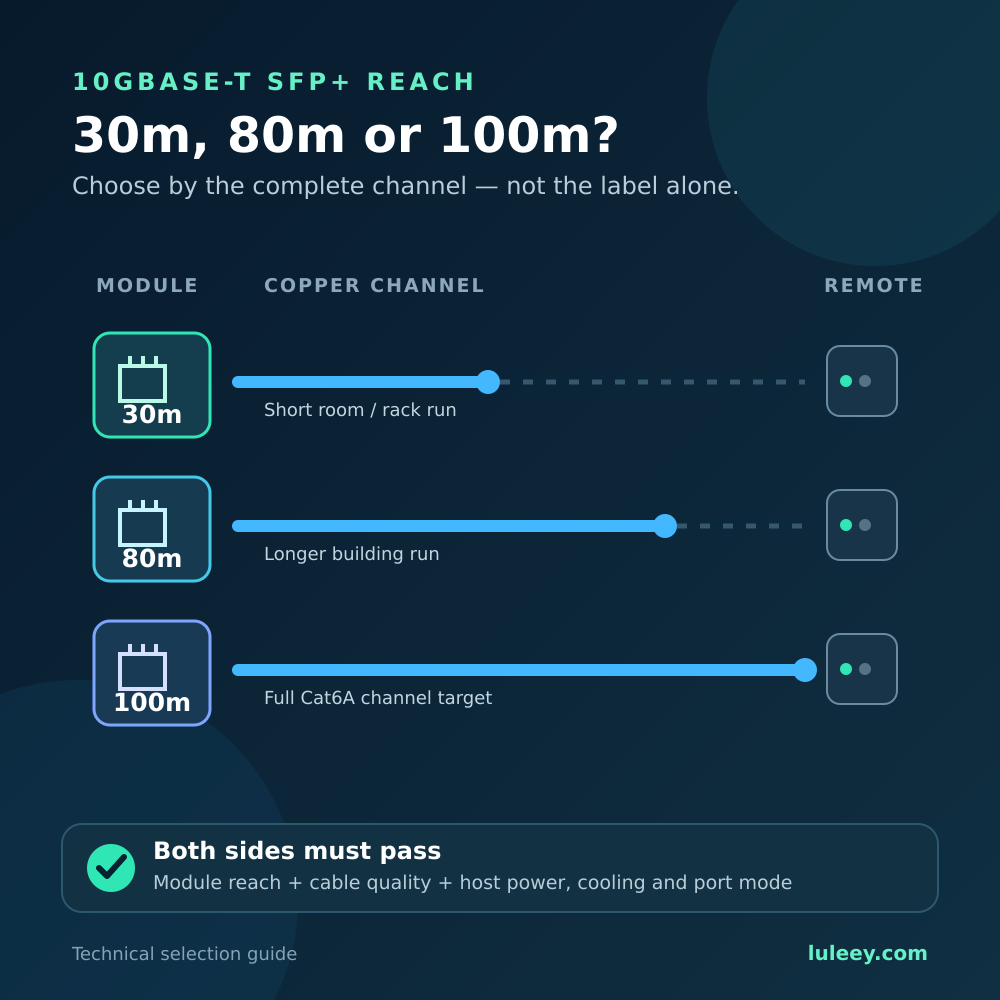
10GBASE-T SFP+ + Cat6A cable
but a 10G DAC cable may use less power and generate less heat.
If the devices are farther apart, a normal 10G optical SFP+ pair with fiber is another option.
4. Choose a Lower-Power 10GBASE-T Module
Not all 10G RJ45 SFP+ transceivers consume the same amount of power.
Chipset design matters.
For example, LuLeey lists some CUX3610-based 10GBASE-T SFP+ versions at approximately 1.45–1.65W, depending on transmission distance, compared with designs that can approach 2.5W.
Lower power normally means less heat for the switch to remove.
This can be particularly useful for HomeLab, NAS, MikroTik, Ubiquiti and fanless 10G switches.
Does an Industrial SFP Run Cooler?
Not necessarily.
This is a common misunderstanding.
An industrial-temperature SFP module normally means the module is designed and qualified to operate over a wider temperature range, such as -40°C to 85°C.
It does not automatically mean that the module itself produces less heat.
A low-power commercial module may actually run cooler than a higher-power industrial module.
So when heat is important, look at both:
Operating temperature range + power consumption
not just the “industrial” label.
So, Is a Hot SFP Module Safe?
In most cases, yes.
An SFP or SFP+ module feeling hot is fairly normal, particularly with:
- 10G SFP+ modules
- Long-distance optical transceivers
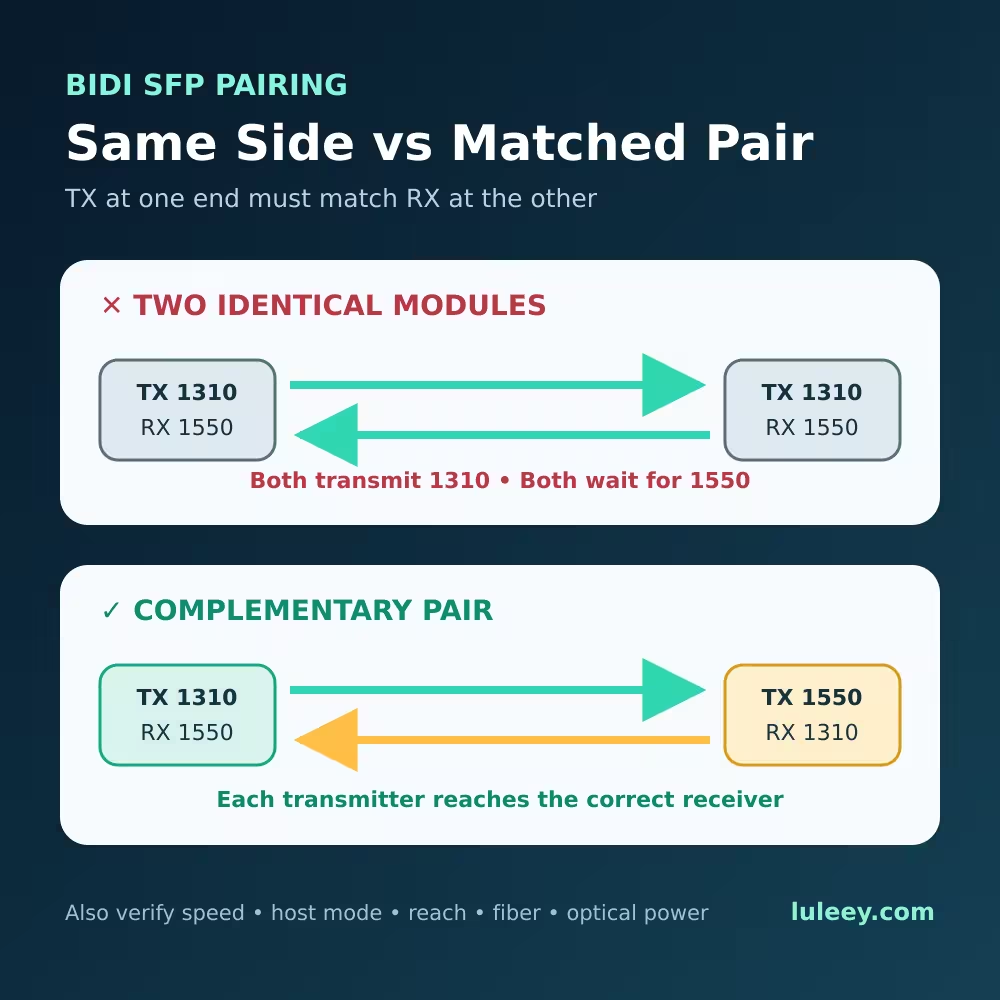
- BiDi SFP modules
- 10GBASE-T RJ45 SFP+ modules
- Fanless switches
- Multiple transceivers installed side by side
The important question is not:
“Does it feel hot?”
The better question is:
“Is the module operating within its specified temperature range, and is the network connection stable?”
If the answer is yes, the temperature is usually not a problem.
If you regularly use several 10GBASE-T SFP+ modules in a HomeLab or 10G network, however, choosing lower-power transceivers and maintaining good airflow can make a noticeable difference.
Related product
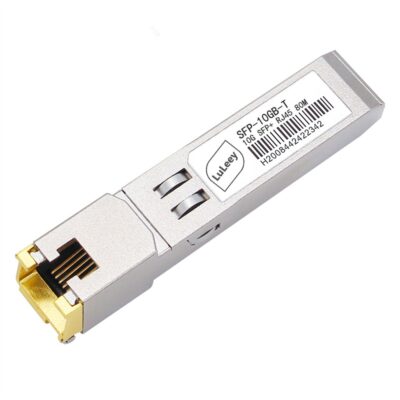

10GBase-T SFP+ to RJ45 Copper Transceiver | 30m/80m/100m | Cisco/Ubiquiti Compatible
EUR €35.73 EUR €44.67Price range: EUR €35.73 through EUR €44.67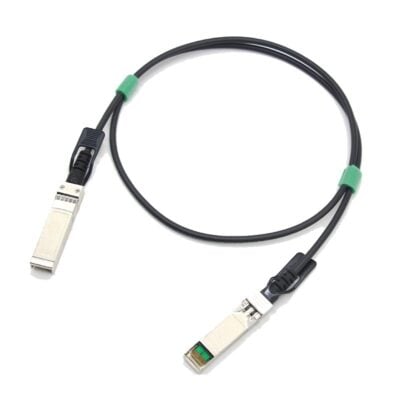
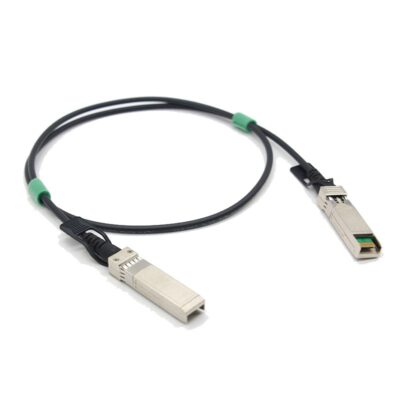
10G SFP+ DAC Cable, Passive Twinax Copper, 1m–7m
EUR €13.39 EUR €21.44Price range: EUR €13.39 through EUR €21.44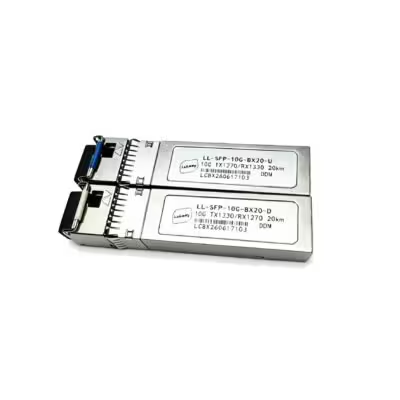
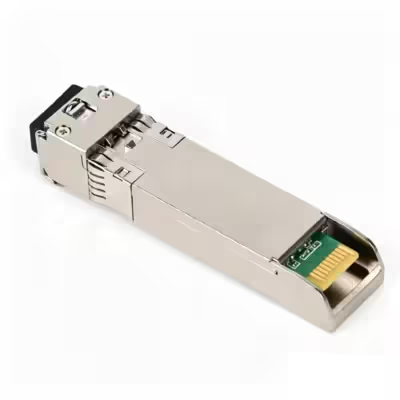
LL-SFP-10G-BX20 10G BiDi SFP+ Transceiver Pair, 20km, LC, SMF, DDM
EUR €26.80Tags: 10G, 10G SFP+, BIDI, BiDi Transceiver, DDM, LC, Optical Module, sfp module, SFP+, Single Mode Fiber, WDM



 SFP/SFP+ (1G/2.5G/5G/10G)
 SFP-T (1G/2.5G/10G)
 AOC Cable 10G/25G/40G/100G
 DAC Cable 10G/25G/40G/100G
 QSFP28 QSFP+ SFP28 100G/40G/25G
 Copper to Fiber Media Converters
 Fiber Media Converter PCBA Board
 OEO Fiber Media Converters
 Serial to Fiber Media Converters
 Video to Fiber Media Converters
 1000M GPON/EPON ONU
 10G EPON ONU/XG-PON/XGS-PON
 2.5G GPON/XPON STICK SFP ONU
 POE GPON/EPON ONU
 Wireless GPON/EPON ONT
 EPON OLT
 GPON OLT
 SFP PON Module
 Industrial Switches
 Managed Switches
 POE Switches
 Unmanaged Switches
 MTP/MPO Fiber Cables
 Fiber Optic Cassettes
 Fiber Optic Loopback
 Optic Cables and Fiber Pigtails
 Optical Splitters and Splitter Box
 Fiber Flange Connectors
 Optical Adapters
 Optical Attenuator
 Quick Connector and Connector Panel
 CATV Amplifier
 CATV Optical Receiver
 Visual Fault Locator
 OTDR
OTDR Optical Power Meter
 Fiber Optic Identifier
 Fiber Optic Cleaners
 Fiber Cleavers & Fiber Strippers
 Copper Tools